Sweet Morning Sun
- Model
- Nano Banana Pro
- Image
- 848 × 1264 px
Prompt
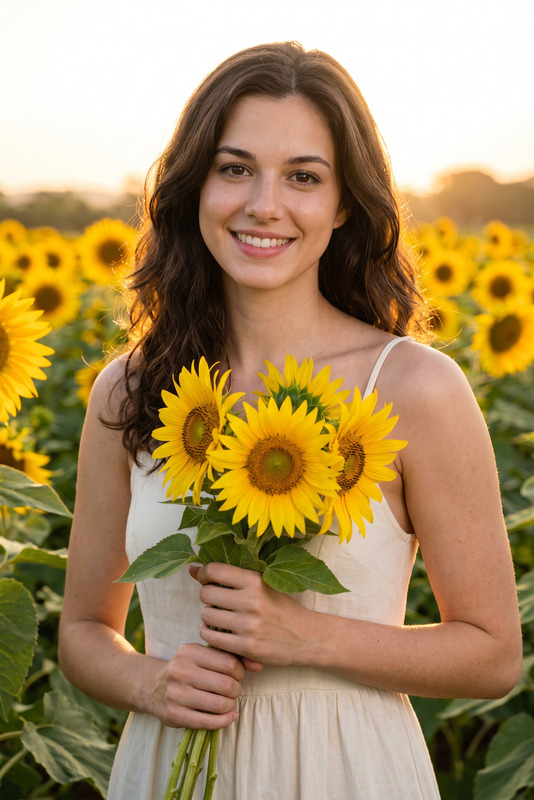
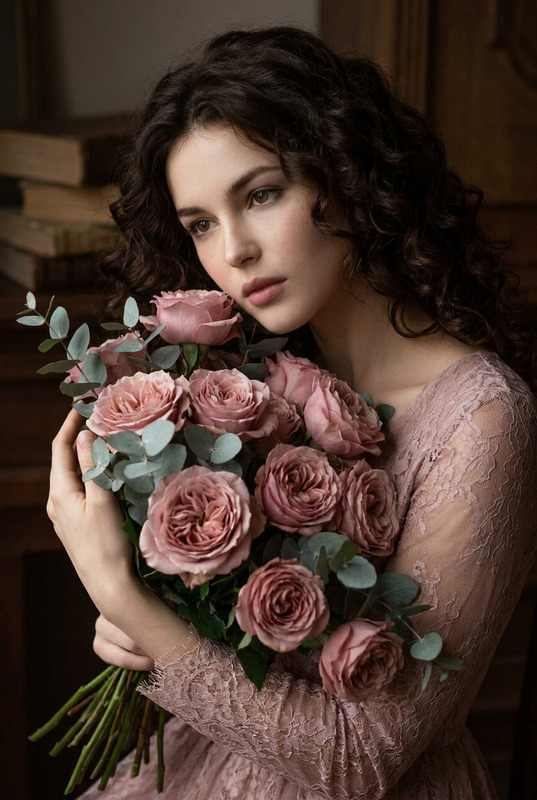
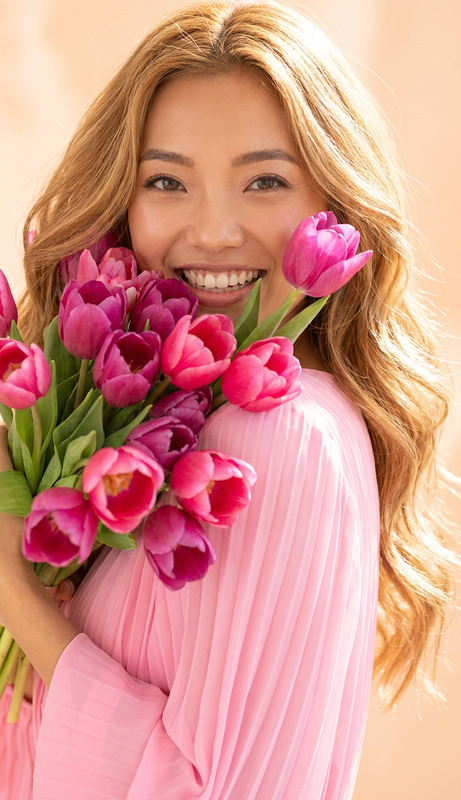
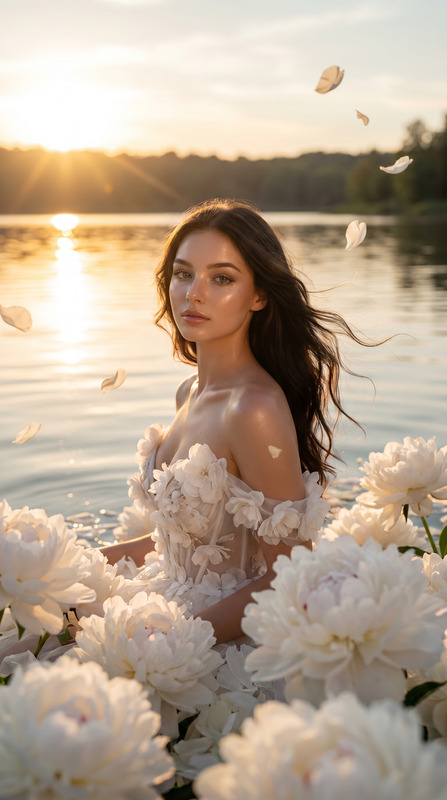
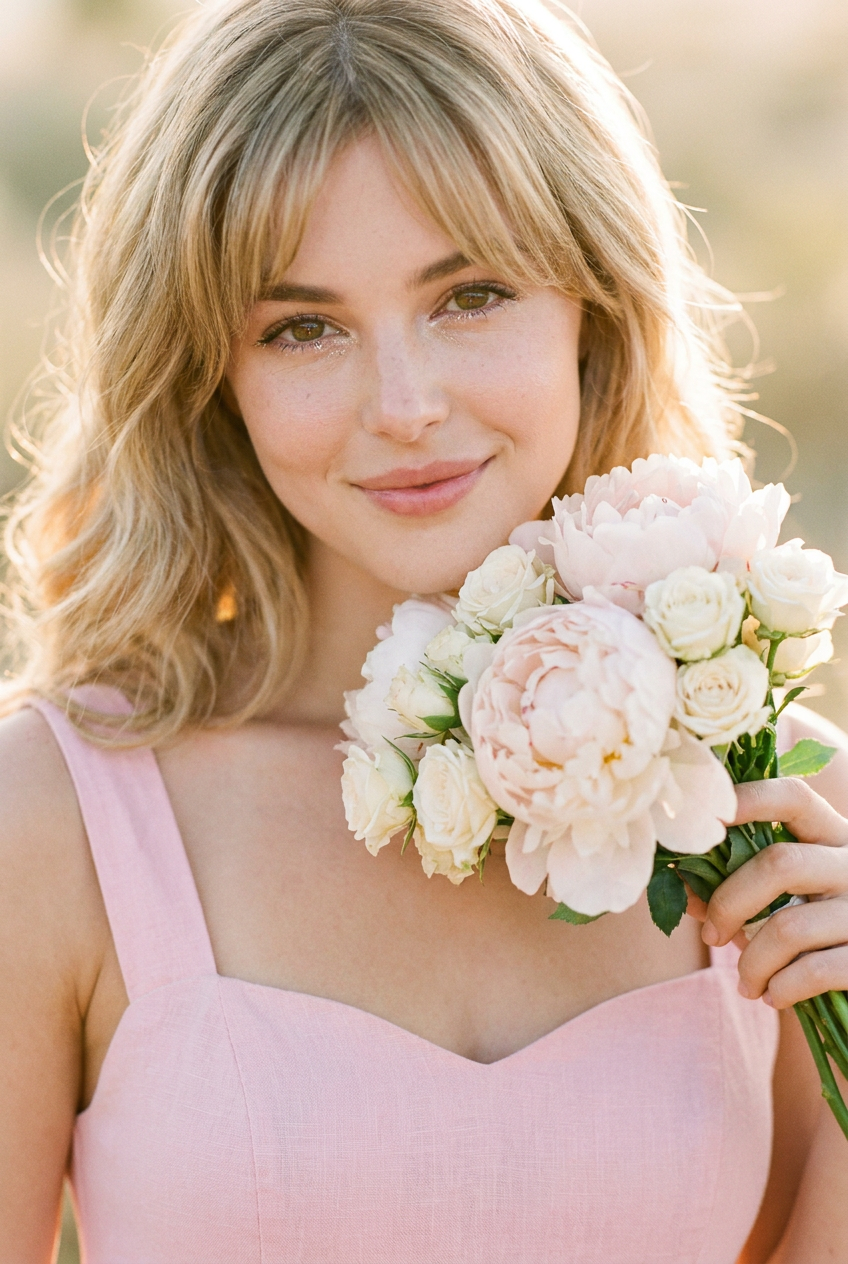
A close-up photorealistic portrait featuring a charming young woman with soft, sun-kissed blonde waves. Her eyes, glistening with natural joy, are focused directly on the lens with a gentle, inviting smile. She holds a compact bunch of pale blush peonies and white spray roses right below her chin, nearly touching her cheek. She wears a simple, pastel pink linen sundress with a sweetheart neckline. The natural light of the golden hour streams in, creating soft rim lighting. The background is completely dissolved into a creamy, warm-toned bokeh. Shot on 35mm lens.
Any aspect ratio
Overview
The "Sweet Morning Sun" template captures the serene beauty of a golden hour portrait. It utilizes the capabilities of the nano-banana-pro model to deliver photorealistic images with a charming and warm aesthetic. This AI Image Editor template is perfect for adding a touch of sunlight to your portraits.
What It Does
This template edits your images to enhance the natural lighting and color tone, focusing on elements such as softness and warmth. The model generates a high-quality photorealistic portrait, beautifully blurring the background into a creamy bokeh to draw attention to the subject, similar to the effects achieved by a 35mm lens. Enhance your visuals with our AI Image Editor for stunning results.
Who It's For
"Sweet Morning Sun" is designed for photographers, social media influencers, and enthusiasts who want to elevate their portrait photography with a soft, sunlit glow. Perfect for creating engaging content for platforms like Instagram or mood board presentations, this template is your go-to choice alongside tools like the AI Talking Photo for narratives that resonate.
Summary
Unlock the potential of your portrait photography with the "Sweet Morning Sun" template. Achieve warm, dreamy images that highlight the subject's features with professional-level detail and artistry. Whether you're an amateur or a pro, our AI Image Generator complements this template to refine your creative projects.
How To
Choose the Template

Customize Your Inputs

Generate Your Image

Use Cases
Engaging Social Media Content
- Instagram stories and posts
- Facebook profile pictures
- Pinterest mood boards
Professional Photography Portfolios
- Wedding photography
- Fashion editorials
- Lifestyle photo shoots
Marketing and Advertising
- E-commerce product portraits
- Magazine cover shots
- Ad campaigns
Best Practices
Optimize Your Lighting
Use the golden hour theme to enhance natural light effects. Ensure your source image has some natural outdoor lighting for best results.Focus on Subject Details
Fine-tune the details around the subject, using colors and textures that complement the soft and inviting aesthetic.Use High-Resolution Images
For optimal clarity and depth, start with a high-resolution image. The model works best when it has sufficient detail to process.