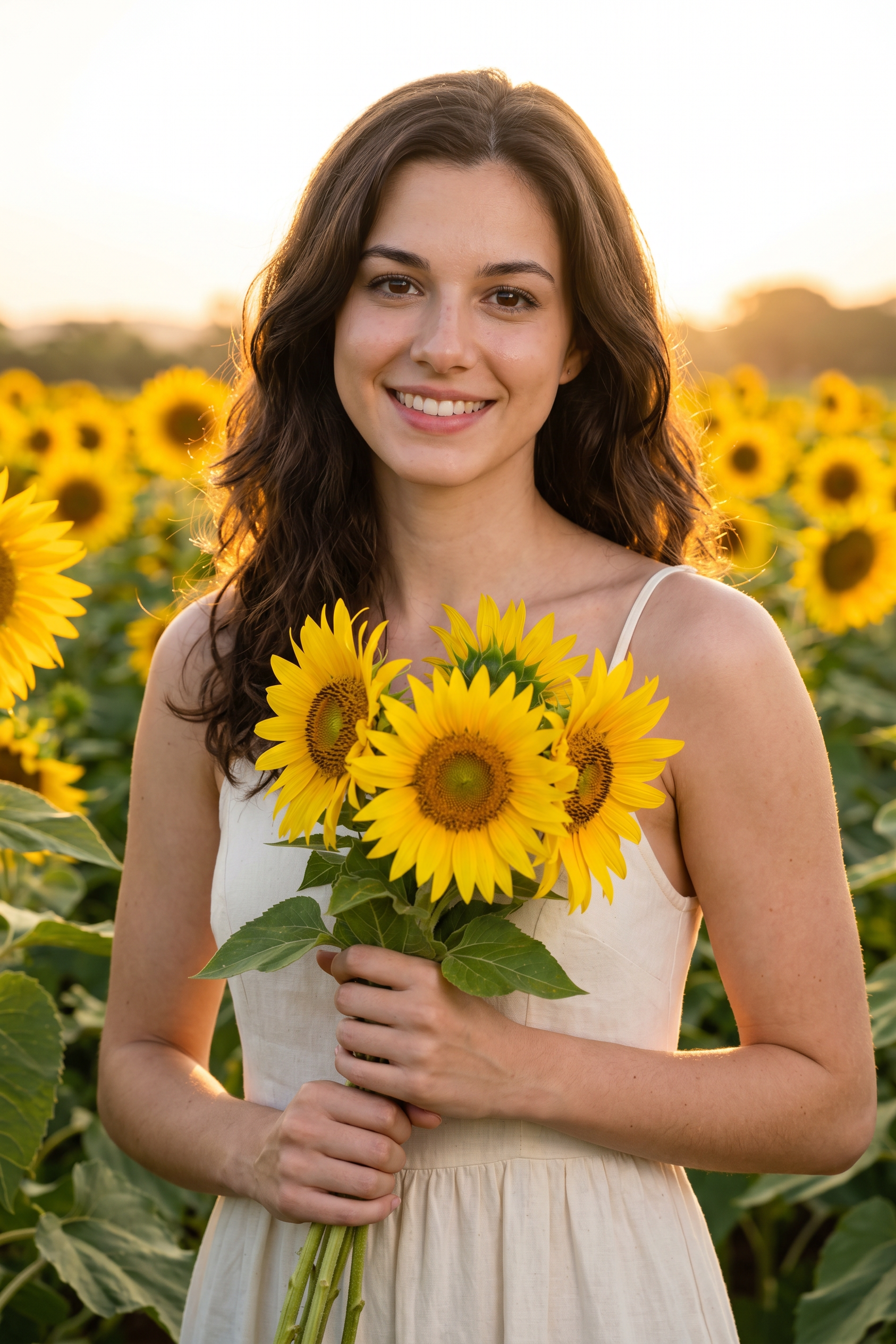
Golden Hour Sunflower Field
- Model
- Nano Banana 2
- Image
- 1686 × 2528 px
Prompt
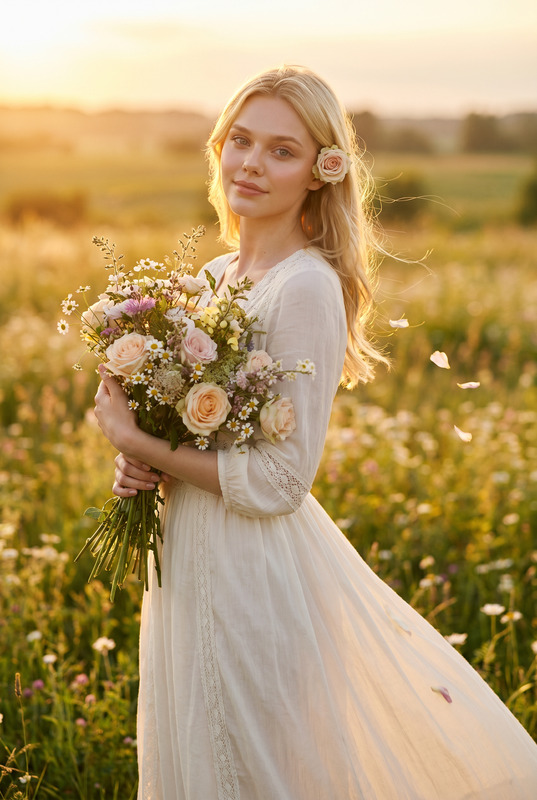
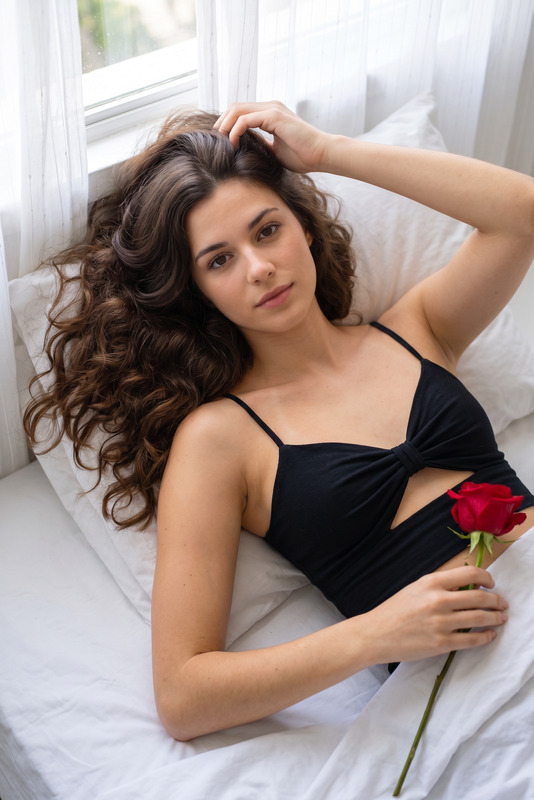
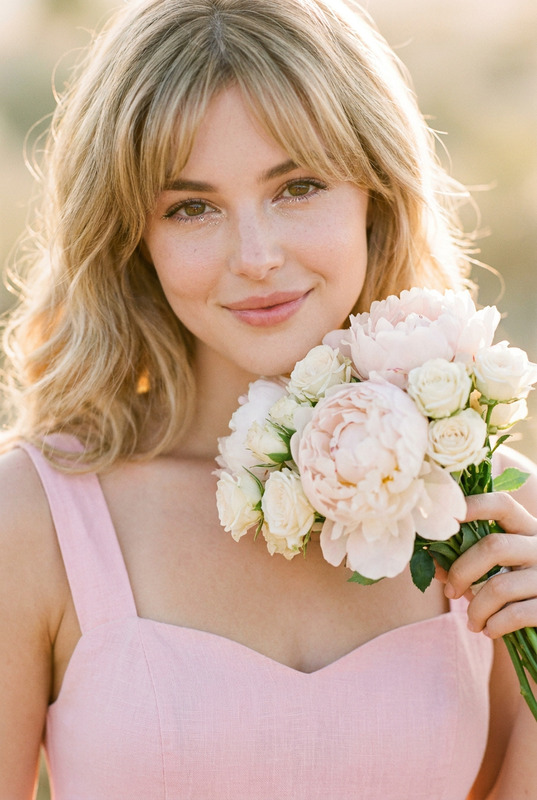
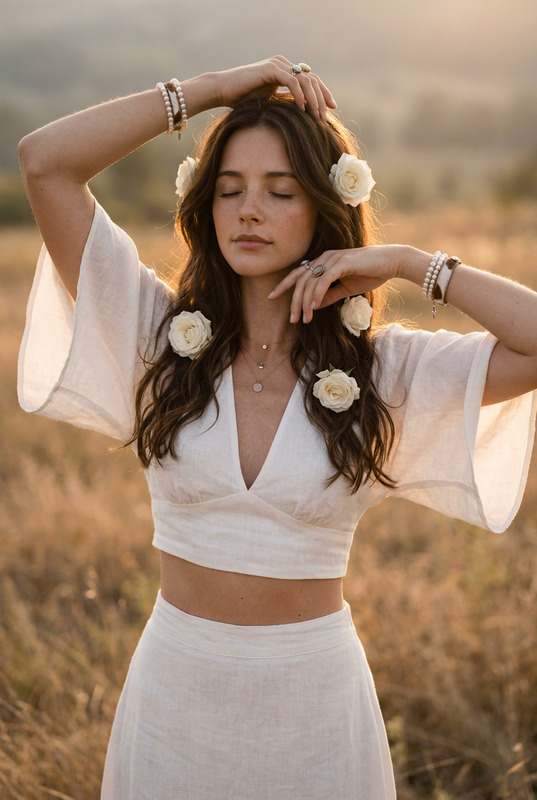
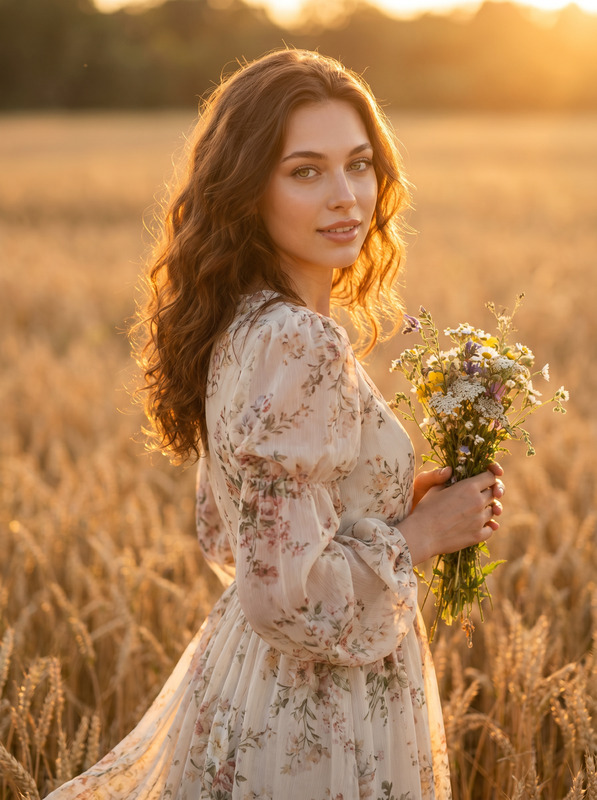
Ultra-realistic 8k UHD color portrait of a woman with long wavy dark brown hair with middle part. Standing in a sunflower field at golden hour with warm sunset backlight. Facing camera with soft gentle smile and direct gaze. Right hand holding large sunflower stem near shoulder, left hand lightly holding stem lower down. Wearing a cream halter sundress with ruched smocked bodice, square neckline, and flowing skirt. Natural nails with sheer glossy polish and subtle white tip. Flawless luminous skin with visible texture and soft golden glow from sunset on cheekbones, nose bridge, and collarbones, satin glossy nude rose lips, soft warm brown eyeshadow with defined lashes and subtle liner, subtle blush and contour. Golden hour lighting with soft warm backlight creating rim light on hair and shoulders, dreamy bokeh of sunflowers and trees in background. Photorealistic micro-detail on cotton/linen sundress fabric with ruched texture and smocked details, sunflower petals and center seeds with texture, green leaves, skin pores, and hair strands with natural volume and shine. Romantic pastoral aesthetic, vertical composition, high detail, warm golden + cream + yellow tones with soft bokeh background
Any aspect ratio
Overview
The Golden Hour Sunflower Field template is an exquisite AI Image Editor designed using the nano-banana-2 model. It specializes in creating ultra-realistic, high-definition portraits with a romantic pastoral aesthetic. This template captures the ethereal glow of the golden hour, delicately highlighting every element from the individual's attire to the lush sunflower field backdrop.
What It Does
This template generates a stunning portrait with intricate details, such as visible skin texture, hair volume, and fabric micro-details, all set in a sunflower field at golden hour. The template emphasizes warm golden tones and creamy textures, employing sophisticated lighting techniques to achieve a soft bokeh background and rim lighting around the subject.
For users interested in enhancing their imagery, this template integrates well with our AI Image Editor and complements outputs from the AI Image Generator.
Who It's For
The template is ideal for photographers, digital artists, and content creators who aim to produce high-quality, hyper-realistic images with a focus on natural aesthetics. It's particularly suited for those working on projects that require a romantic and serene visual narrative, such as promotional material for fashion events or nature-based campaigns.
Summary
Harness the power of Nano-Banana-2 with the Golden Hour Sunflower Field template to produce beautiful, story-like visuals. Focusing on light, detail, and composition, this tool offers new possibilities for detailed image creation through precision and sophisticated style editing.
For professionals looking to explore further, our AI Clothes Changer can add additional dimensions to your imagery, allowing greater customization of your virtual wardrobe.
How To
Choose the Template

Customize Your Image

Generate and Download

Use Cases
Creative Photography
- Fashion spreads
- Nature photography
- Portrait photography
Advertising Campaigns
- Billboard visuals
- Magazine ads
- Online campaigns
Social Media Content
- Instagram stories
- Pinterest boards
- Brand visuals
Best Practices
Focus on Lighting
Utilize the golden hour backlight to add depth and drama to your portraits.Mind Skin and Textures
Keep skin textures natural, enhancing with subtle lighting effects.Complement with AI Tools
Consider combining this template with the AI Face Editor to perfect facial features and expressions.