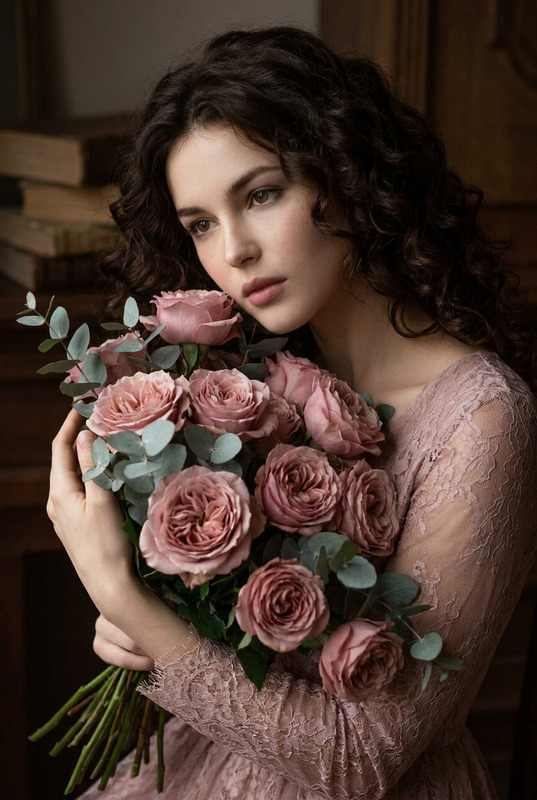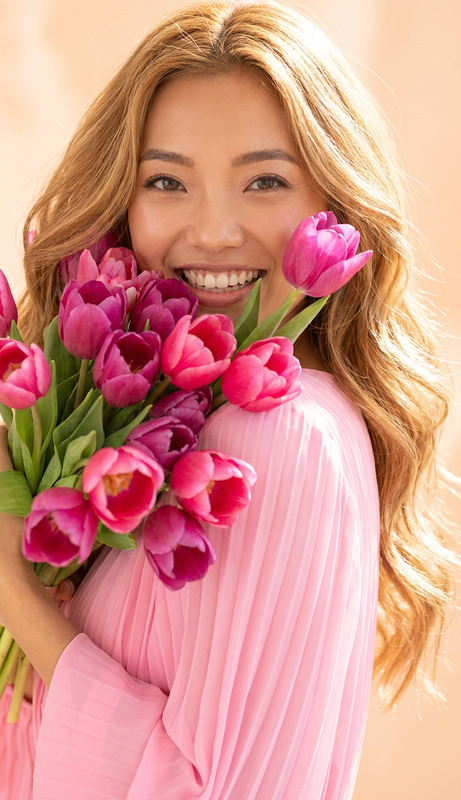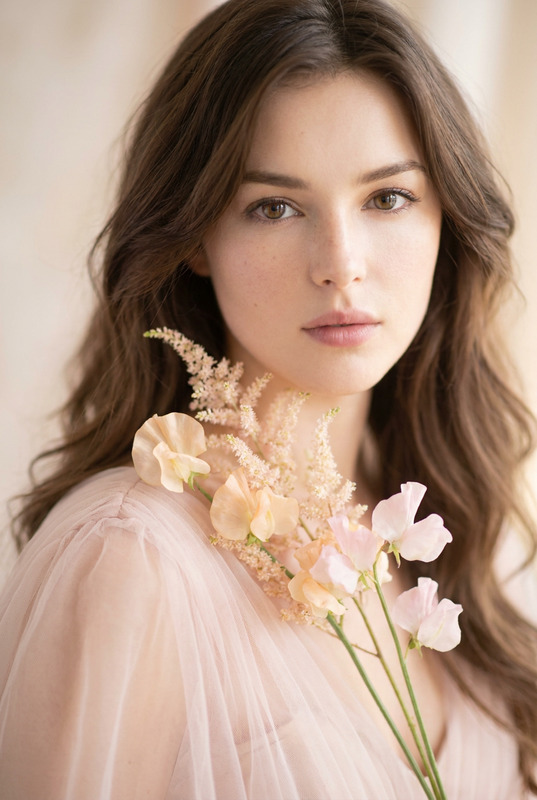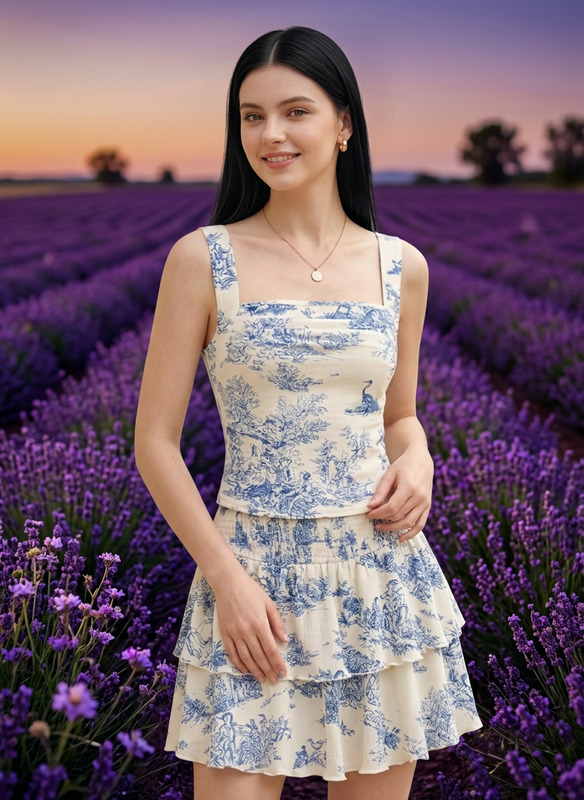
Mauve Pink
- Model
- Nano Banana Pro
- Image
- 848 × 1264 px
Prompt
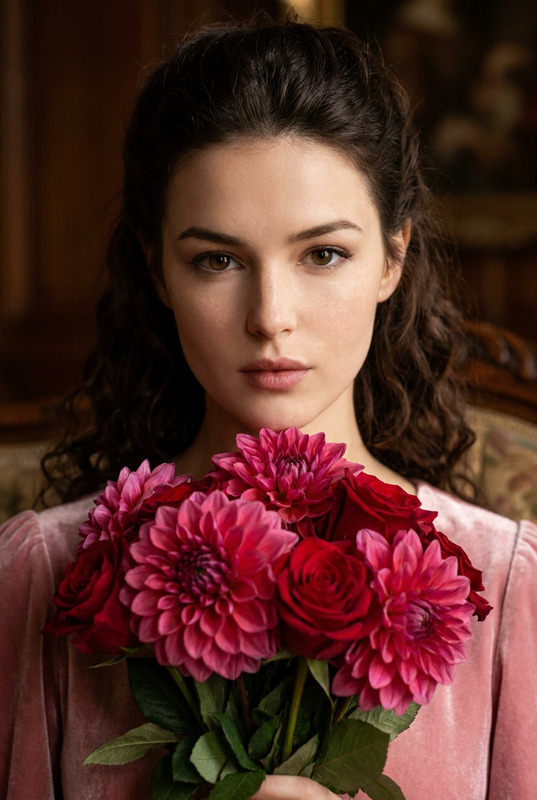
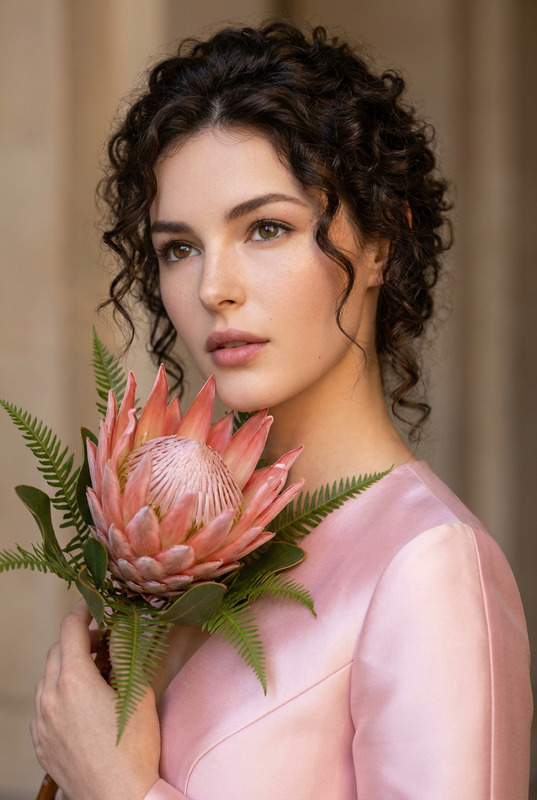
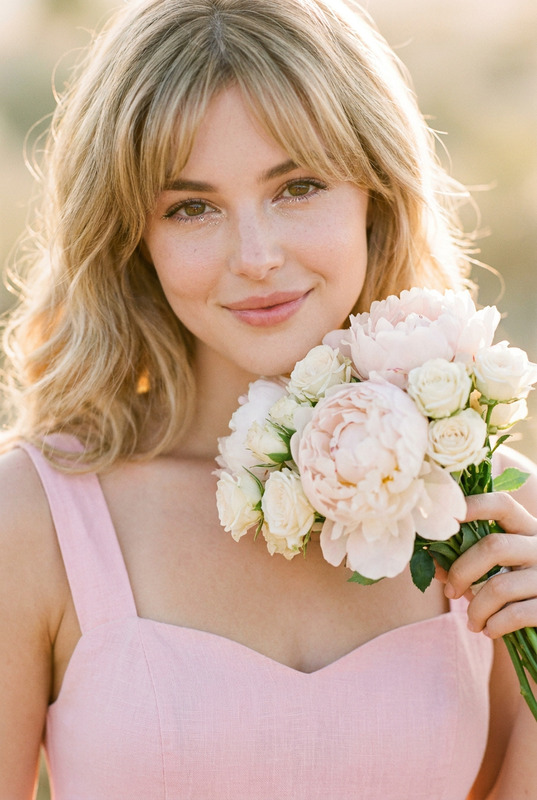
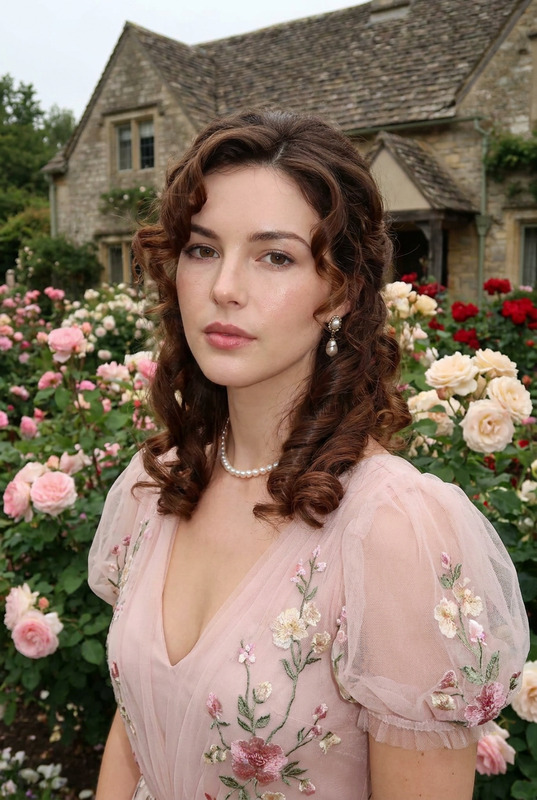
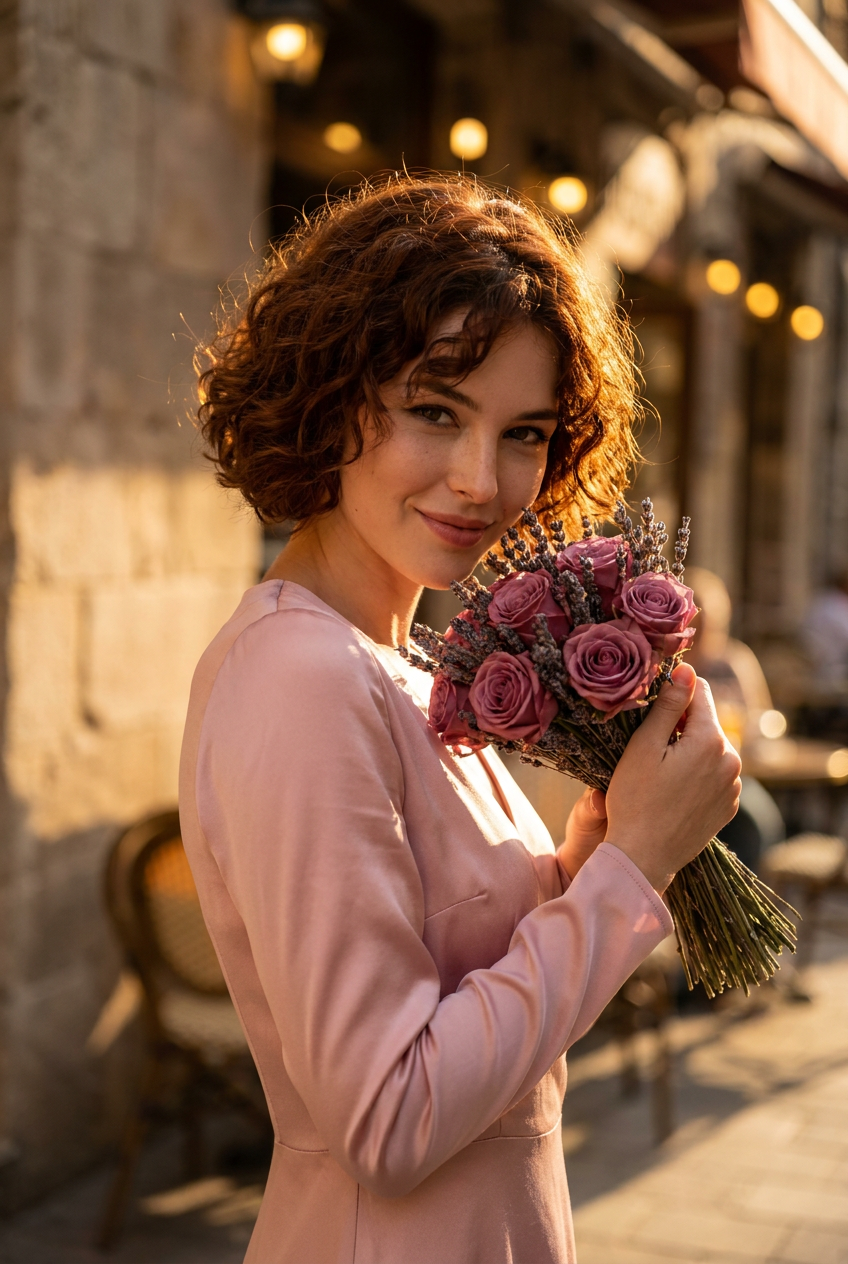
A candid, photojournalism-style photorealistic portrait of a woman with short, curly auburn hair styled in a bob. Her smile is subtle and charming, eyes twinkling slightly. She holds a small, dense bundle of deep mauve roses and dried lavender close to her face. She is wearing a vintage-style, pastel pink satin dress with long sleeves. The lighting is the soft glow of golden hour, giving everything a rich, warm cast. The background is a warm blur of an old city street cafe
Any aspect ratio
Overview
The "Mauve Pink" template in the AI Image Editor suite offers a unique visual aesthetic, perfect for creating realistic portraits with an artistic touch. Using the nano-banana-pro model, this template generates photorealistic images that capture the essence of candid moments, infused with the warmth of golden hour lighting.
What It Does
This template transforms a simple prompt into a detailed, photorealistic portrait that exudes charm and subtle elegance. The result is a captivating image where every detail — from the auburn hair and subtle smile to the mauve roses and pastel pink dress — is vividly brought to life. Ideal for creators looking to add sophistication and a touch of nostalgia to their visuals, this template is perfect for creating editorial-style imagery.
Who It's For
This tool is ideal for photographers, digital artists, and content creators who wish to enhance their visual content with realistic, photojournalistic-style portraits. It's also a valuable tool for marketing professionals and designers in need of unique, editorial visuals to enrich projects such as advertisements, lookbooks, or social media content. Additionally, for those interested in creating enchanting, vintage-themed portraits, this template seamlessly delivers.
Summary
With the "Mauve Pink" template, you can elevate your image editing projects by producing stunning, lifelike portraits rich in detail and style. By leveraging the AI Image Editors, you gain the ability to create warm, nostalgic images perfect for a variety of uses. Explore how this tool can transform your creative process and deliver images that capture life's subtle beauty.
How-To

Customize

Generate

Use Cases
Editorial Campaigns
- High-quality fashion portraits
- Lifestyle spreads
- Advertising campaigns
Social Media Content
- Instagram posts
- Facebook banners
- LinkedIn articles
Marketing Materials
- Digital marketing assets
- Print materials
- Brand storytelling
Best Practices
Refine the Prompt
Craft a detailed and precise prompt that includes specific visual elements, helping the model deliver better outputs.Leverage Lighting
Golden hour lighting enhances portrait warmth and realism; include it in your prompt for a richer output.Adjust Elements
Experiment with subtle changes in the outfit or background to maintain the desired style while achieving variety.