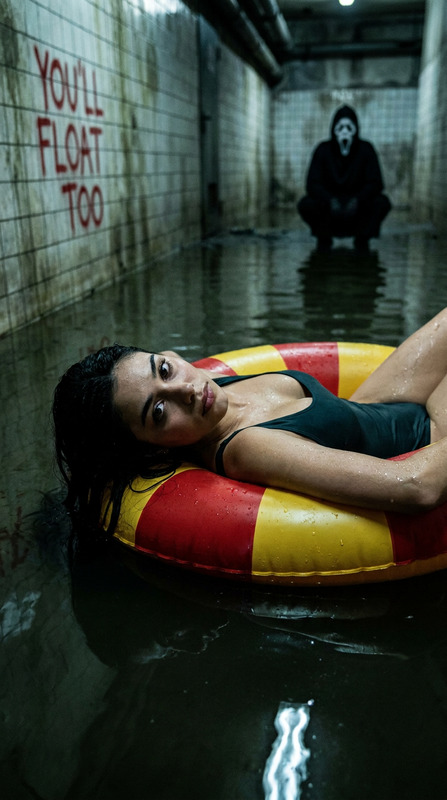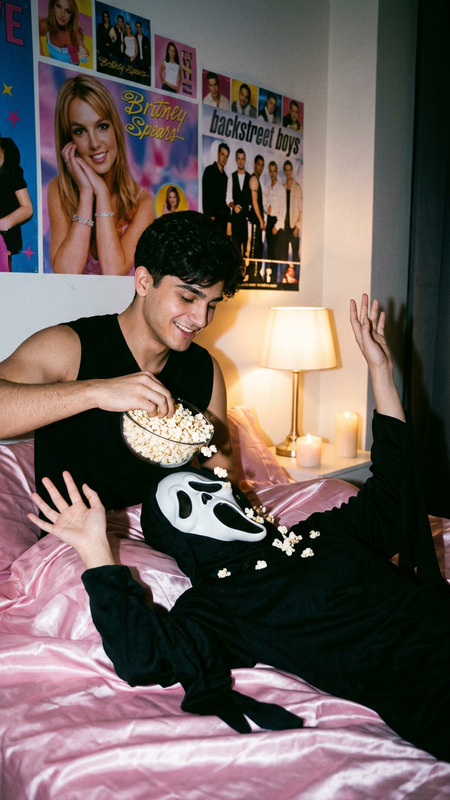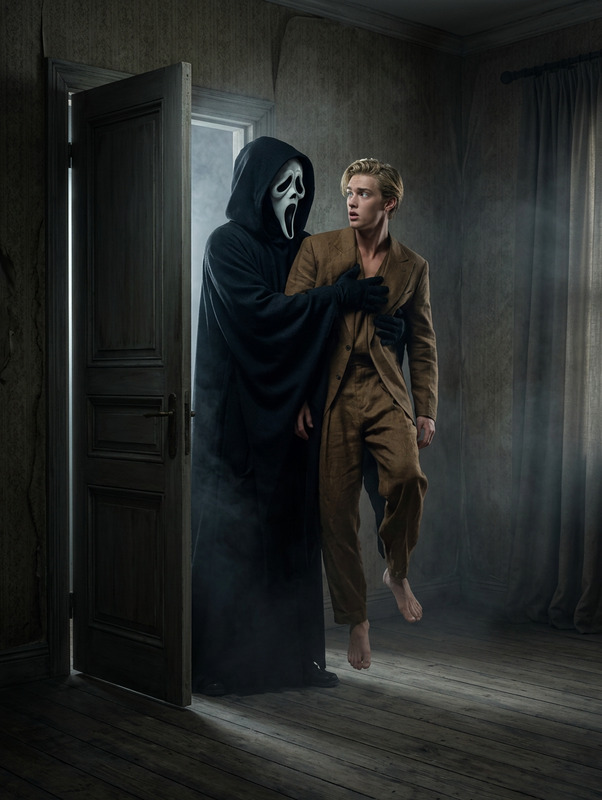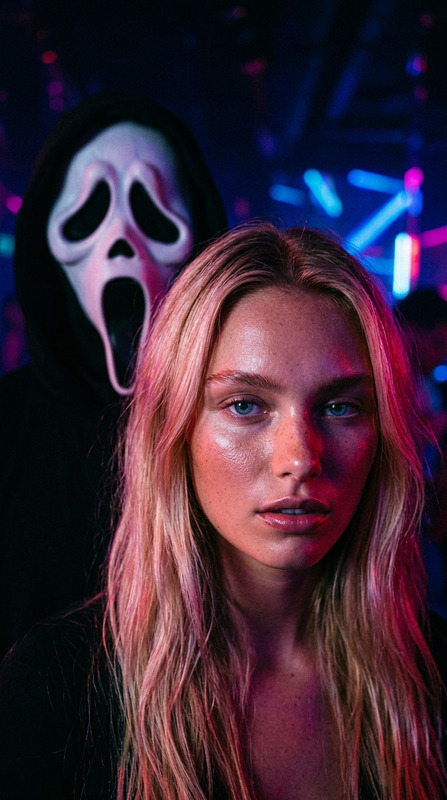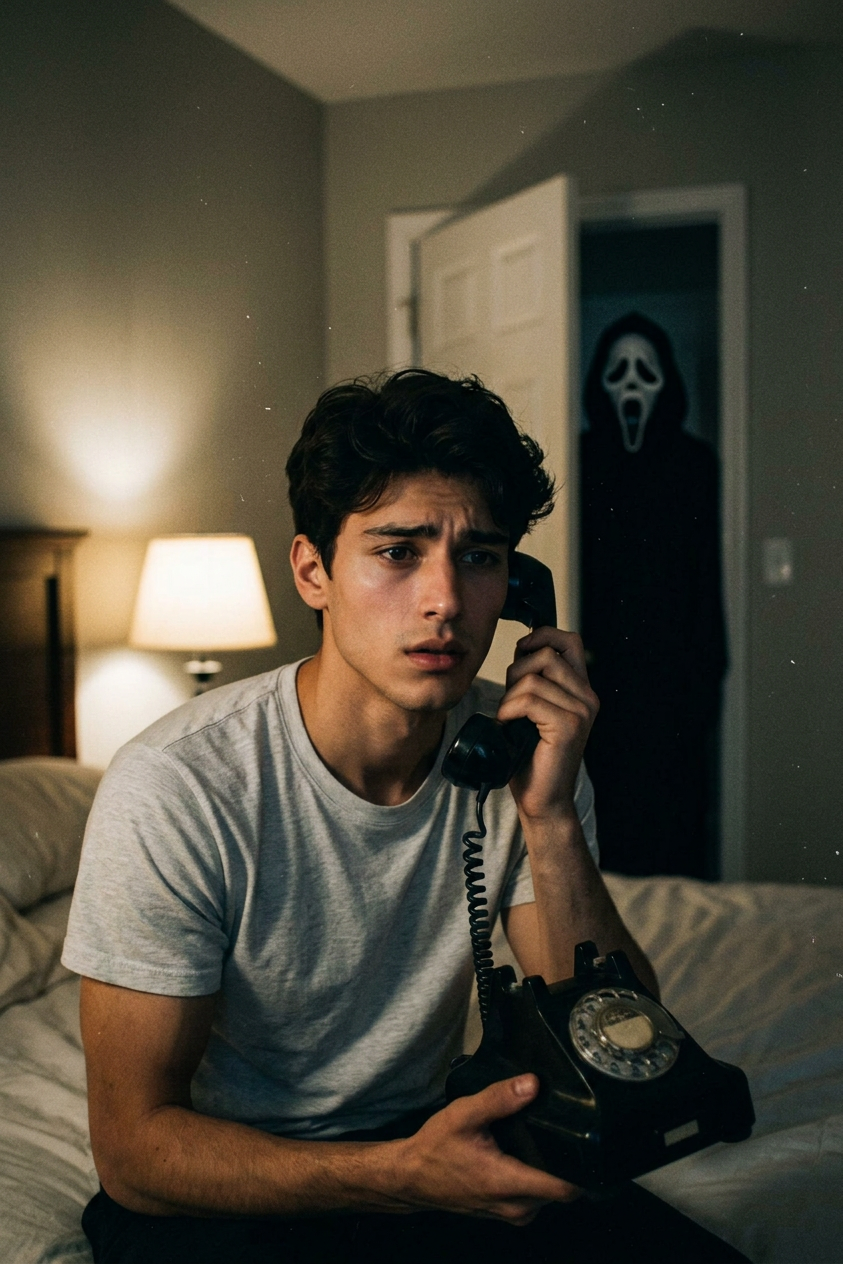
Bedroom Scream Terror
- Model
- Nano Banana 2
- Image
- 843 × 1264 px
Prompt
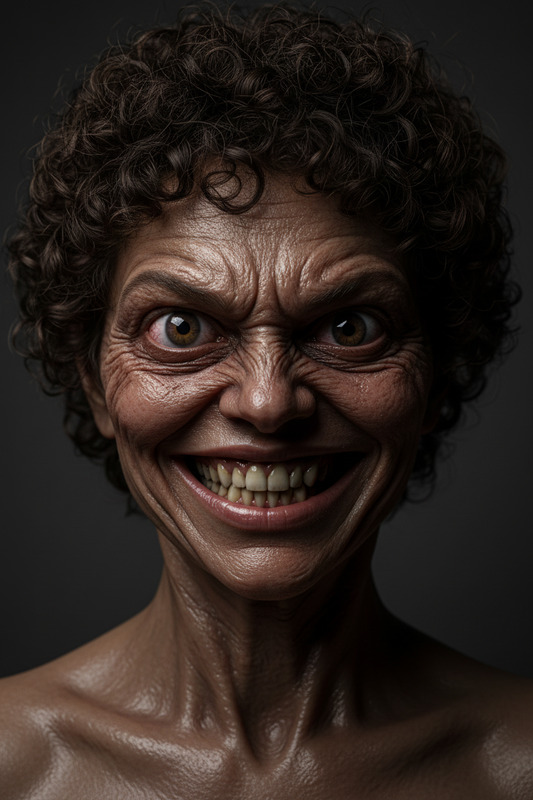
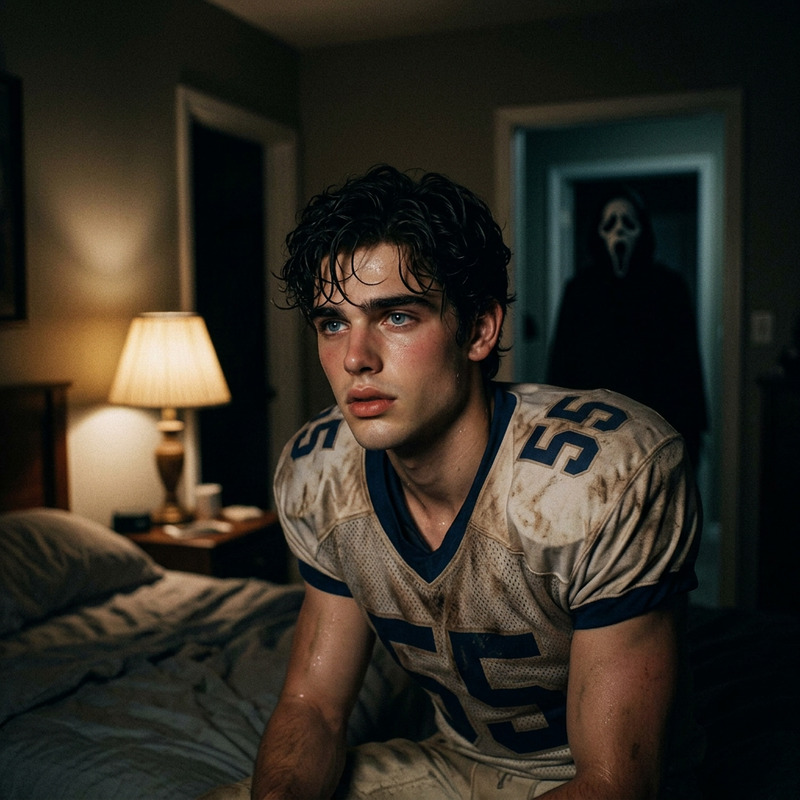
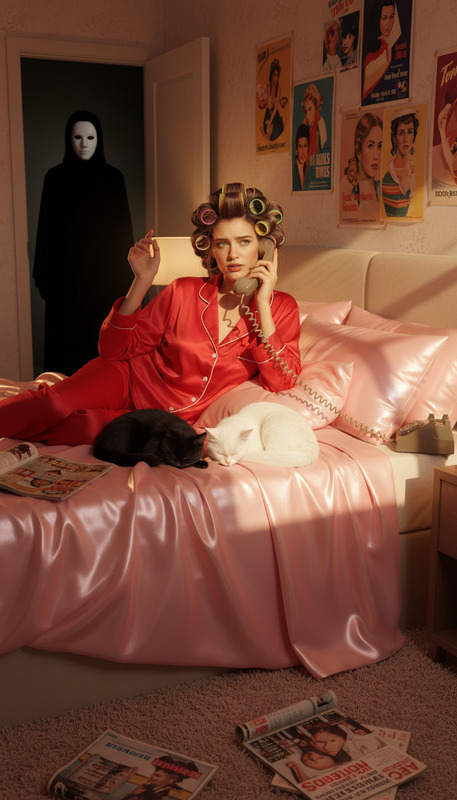
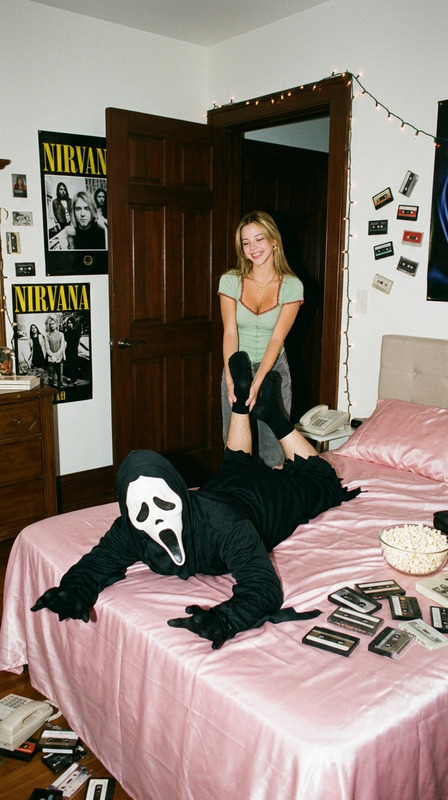
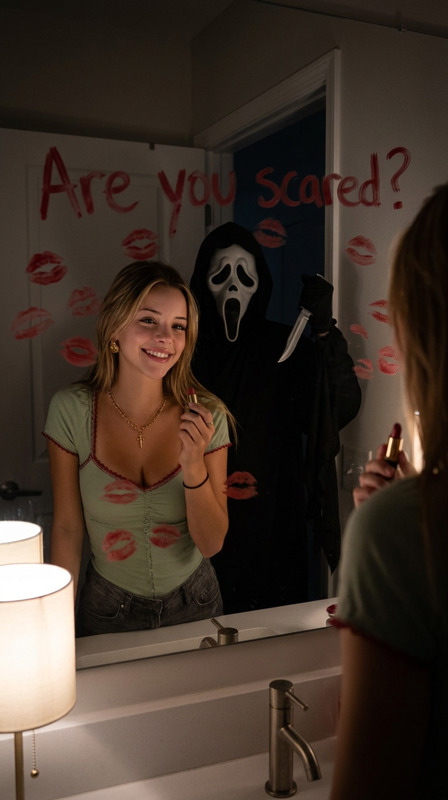
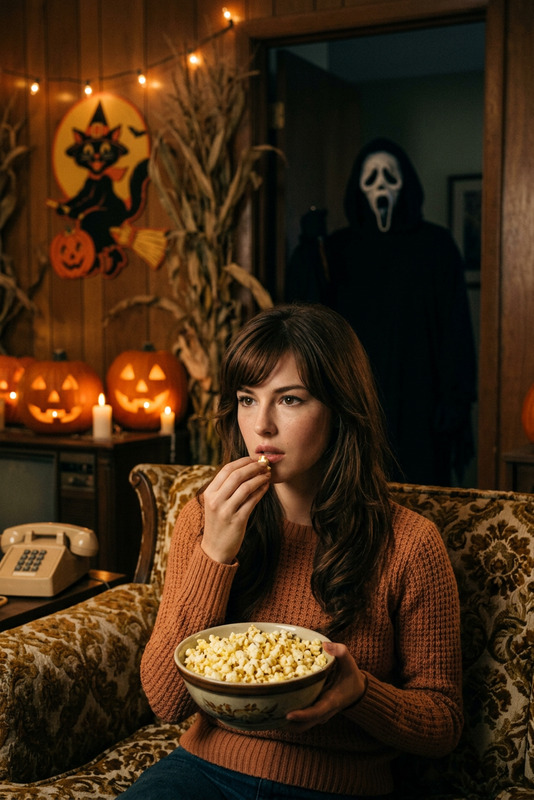
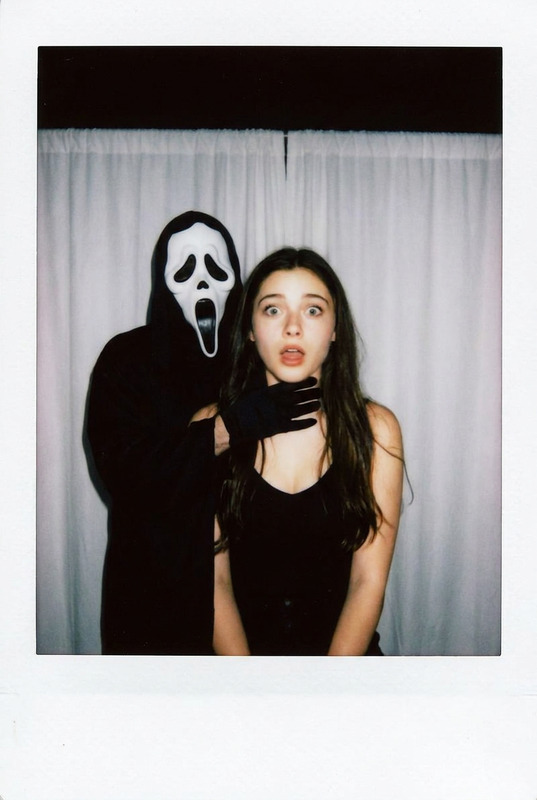
Strongly preserve the person’s real facial features and expressions. A realistic horror photo of a person sitting on their bed, holding a vintage landline phone, looking nervous. Behind the slightly open bedroom door stands Ghostface in a black cloak and white mask, partially hidden in the shadows. Cinematic lighting, eerie atmosphere, horror movie still.
Any aspect ratio
Overview
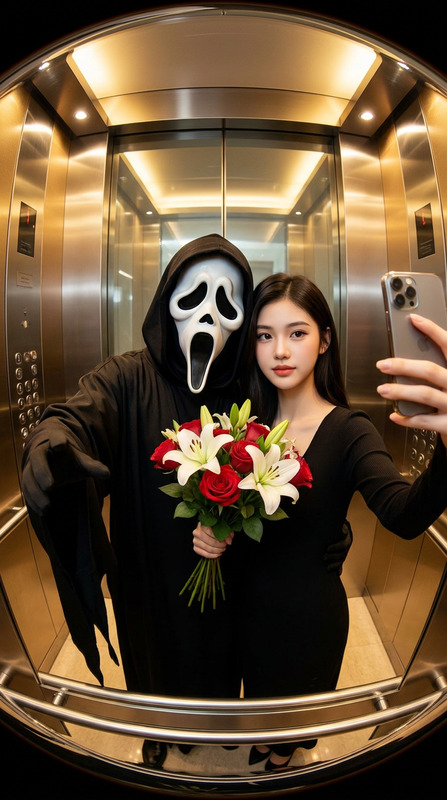
Transform ordinary images into chilling horror scenes with the "Bedroom Scream Terror" template. This AI Image Editor leverages the power of the nano-banana-2 model to craft a cinematic and eerie atmosphere that makes your photos jump out of the frame.
What It Does
The "Bedroom Scream Terror" template applies advanced image editing techniques to retain key facial features and expressions while transforming the scene into a tense horror narrative. It adds characters and lighting effects, creating a spine-chilling snapshot reminiscent of classic horror films.
Who It's For
This template is perfect for horror enthusiasts, filmmakers, and social media creatives looking to evoke a sense of suspense and thrill. It's also an excellent tool for digital artists seeking inspiration or wanting to produce realistic horror-themed imagery.
Summary
Utilize the "Bedroom Scream Terror" for compelling and visually arresting horror compositions. With a strong focus on realism and detail, this tool is part of the broader AI Image Editor toolkit, ensuring your horror scenes are both authentic and chilling. Its integration with other platforms like the AI Multi-Angle Generator enhances your creative flexibility.
How To
Choose the Template

Customize Your Inputs

Generate Your Image

Use Cases
Horror-Themed Art Projects
- Create captivating movie posters
- Design unique social media content
Social Media Campaigns
- Promote horror events or movie screenings
- Run themed content series on Instagram
Movie Promotion
- Develop teaser images for upcoming releases
- Illustrate key scenes from horror scripts
Best Practices
Pay Attention to Lighting
Emphasize the cinematic lighting in the scene for a more dramatic effect, enhancing the eerie ambiance.Maintain Facial Details
Ensure critical facial attributes are preserved to maintain realism, an essential feature when conveying authentic emotions.Experiment with Angles
Use the AI Multi-Angle Generator to explore different perspectives, adding depth and interest to your edits.