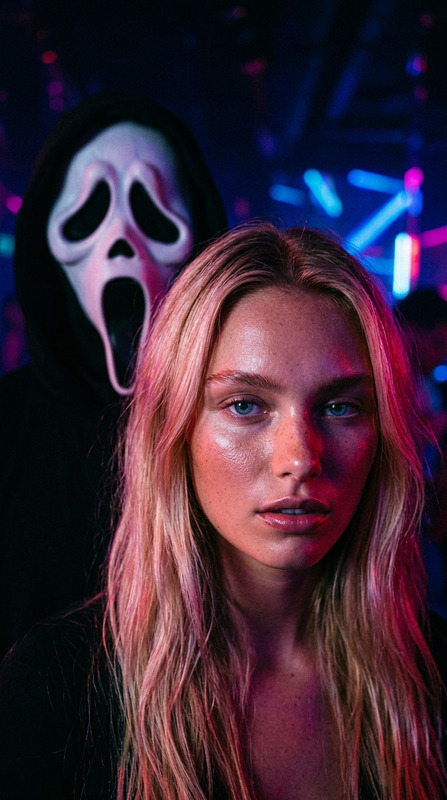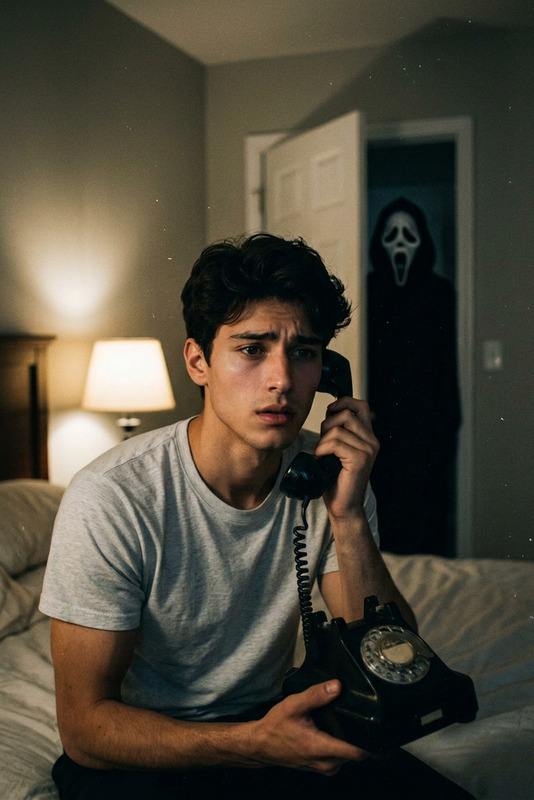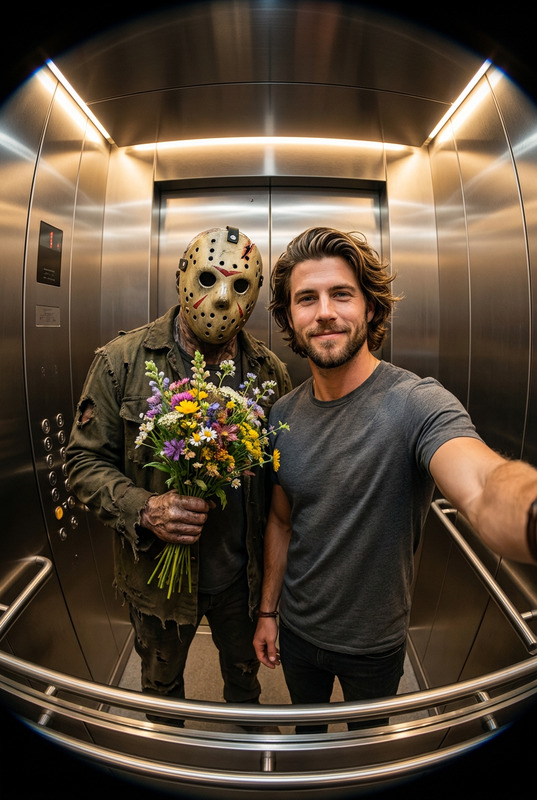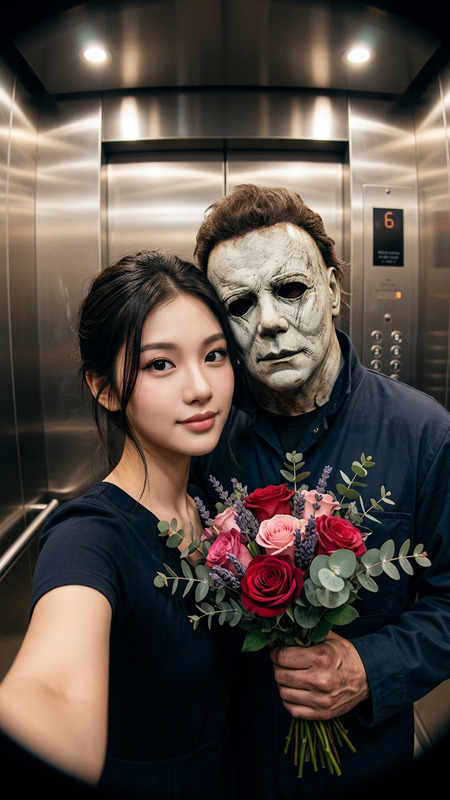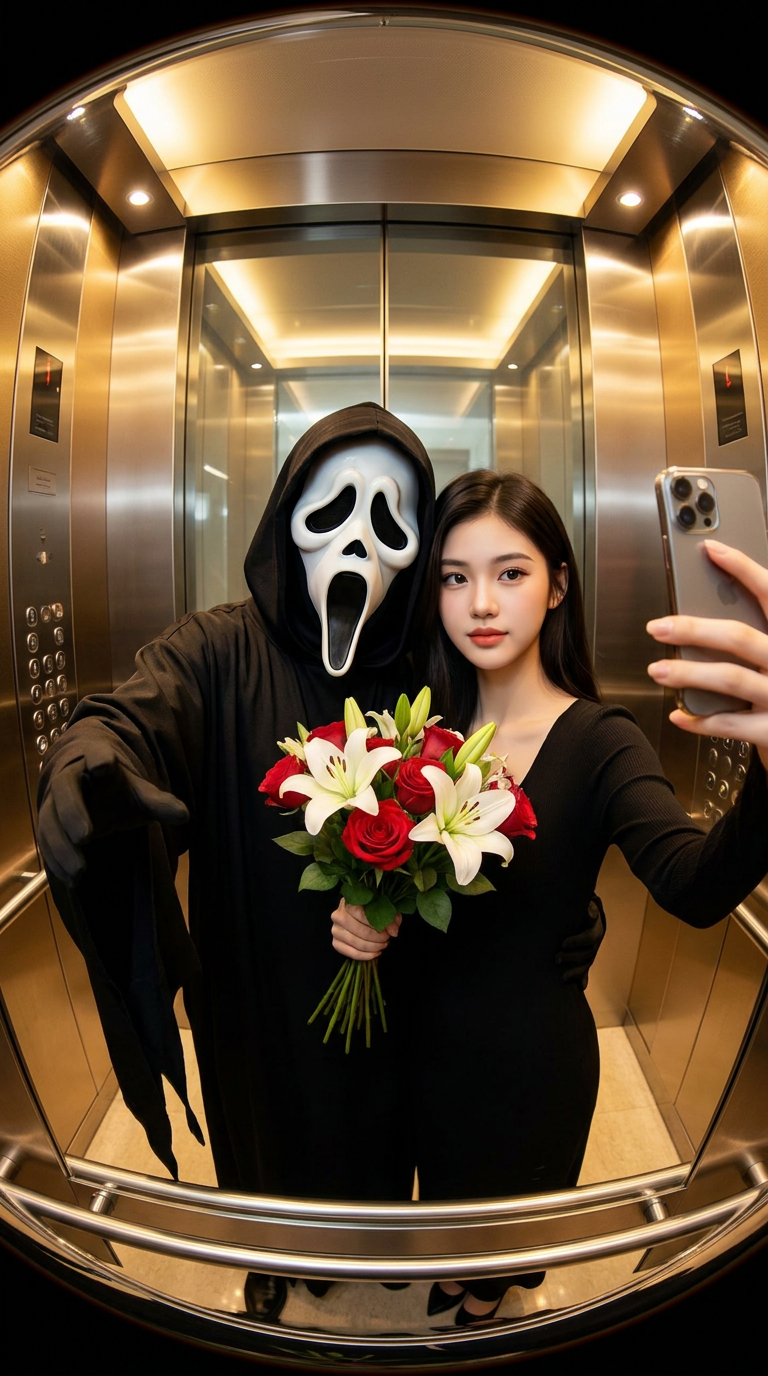
Ghostface Elevator Date
- Model
- Nano Banana Pro
- Image
- 768 × 1376 px
Prompt
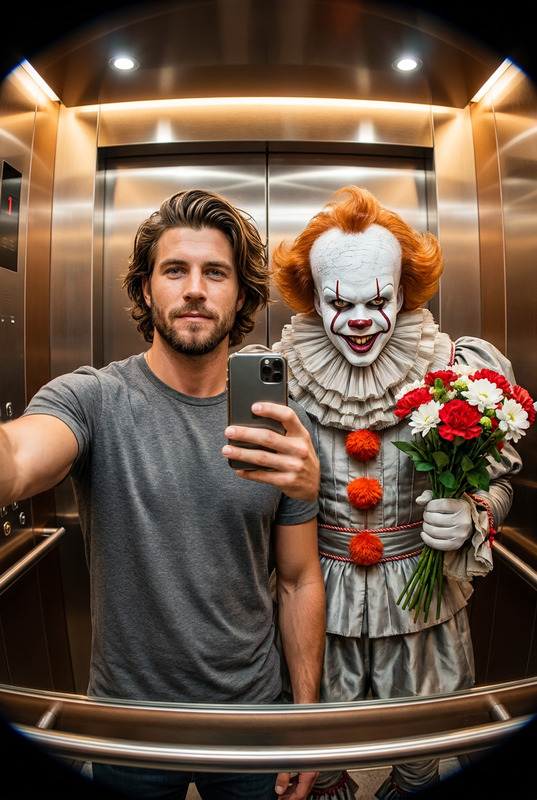
A hyperrealistic, cinematic selfie taken in a modern elevator with a noticeable fisheye lens effect. A person and the Ghostface character from Scream are standing side-by-side, facing the camera, centered in the frame. The person appears calm and elegant, with facial features identical to the reference photo, holding a smartphone in a selfie pose. The Ghostface character stands close to them, wearing its iconic oversized black robe with flowing sleeves and the distinctive white ghost mask. He is holding a bouquet of flowers in a playful offering gesture. The elevator interior has warm lighting and metallic reflections. The image is sharp and hyperrealistic.
Any aspect ratio
Overview
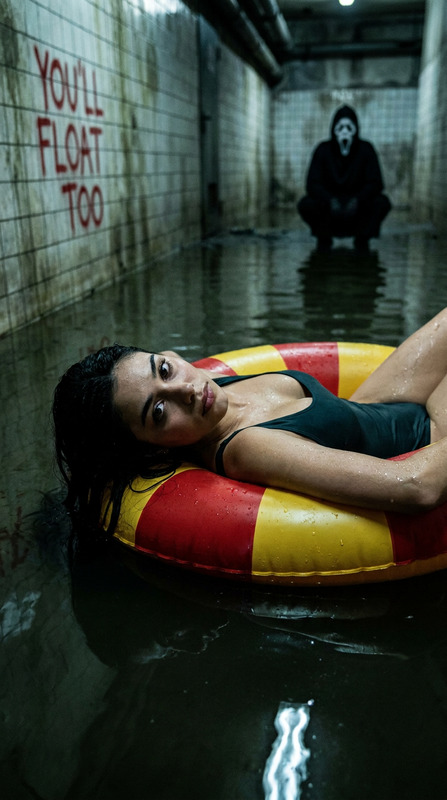
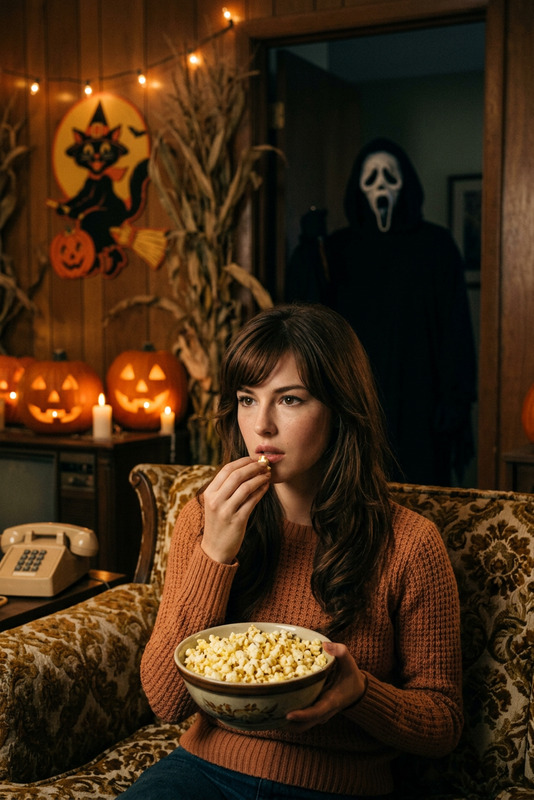
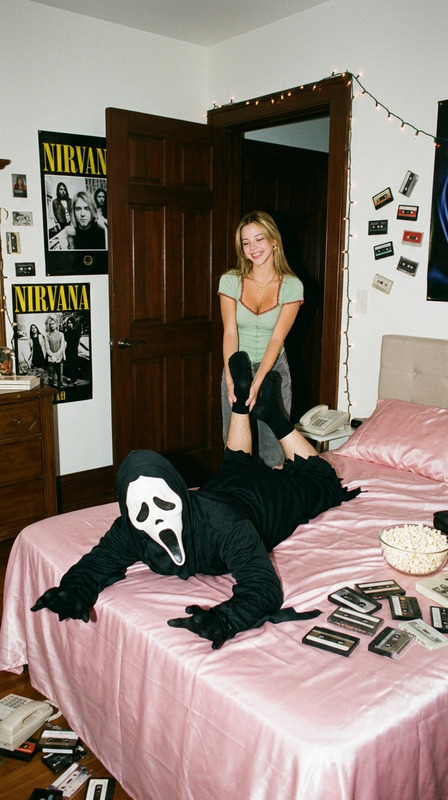
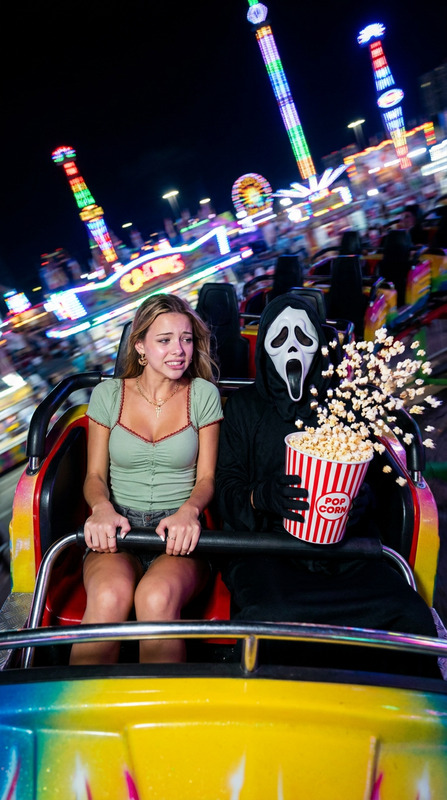
The "Ghostface Elevator Date" template is an innovative way to create stunning hyperrealistic images using the AI Image Editor powered by the nano-banana-pro model. With a unique fisheye lens effect, this template offers a cinematic experience combined with a quirky touch of humor featuring the Ghostface character from "Scream".
What It Does
This template takes your reference photo and blends it with the iconic Ghostface character in a photorealistic setting. The resulting image showcases you and Ghostface in a stylish elevator with stunning warm lighting and detailed reflections. The fisheye lens effect delivers a compelling cinematic feel, creating the perfect mix of elegance and suspense.
Who It's For
Perfect for horror enthusiasts, social media influencers, and content creators looking to add a creative twist to their imagery. Whether you're crafting an engaging Instagram post or creating memorable meme videos, this template provides a unique way to express creativity. Ideal for those familiar with the AI Image Editor capabilities.
Summary
Combine humor and horror with the "Ghostface Elevator Date" template. Capture a hyperrealistic selfie that seamlessly integrates you with the Ghostface icon against a cinematic backdrop. Use this template to enhance your projects or simply create amusing images for personal enjoyment.
How-To
Choose Your Template

Customize Your Inputs

Generate and Download

Use Cases
Craft Unique Social Media Content
Enhance Profile Pictures
Design Posters and Flyers
Best Practices
Ensure High-Quality Input Photo
For best results, use a well-lit and high-resolution photo to enhance the realism of the final image.Adjust Fisheye Effect Carefully
While the effect is part of the charm, ensure it doesn't distort essential image elements unless that's the intended look.Match Lighting Conditions
Adjust lighting and shadow settings in the AI Image Editor to harmonize with the template’s warm lighting.