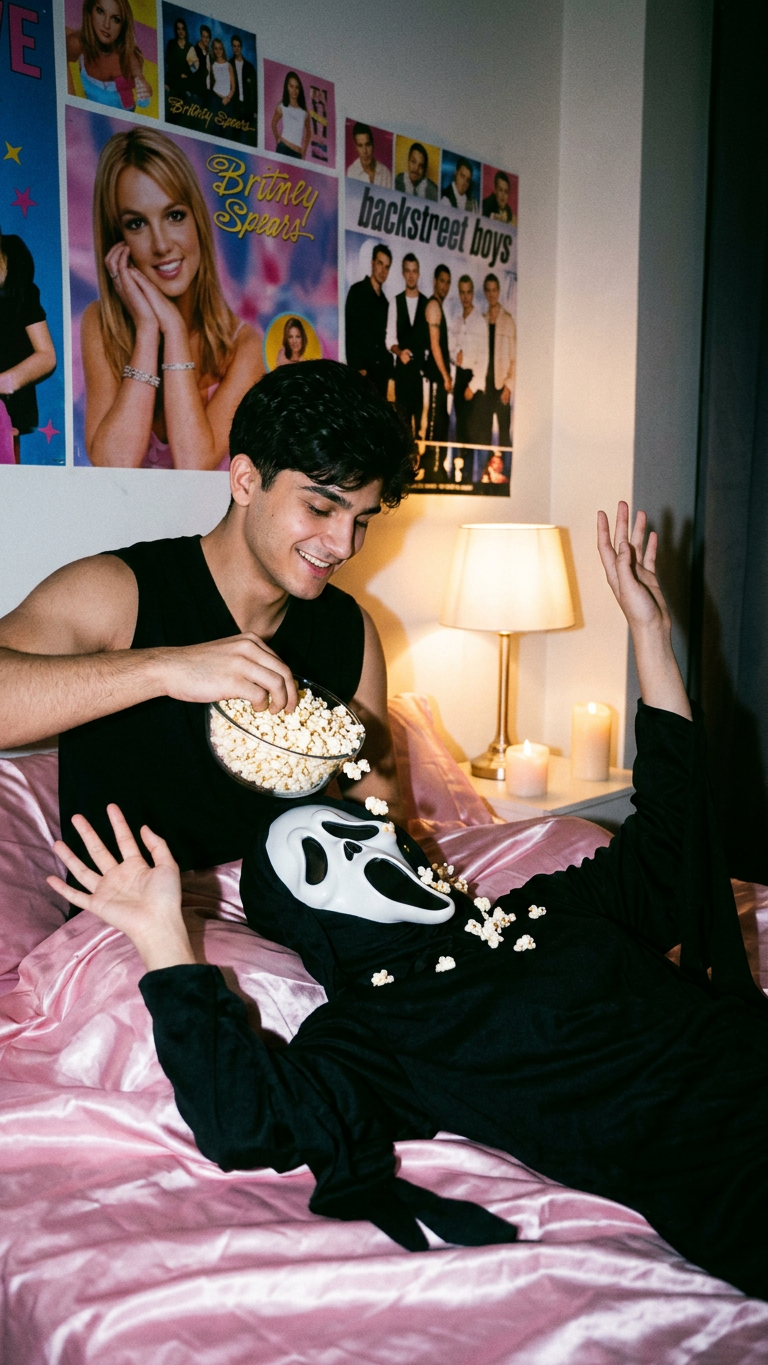
Popcorn Ghostface Prank
- Model
- Nano Banana 2
- Image
- 768 × 1365 px
Prompt
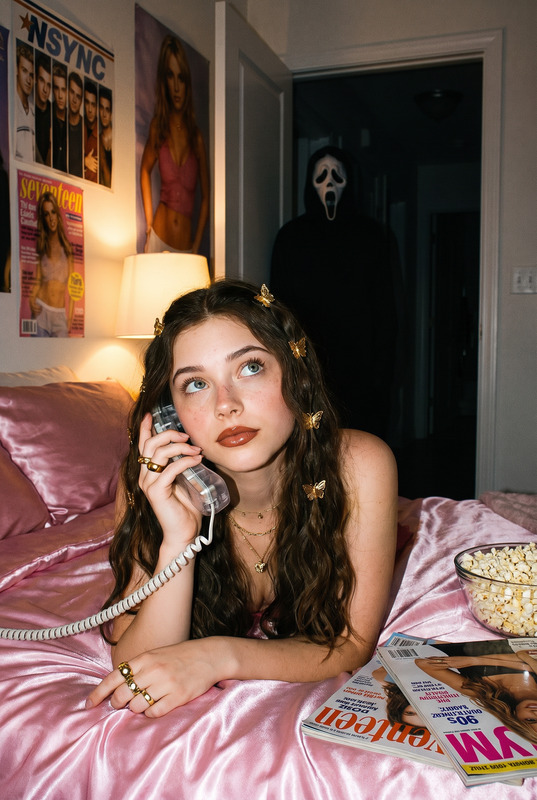
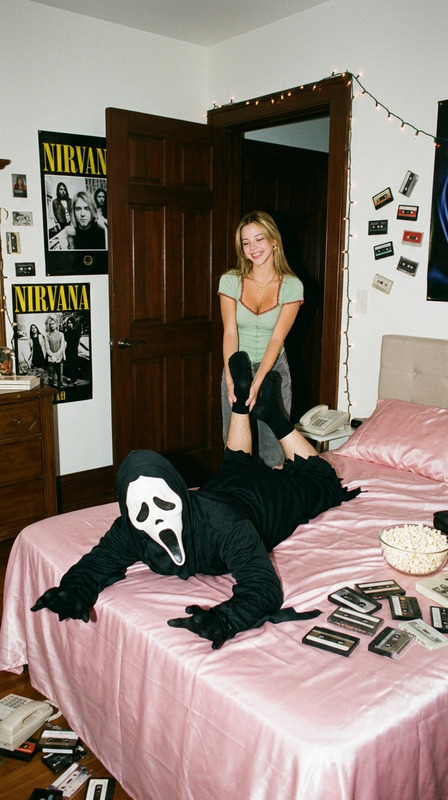
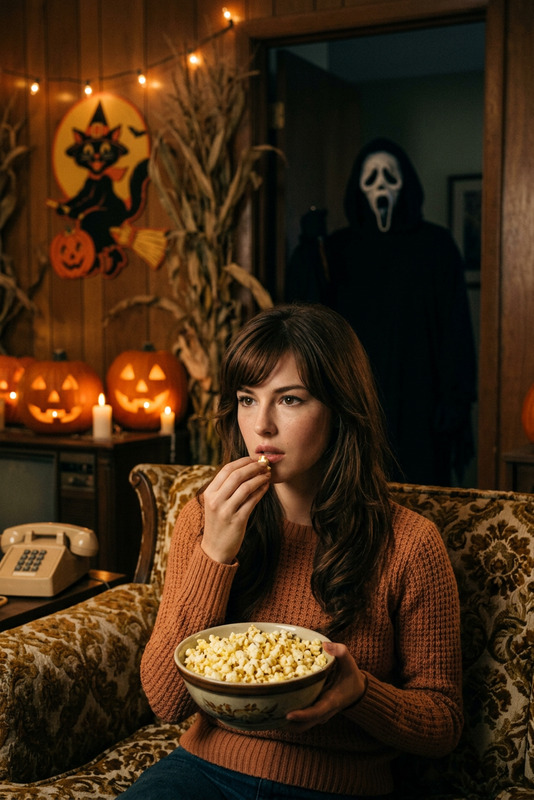
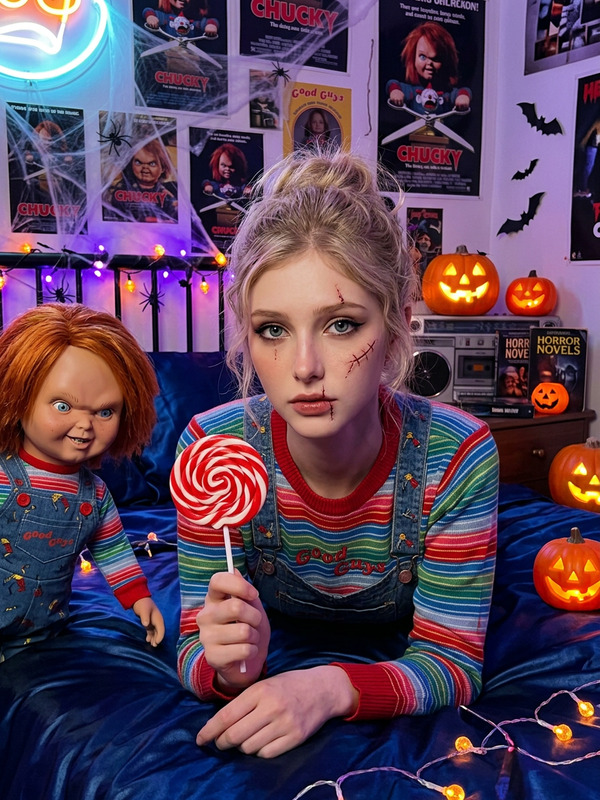
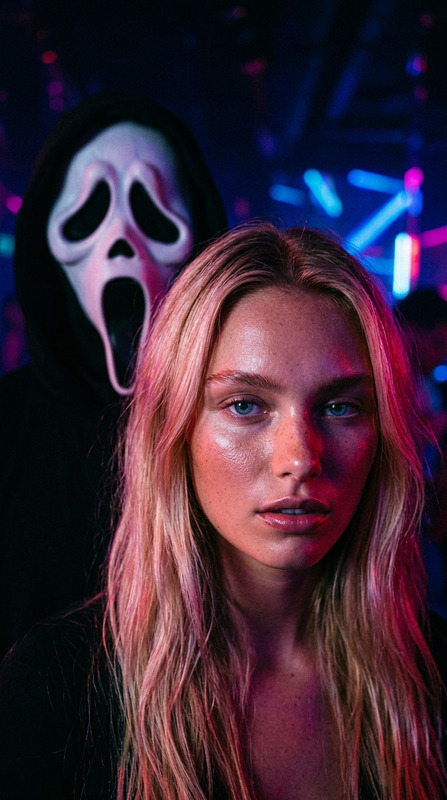
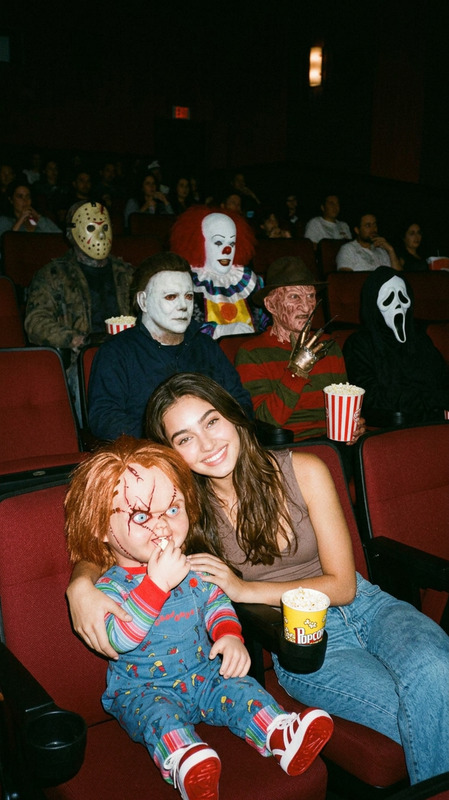
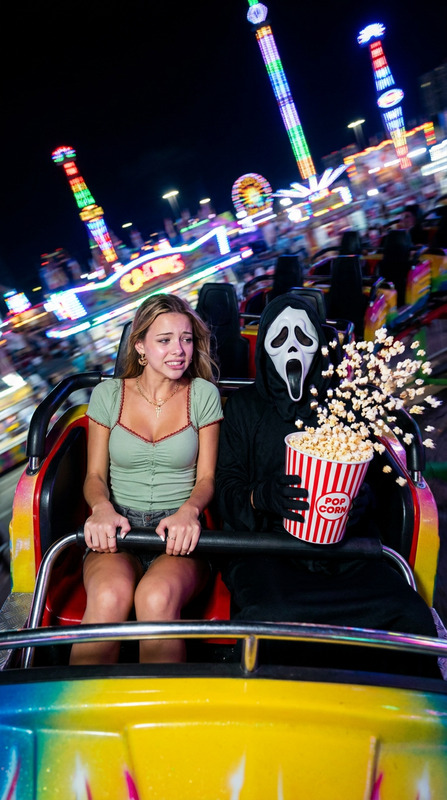
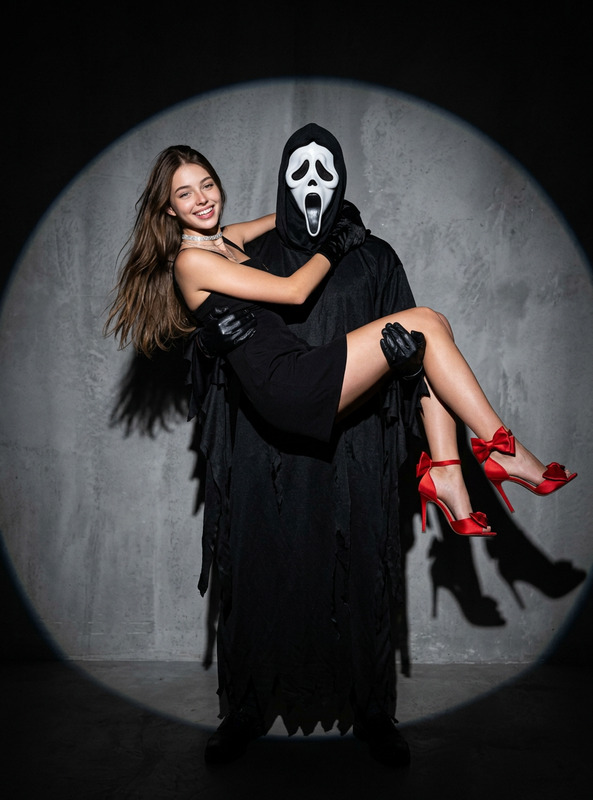
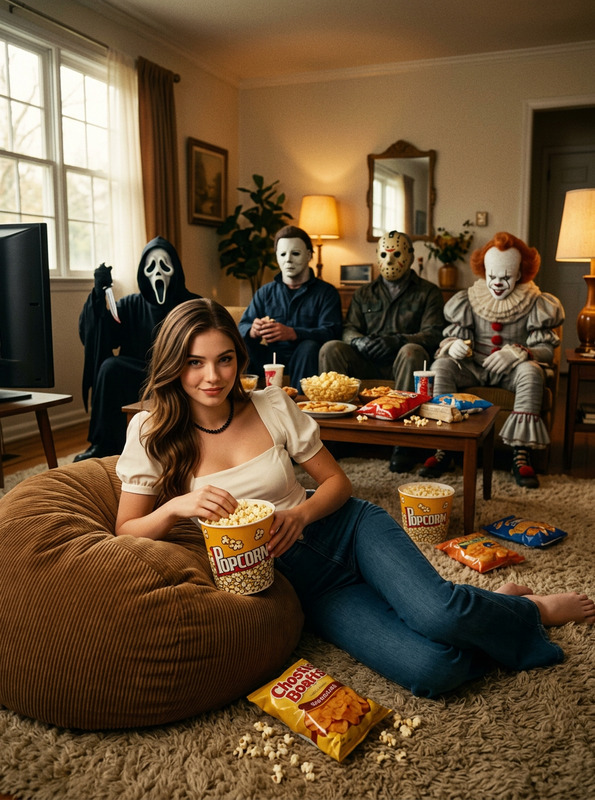
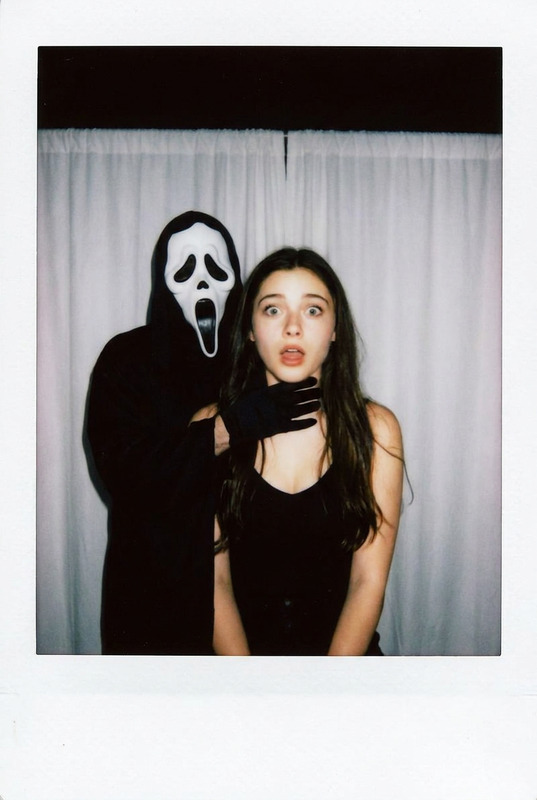
Strongly preserve the person’s real face, eyes, mouth, and facial structure. A cinematic Y2K-style bedroom photo, medium close-up shot. The two figures dominate the frame. One person in a black sleeveless top stands beside the bed, smiling as they pour a large bowl of popcorn onto another person wearing a Ghostface costume lying on the pink satin sheets. The Ghostface figure is on their back, arms raised playfully, mask facing upward.Soft warm candlelight, 1990s pop posters on the wall,The photo has a grainy '90s feel, and the light source simulates a table lamp in a dimly lit room at night.
Any aspect ratio
Overview
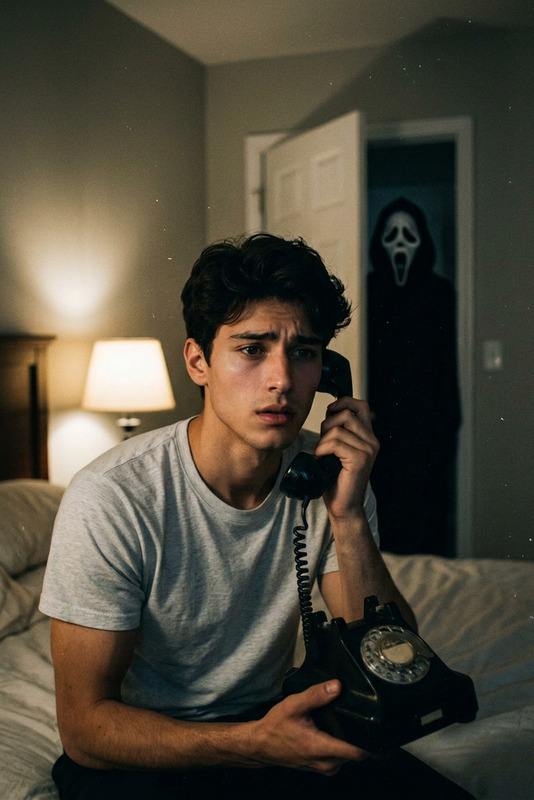
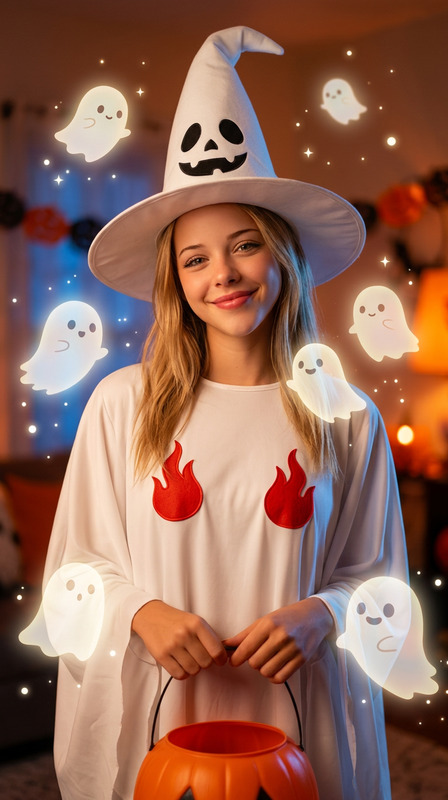
Introduce a quirky and nostalgic twist to your photos with the Popcorn Ghostface Prank template. This AI Image Editor template uses advanced nano-banana-2 technology to simulate a cinematic Y2K-style bedroom scene complete with warm candlelight and classic '90s pop culture vibes. Ideal for enhancing images with a playful yet eerie touch, the template ensures your facial features remain distinct while transforming your setting.
What It Does
The Popcorn Ghostface Prank template applies a visual effect to create a medium close-up shot filled with atmospheric '90s aesthetics. It captures a scene where one figure pours popcorn onto another dressed in Ghostface costume. Utilizing grainy textures and precise lighting emulation, it reproduces the feel of a dimly lit bedroom illuminated by a table lamp. The template retains key facial elements, enhancing the realism of the edited image.
Explore its application in Face Swap projects and other creative endeavors on Magic Hour.
Who It's For
This template is perfect for social media enthusiasts, content creators, and filmmakers wanting to bring an authentic '90s vibe to their visual content. It's also suitable for pranksters and creative illustrators looking to inject humor and nostalgia into their projects without losing the integrity of facial details.
Summary
Transform your images with a delightful mix of humor and nostalgia using the Popcorn Ghostface Prank template. Perfect for evocative and fun edits, this template makes your images stand out, simultaneously preserving your artistic integrity while adding a retro cinematic touch.
Dive into the mysterious world of creative AI Talking Photo enhancements and exciting prank setups with ease.
How To
Choose the Template

Customize Your Inputs

Generate and Download

Use Cases
Social Media Pranks
- Engage followers with nostalgic themes.
- Integrate as part of a series or challenge.
Creative Film Projects
- Illustrate scene ideas vividly.
- Use in video storyboards.
Content Creation
- Drive traffic and encourage sharing.
- Add a unique twist to standard content.
Best Practices
Select High-Quality Images
Ensure the images you upload are clear and have well-defined facial features for the best results.Align Faces Carefully
When following the prompt, carefully align your subjects' faces to maximize the effect's visual impact.Experiment with Lighting
Try different lighting settings to enhance the cinematic feel according to your creative intent.