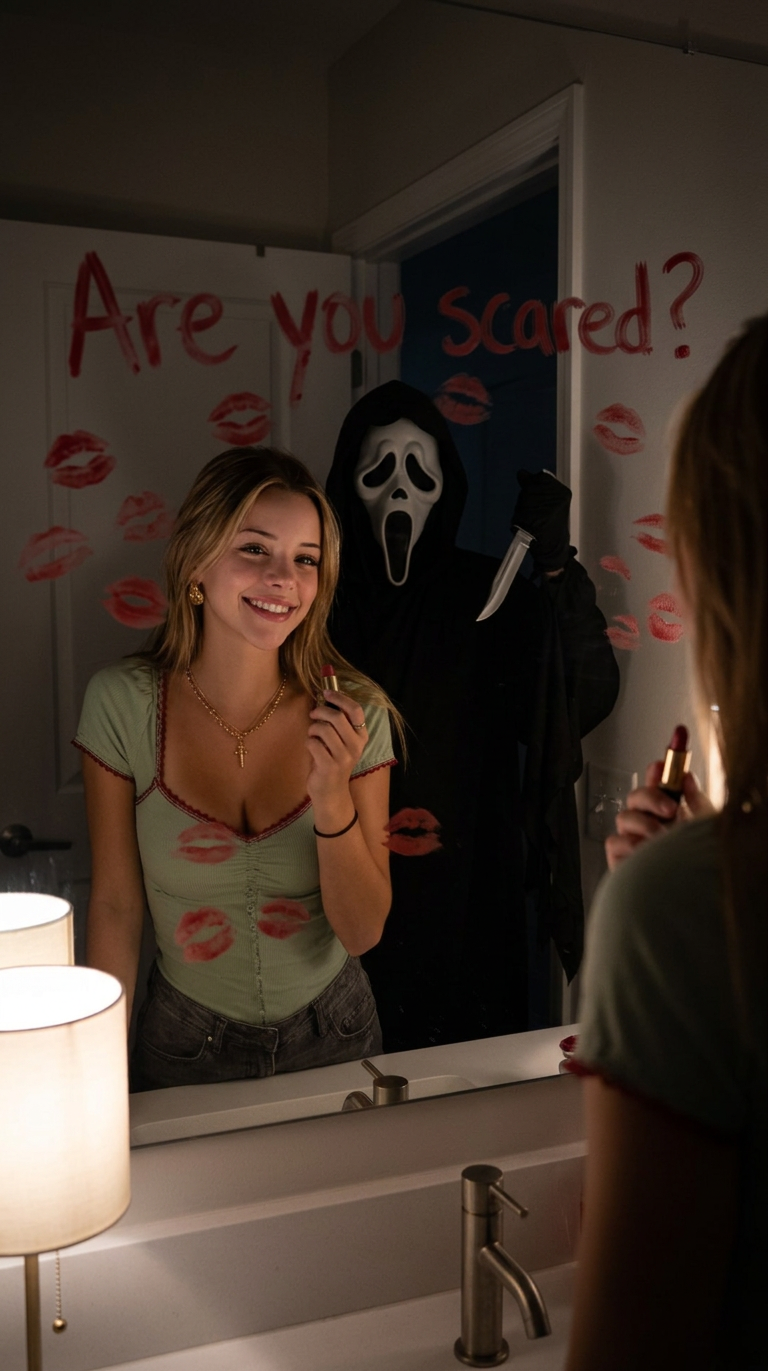
Ghostface Mirror Scared
- Model
- Nano Banana 2
- Image
- 768 × 1371 px
Prompt
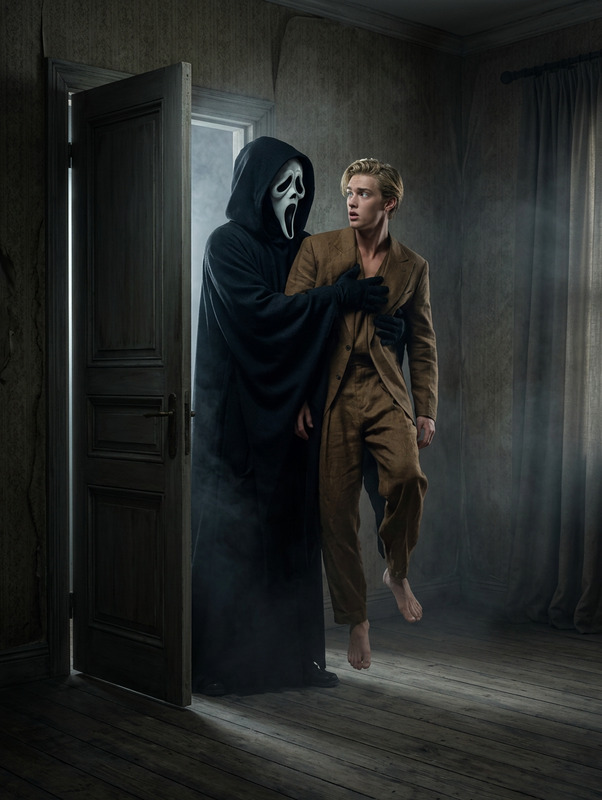
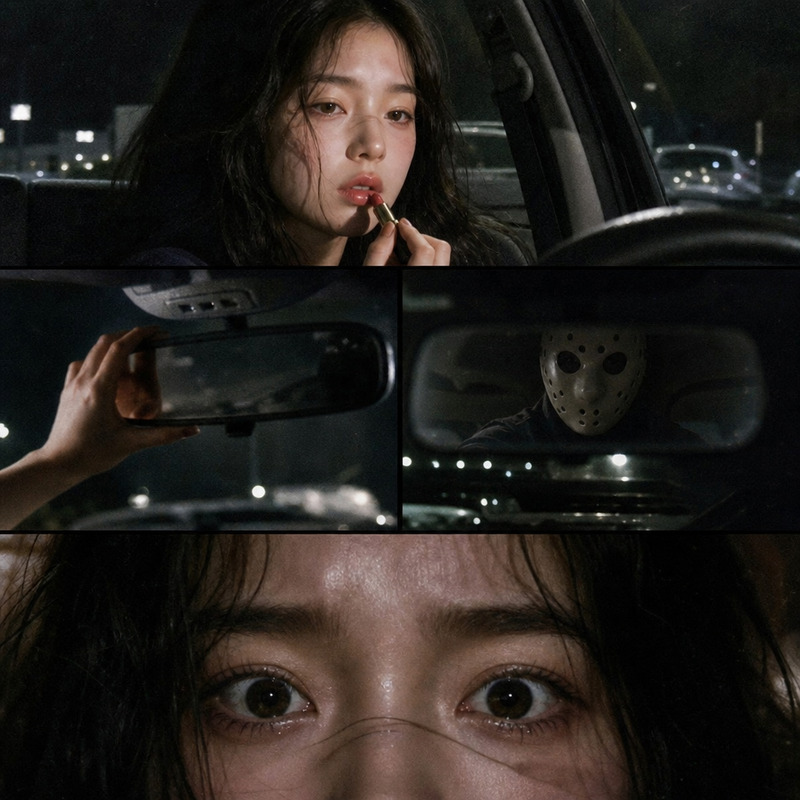
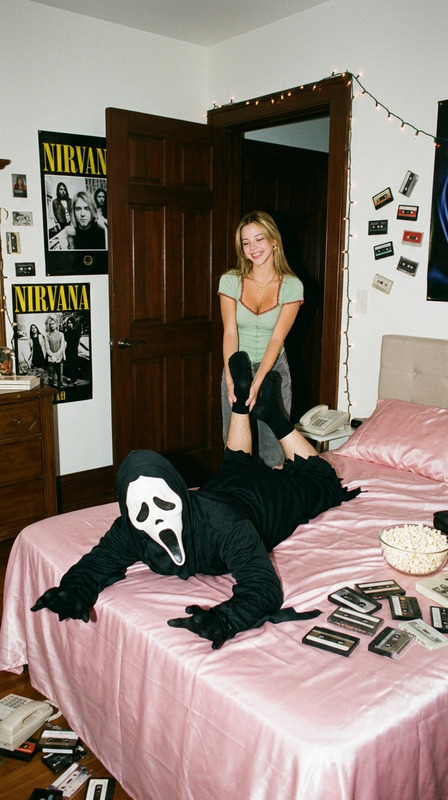
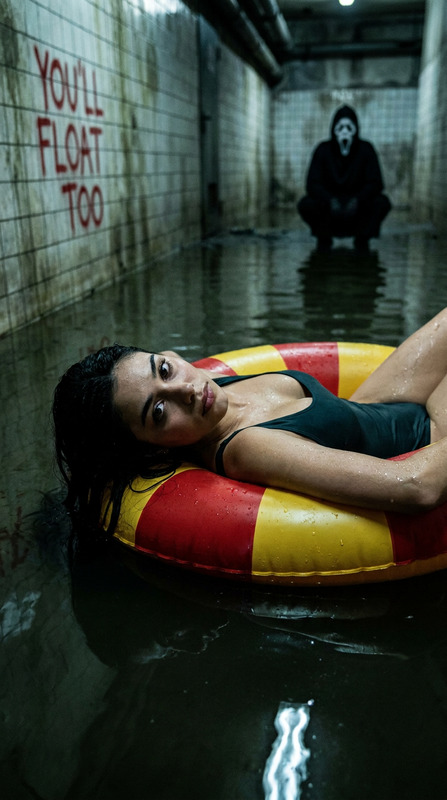
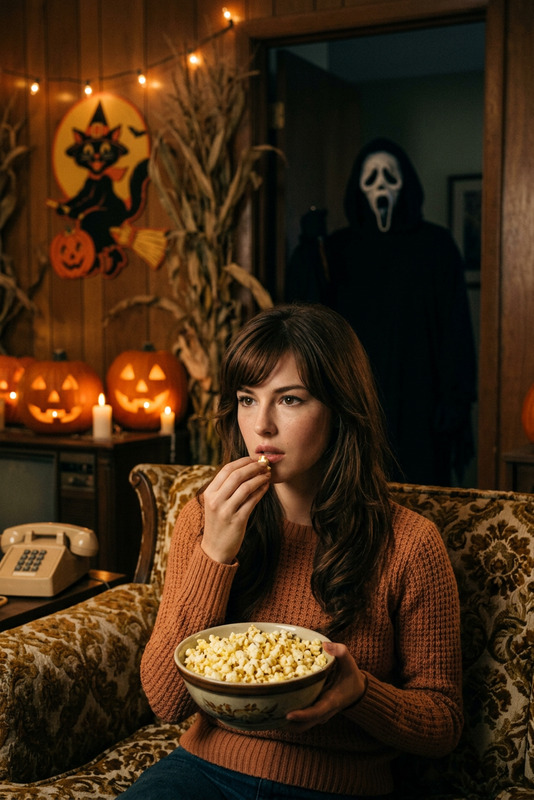
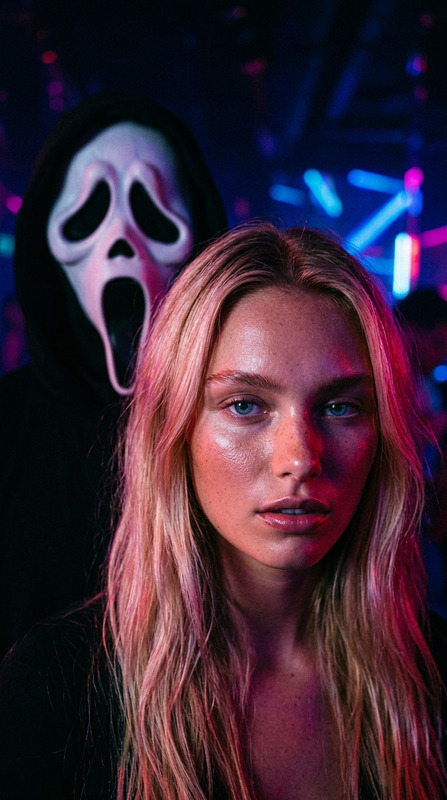
A dark, cinematic horror scene unfolds in a small bathroom. A young woman stood confidently in front of the mirror. She held a red lipstick in one hand, and the mirror was covered with kisses smeared with red lipstick and big "Are you scared?" In the reflection behind her, a ghost-faced assassin from "Scream" wore his signature mask, a dark robe, and held a knife in his hand, staring at her silently. The atmosphere was tense and strange, with dramatic lighting highlighting the woman's expressions and the unsettling presence of the characters. Style keywords: film, horror, thriller, dark atmosphere, surrealism, grotesque, suspense. No tattoos.
Any aspect ratio
Overview
The "Ghostface Mirror Scared" template is an extraordinary tool in the AI Image Editor line-up. It allows creators to craft a chilling horror scene with precise detail and transformative visual effects. Utilizing the advanced capabilities of the nano-banana-2 model, this template stands as a robust choice for building captivating thriller visuals.
What It Does
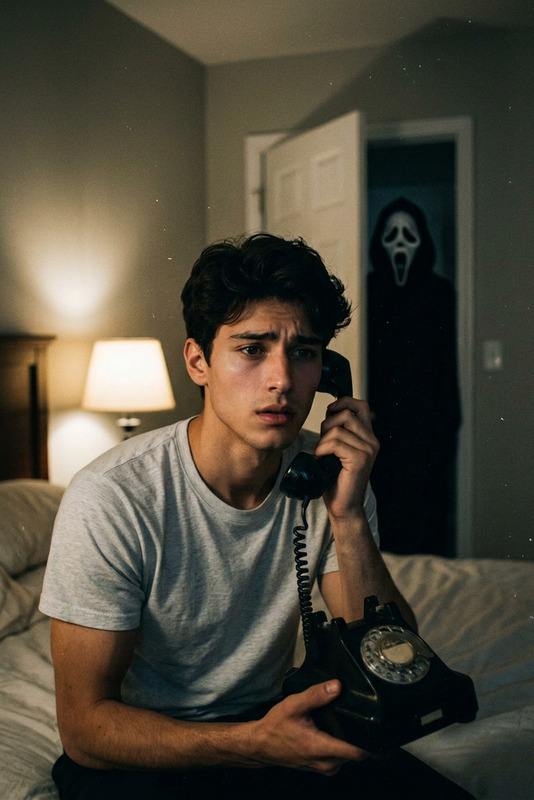
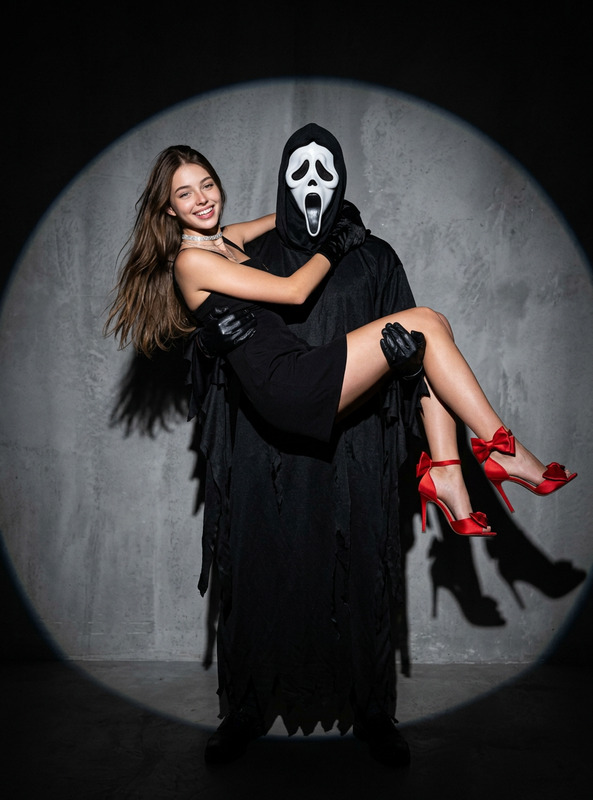
This template empowers you to create a tense horror scene within a small bathroom setting. By incorporating visual effects reminiscent of the "Scream" franchise, it showcases a ghost-faced figure in the mirror's reflection. The generated image features dramatic lighting and expressive features highlighted by cinematic horror vibes, making it ideal for those looking to produce suspenseful and uncanny artwork.
Who It's For
Perfect for filmmakers, graphic designers, and VFX artists looking to explore horror themes, this template caters to creative professionals and hobbyists alike. Anyone seeking to add a surreal, eerie aesthetic to their projects will find this template indispensable.
Summary
The "Ghostface Mirror Scared" template offers an intuitive solution for creating spooky scenes with professional-grade quality. Harnessing the AI Image Editor and its features ensures that every horror aficionado can attain the atmospheric depth required for gripping visuals that stand out.
How to Use It
Select the Template

Customize the Scene

Generate Your Scene

Use Cases
Film Concept Art
- Create evocative visuals for pitching film concepts.
- Explore character design.
- : Enhance storytelling elements with detailed backdrops.
Book Covers
- Capture eerie atmospheres.
- Match visual tones with thematic content.
Social Media Campaigns
- Craft eye-catching posts.
- Boost audience engagement with thought-provoking images.
Best Practices
Focus on Lighting
Maximize the template's dramatic lighting capabilities to enhance the spooky effect.Combine with Other Tools
Using alongside other Magic Hour products like the AI Talking Photo can add dynamic elements to your project.Refine Details
Pay attention to facial expressions and small details to elevate the realism and tension of the scene.