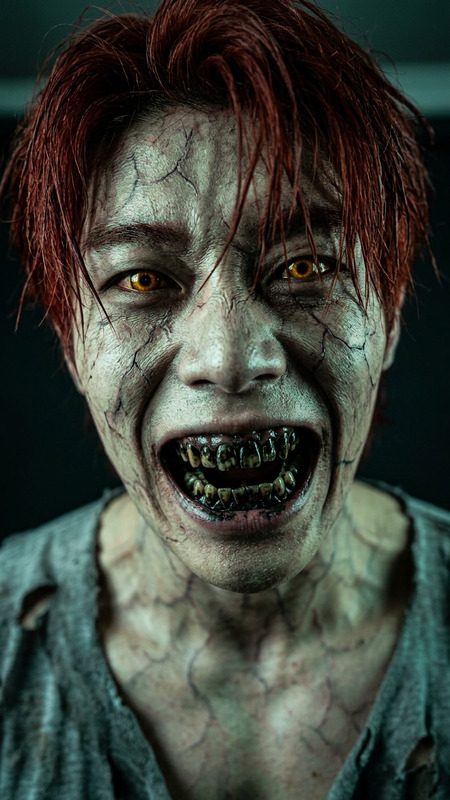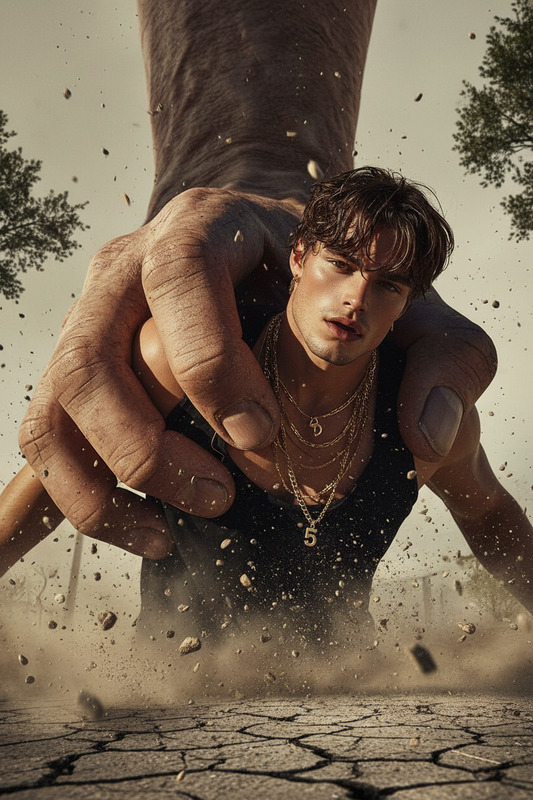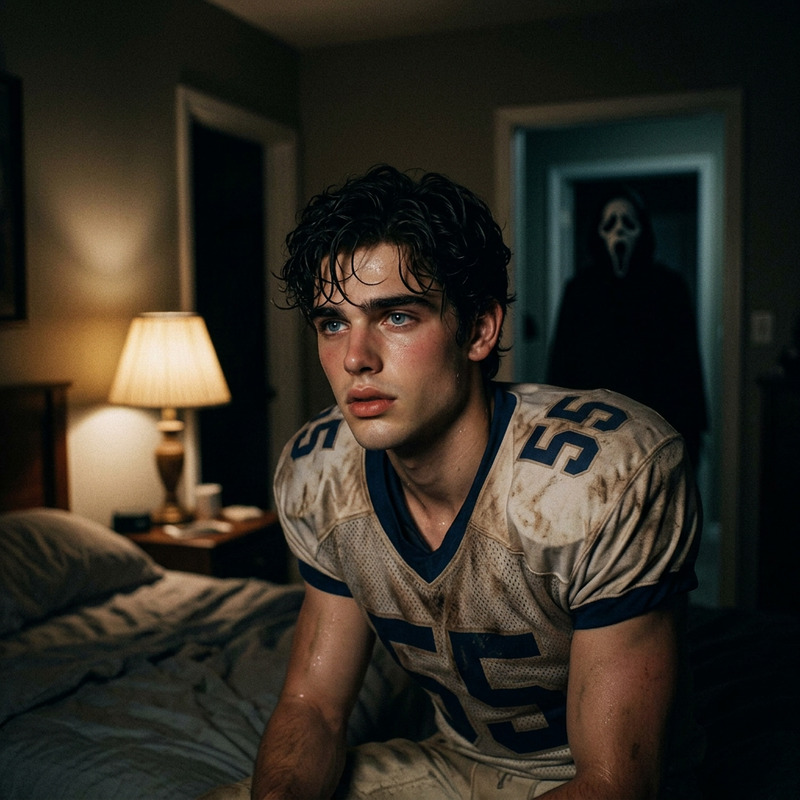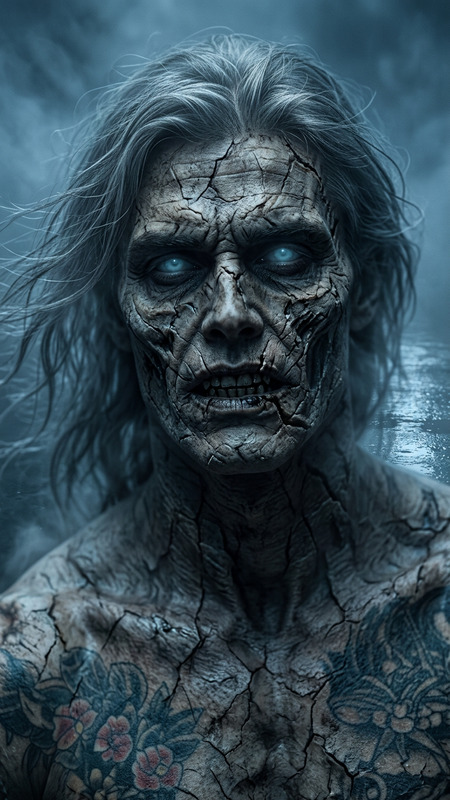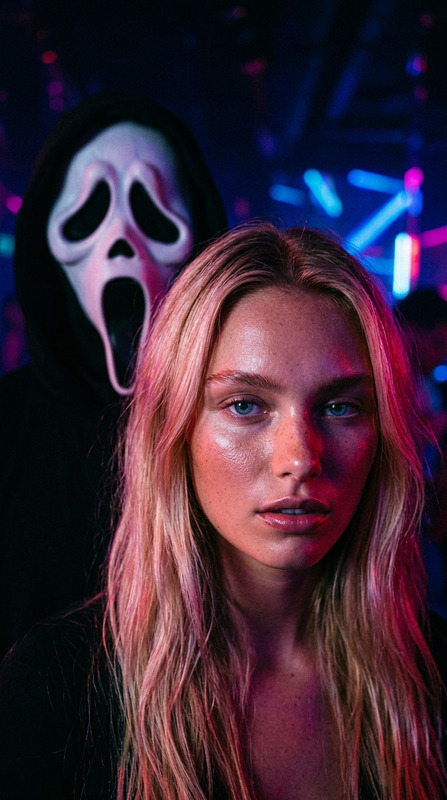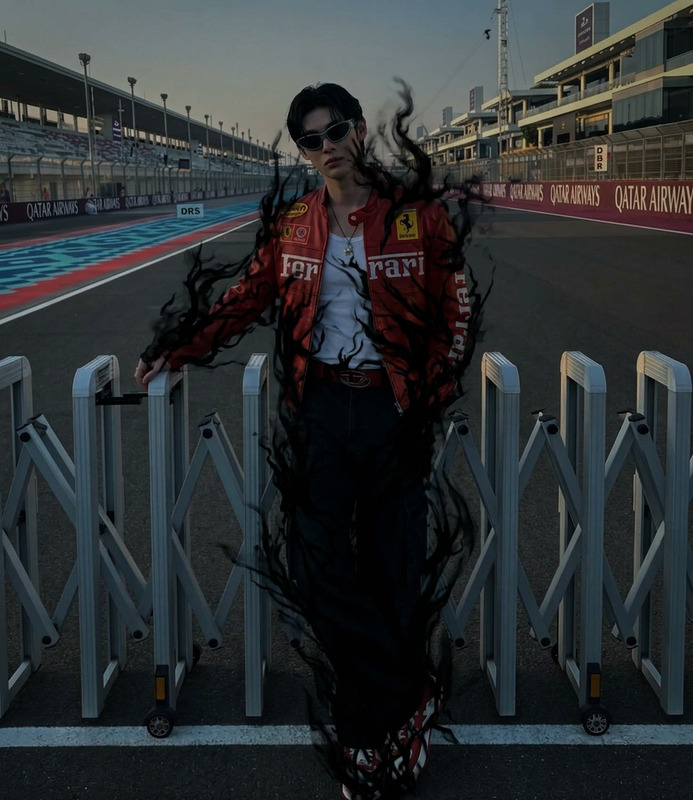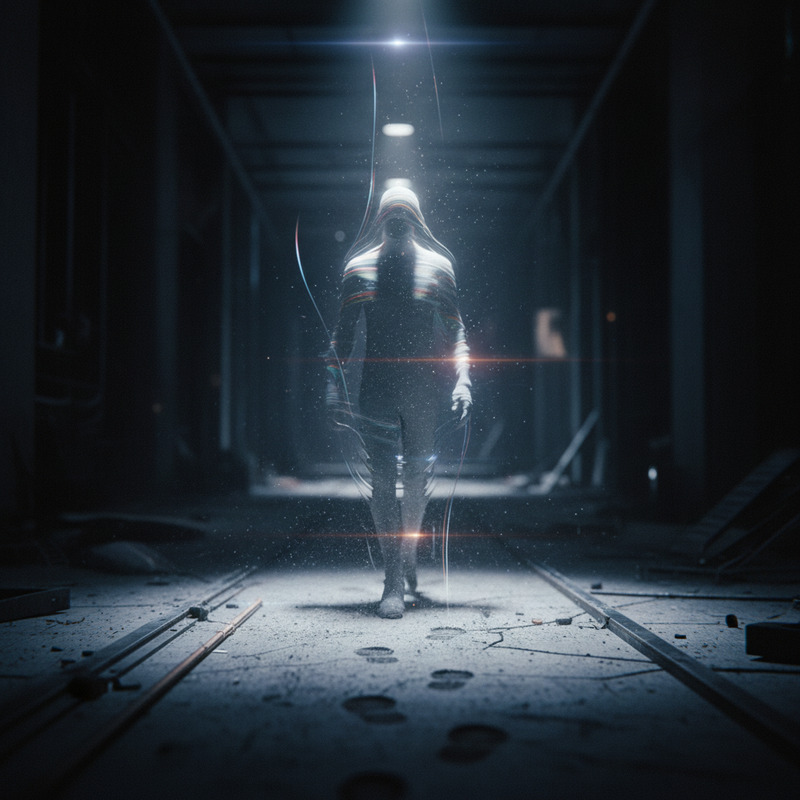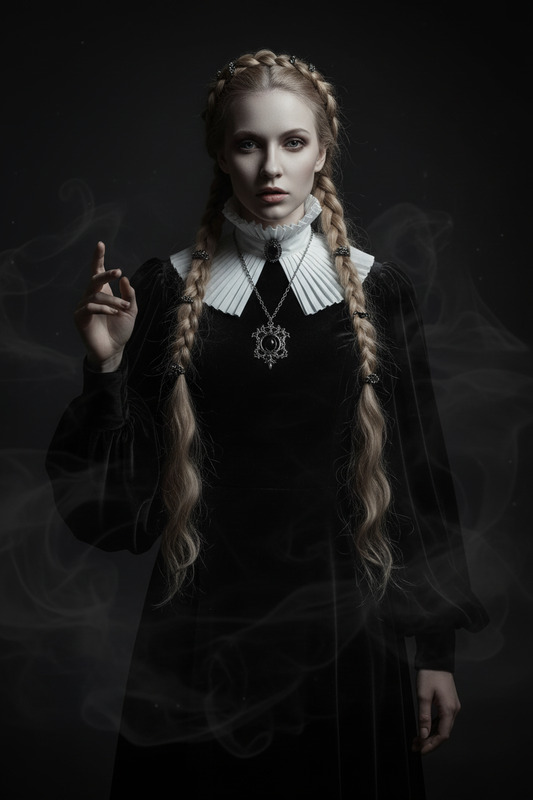
Ghost taking
- Model
- Nano Banana 2
- Image
- 896 × 1190 px
Prompt
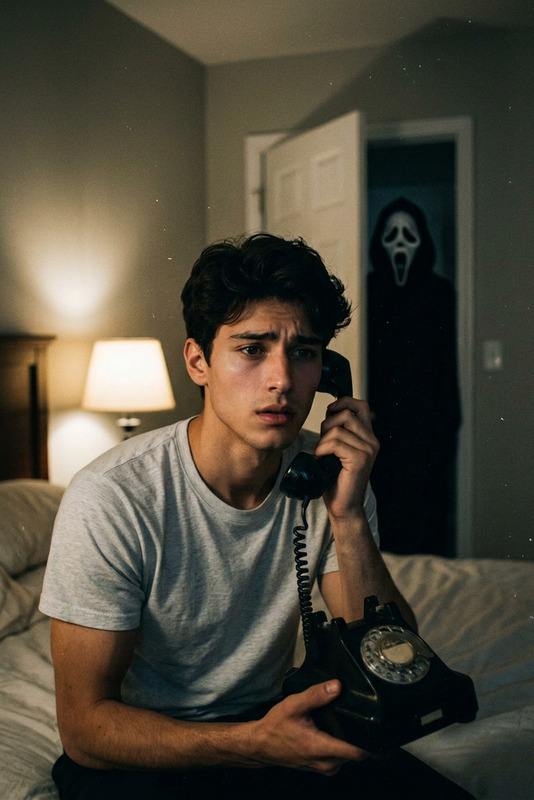
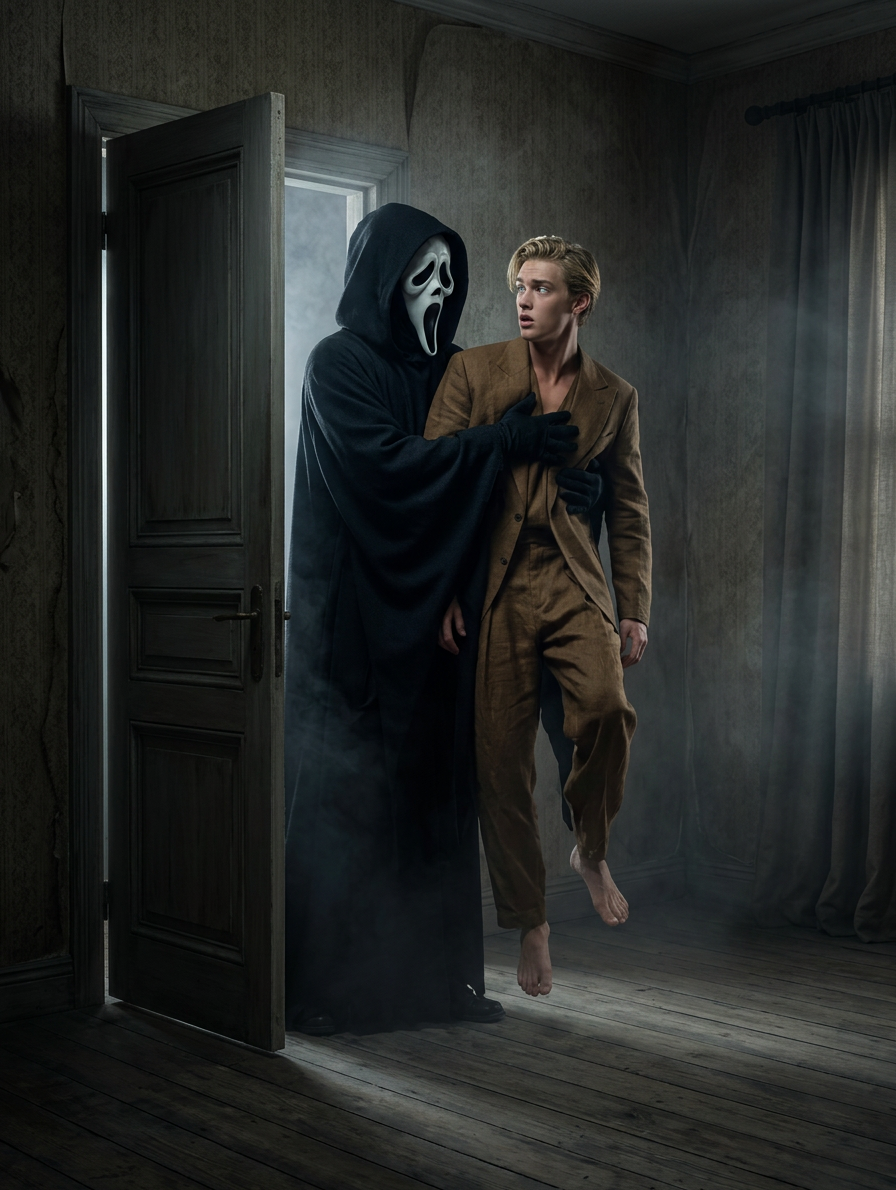
A dimly lit room with soft shadows. A tall ghostly figure in a black hooded cloak and white scream mask quietly opens a door and steps inside. The figure approaches and lifts the dazed subject, who stares wide-eyed in confusion. Dark cinematic lighting, eerie atmosphere, subtle fog, realistic textures, horror style, highly detailed, 4K.
Any aspect ratio
Overview
The "Ghost Taking" template transforms your visuals with a haunting touch, ideal for creating a chilling atmosphere. Integrated with our state-of-the-art AI Image Editor, this template utilizes the nano-banana-2 model to craft eerie, cinematic images, perfect for horror enthusiasts and creators aiming to captivate their audience.
What It Does
This template allows you to create a horror-style image featuring a ghostly figure moving through a dimly lit space. With options to adjust lighting, fog, and textures, the result is a spine-tingling scene in 4K resolution. The AI handles complex details like shadows and realistic textures, delivering a professional-grade output worthy of any horror project.
Who It's For
This template is ideal for filmmakers, graphic designers, and content creators in the horror genre. If you want to add chilling visuals to your projects, whether it's a short film, a graphic novel, or a social media post, the "Ghost Taking" template helps you achieve that with precision and detail.
Summary
With the "Ghost Taking" template, you can elevate your creations with intricate, eerie scenes that leave a lasting impression. This tool is an essential addition to the toolkit of storytellers aiming to create immersive, atmospheric content. Explore other creative tools such as the AI Clothes Changer or AI GIF Generator for complementary effects in your projects.
How To
Creating eerie images with the "Ghost Taking" template is straightforward and effective, delivering professional-quality results in three simple steps.
Choose the Template

Customize Your Image

Generate Your Image

Use Cases
Horror Film Promotion
- Instagram teasers
- Movie posters
- Storyboard visuals
Graphic Novel Artwork
- Chapter covers
- Illustrated scenes
- Character development visuals
Halloween Marketing
- Event posters
- Social media banners
- Themed email newsletters
Best Practices
Focus on Shadows
Utilize shadow contrasts to heighten the eerie atmosphere. This template's AI can handle intricate details that make shadows pop.Experiment with Fog
Vary the fog density in your scenes. Subtle fog can enhance mystery, while dense fog could obscure details for a dramatic effect.Blend Realism and Horror
Combine realistic textures with horror elements to maintain authenticity while evoking fear.