Bedroom
- Model
- Nano Banana
- Image
- 768 × 1344 px
Prompt
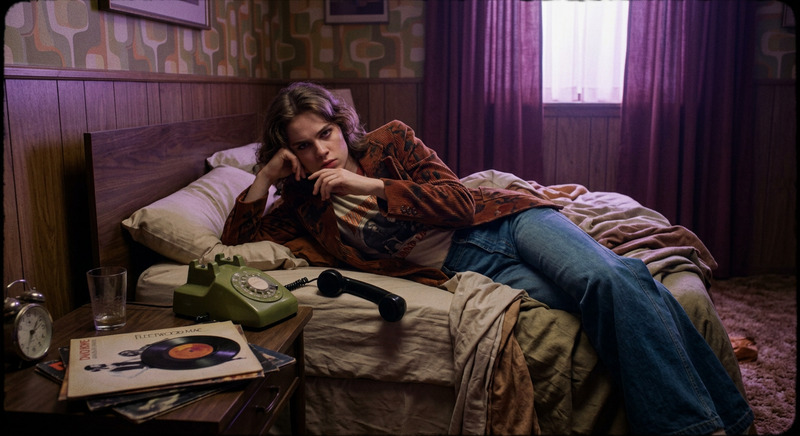
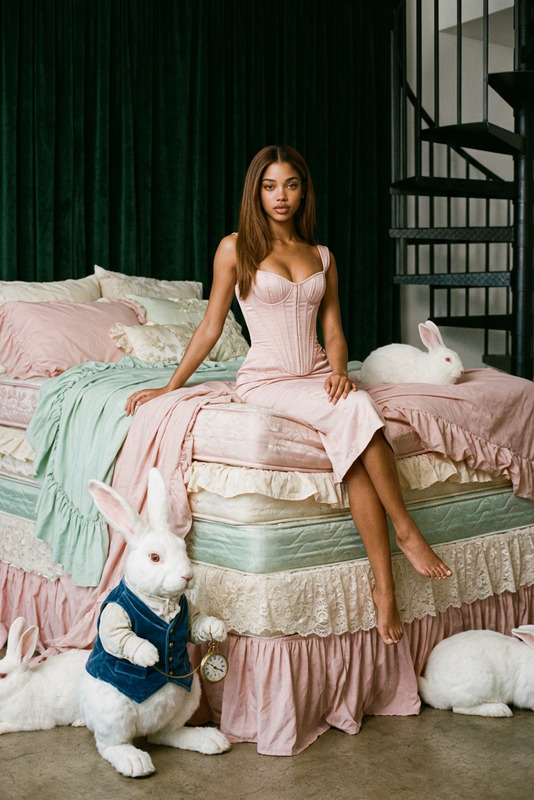
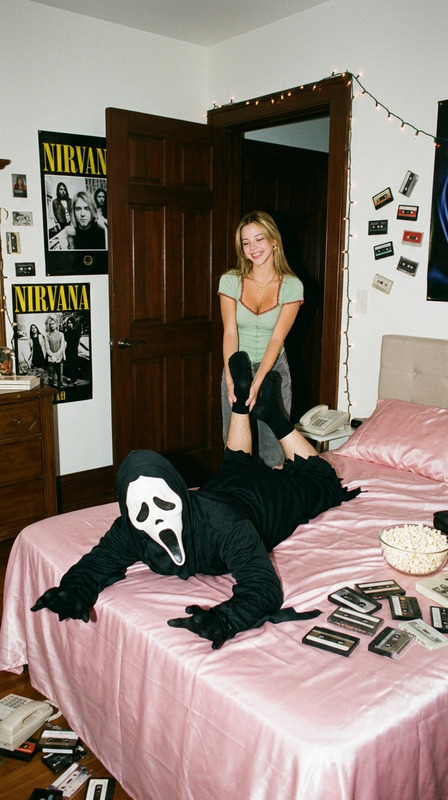
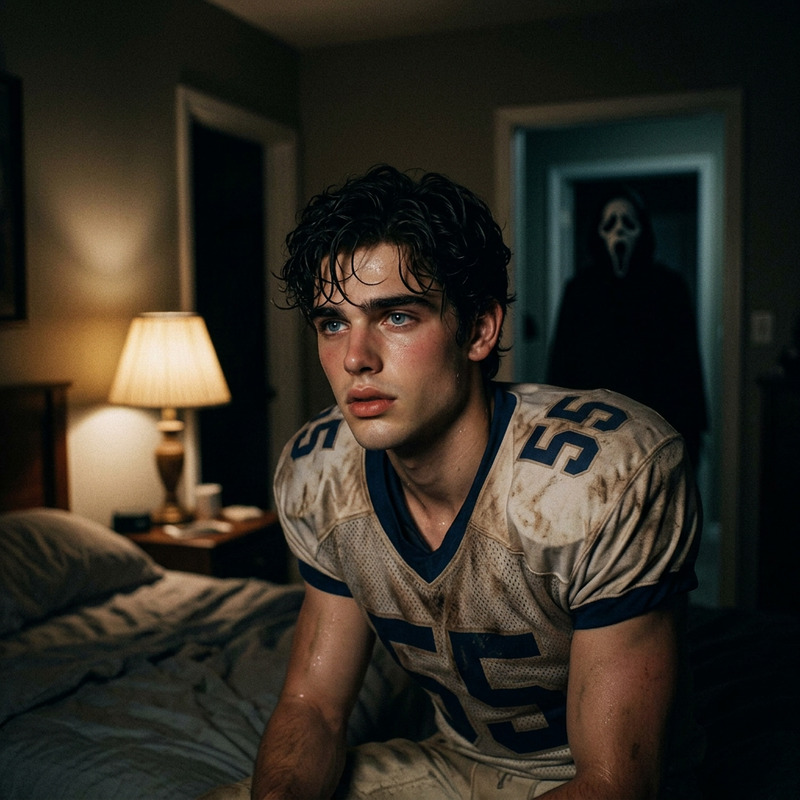
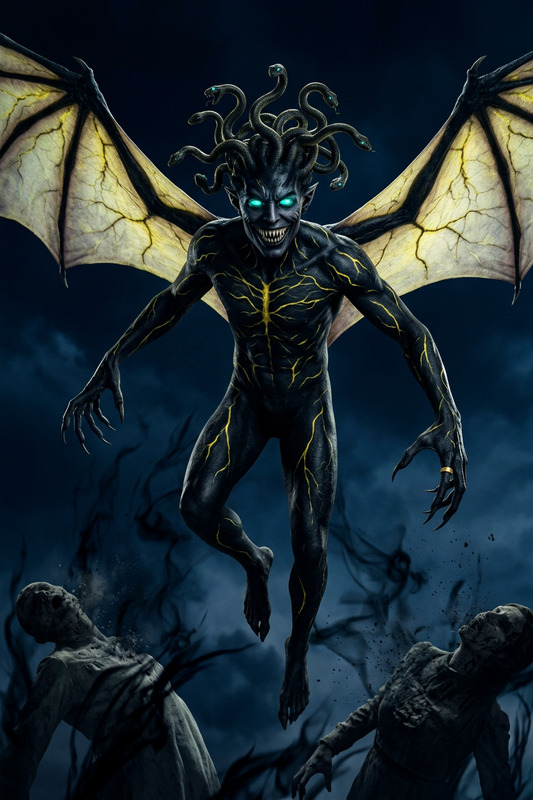
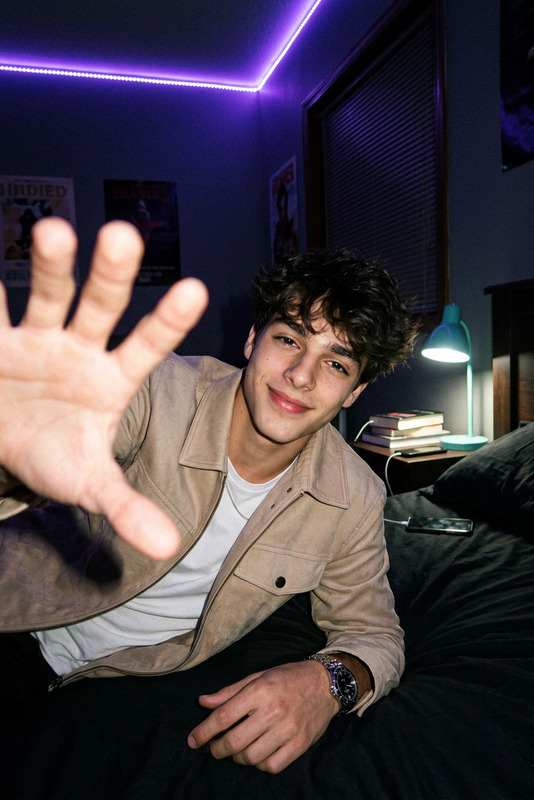
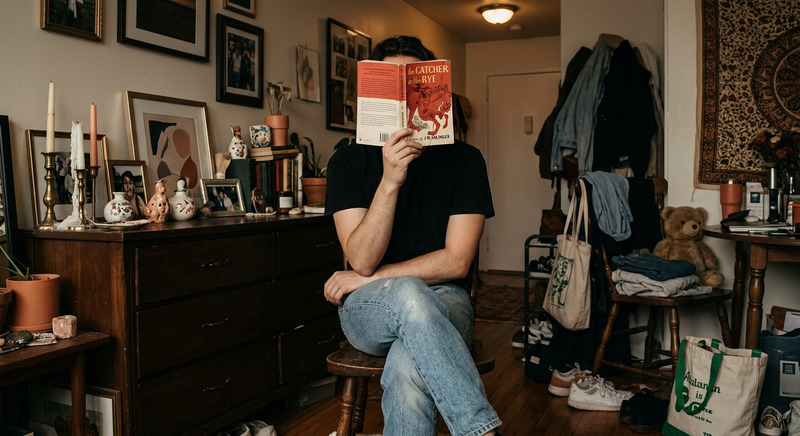
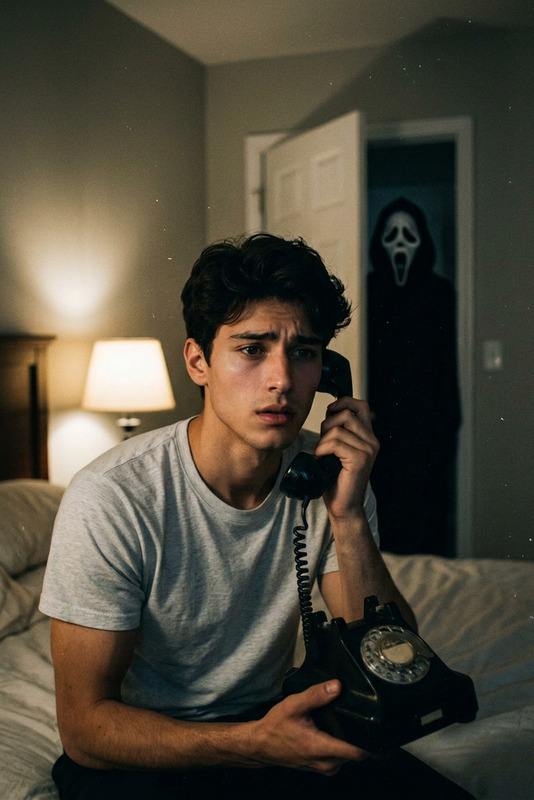
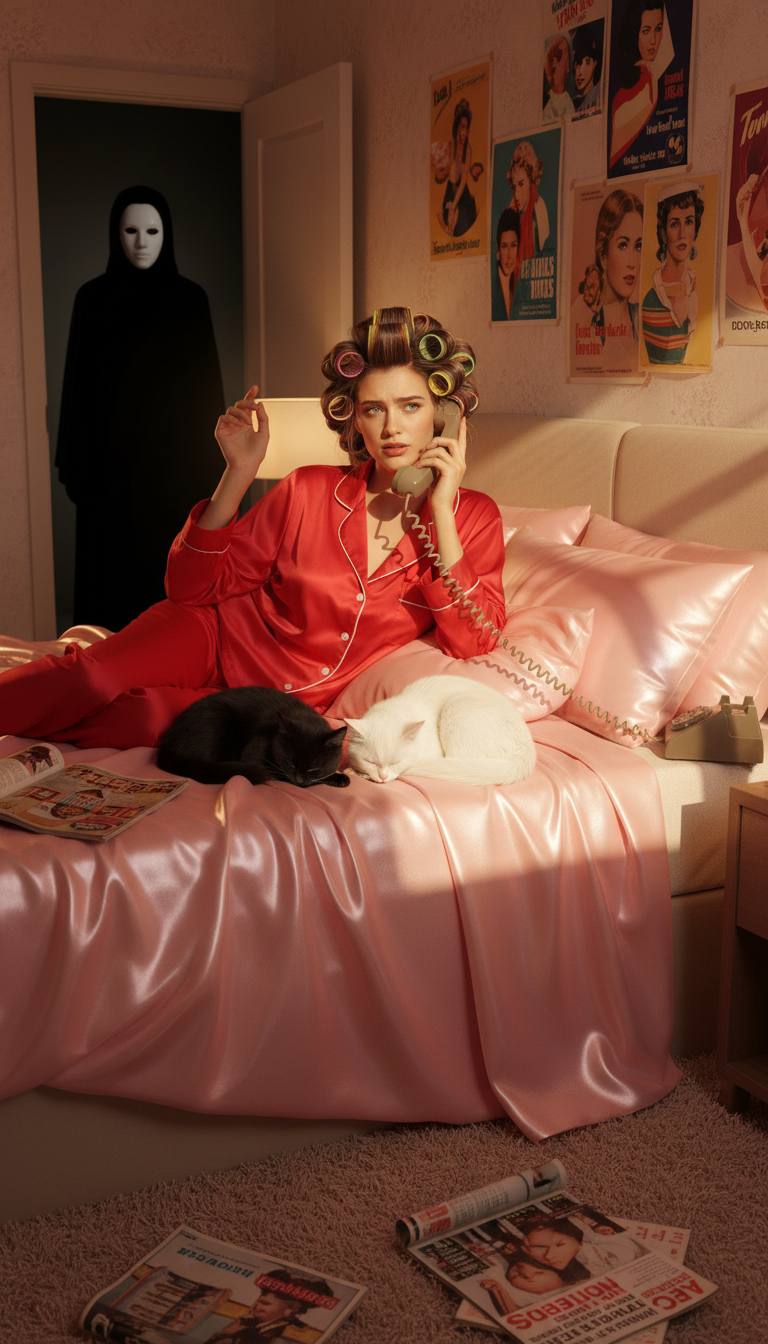
The subject lying on a pink satin bed wearing red satin pajamas and colorful hair rollers while talking on a corded telephone. Two cats, one black and one white, sleep nearby. Vintage posters and magazines are scattered throughout the room. In the dark doorway behind, a mysterious masked figure stands motionless in shadow. Warm bedroom lighting contrasts with the dark hallway, creating a cinematic horror atmosphere.
Any aspect ratio
Overview
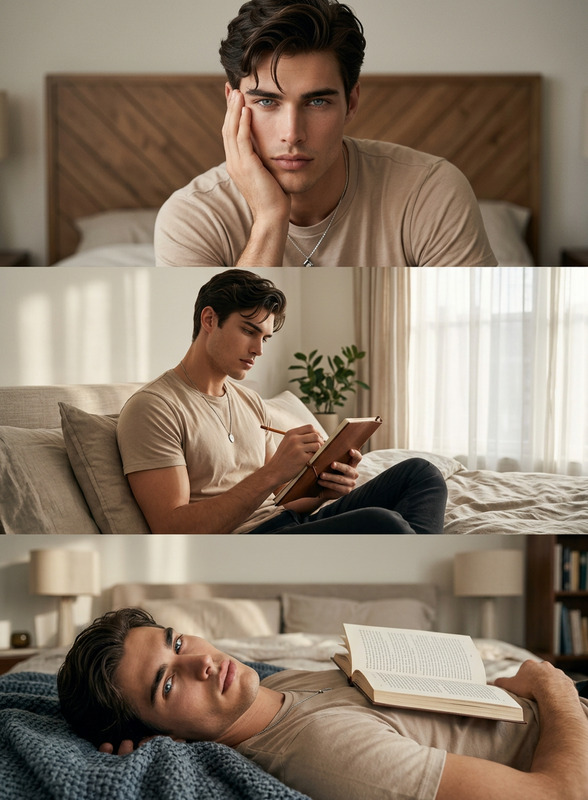
The Bedroom AI Image Editor template leverages the capabilities of the Nano-Banana model to create a dynamic and enchanting scene. With this tool, users can transform ordinary images into dramatic compositions, featuring a subject lounging in a meticulously detailed bedroom setting.
Designed to capture a unique blend of nostalgia and suspense, this template features iconic elements such as vintage décor, playful cats, and a shadowy figure to set a cinematic horror tone.
What It Does
This AI Image Editor template allows you to insert a subject into a vivid, detailed bedroom scene. Customize the image with elements like pink satin bedding, red pajamas, and colorful accessories. The scene is enriched with vintage posters and magazines, juxtaposed against the ominous presence of a masked figure in the background.
Whether you aim to create a vivid storytelling piece or simply add dramatic flair to your visual work, this template transforms standard photos into compelling art. Check out AI Image Editor to explore more editing features.
Who It's For
This template is perfect for visual creators, storytellers, and marketers aiming to infuse their imagery with cinematic quality. It's particularly useful for those working in entertainment and media industries, as well as content creators looking to produce engaging and memorable visual scenes.
Whether you're creating content for social media or augmenting a project with thematic imagery, the Bedroom AI Image Editor offers the tools necessary to captivate your audience.
Summary
Leverage the Bedroom AI Image Editor to create a rich, horror-themed atmosphere in your visuals. Integrate human subjects with intricate details, from satin textures to mysterious shadows. Ideal for users looking to enhance their creative portfolios and captivate audiences with unique, cinematic images.
Start transforming your photos now with the AI Image Editor using Nano-Banana technology.
How To
Choose the Template

Customize Your Scene

Generate and Download

Use Cases
Social Media Content Creation
- Instagram posts
- Lifestyle blogs
- Pinterest boards
Marketing and Advertising
- Online advertisements
- Promotional material
- Brand storytelling
Creative Visual Storytelling
- Graphic novels
- Digital storytelling
- Interactive gaming content
Best Practices
Maintain Color Balance
Ensure that the colors of your input image do not clash with the template’s theme. Use similar color palettes for a cohesive look.Personalize with Details
Add personal touches to your image by tweaking minor elements like accessories or background details to better fit your vision.Consider the Mood
Adjust lighting and composition to emphasize the contrasting moods between the warm room and the dark hallway effectively.