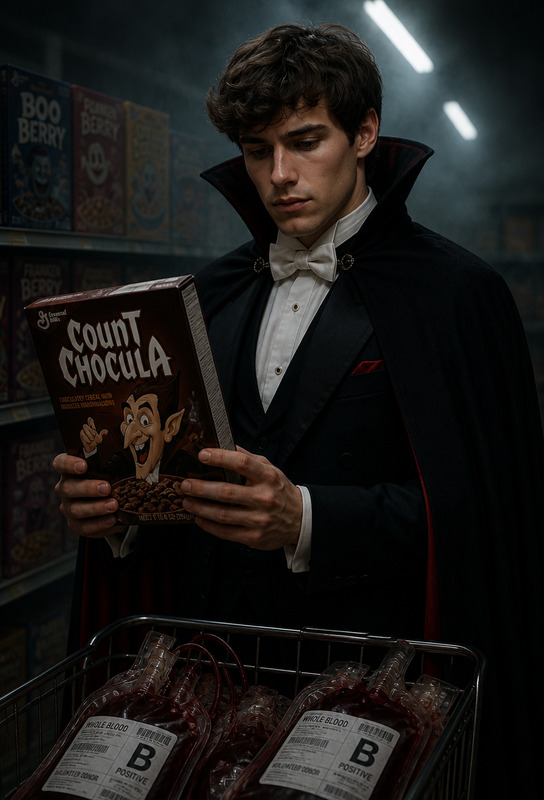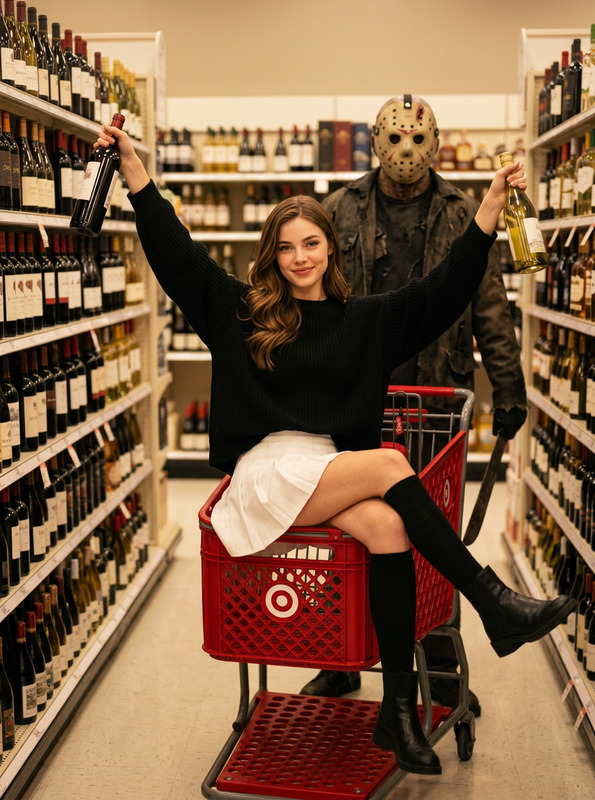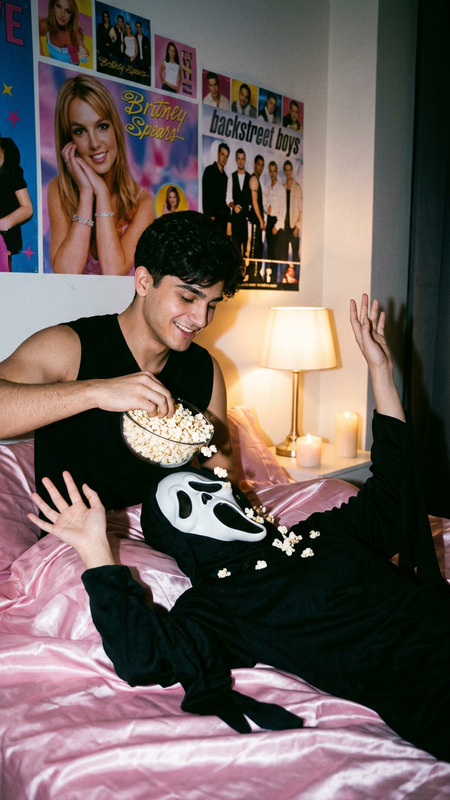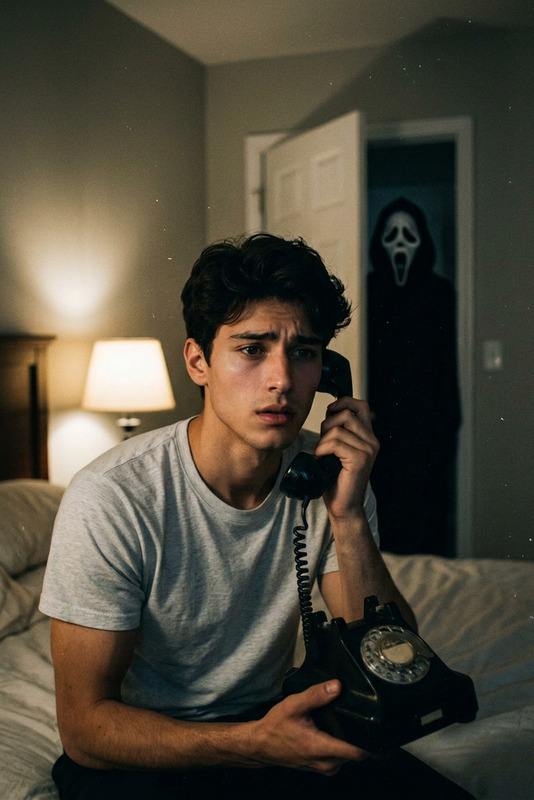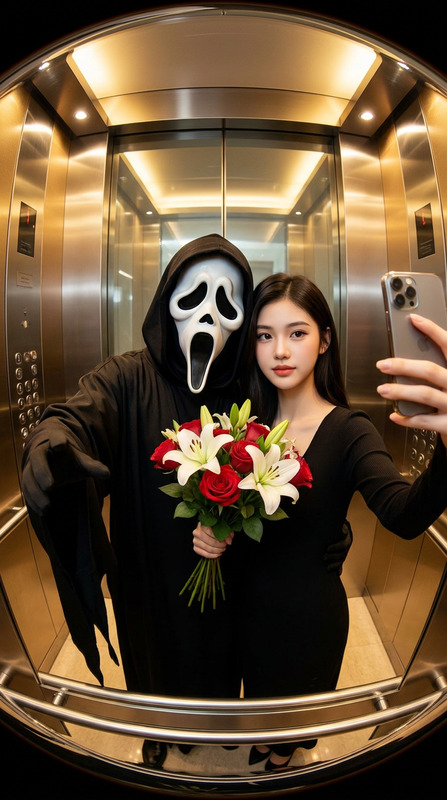
Vampire Grocery Run
- Model
- Nano Banana Pro
- Image
- 768 × 1376 px
Prompt
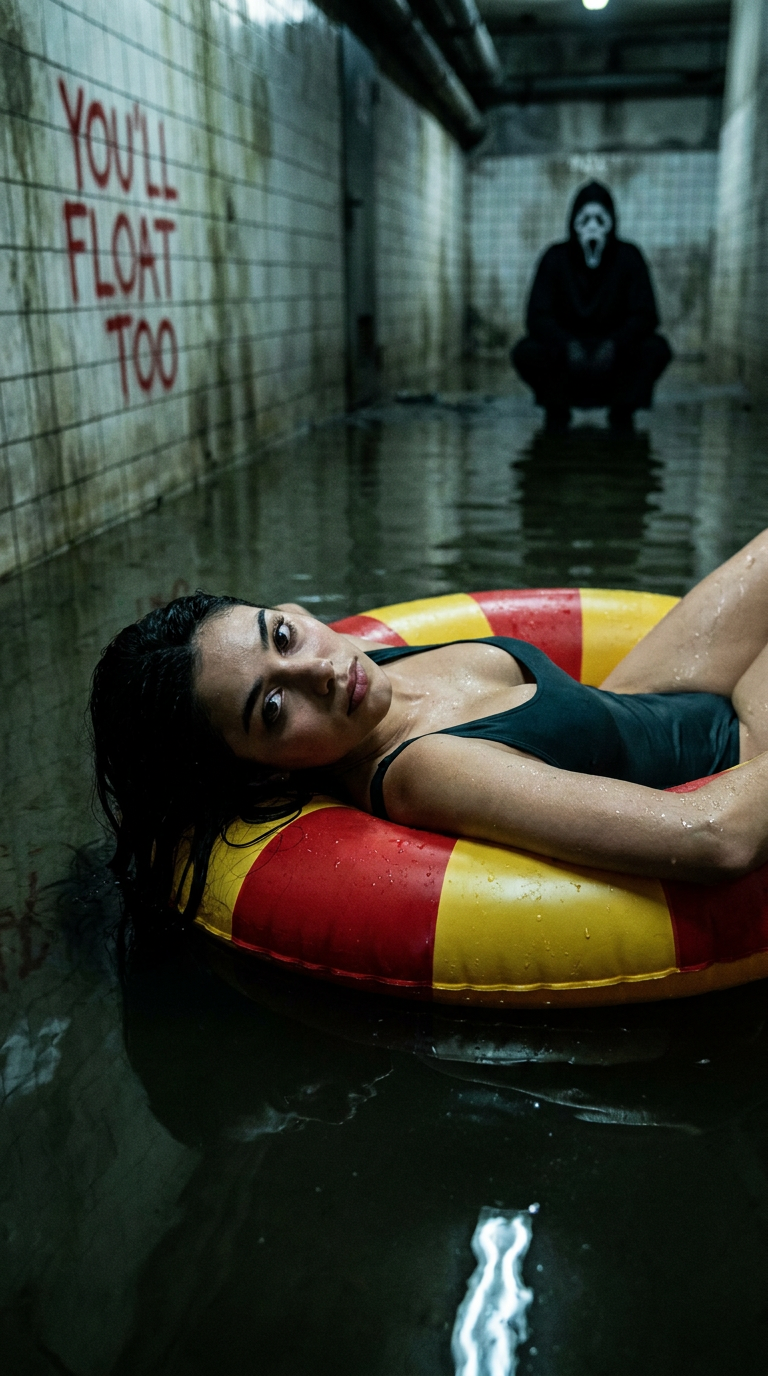
A very detailed, realistic and cinematic extreme close-up horror image. This person (based on the photo you uploaded) is placed horizontally on the entire frame, very close to the camera, and viewed from a clear side Angle. They were wearing swimsuits and relaxing calmly on a huge inflatable swimming ring with red and yellow stripes. The most crucial point is that this person looks directly into the camera and makes intense eye contact with the audience. They floated on the murky water surface, which was filled with a long, narrow, dimly lit tiled corridor (similar to the corridor of a sewer or institution). This photo was taken from a slightly higher Angle (bird 's-eye view), looking down at the person slightly. In the distance, the ghostly face from ""Scream"" was squatting low, dressed in his signature black robe and white mask. The disturbing words ""YOU'll FLOAT TOO"" were roughly painted on the tiled walls on both sides of the corridor, adding a surreal, dark and high-contrast atmosphere. The lighting is low-key, emphasizing damp reflections, creating the quality of a horror movie poster.
Any aspect ratio
Overview
Dive into the eerie world of the Vampire Grocery Run template, where your photos transform into cinematic horror scenes. Leveraging the power of AI Image Editor, this template uses the nano-banana-pro model to craft highly detailed, spine-chilling imagery. Ideal for creating promotional horror posters or simply indulging in the thrill of visual storytelling, this tool offers a unique, creative outlet.
What It Does
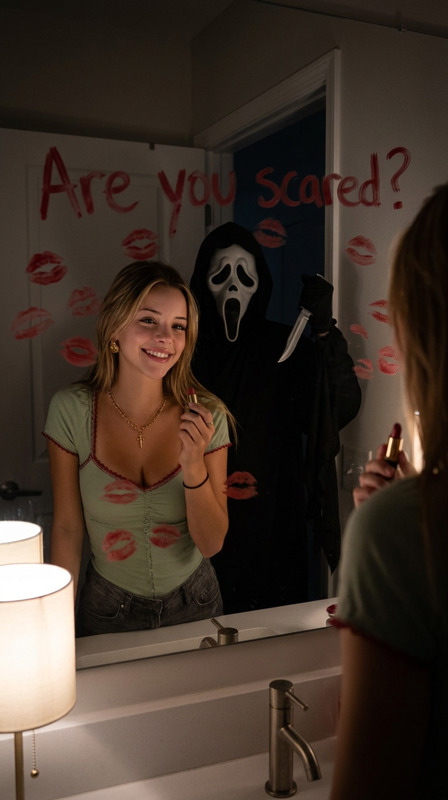
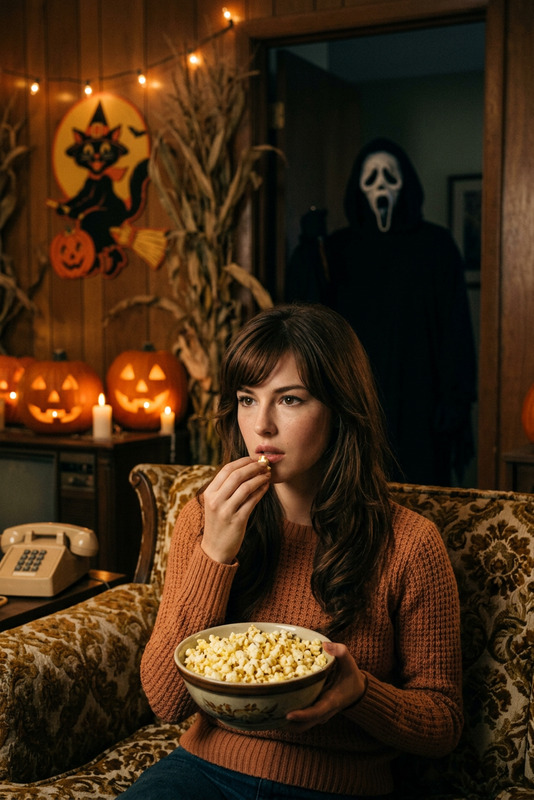
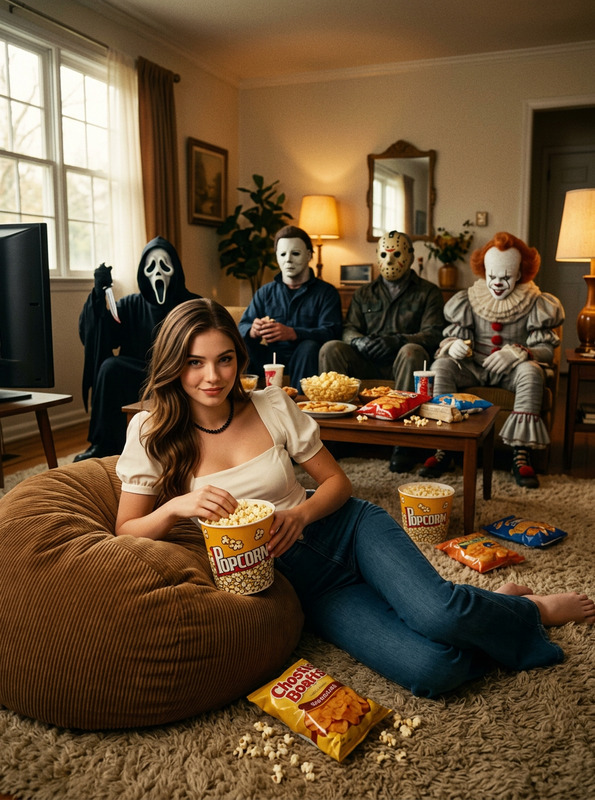
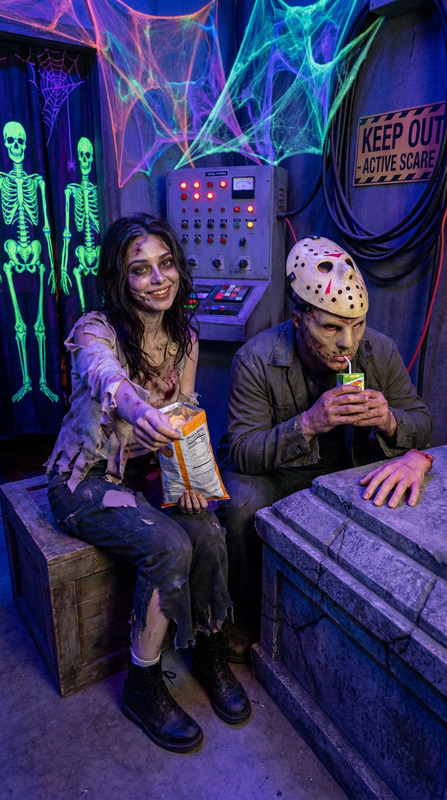
This template creates a horror-themed image with extreme close-up details, ensuring a cinematic horror atmosphere. The scene places the subject in a surreal setting on a striped inflatable swimming ring, floating in a murky, dimly lit corridor. The presence of the "Scream" ghost adds to the chilling feel, with the haunting message "YOU'll FLOAT TOO" enhancing the narrative. Integrated lighting effects emphasize a damp, reflective environment, perfect for those seeking to replicate a horror movie poster look.
Who It's For
Perfect for horror enthusiasts, filmmakers, and designers working on VFX previs. Those creating horror-themed promotional material or experimenting with AI Video Extender for extended video narratives will find this tool especially useful. Whether you're a content creator or a hobbyist, this template offers a canvas for exploring creative depths in horror imagery.
Summary
The Vampire Grocery Run template leverages advanced AI technology to produce horror-themed images that are detailed and atmospheric. Utilizing the AI Image Editor, users can customize their scenes for maximum impact, making this tool invaluable for anyone aiming to explore or enhance horror aesthetics in visual content. This template turns ordinary photos into extraordinary cinematic experiences.
How-To
Select the Template

Personalize the Scene

Generate and Download

Use Cases
Horror Movie Posters
VFX Previs
Creative Storytelling
Content Creation for Social Media
Best Practices
High-Resolution Images
Use high-quality images to ensure that the final output captures all the fine details and nuances of the horror scene.Lighting Adjustments
Tweak lighting settings to highlight important elements within the image, emphasizing shadows and damp reflections.Careful Composition
Ensure the subject's intense eye contact is aligned properly to achieve the desired cinematic effect.