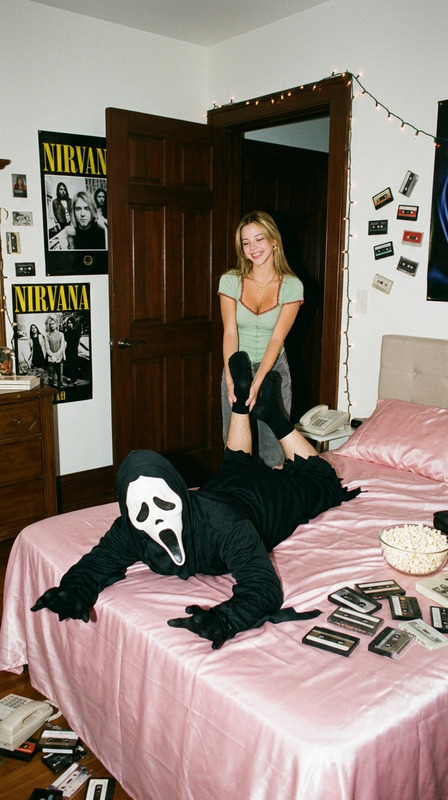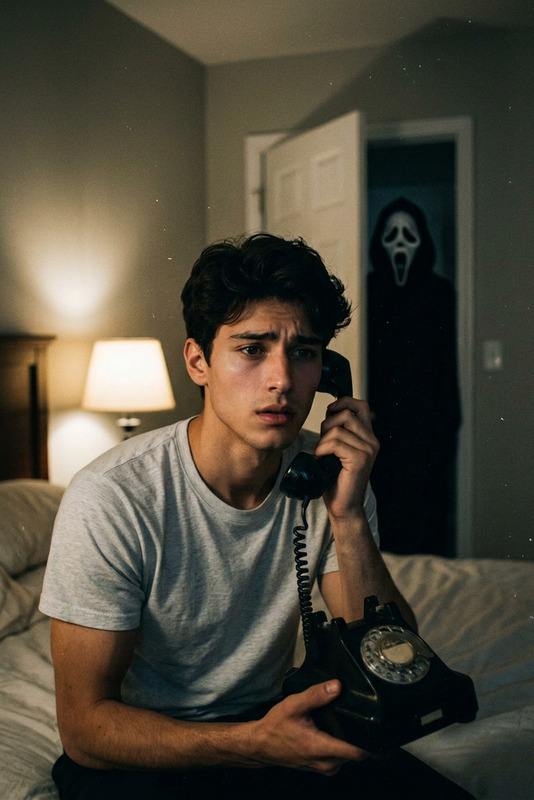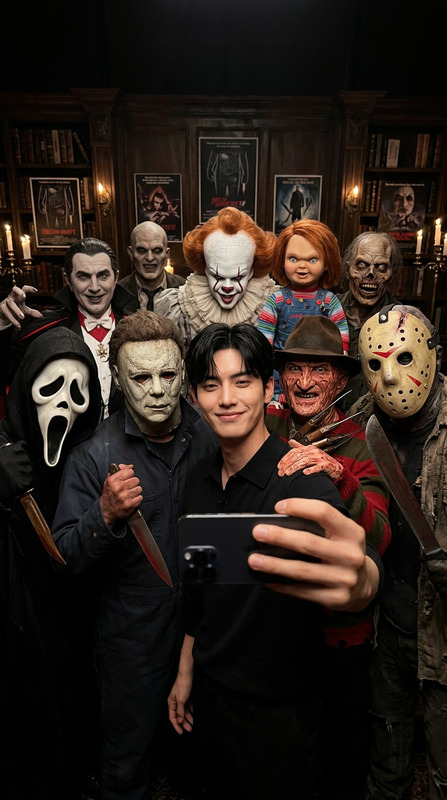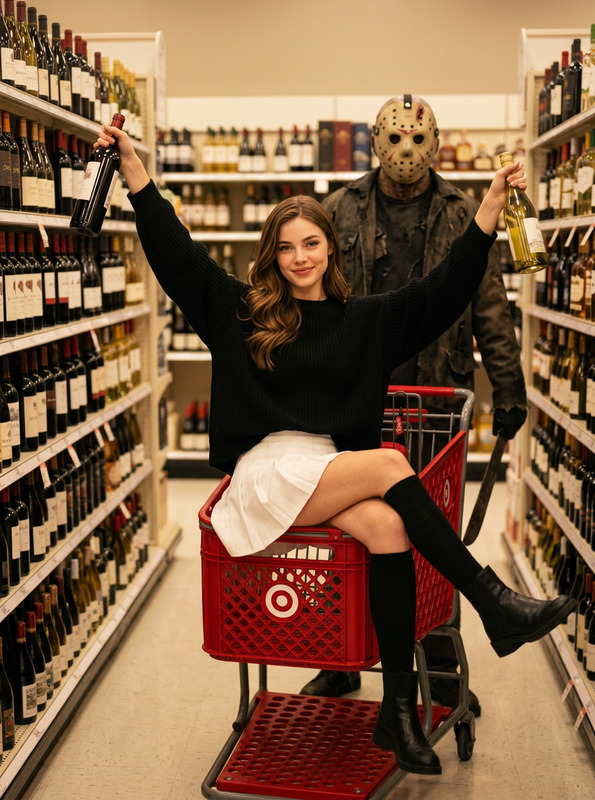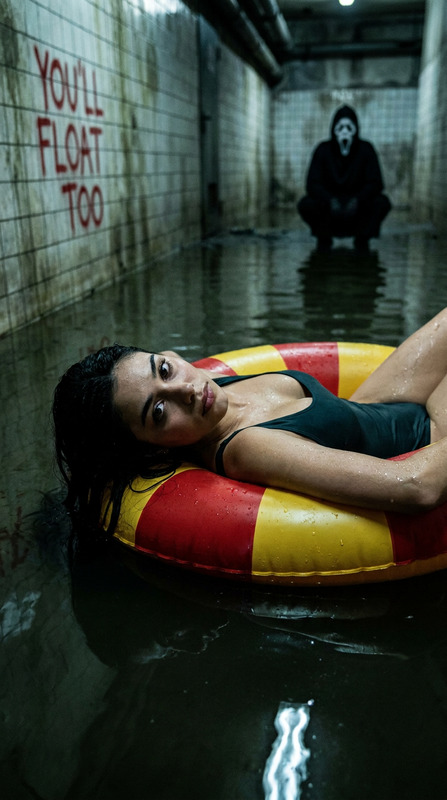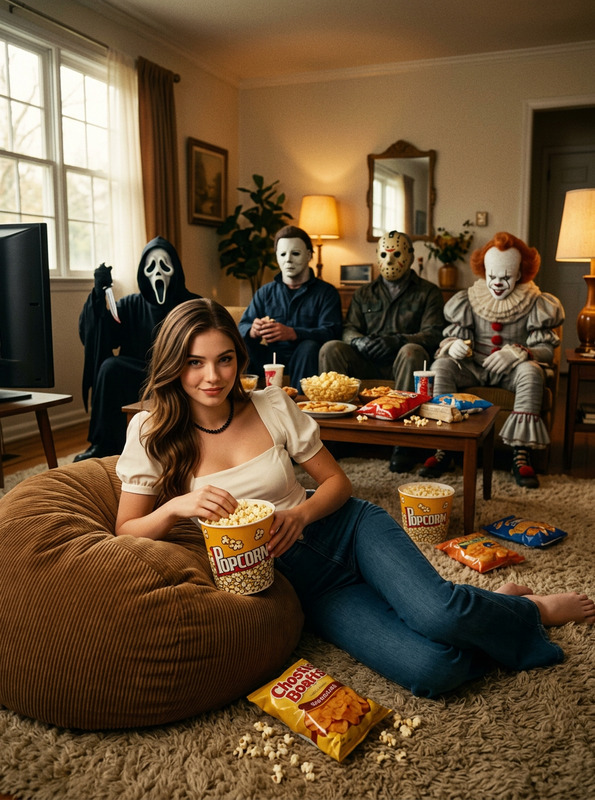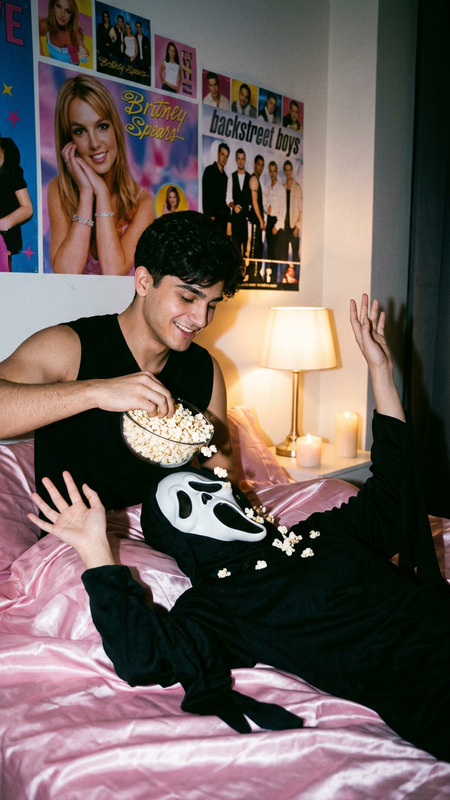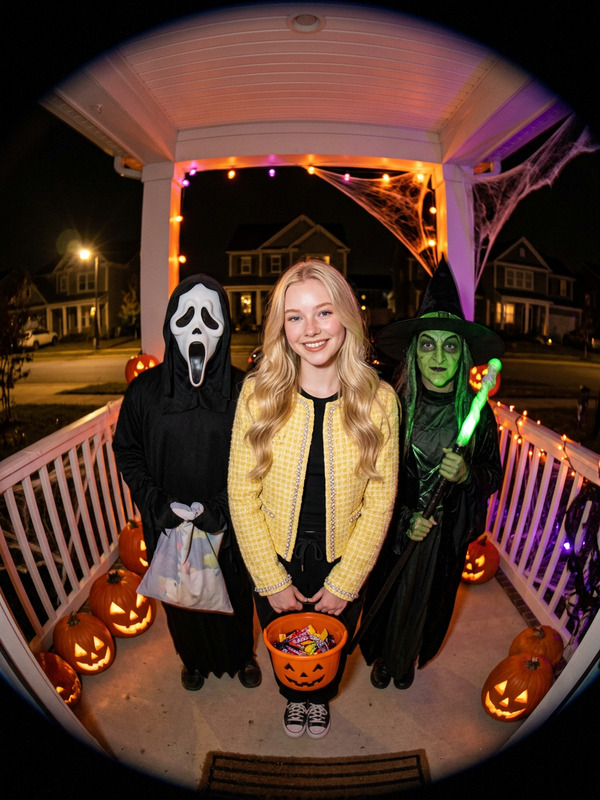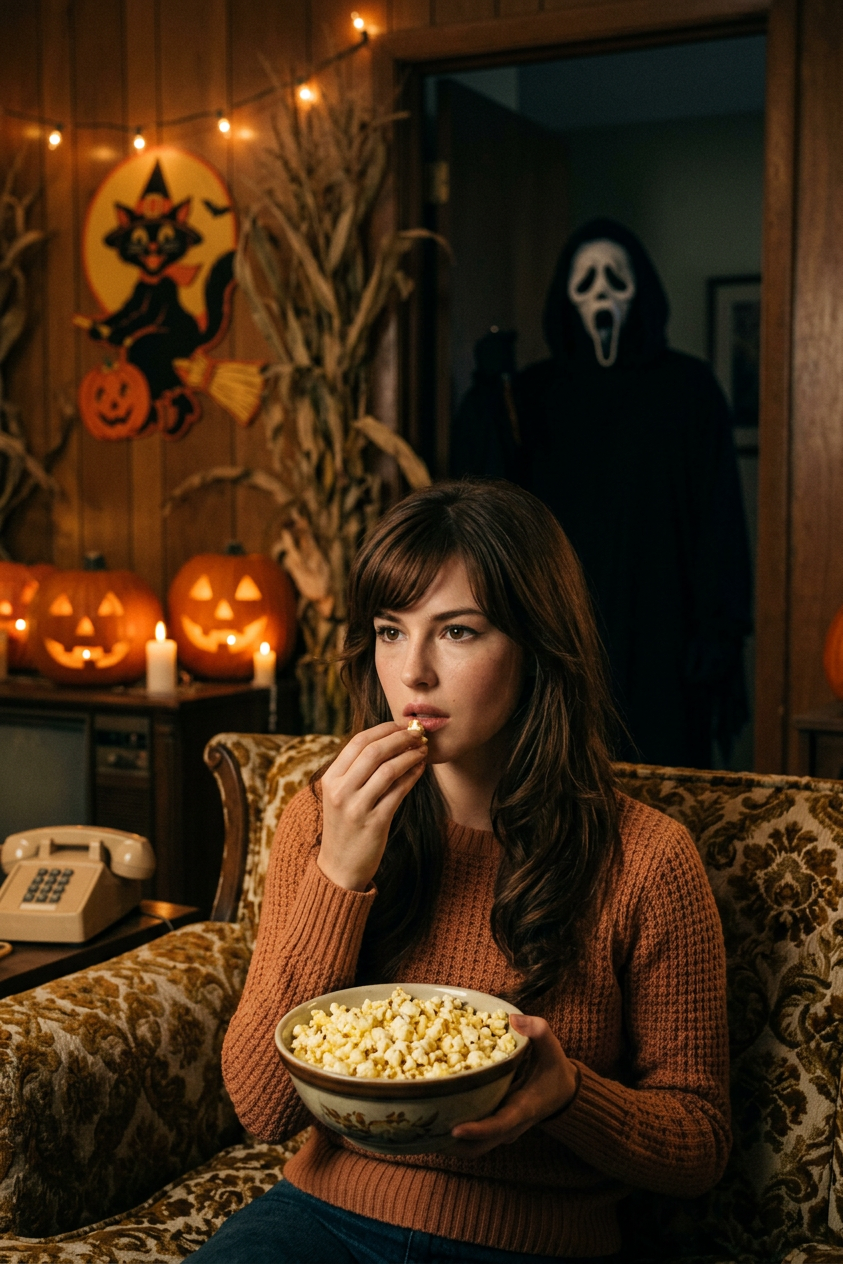
Living Room Ghostface
- Model
- Nano Banana 2
- Image
- 843 × 1264 px
Prompt
Cinematic, retro 1970s living room scene with Halloween theme. A close-up shot focusing on the person from the uploaded photo, who dominates the frame as the primary subject. They are seated centrally on a vintage sofa, holding and eating popcorn from a bowl, seamlessly integrated into the retro scene. On the coffee table in the foreground, a complete orange rotary telephone, two carved glowing jack-o'-lanterns, a newspaper with a pumpkin carving knife and pumpkin shavings are visible. A small vintage TV on a side table displays "HALLOWEEN". In the blurred background doorway, a person dressed as Ghostface from "Scream" (wearing the iconic white screaming mask and black hooded robe) stands, appearing smaller and more distant due to the close composition. The living room features wooden furniture, a round clock on the wall, and Halloween pumpkin decorations and dolls placed around. The overall tone is dark, maintaining a suspenseful and retro Halloween thriller everyday atmosphere.
Any aspect ratio
Overview
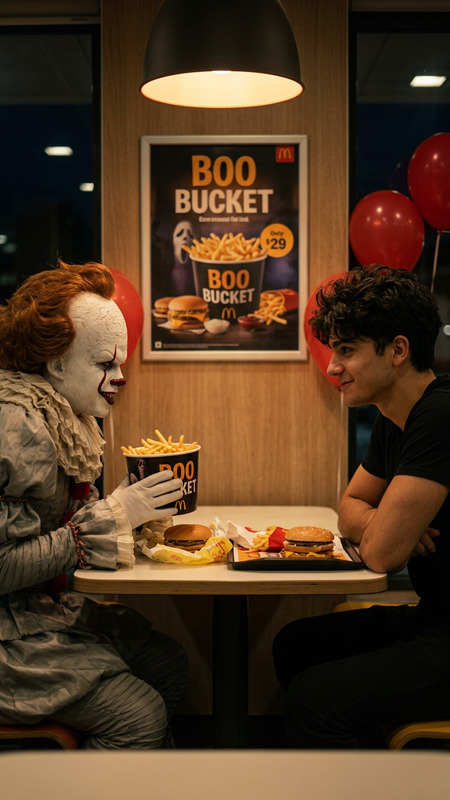
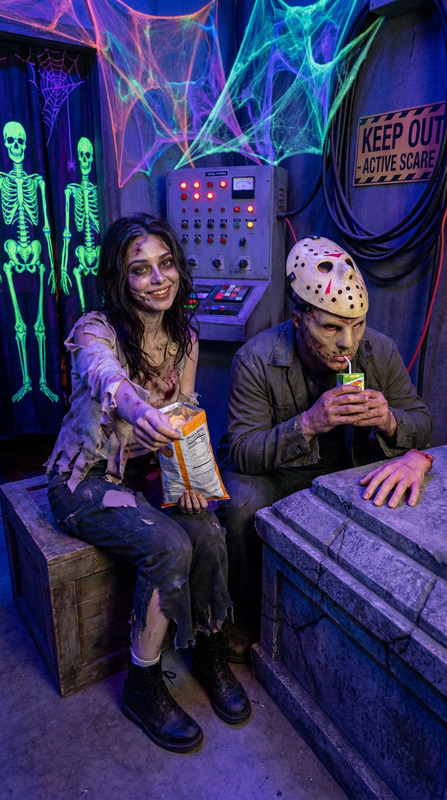
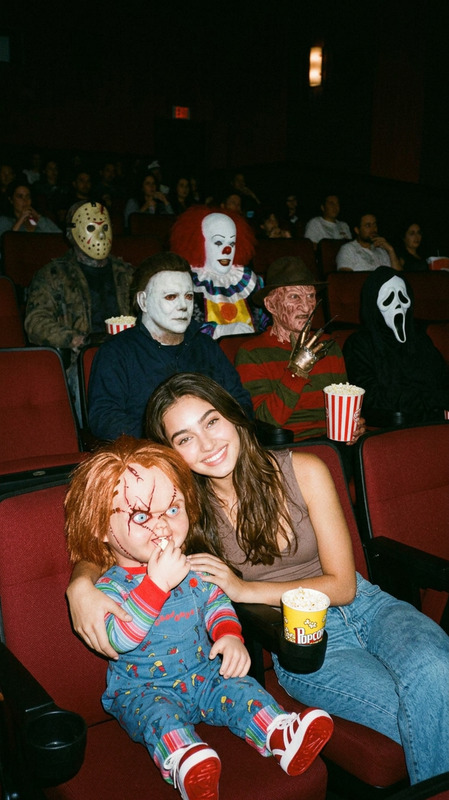
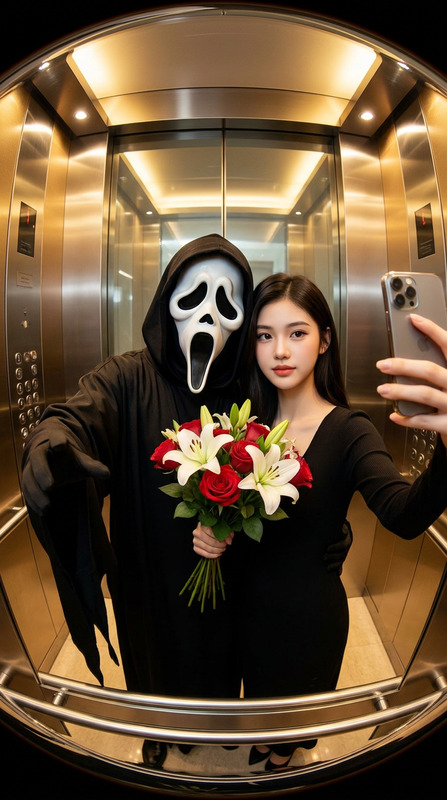
Transform your photos into suspenseful Halloween scenes with the Living Room Ghostface template. This template uses the nano-banana-2 model, creating a cinematic 1970s living room with a spooky touch. Perfect for adding a Halloween vibe to your images, your photo subject becomes the star of a retro horror story, complete with iconic details like a Ghostface figure lurking in the background.
What It Does
The Living Room Ghostface template integrates your uploaded photo into a highly stylized Halloween-themed living room scene. This AI-driven AI Image Editor tool crafts a retro atmosphere, complete with eerie details like glowing jack-o'-lanterns and vintage décor, ensuring your subject is seamlessly embedded as the focal point.
Who It's For
This template is ideal for creators looking to infuse their images with a Halloween touch. Whether you're a social media influencer, content creator, or a Halloween enthusiast, the Living Room Ghostface template provides a unique way to make your photos resonate with vintage horror aesthetics.
Summary
The Living Room Ghostface template turns simple photos into scenes with cinematic depth and a chilling twist. Leveraging the power of the nano-banana-2 model, it creates a visually compelling 1970s living room ambiance with a shadowy Halloween element. Ideal for those aiming to capture a retro Halloween vibe in their visual storytelling.
How To
Choose Your Template

Customize Your Scene

Generate and Download

Use Cases
Social Media Content
- Ideal for Instagram Halloween campaigns
- Perfect for Facebook event banners
- Use in Snapchat stories for spooky effect
Event Promotions
- Eye-catching posters and flyers
- Captivating event invitations
- Unique decor inspiration visuals
Personalized Merchandise
- Custom horror-themed prints
- Personalized mugs or apparel
- Halloween party favors
Best Practices
Use High-Quality Photos
For the best results, upload high-resolution photos. This helps ensure that details are crisp and well defined in the final scene.Match the Theme
When choosing your photo, consider wearing vintage or neutral clothing to harmonize with the 1970s setting.Enhance Details
Experiment with the prompt to include or emphasize specific elements like additional Halloween decor or lighting effects.