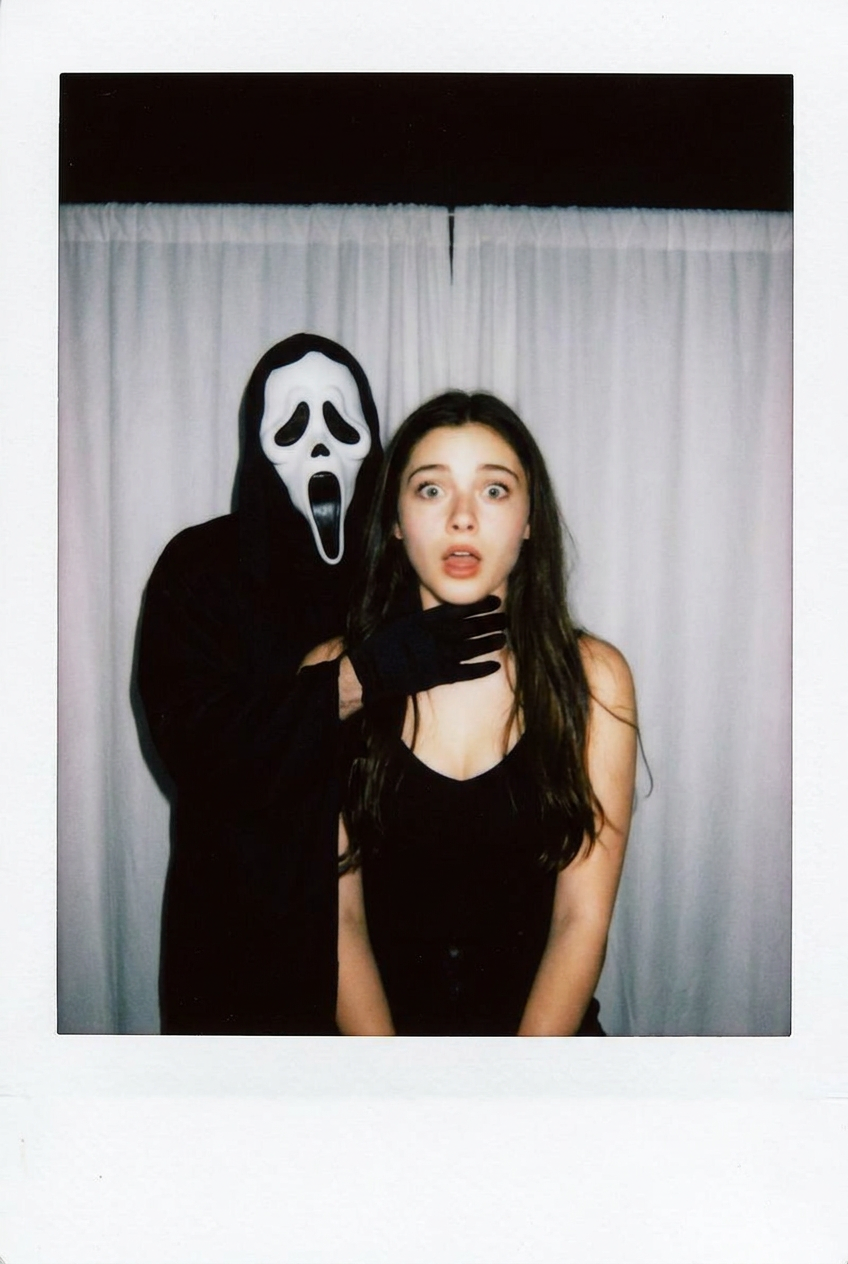
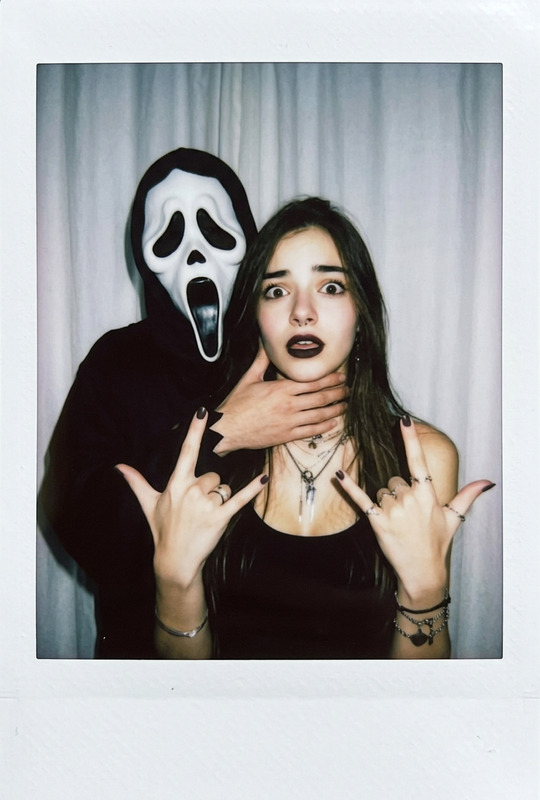
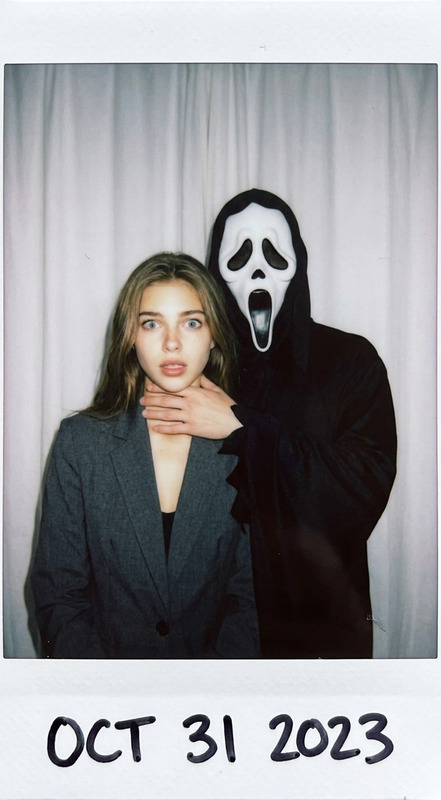
Polaroid-style photo in a dark room with even frontal flash, simple white curtain backdrop. Centered: a shocked person facing the camera, natural unretouched face, slight motion blur on their expression. Behind them stands a figure in a white ghost mask and long black robe, playfully placing one hand on the subject’s neck, creating an eerie yet humorous vibe. No props or extra setting details, just curtain and two figures. High contrast, soft film grain, realistic colors, casual off-center snapshot composition, visible Polaroid frame edges.
Any aspect ratio
Overview
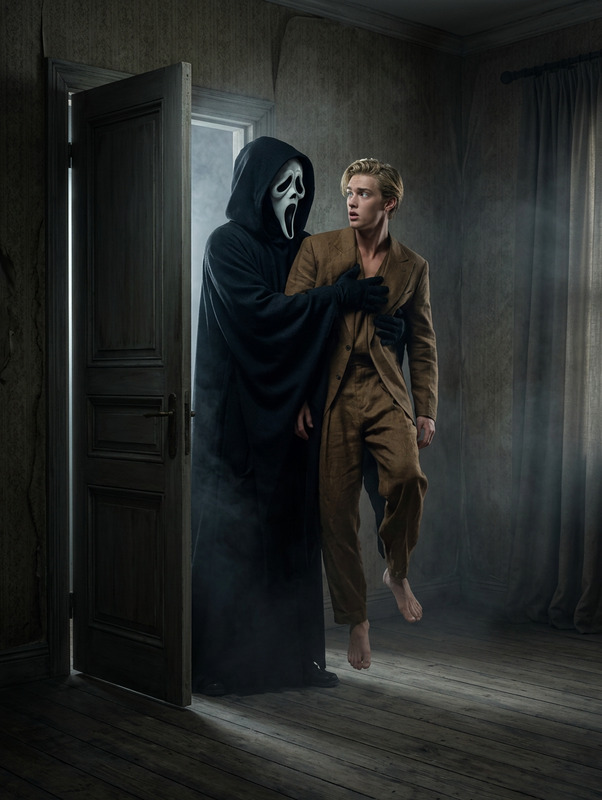
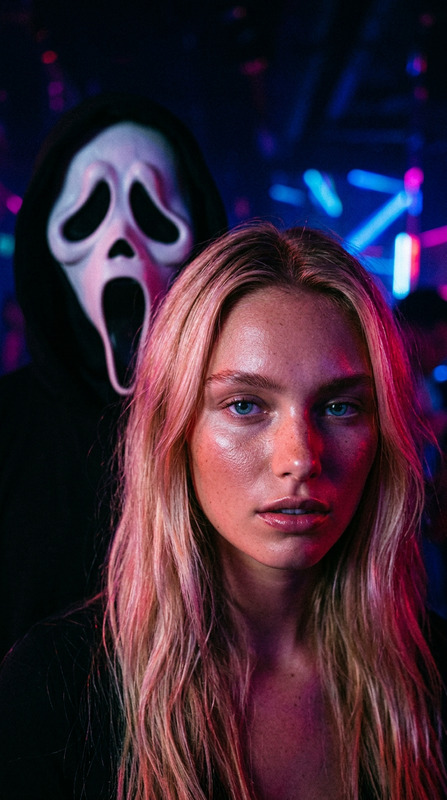
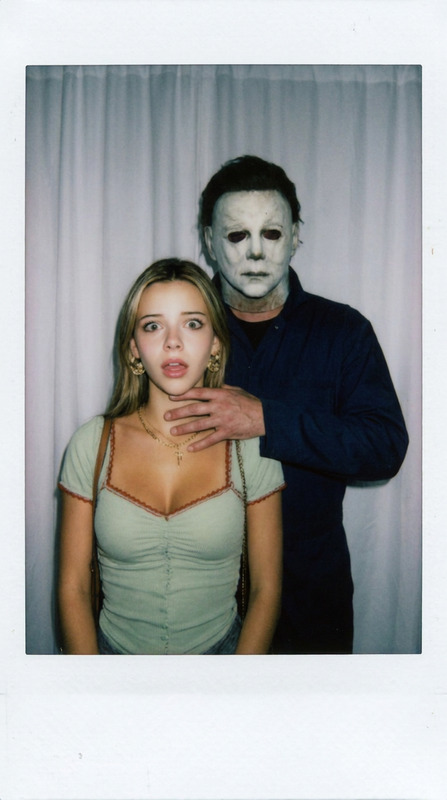
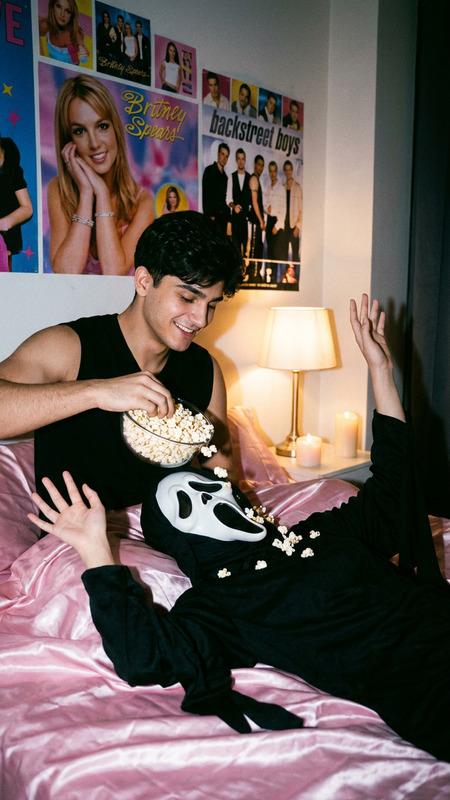
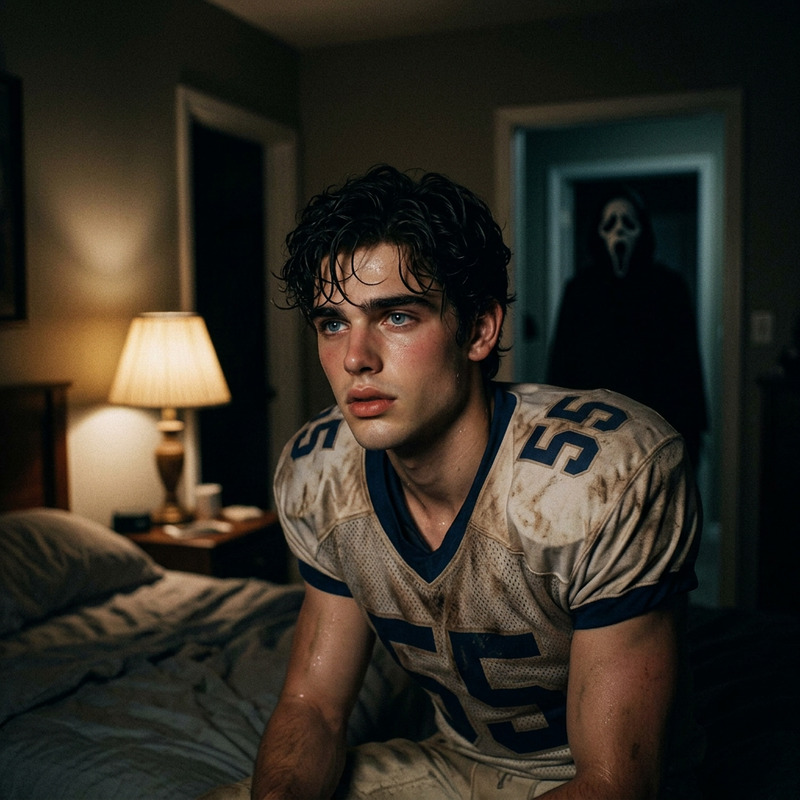
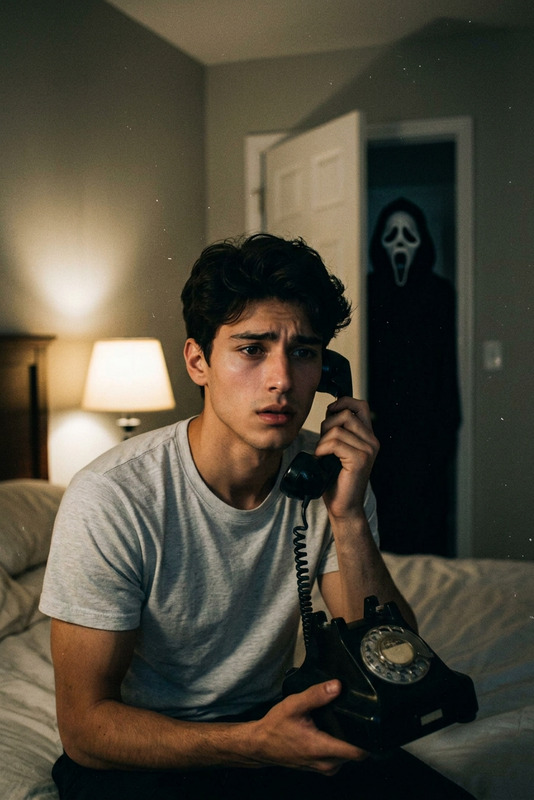
The "Ghost Behind You" template allows you to add a playful ghostly figure to your photos. Upload an image, and a ghost in a white mask and black robe will appear behind the subject, creating an eerie yet humorous effect. The final image has a Polaroid-style look with a visible frame and film grain.
How To
Follow these steps to add a ghostly figure to your photo.
01
Choose the Template
Open the "Ghost Behind You" template on the template page.
02
Upload Your Photo
Upload the photo you want to edit, where the ghost will appear behind the subject.
03
Generate the Image
Click the Generate button to create your edited image with the ghost effect.
FAQs
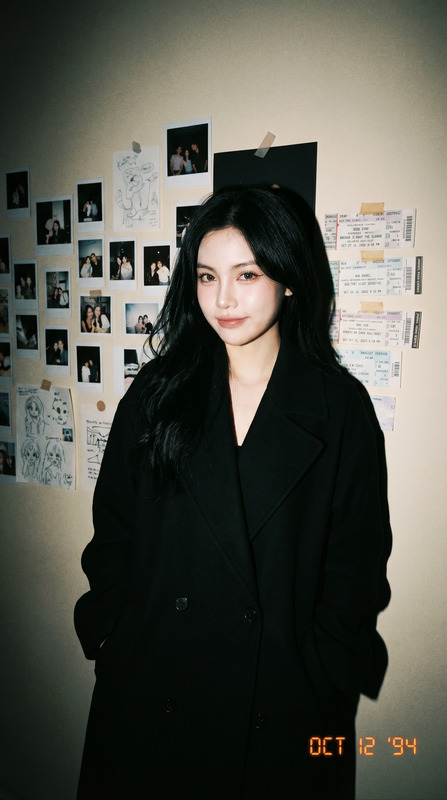
Images with a clear subject against a simple background will work best to enhance the final effect.
No, the ghost's position is automatically set based on the template design.