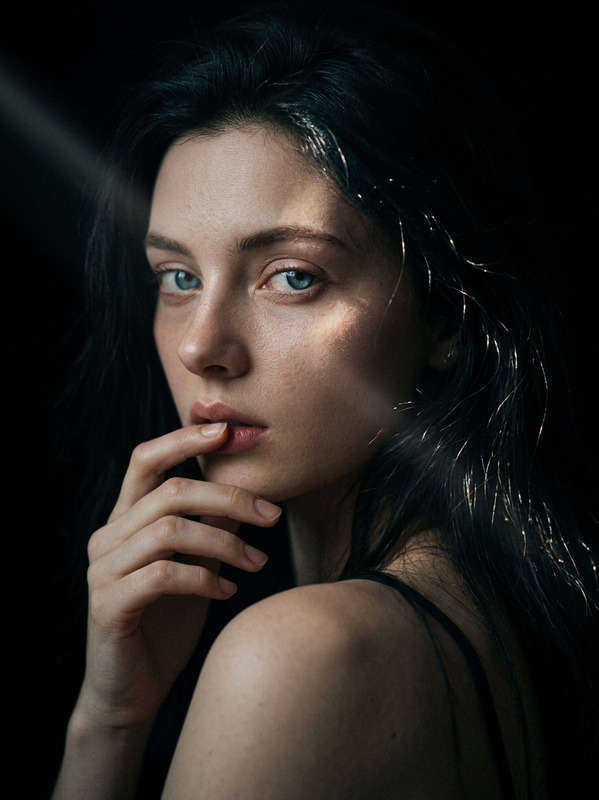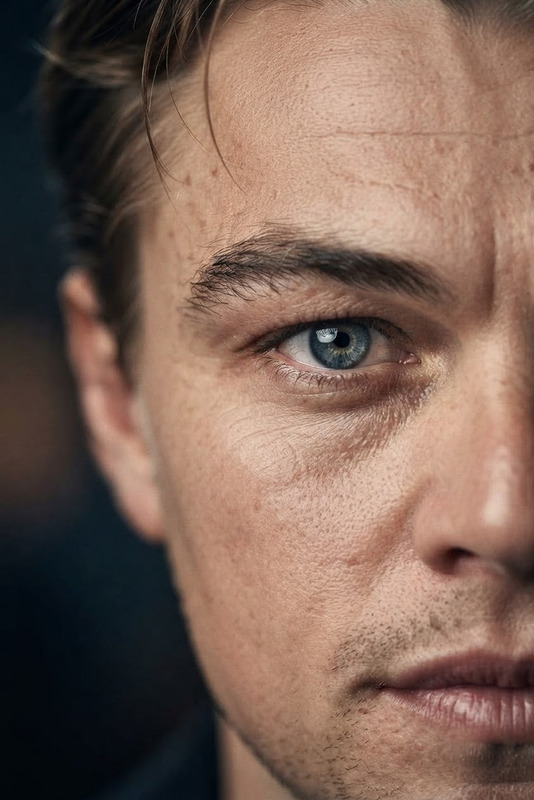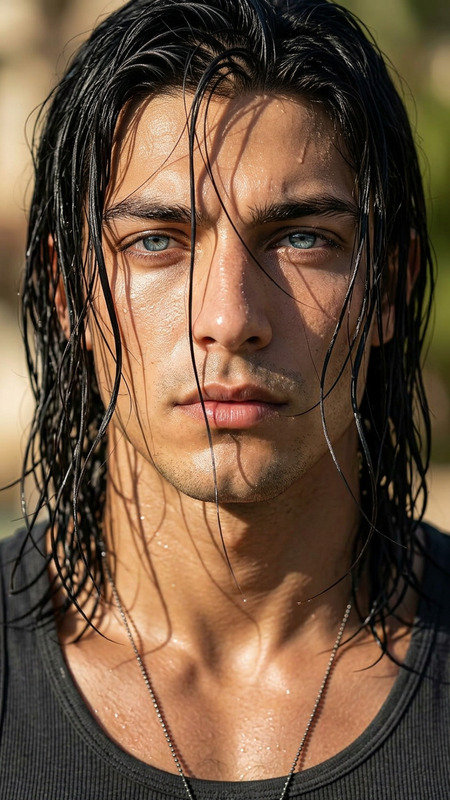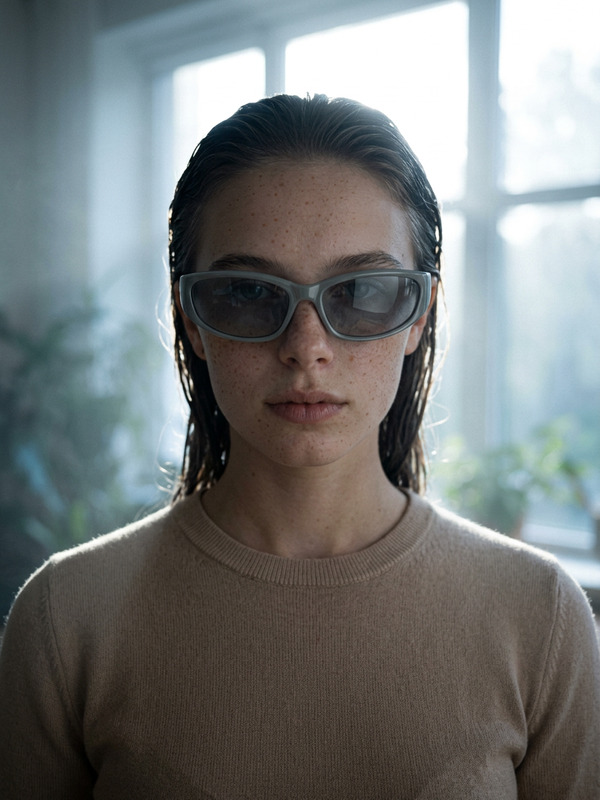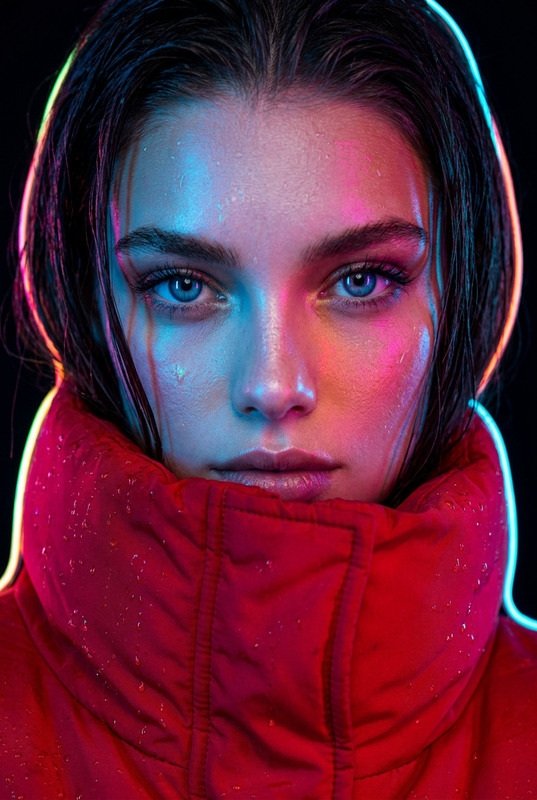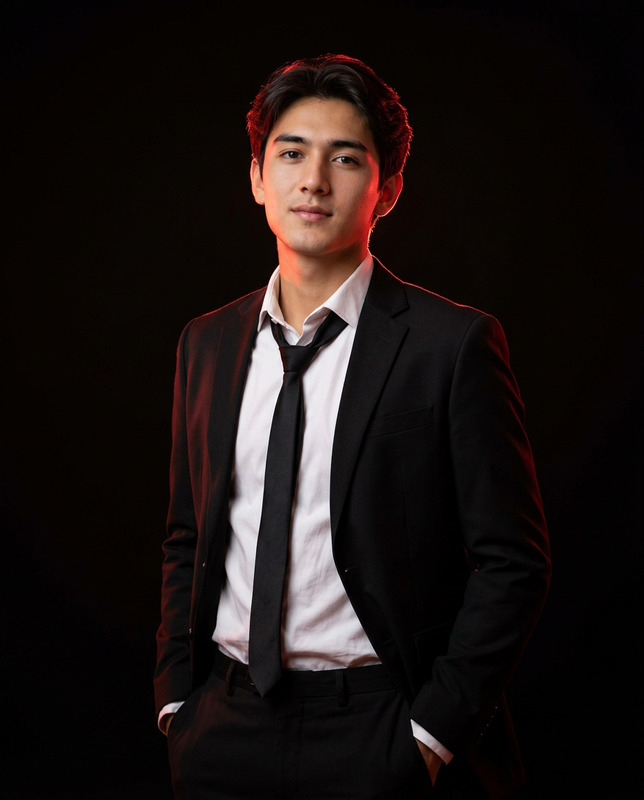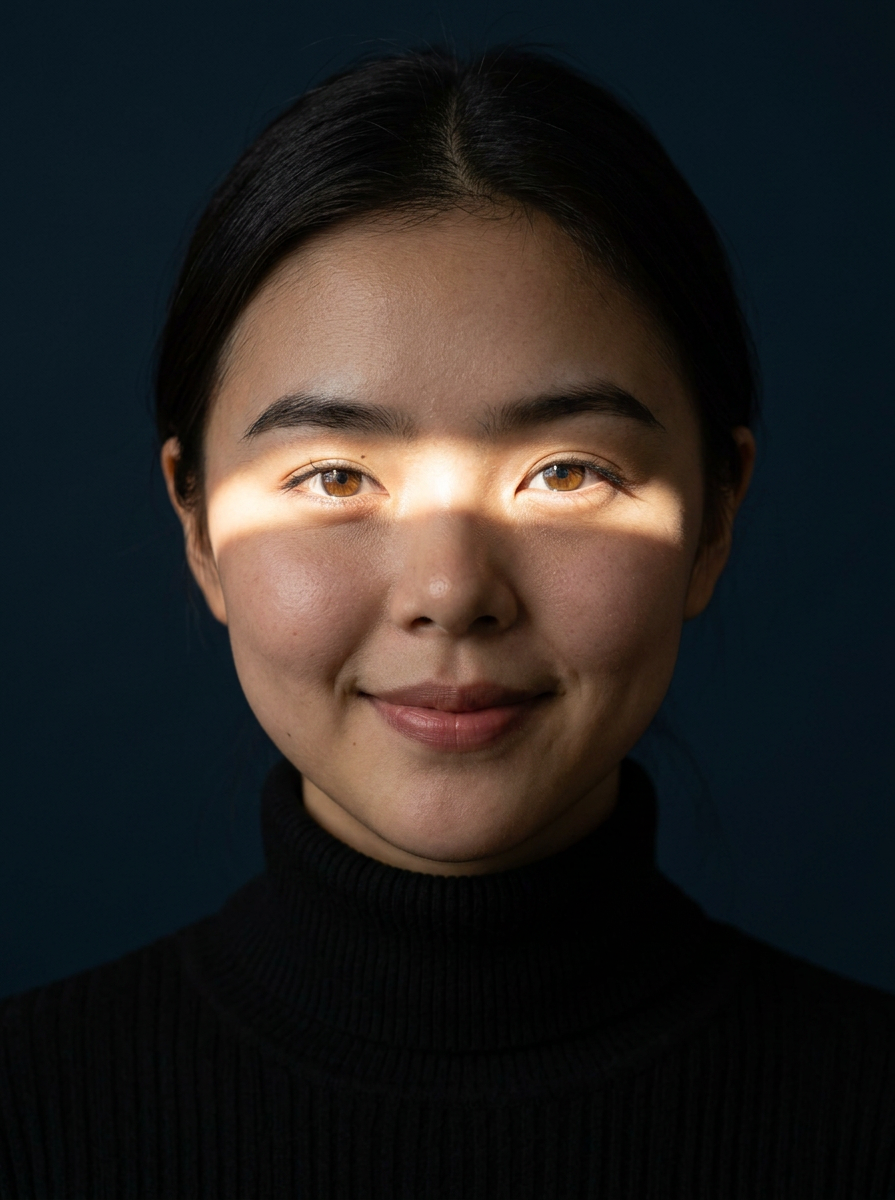
Sunlit Eyes Dramatic Shadow
- Model
- Nano Banana 2
- Image
- 895 × 1200 px
Prompt
Ultra-realistic cinematic studio portrait, close-up headshot, subject centered, direct eye contact with the camera, neutral confident expression, wearing a black turtleneck sweater, dark navy seamless background, dramatic horizontal beam of sunlight cutting across only the eyes, leaving the forehead and lower face in deep shadow, bright catchlights in vivid blue/green eyes. Highly detailed skin texture, natural pores, subtle facial hair (for male), soft realistic makeup (for female), moody low-key lighting, high contrast, minimal composition, editorial fashion photography, luxury magazine cover aesthetic, 85mm lens, f/1.8, shallow depth of field, razor-sharp focus on the eyes, cinematic color grading, ultra photorealistic, HDR, 8K, masterpiece, volumetric light, soft shadows, premium portrait photography.
Any aspect ratio
Overview
The Sunlit Eyes Dramatic Shadow template leverages the AI Image Editor to elevate your portrait photography with cinematic style and intricate details. Perfect for achieving a luxury magazine cover aesthetic, this template brings high-contrast lighting and vivid eye-catching effects to your images.
What It Does
Utilizing the AI Image Editor, this template applies a dramatic horizontal beam of sunlight across the eyes of your portrait subject, enhancing their gaze while maintaining deep shadows elsewhere on the face. It incorporates cinematic color grading and high-resolution HDR techniques to create an ultra-realistic and sharp focus on the eyes, ensuring your portraits stand out with a premium finish.
Who It's For
This template is ideal for professional photographers and creative enthusiasts seeking to enhance their portraiture with high-fashion and editorial qualities. It suits those targeting style publications or aiming for high-end marketing content. This tool is perfect for anyone using the AI Product Photography platform or creating content for luxury brands.
Summary
Deploy the Sunlit Eyes Dramatic Shadow template to enrich your photographic projects with an editorial edge. The combination of stylistic light and dark contrasts, facilitated by the AI Face Editor, captures the essence of contemporary visual storytelling.
How To
Choose Template

Customize Inputs

Generate & Download

Use Cases
Editorial Fashion Photography
- Luxury fashion magazines
- High-end advertising campaigns
Professional Portfolio Development
- Artist or photographer portfolios
- Fashion photographer showcases
Social Media Campaigns
- Instagram fashion influencer posts
- Facebook and Twitter advertising content
Best Practices
Focus on Eye Detail
Ensure that the eyes are the focal point by carefully framing the beam of sunlight. This will enhance the visual impact of the image.Use High-Resolution Inputs
For the best output quality, use images captured with a high-resolution camera to capitalize on the template's HDR and 8K features.Consider the Background
Choose a seamless background to maintain focus on the subject, enhancing the overall minimalist composition.