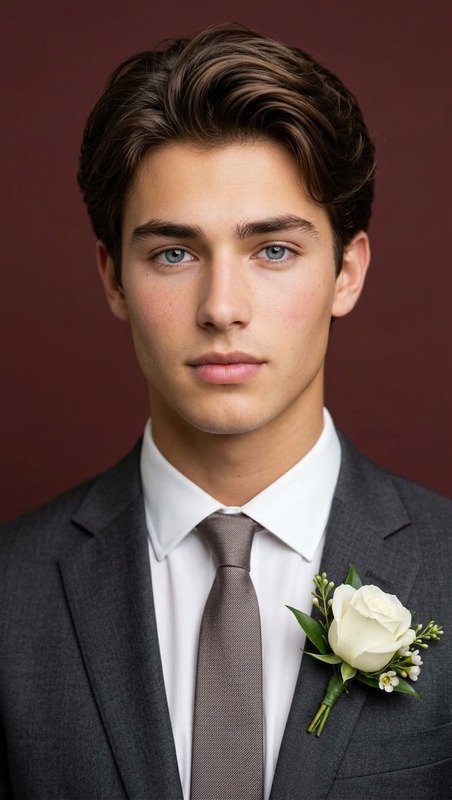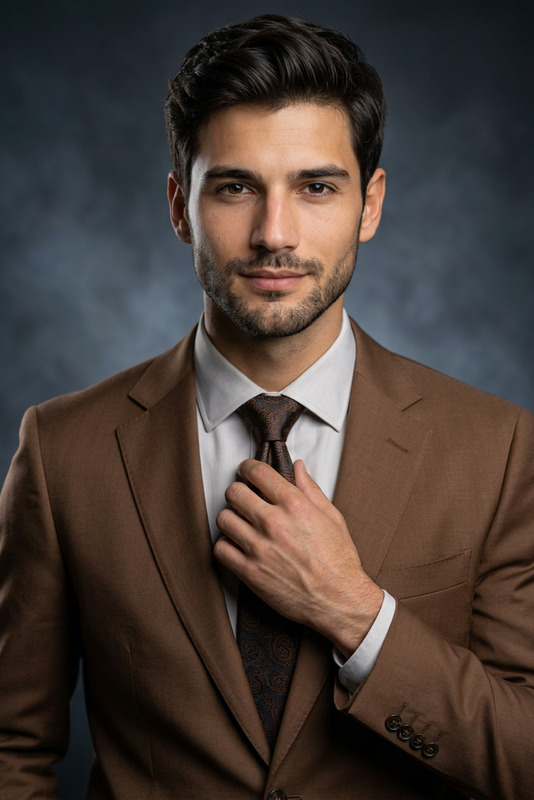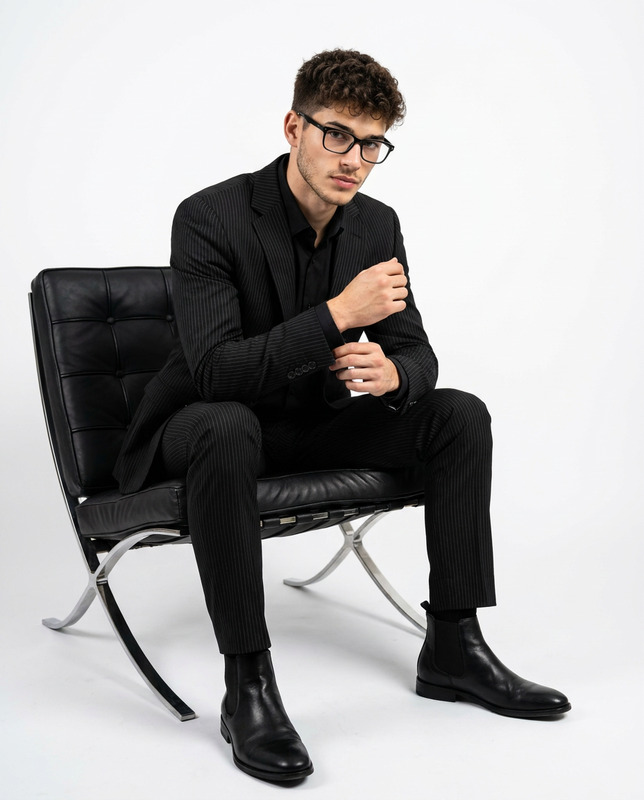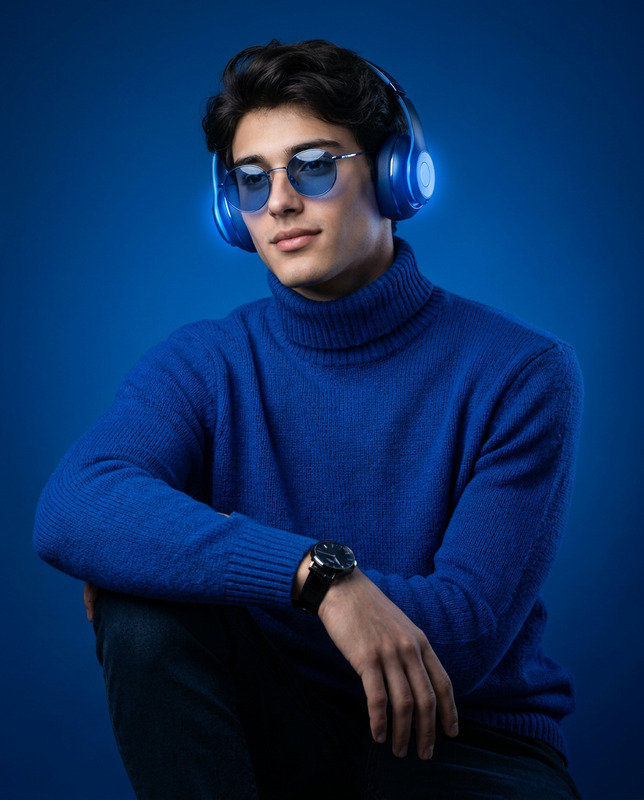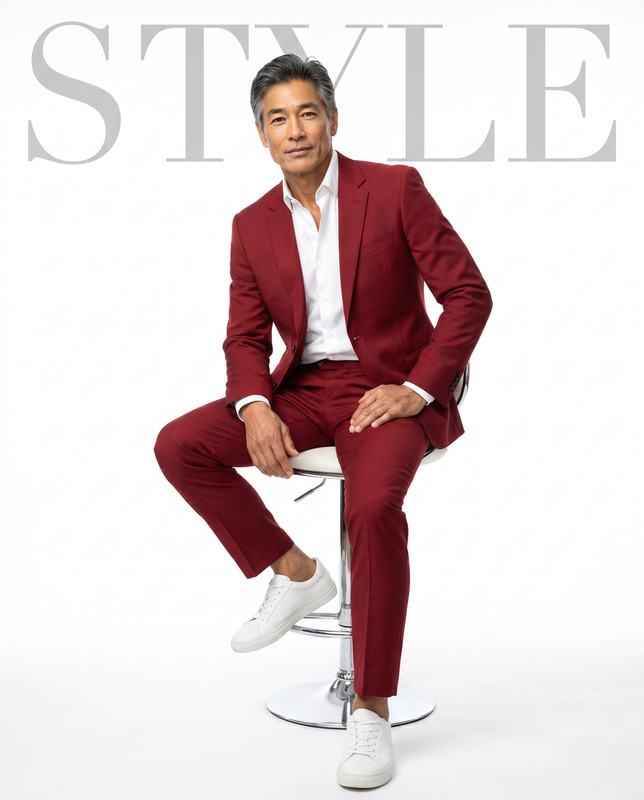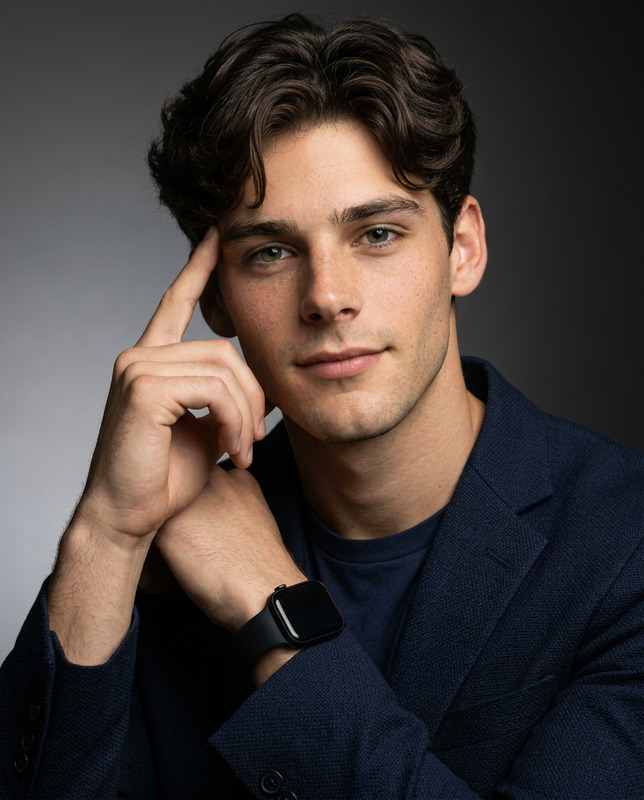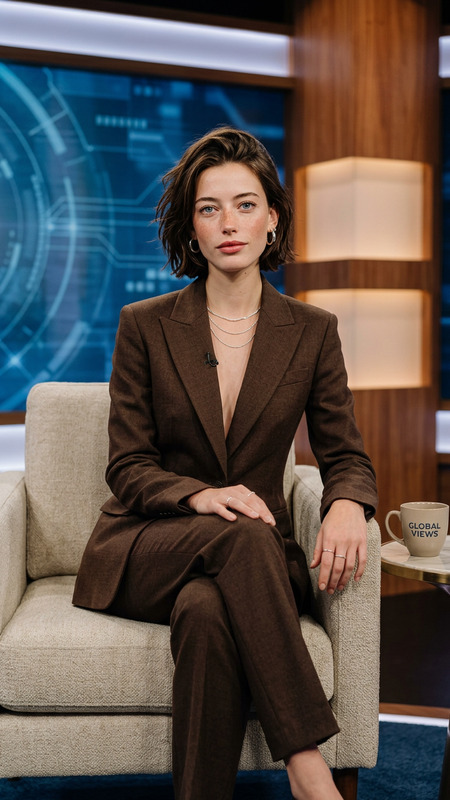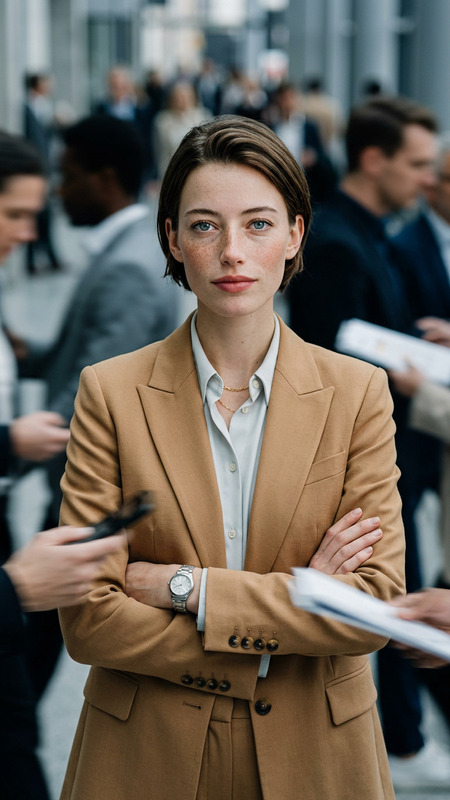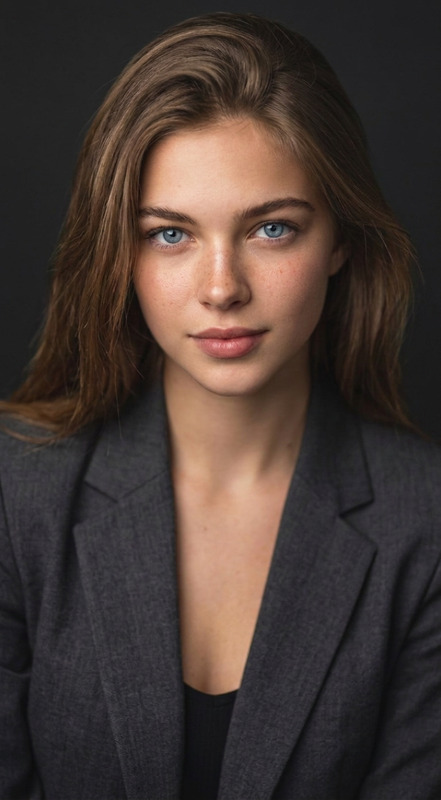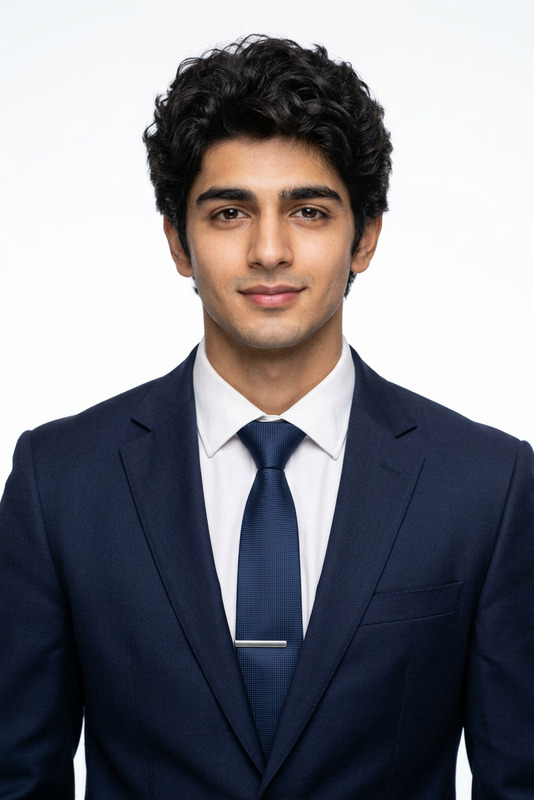
Blue Shirt Corporate Portrait Studio
- Model
- Nano Banana 2
- Image
- 843 × 1264 px
Prompt
Recreate a new image based on the subject in the uploaded image. The portrait is framed as an upper-body composition, cropped from the chest upward, and photographed from the front at eye level. The subject is positioned precisely at the center of the frame, with ample negative space reserved above the head. The composition is symmetrical and stable, with a clean and sharp visual presentation. The subject stands facing the camera directly, with both hands naturally crossed in front of the chest. The arm lines are clearly defined and convey a sense of strength. The shoulders are level, the chin naturally aligned, and the gaze is firmly directed at the camera. A composed and confident smile reflects a mature and professional presence. The subject wears a structured, high-quality light blue business shirt with a tailored fit. The collar construction is crisp and well-defined. The fabric appears refined and soft with a natural matte texture. There is no tie, creating a fresh and sharp overall style that reflects a modern business image. The background is a soft, pure gray gradient studio backdrop, transitioning evenly from bottom to top with smooth and delicate tonal layers. It contains no textures or decorative elements. The background is slightly blurred to emphasize the subject and enhance depth. The lighting follows a professional three-point studio setup. The key light is positioned slightly above and in front, sculpting clear and dimensional facial contours. A fill light evenly softens shadow areas, while a subtle rim light from behind outlines the hair and shoulder edges, enhancing spatial separation. The overall contrast is moderately high. Skin tones appear natural and luminous, with sharp, clear details and no excessive retouching. The photography style is cinematic business realism, rendered in ultra-high-definition 8K quality. The composition is precise and restrained, with a clean and refined visual aesthetic. The overall atmosphere is professional, modern, and steady, delivering a brand-level corporate image with promotional-quality impact.
Any aspect ratio
Overview
The Blue Shirt Corporate Portrait Studio template uses the AI Image Editor to create professional portraits with a cinematic business realism style. This template ensures a refined 8K image with precise lighting and composition, perfect for corporate branding.
What It Does
This template generates a high-quality portrait based on an uploaded image, with a focus on a centrally positioned subject wearing a tailored light blue business shirt. Utilizing nano-banana-2, it creates a clean image with a soft gray gradient background, simulated three-point lighting, and a professional finish.
Who It's For
Designed for business professionals, creative teams, and marketing agencies, this tool helps craft compelling corporate images. Ideal for those in need of high-definition, well-composed portraits for promotional materials, executive profiles, and corporate communications.
Summary
Achieve a modern business aesthetic with this template, featuring a detailed setup that emphasizes professionalism and clarity. Its precision meets the demands of brand-level image creation, offering strong visual impact for any corporate setting.
How To
Choose Your Template

Customize Your Inputs

Generate Your Image

Use Cases
Executive Portraits
Corporate Marketing
Professional Profiles
Best Practices
Use High-Resolution Images
For best results, upload images that are clear and of high resolution, allowing the AI to deliver the cleanest details.Leverage the Light Setup
Understand the lighting setup to make intentional adjustments if necessary for specific brand guidelines.Review and Refine
After generating, review the output for any tweaks needed. Subtle adjustments can enhance the image to fit even more exact specifications.