Executive Business Portrait Studio
- Model
- Nano Banana 2
- Image
- 843 × 1264 px
Prompt
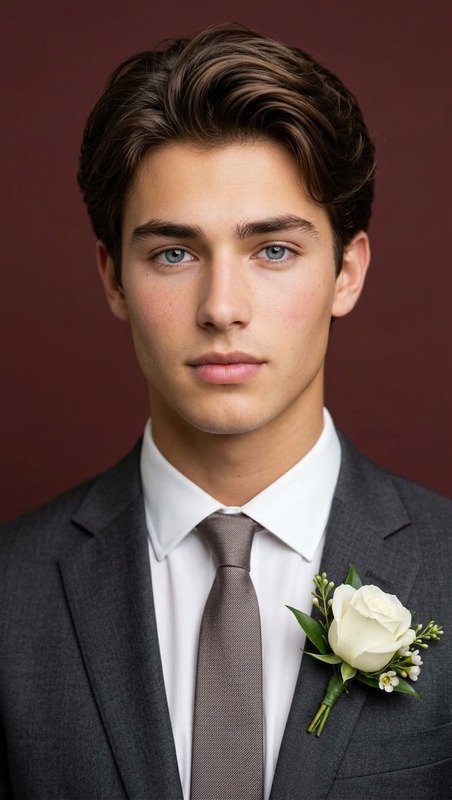
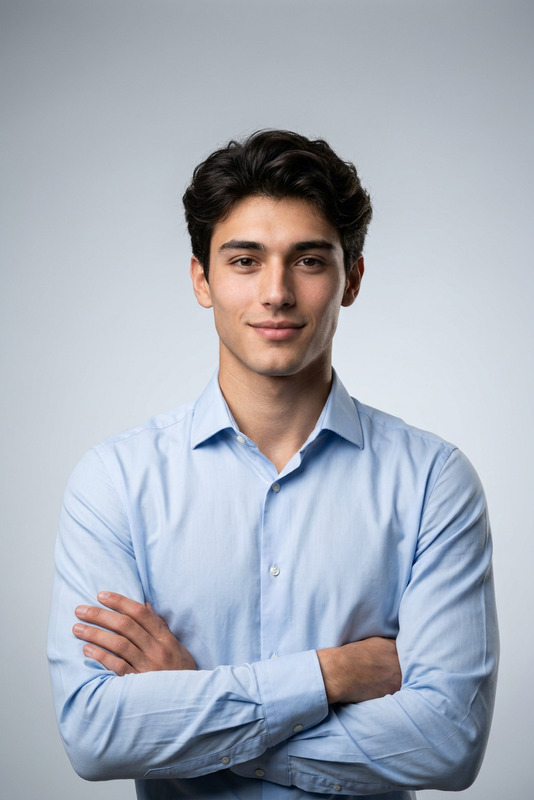
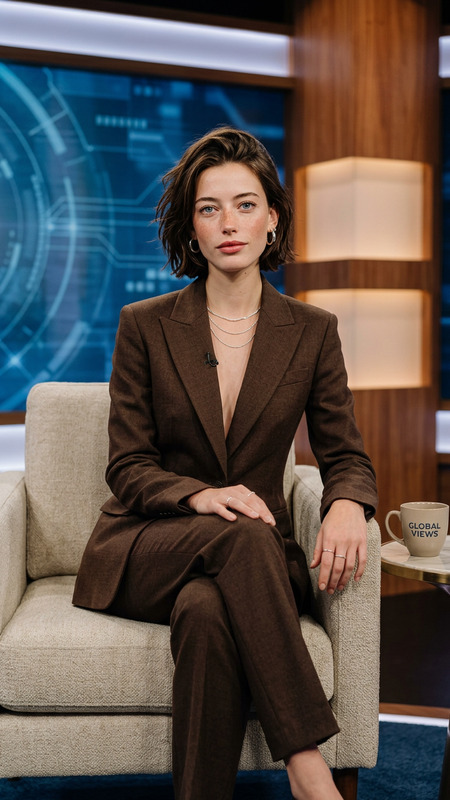
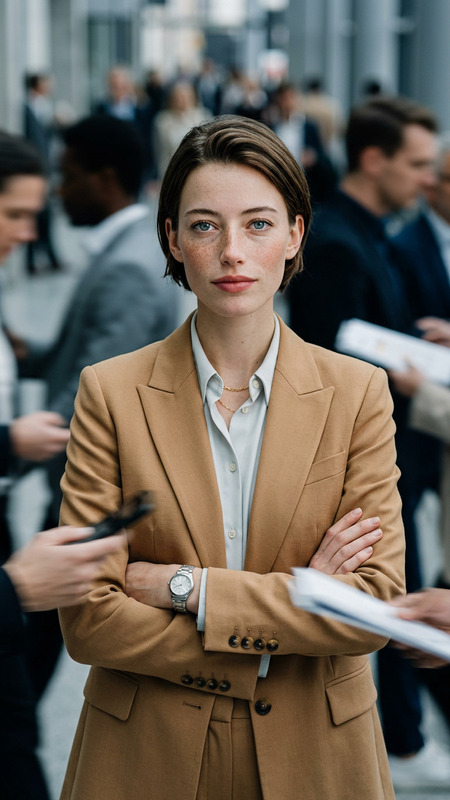
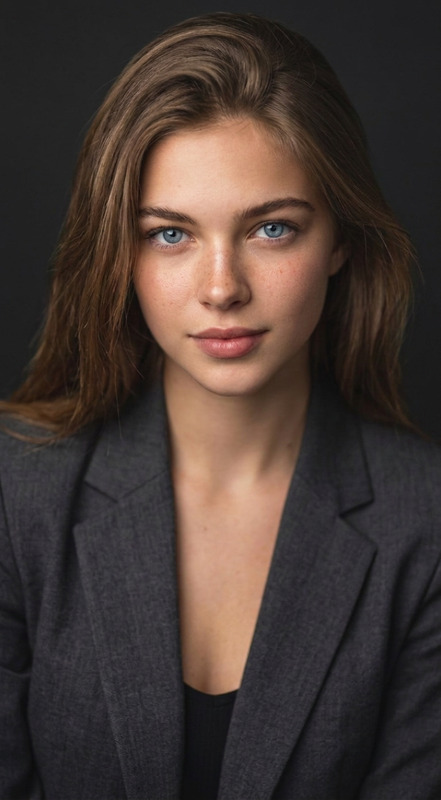
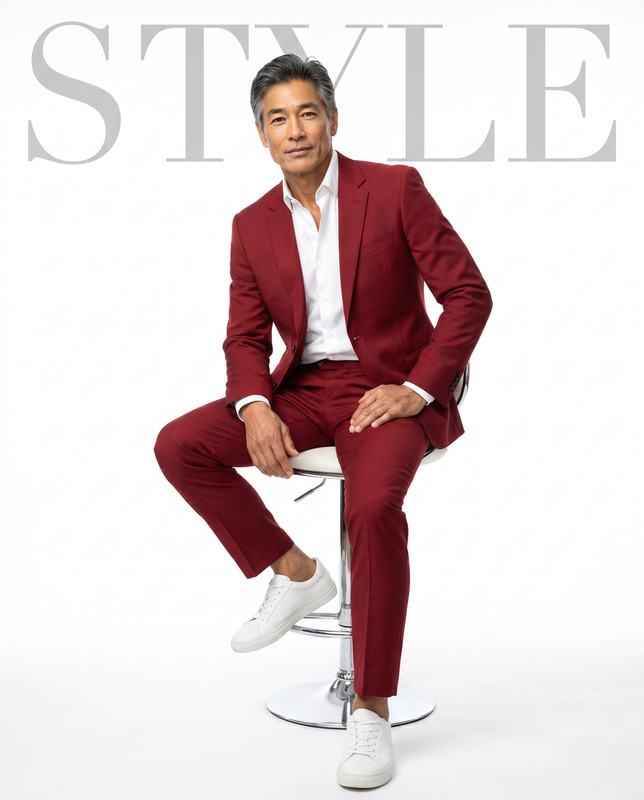
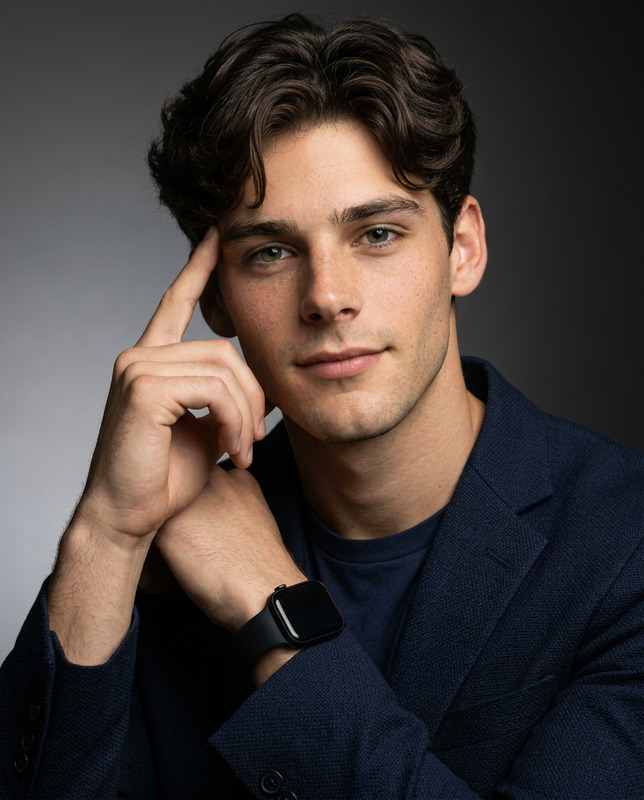
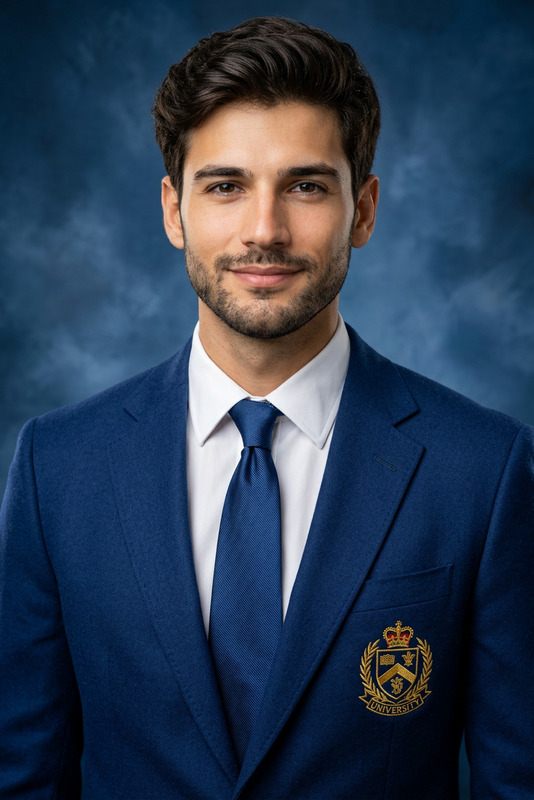
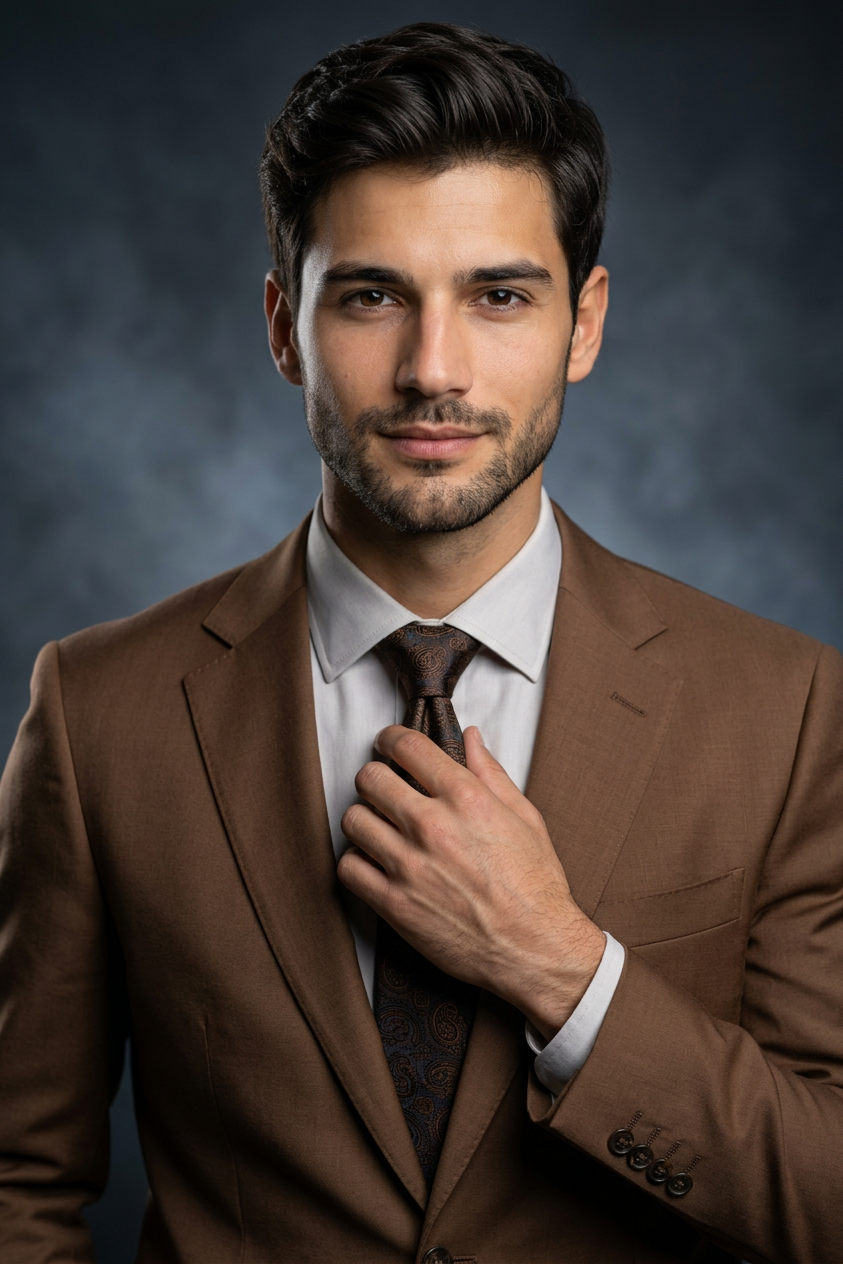
Recreate a new image based on the subject in the uploaded image. The portrait is framed as an upper-body composition, photographed from the front at eye level. The subject is positioned at the center of the frame, with appropriate negative space reserved above the head to maintain a clean, balanced composition without feeling crowded. The body is slightly turned about 15 degrees, while the face remains directed toward the camera. One hand is naturally raised to lightly adjust the suit cuff or gently touch the tie, while the other hand remains out of frame. The posture is restrained and steady. The expression is confident and calm, looking directly into the camera with a subtle smile, presenting a mature and professional presence. The subject wears a finely tailored brown business suit jacket, paired with a crisp, structured light-colored dress shirt and a dark brown tie featuring clearly visible, delicate textures. The intricate pattern of the tie is sharply defined. The overall tone is warm and refined, with clear layering, presenting a modern business elite image. The background is a high-end studio dark gray-blue gradient backdrop with a soft smoky texture and subtle tonal transitions. The background is slightly blurred to emphasize the subject. The composition is well-proportioned, with the subject centered and stable, allowing sufficient visual breathing space. The lighting follows a professional three-point studio lighting setup. The key light is positioned slightly above and in front, casting soft illumination to sculpt dimensional facial contours. A fill light naturally softens shadows, while a subtle rim light from behind outlines the hair and shoulders, enhancing separation and depth. The overall contrast is moderately high. Skin tones appear natural and luminous, with sharp details and no excessive retouching. The photography style reflects high-end business realism with a cinematic quality, rendered in ultra-high-definition 8K resolution. The image is clean and restrained, with a professional, authoritative, and composed atmosphere, delivering a brand-level executive portrait aesthetic.
Any aspect ratio
Overview
The Executive Business Portrait Studio template offers builders a powerful tool to generate professional-grade executive portraits. Utilizing the AI Image Editor capabilities, this template guides you through crafting an image that combines realism and refined aesthetics, tailored for business professionals.
What It Does
This template helps you create an upper-body portrait with meticulous attention to professional presentation and composition. The generated image features a model dressed in a tailored business suit, captured with a high-end studio lighting setup. The Full Body Generator capability ensures your portrait maintains a natural, professional poise, emphasizing the subject's confidence and maturity with a blend of three-point lighting for depth and contrast.
Who It's For
Designed for photographers, content creators, and anyone in need of realistic, high-quality executive portraits, this template is perfect for those striving to project a refined and authoritative presence. Whether you are a corporate communications professional or a product photography expert in need of versatile tools, this template fits seamlessly into your workflows.
Summary
The Executive Business Portrait Studio template merges human-centric aesthetic principles with cutting-edge AI rendering. It offers a mature, professional image that could resonate across various corporate contexts. Ideal for setting a brand-level executive tone, this template serves as an asset for delivering polished, professional-grade imagery.
How To
Choose the Template

Customize Your Inputs

Generate Your Portrait

Use Cases
Corporate Headshots
- Executive bio photos
- Board member presentations
- Annual report imagery
Professional Networking
- LinkedIn profile
- Professional blogs
- Online portfolios
Marketing and Branding
- Corporate websites
- Brochures and flyers
- Ad campaigns
Best Practices
Reference Lighting Setup
Use a reference image with an appropriate lighting setup to match the template’s three-point lighting for consistency across images.Maintain Clothing Details
Ensure that clothing textures and patterns are visible and clearly defined to reflect high-quality craftsmanship.Focus on Expression
Encourage a natural, confident expression to enhance the professional aura conveyed by the portrait.