Cold Blush
- Model
- Nano Banana 2
- Image
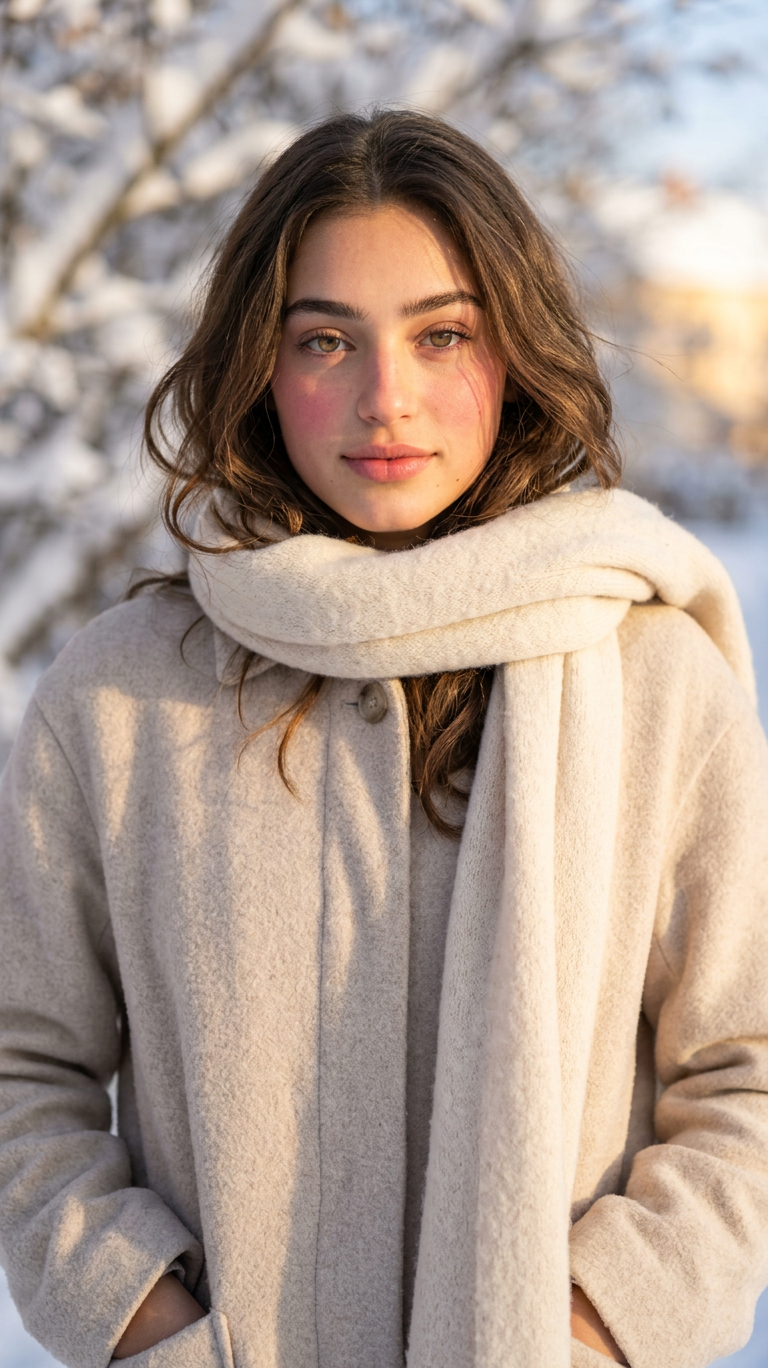
- 768 × 1368 px
Prompt
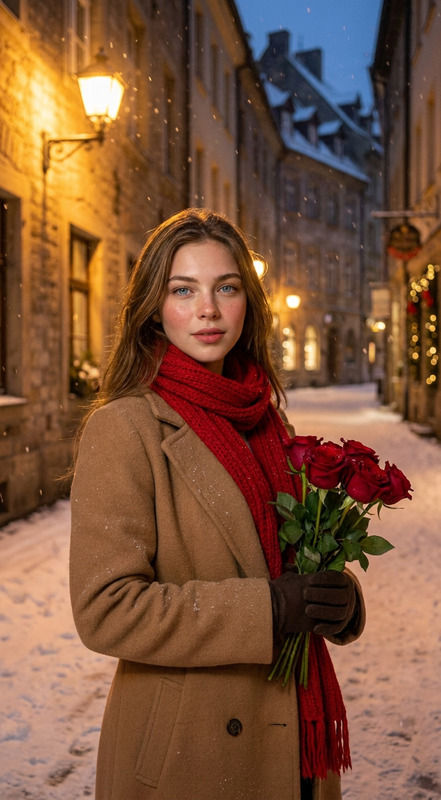
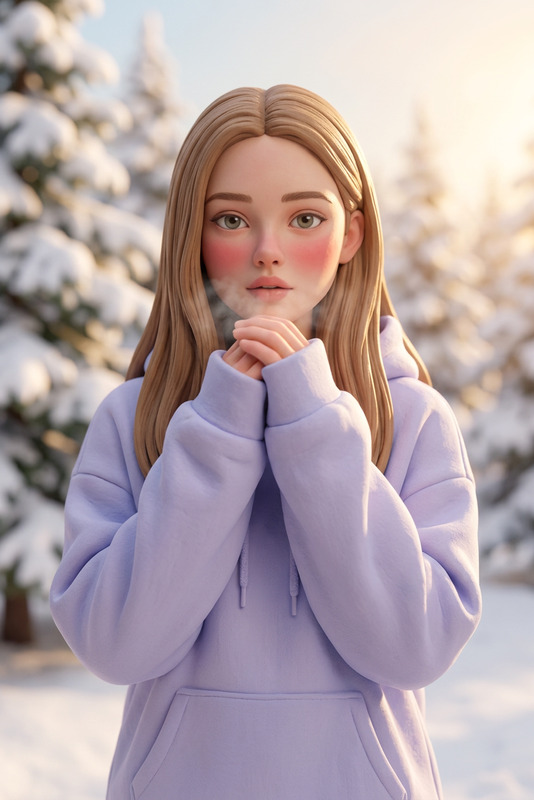
A close-up winter portrait of a young woman outdoors. She is wearing a soft, cream-colored wool scarf wrapped around her neck and a cozy, pale beige coat. Her cheeks are slightly flushed from the cold, and her natural makeup glows under the soft winter sunlight. Bright sunlight illuminates the side of her face, highlighting her features and creating gentle shadows.
Any aspect ratio
Overview
The "Cold Blush" template in Magic Hour's AI Image Editor lets you transform ordinary photos into captivating winter portraits. Using the advanced nano-banana-2 model, it captures the serene essence of a winter day, highlighting soft textures and natural, glowing makeup to convey a sense of warmth and beauty in the chill.
What It Does
This template enhances your images by adjusting lighting and skin tones to create the illusion of a frosty environment, with details like flushed cheeks and subtle shadowing. The result is a photo with a vibrant but soothing winter aesthetic, perfect for enhancing your portfolio or personal galleries.
Who It's For
The "Cold Blush" template is perfect for photographers wanting to add a seasonal touch to their portraits, social media influencers aiming for a winter-themed aesthetic, or anyone looking to create unique, captivating images with a professional finish using the AI Image Editor.
Summary
With "Cold Blush," your images can exude the charm of winter through realistic color enhancement and light manipulation. Leverage the capabilities of the nano-banana-2 model to craft stunning, atmospheric portraits that make a strong visual impact.
How To Use
Select the Template

Customize Your Inputs

Generate Your Image

Use Cases
Seasonal Portrait Photography
- Capture the essence of winter in portraits.
- Include images in personal or professional portfolios.
Social Media Content
- Enhance Instagram stories or posts.
- Create unique profile photos.
Marketing and Advertising
- Use in winter-themed ad campaigns.
- Incorporate into seasonal newsletters.
Best Practices
Choose High-Quality Images
Starting with a clear, well-lit photo enables the template to better apply its effects. Ensure the subject is facing the light source for optimal shadow detailing.Adjust Prompt Details
Slight changes in the description can enhance specific photo features, such as increasing the warmth effect on skin tones for a cozier look.Use in Conjunction with Other Tools
Combine this technique with tools like the AI Image Upscaler for improved resolution and detail.