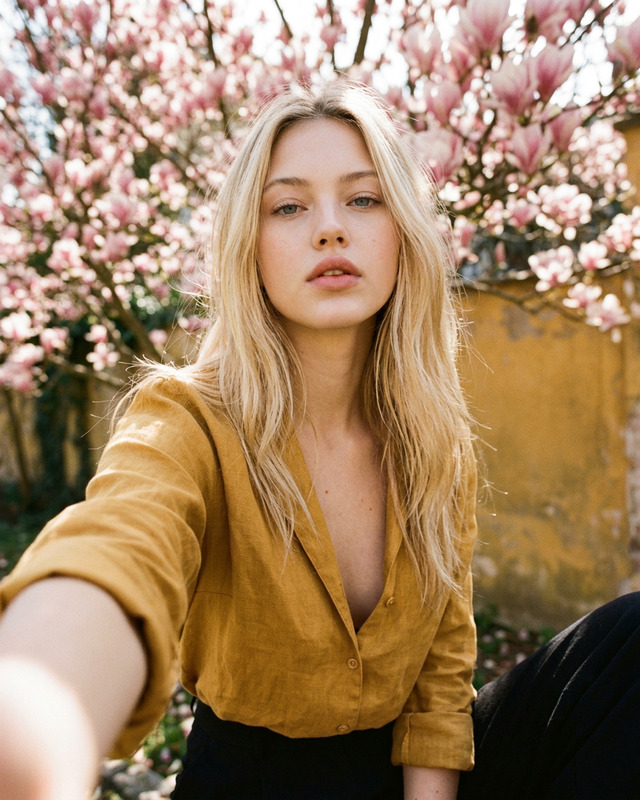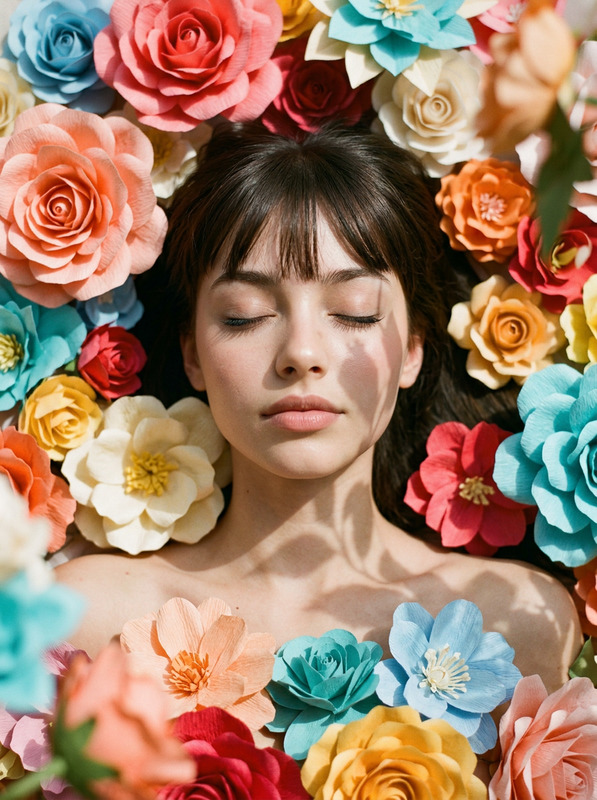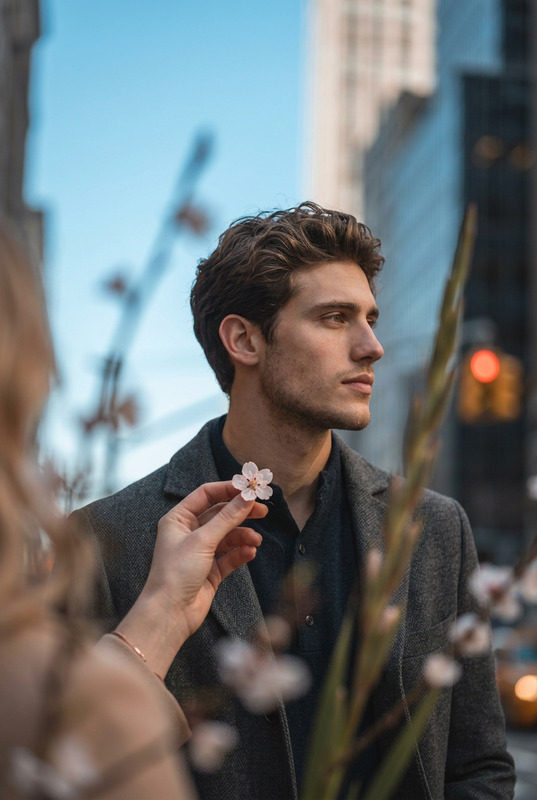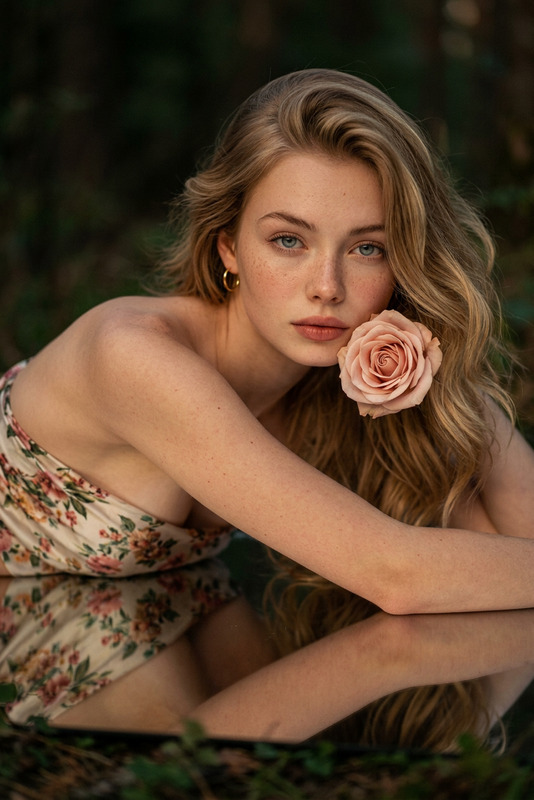
Bloom Story
- Model
- Nano Banana 2
- Image
- 896 × 1200 px
Prompt
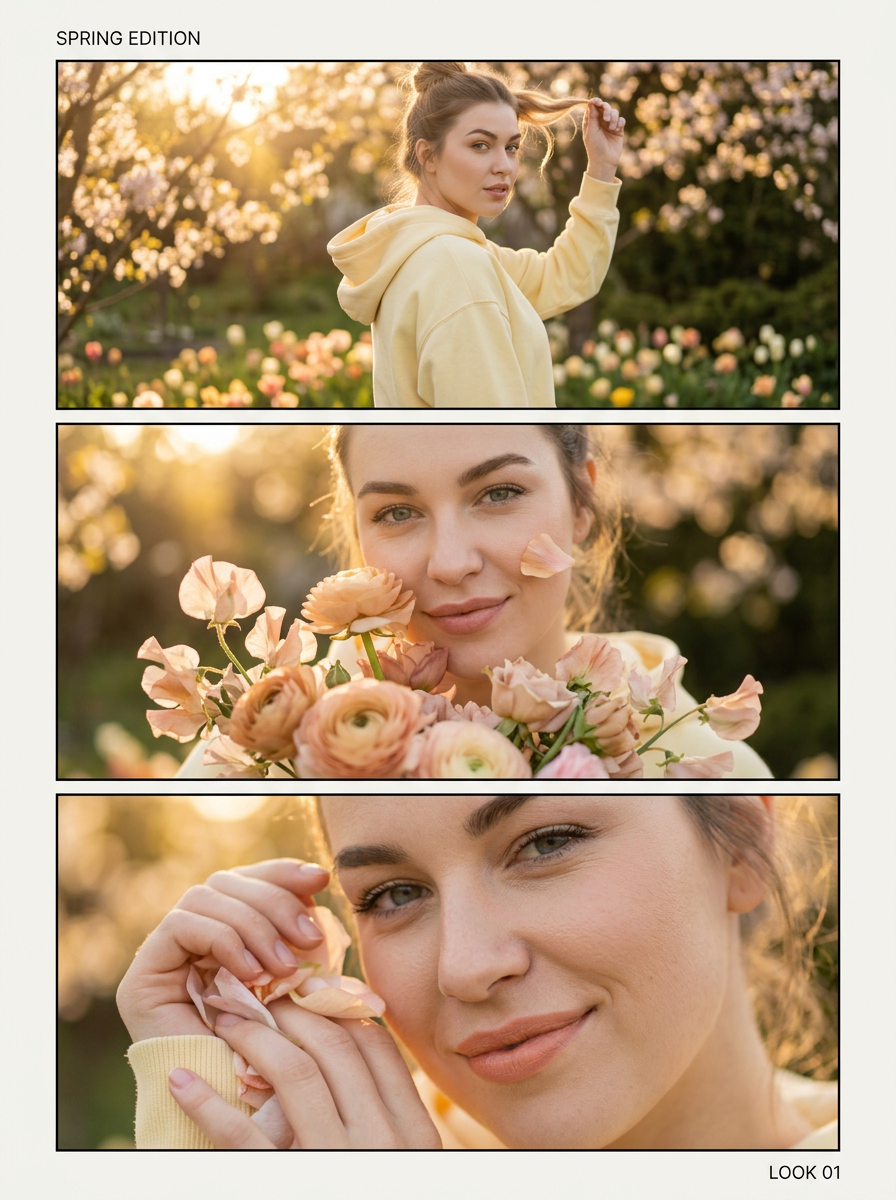
Use the uploaded photo as reference. Preserve identity. Photorealistic editorial lookbook. Vertical 3-panel triptych (top/middle/bottom) with premium magazine layout: wide margins, thin borders, consistent warm spring garden background with flowers and golden sunlight, shallow DOF, creamy bokeh.Top panel: medium 3/4 body, subject turning back slightly while walking, one hand lifting a strand of hair, confident.Middle panel: close-up chest-up, bouquet near face, soft smile, eye contact.Bottom panel: extreme close-up detail (eyes/lips) or hands with petals, crisp texture.Add minimal typography (optional): top-left small “SPRING EDITION”, bottom-right small “LOOK 01”, clean sans-serif, subtle, readable.Negative: no distorted text, no logos/watermark, no over-smoothing.
Any aspect ratio
Overview
The Bloom Story template on Magic Hour leverages the nano-banana-2 model to transform your photos into stunning editorial-style images. This AI Image Editor feature allows you to produce a photorealistic lookbook with a vertical 3-panel triptych design, ideal for presenting models in a premium magazine layout.
What It Does
The Bloom Story template creates a cohesive photo narrative by converting a single image into a 3-panel triptych. Each panel portrays different photographic insights - from a dynamic 3/4 body shot to an intimate close-up - all with a consistent spring garden theme featuring warm golden sunlight.
You can enhance your designs with AI Image Editor to fine-tune each panel's details, ensuring every shot maintains its intended aesthetic without unwanted logos or smoothing.
Who It's For
Bloom Story is perfect for fashion photographers, editorial designers, and creative directors seeking to showcase their subjects in a visually consistent and professional manner. It's particularly suited for those aiming to create beautiful, captivating lookbooks with minimal effort.
Summary
Utilize the Bloom Story template to transform your photo references into a narrative-driven visual masterpiece. With the AI Product Photography capabilities of Magic Hour, you can generate a polished editorial look that captivates your audience.
How to Use
Choose Source Photo

Customize Layout

Generate and Save

Use Cases
Fashion Lookbooks
- Elegant 3-panel layout
- Cohesive thematic presentation
Editorial Spreads
- Photorealistic quality
- Consistent aesthetic
Portfolio Enhancement
- Showcase versatility
- Highlight creativity
Best Practices
Maintain Visual Consistency
Ensure each panel maintains a cohesive look by preserving the background theme and balancing light and shadows.Focus on Detail
Use the shallow depth of field and creamy bokeh to highlight the subject matter, making sure the main features stand out.Refine Typography
When using optional text, ensure it's subtle yet readable, using the recommended locations to keep the focus on the imagery.