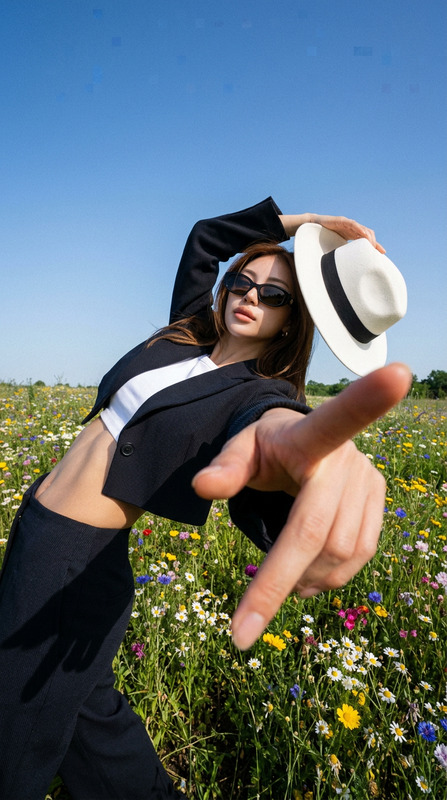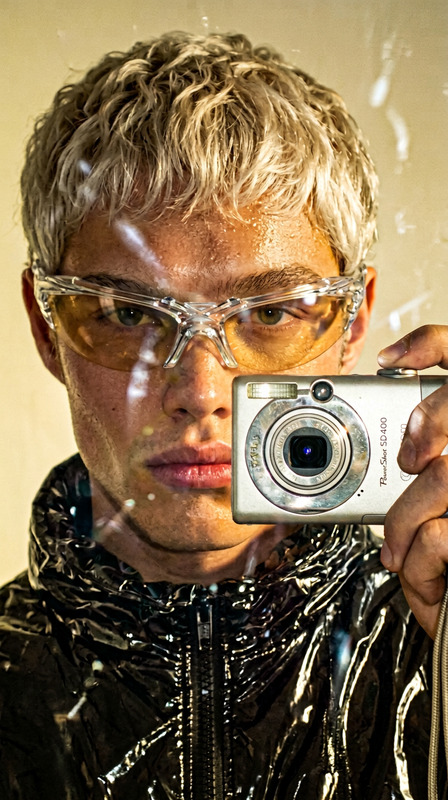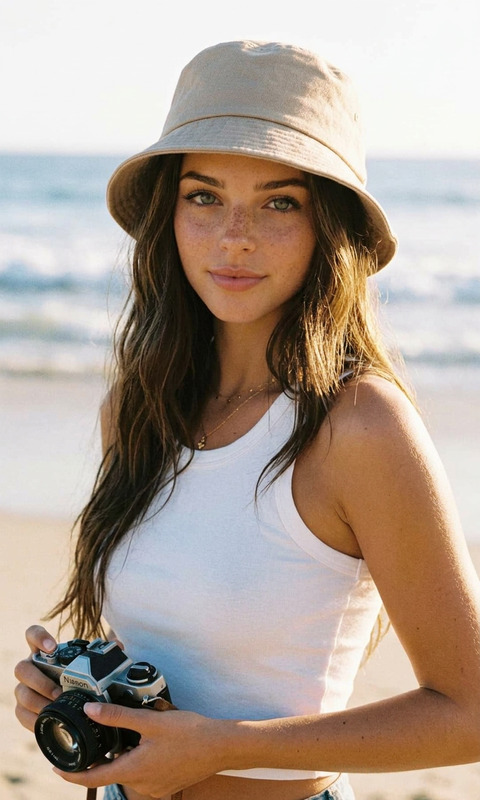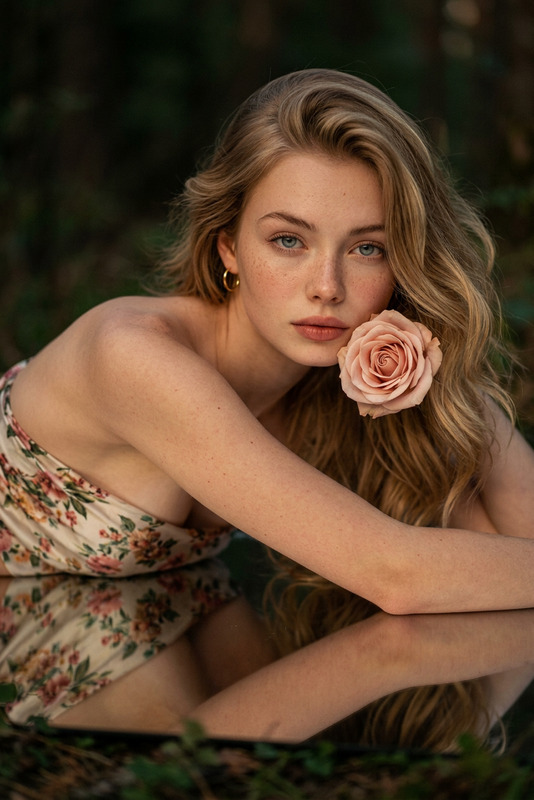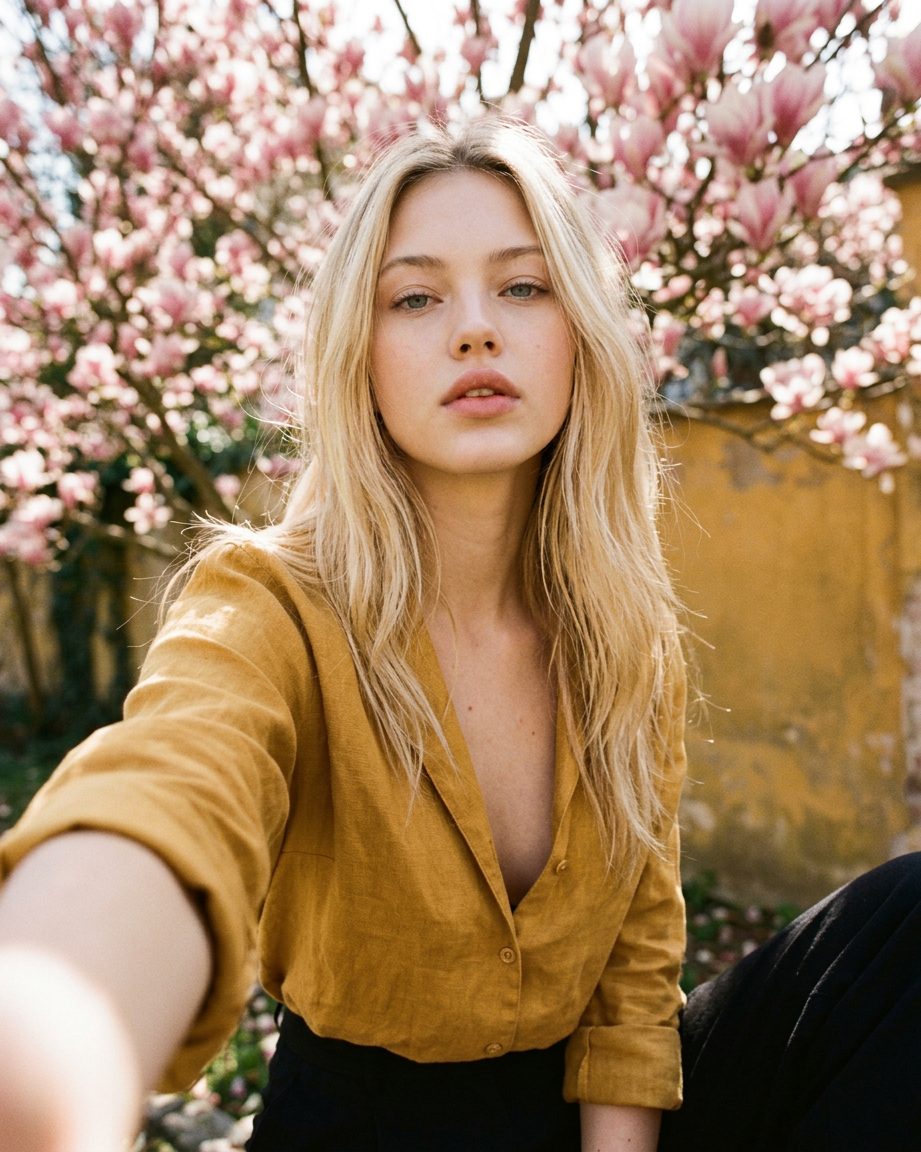
Magnolia
- Model
- Nano Banana 2
- Image
- 921 × 1152 px
Prompt
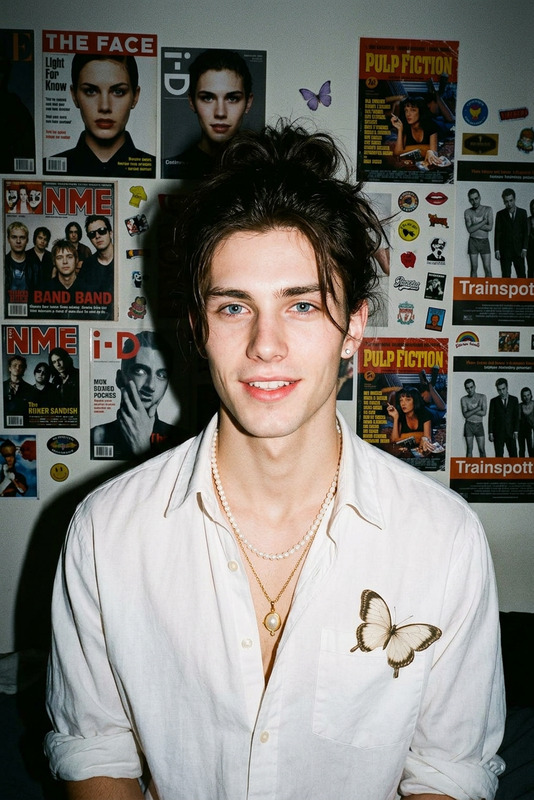
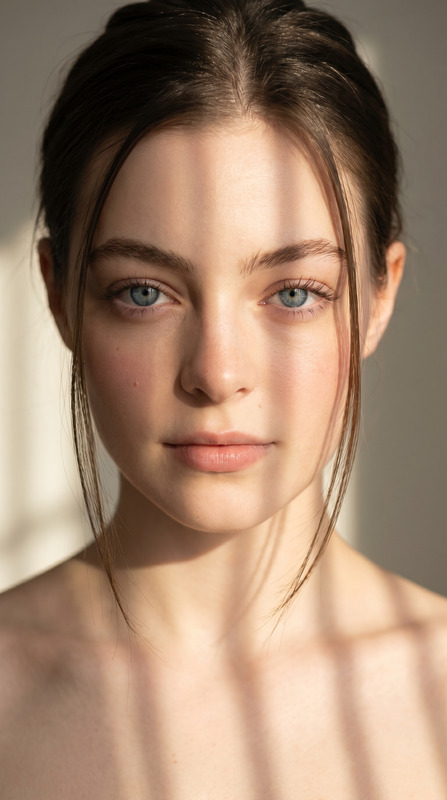
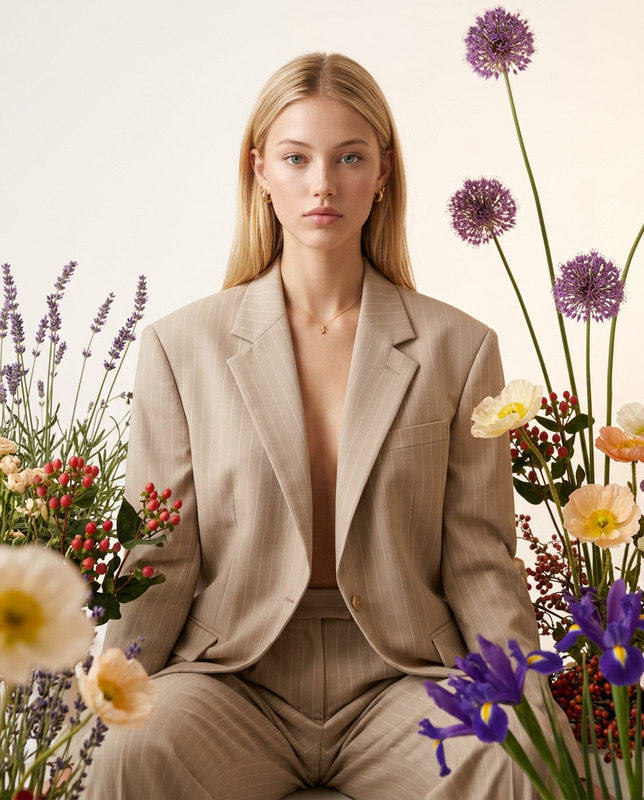
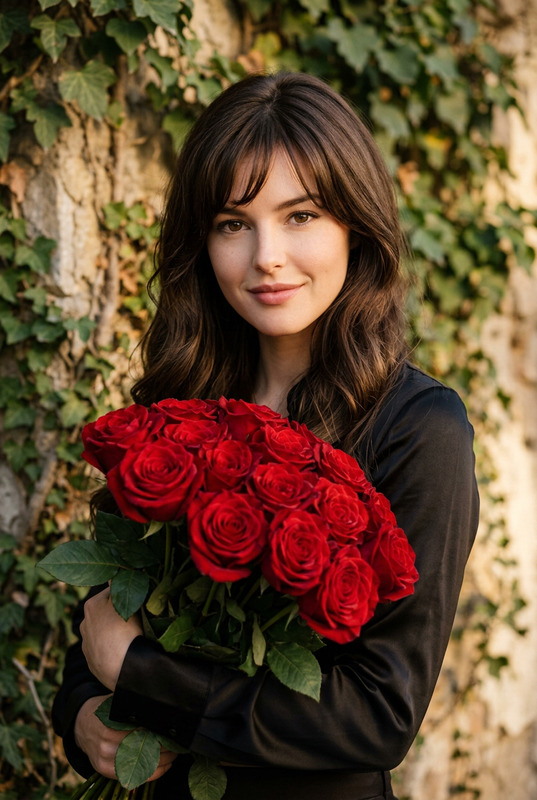
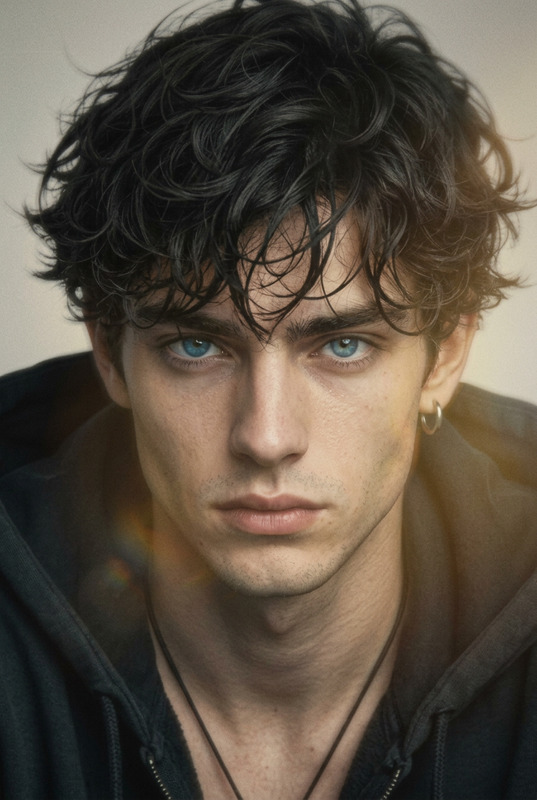
Preserve the character’s identity with absolute accuracy exactly as in the uploaded photos, with no interpretation or alteration: body proportions, face, expression, facial structure and angle, eyes (shape/color/placement), skin tone, hairstyle and hair texture must remain identical; any unique features (facial hair, glasses, tattoos, headwear, etc.) must be kept exactly as shown, with no enhancement or stylization. Create a high-angle selfie shot in broad daylight, where the subject holds the camera with one bare hand and looks directly into the lens with a lazy, arrogant, cold expression and slightly parted lips. The subject wears a refined outfit: a light linen or silk look in mustard-toned palette, slightly open at the top to reveal the collarbone, paired with elegant slim-fit black trousers and subtle accessories. The background is a beautifully blurred bright scene of blooming pink magnolias and a faded mustard-yellow wall in soft, hazy natural light, with a Petra Collins editorial aesthetic, 90s candid snapshot feel, Kodak Portra 400 look, vintage halation, dreamy pastel contrast, and heavy 35mm film grain.
Any aspect ratio
Overview
The Magnolia template uses the nano-banana-2 model within our AI Image Editor framework to create an image that retains your subject's identity with unparalleled precision. Ideal for those looking to create high-quality, stylized photographs while ensuring absolute accuracy in representation, this template balances exact character preservation with a creative, vintage aesthetic.
What It Does
Designed for projects that require high fidelity, the Magnolia template keeps the character's attributes untouched, such as facial features, hair texture, and unique identifiers like tattoos or glasses. It then artistically renders these attributes into a high-angle selfie with a backdrop of magnolias, capturing a Petra Collins editorial look. This template uses advanced AI technology to provide a consistent style akin to high-end film photography.
Who It's For
Magnolia is perfect for photographers, artists, and digital content creators who demand precise control over image styling and character representation. It's equally useful for marketing professionals in fashion and lifestyle industries aiming to create editorial-grade visuals. If your goal is to maintain authenticity while introducing artistic flair, this template is the exact tool you need.
Summary
In essence, Magnolia blends technological precision with artistic creativity, transforming your images into editorial masterpieces. It ensures every visual element is captured accurately while immersing it in a dreamy, vintage-inspired scene. Explore the capabilities of Magnolia alongside other templates available in our AI Image Editor product line.
How To
Choose Your Template

Customize Your Input

Generate Your Image

Use Cases
Editorial Photography
- Fashion magazines
- Portfolio development
- Ad campaigns
Personalized Content
- Profile pictures
- Social media content
- Family portraits
Artistic Projects
- Art exhibitions
- Digital artwork
- Creative photography
Best Practices
Quality Source Photos
Ensure that the photos you upload are of high quality with ample lighting to allow the AI model to accurately identify and preserve features.Consistent Styling
When customizing, take note of the wardrobe and accessory details in the prompt to maintain consistency across your project images.Experiment with Backgrounds
While the magnolia scene is a unique strength of this template, try different settings and expressions to see how they influence the mood of the photo.