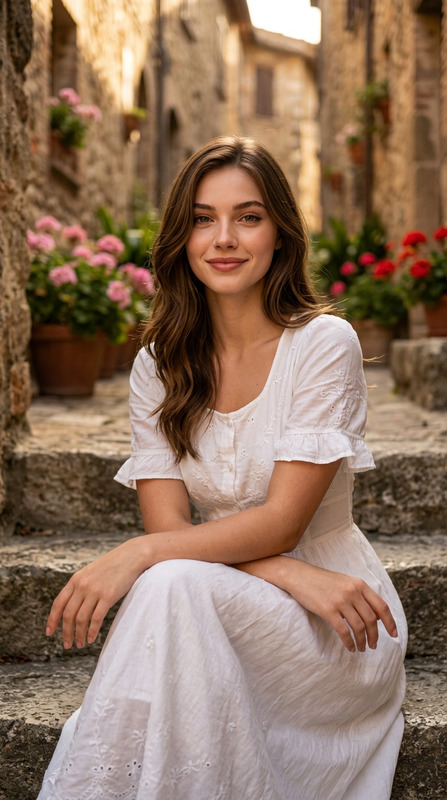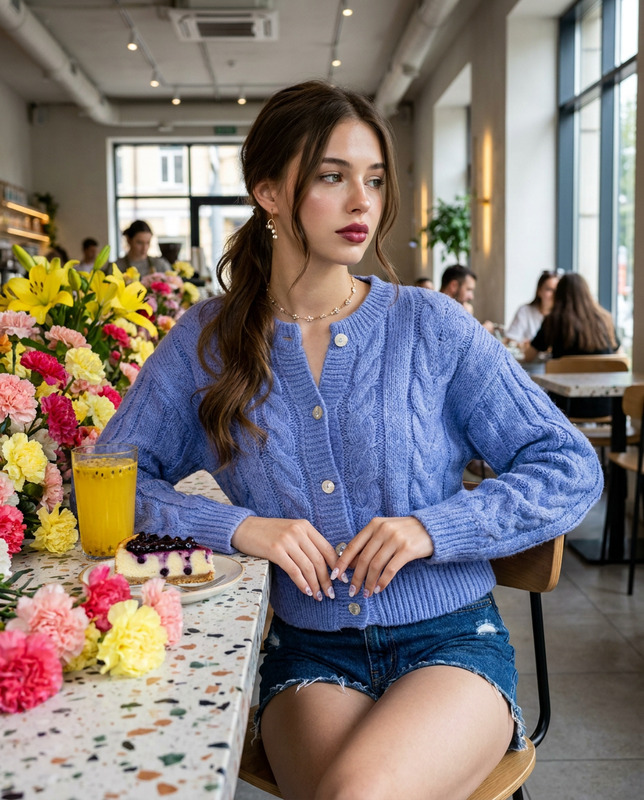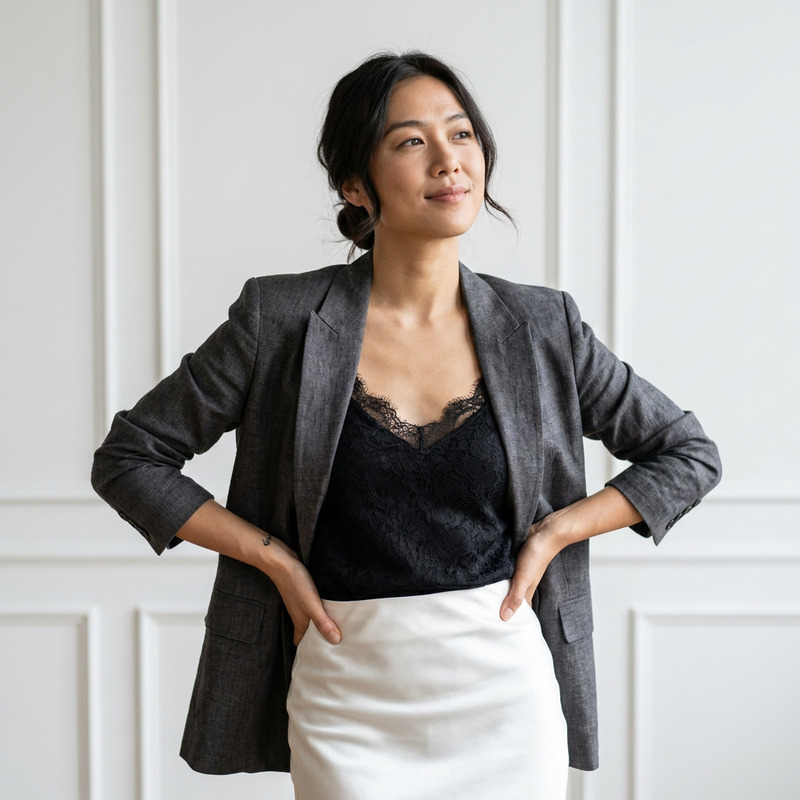
European Muse
- Model
- Nano Banana Pro
- Image
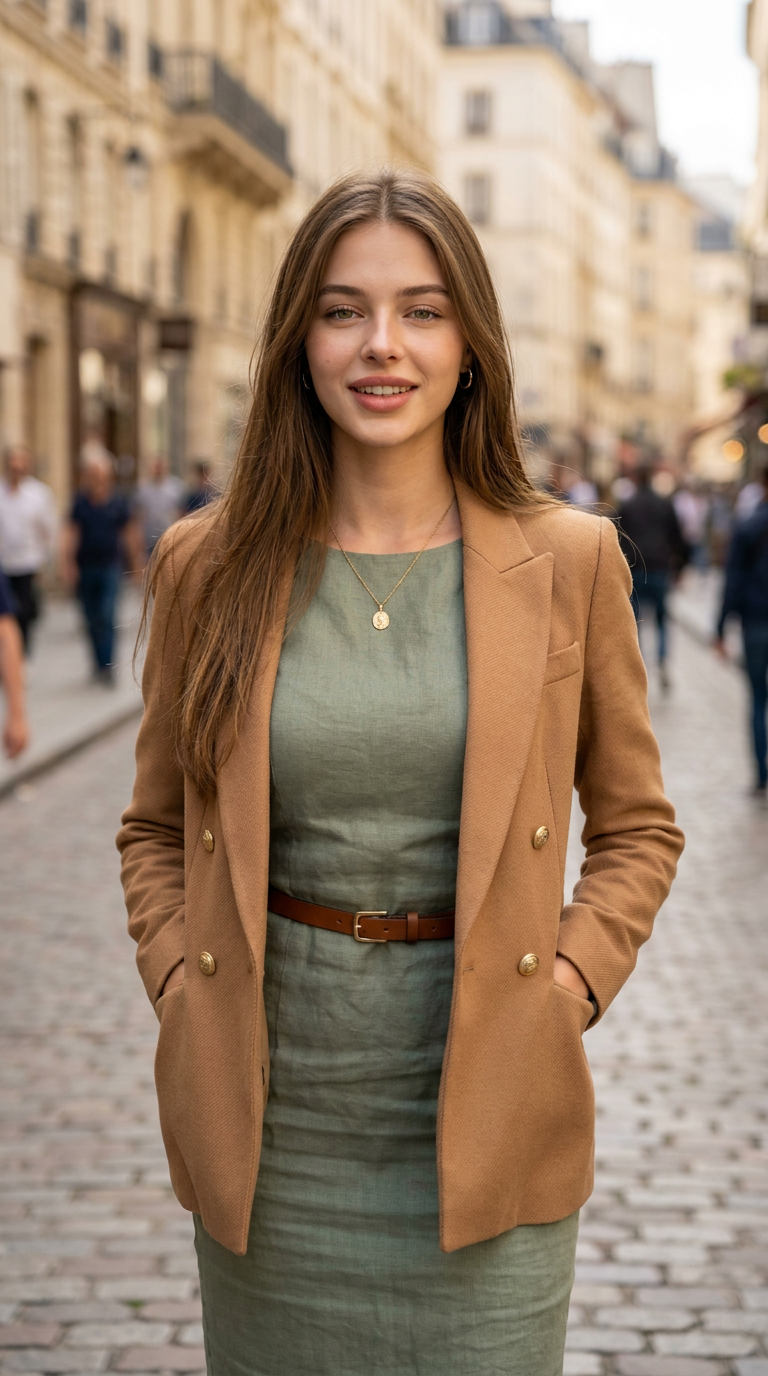
- 768 × 1376 px
Prompt
Use the uploaded reference image only to preserve the subject's facial identity, hairstyle, and natural facial proportions. Change only the environment, pose, clothing, lighting, and compositionA photorealistic portrait of a smiling woman with natural skin texture , wearing a tight fitted sage green linen dress cinched with a slim brown leather belt and an open camel-colored form fitted double-breasted blazer with gold buttons. Medium waist-up shot, eye-level framing, vertical aspect ratio, with the subject positioned centrally in the frame. Her face features warm brown eyes, a gentle smile,slightly parted lips ,front teeth exposed and a relaxed, confident expression. She is wearing a delicate gold pendant necklace, small hoop earrings, and hands tucked casually into her blazer pockets. A relaxed, standing pose with a subtle body angle toward the camera and a gentle head tilt. Captured in soft, natural daylight outdoors on a bustling European cobblestone street, with a softly blurred background showing pedestrians and classic architecture creating a pleasing bokeh effect. High-resolution texture fidelity, sharp focus on facial features and fabric weaves, shallow depth of field, natural color grading with warm tones. Shot on a 85mm lens, f/1.8, professional editorial photography style, hyper-detailed rendering, 8k resolution. Aspect ratio 9:16Negative Prompt Component Definition: distorted hands, extra limbs, bad anatomy, deformed fingers, blurry face, plastic skin, oversaturated colors, harsh lighting, low quality, jpeg artifacts, watermark, typography
Any aspect ratio
Overview
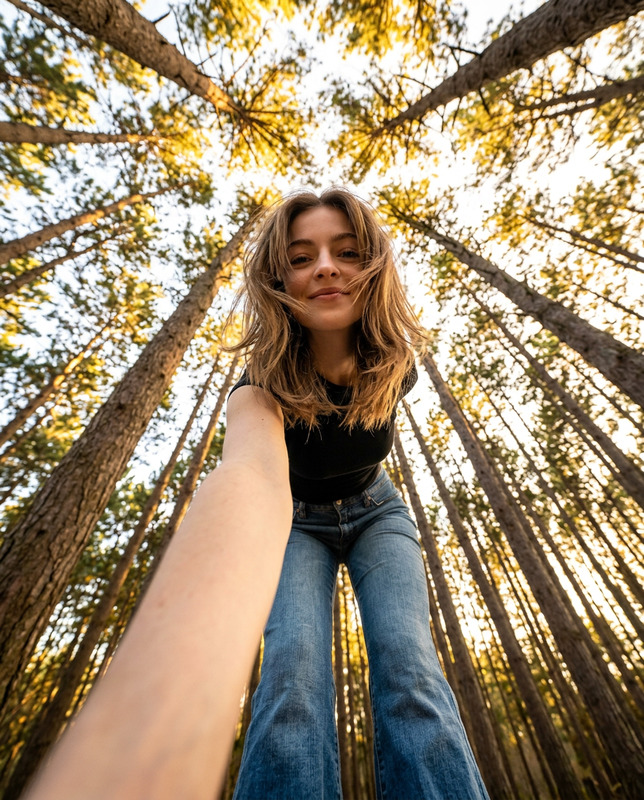
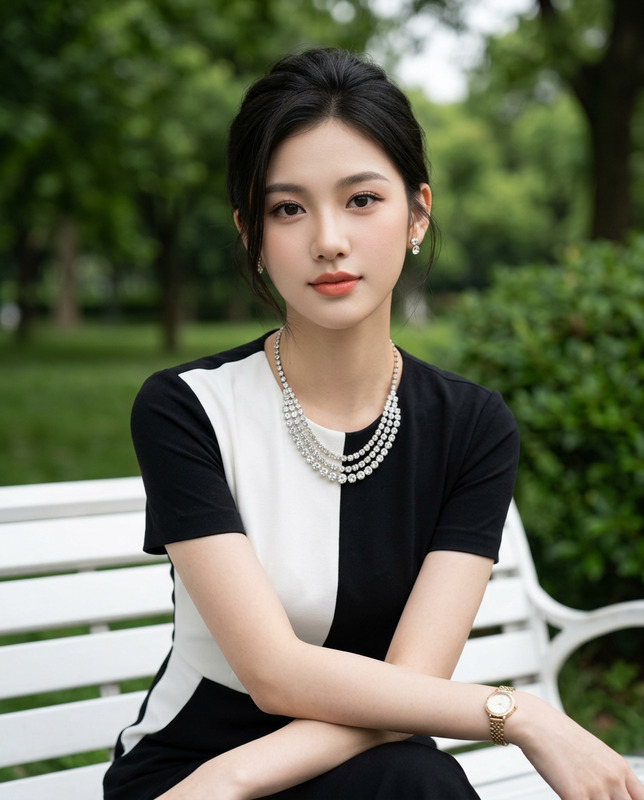
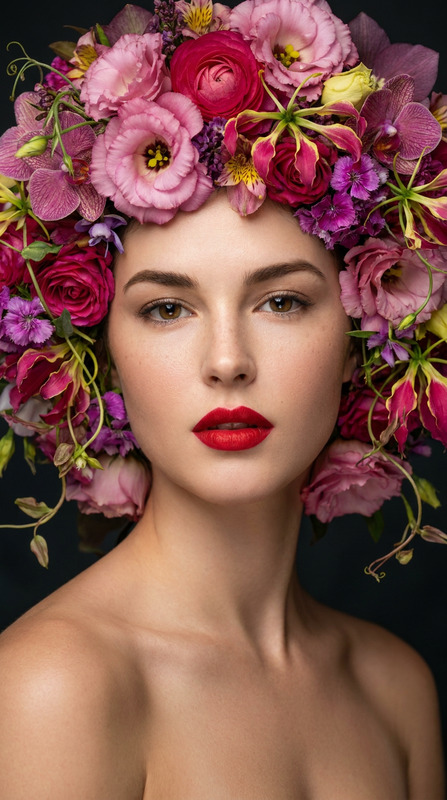
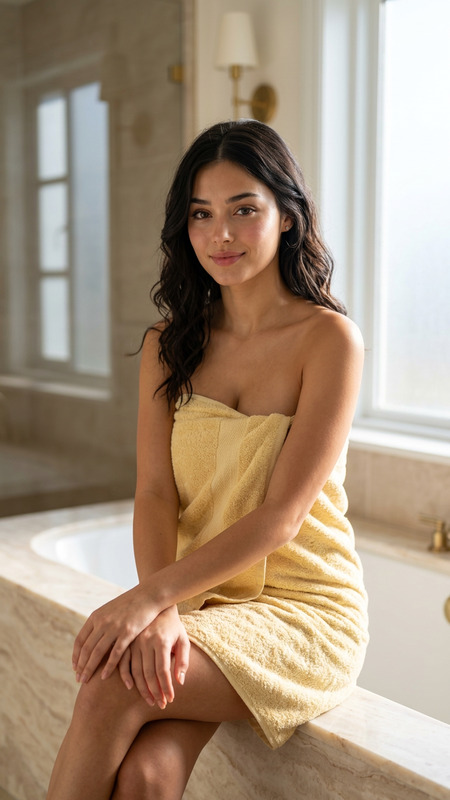
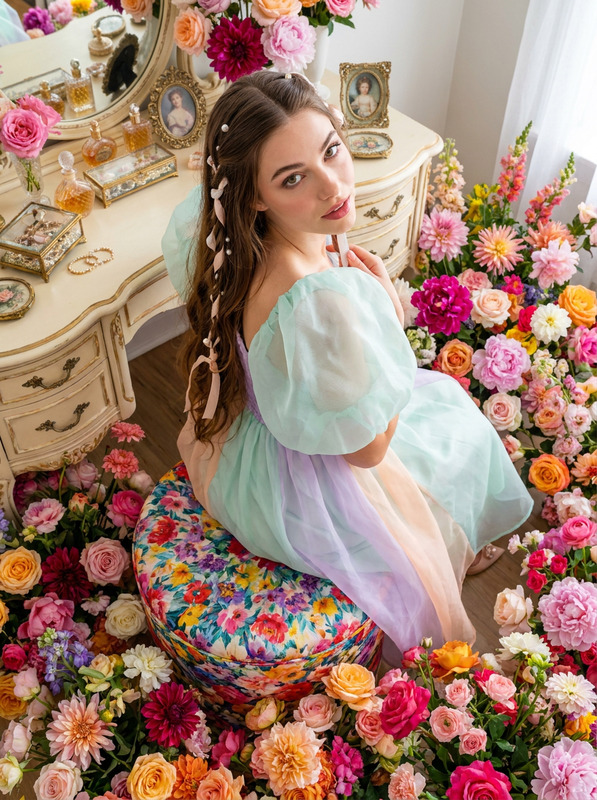
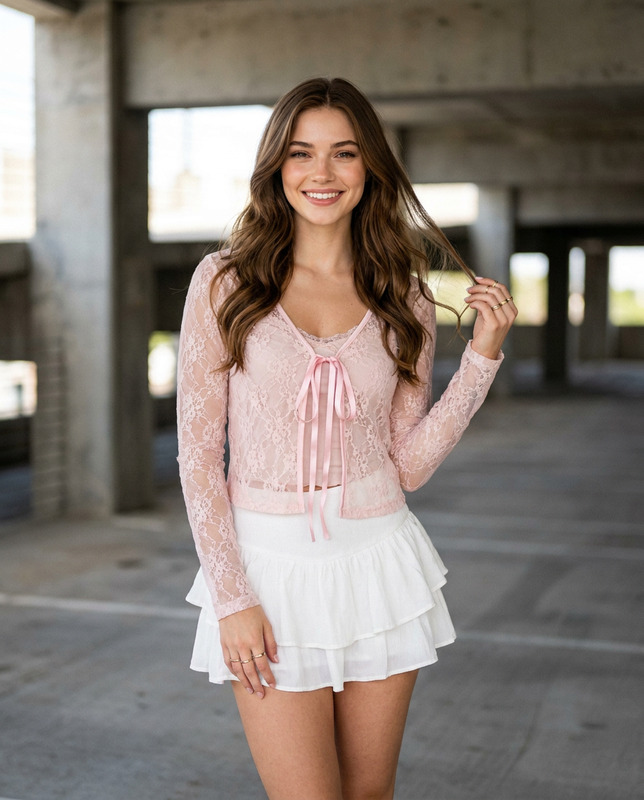
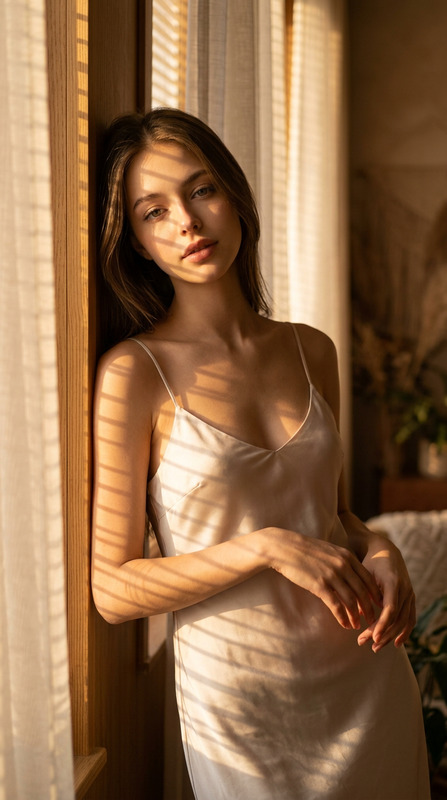
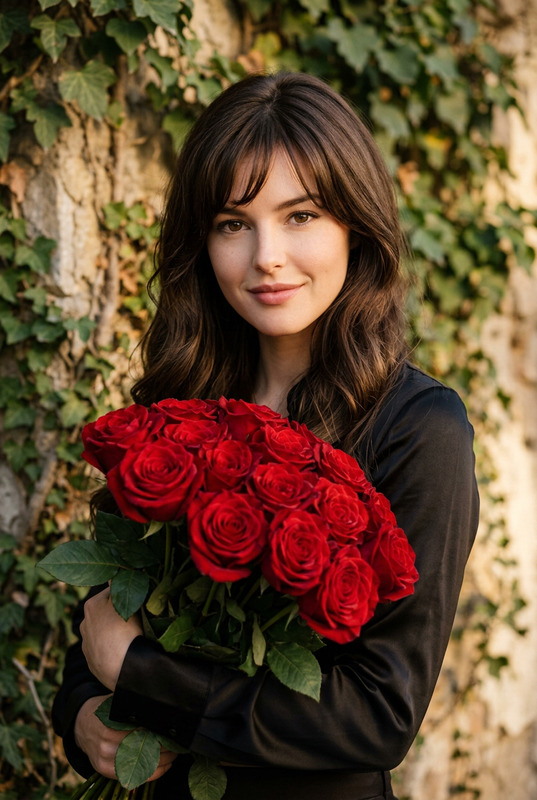
The "European Muse" template harnesses the power of AI Image Editing with the AI Image Editor model nano-banana-pro. This template is designed to transform a reference image, retaining key facial characteristics while altering the environment, pose, clothing, and mood for a stunning and sophisticated outcome.
What It Does
By focusing on photorealism, "European Muse" changes the backdrop and attire in your image without compromising the subject's identity. Capture the elegance of a European street with precise edits to the wardrobe, posture, and lighting. The result is a refined portrait that maintains high-resolution detail and natural color tones, thanks to advanced features of the AI Image Editor and its nuanced processing capabilities.
Who It's For
This template is ideal for photographers, designers, or marketers seeking to create compelling visuals where the environment is key, yet the subject remains central. Perfect for editorial photo shoots, fashion portfolios, or advertising campaigns looking to leverage AI for realistic and evocative imagery.
Professionals utilizing the Character Replace tool can also benefit from its compatibility, allowing for seamless integration with other AI features.
Summary
The "European Muse" template offers a professional and detail-oriented approach to modern image editing. With AI Image Upscaler capabilities, it ensures crisp details in every shot, while enriching the visual narrative with classic European charm. Transform images into high-end portraits with minimal effort, while maintaining artistic intent and clarity.
How To
Choose the Template

Customize Your Image

Generate Your Portrait

Use Cases
Editorial Photography
Fashion Promotion
Marketing Campaigns
Best Practices
Keep Subject Features Intact
Ensure that the facial features and proportions remain true to the original to maintain authenticity and client identity.Enhance Lighting Naturally
Utilize soft, natural daylight in edits to preserve realism and coherence with the depicted environment.Optimize Use of Accessories
Make subtle enhancements with accessories such as jewelry and clothing details to elevate the prestige of the portrait.