Spring Allium
- Model
- Nano Banana 2
- Image
- 928 × 1152 px
Prompt
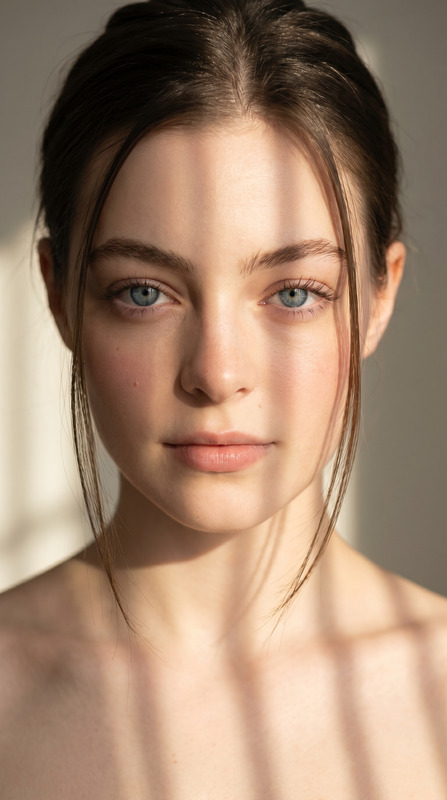
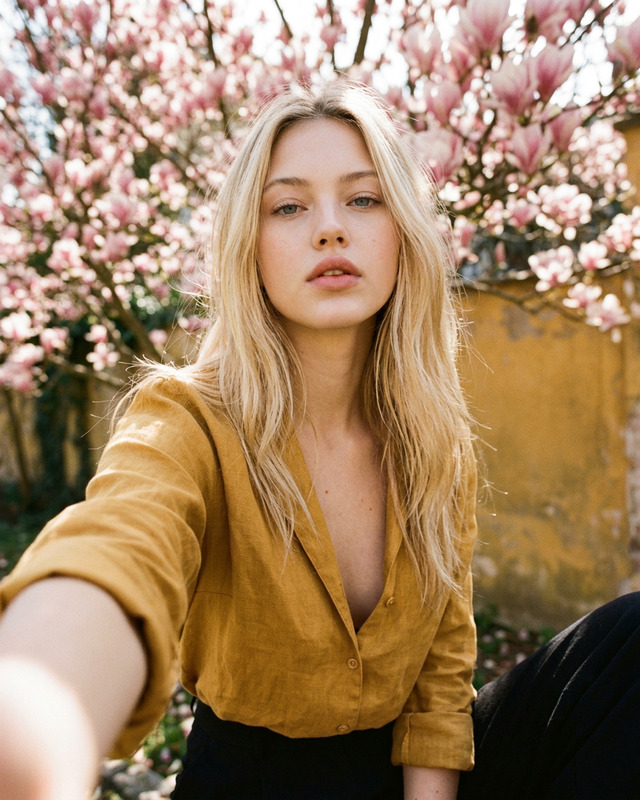
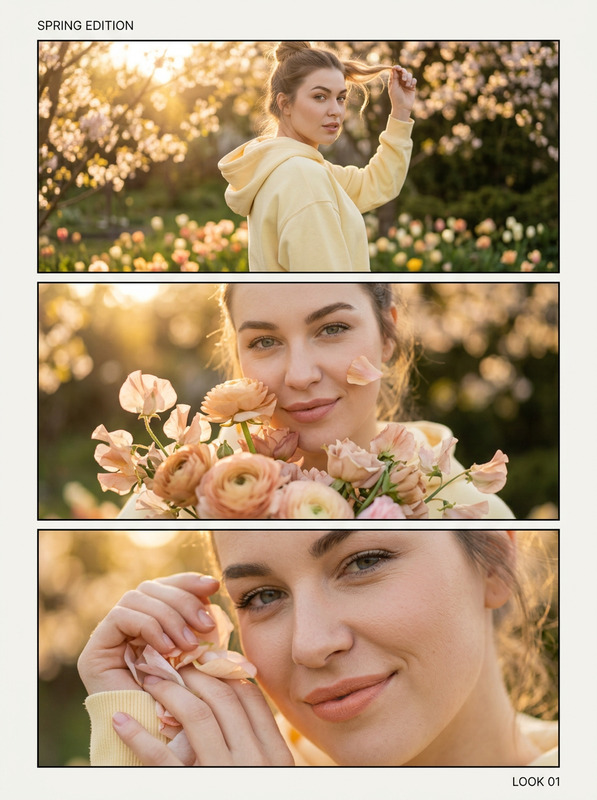
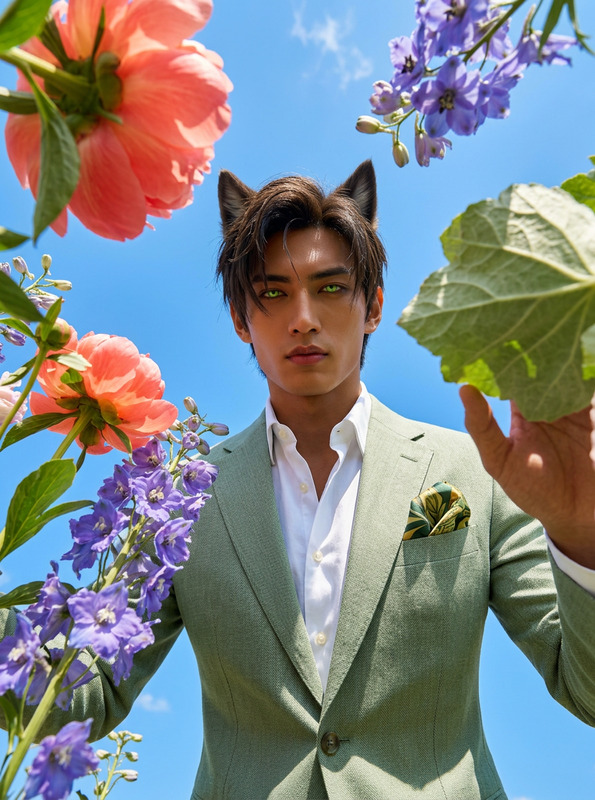
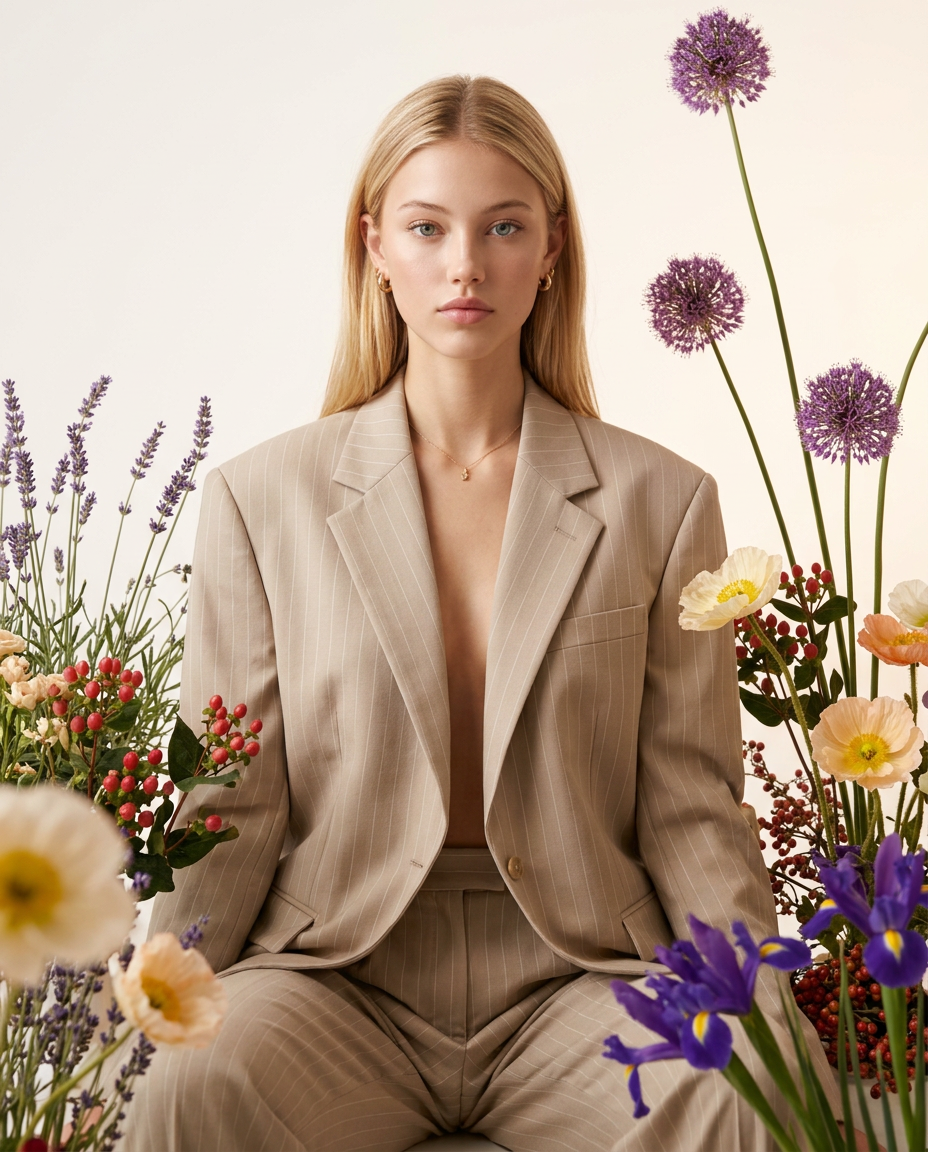
The character is reproduced with strict photo-accurate fidelity (same face, proportions, skin tone, hair, expression, and angle), and only the outfit and styling are changed. Create a photorealistic studio fashion-editorial portrait in a vertical 4:5 frame with a perfectly frontal chest-level camera, centered symmetry, a milky-white seamless background with a warm gradient, and high-key softbox lighting with delicate shadows and magazine-grade color. Show one character in a light pinstripe suit only: an oversized blazer with softly broad shoulders and long sleeves plus wide straight trousers in matte suiting fabric—no extra dresses or layers. Add a foreground botanical installation rising from the bottom and sides (lavender, red berries, cream/peach poppy-like blooms, purple irises bottom-right, spherical allium on tall stems to the right/top), with slight foreground blur for depth, and ensure nothing overlaps the lips or face.
Any aspect ratio
Overview
The "Spring Allium" template is an exceptional choice for crafting visually stunning, photorealistic fashion-editorial portraits. Using the powerful nano-banana-2 model, this template allows you to maintain character fidelity while updating outfits within a meticulously designed setting.
What It Does
The "Spring Allium" template transforms a basic image into a studio-ready fashion portrait. It changes only the clothing and overall styling, keeping facial details intact—ideal for those in need of photo-accurate character edits. With elements like a milky-white background, sophisticated botanical styling, and magazine-grade lighting, this template elevates any image to editorial quality. This makes it an excellent tool when used alongside the AI Image Editor for additional retouching.
Who It's For
This template is perfect for fashion designers, photographers, and creative professionals who require high-quality, photo-accurate imagery for portfolios, editorials, and presentations. It's also useful for marketers seeking to create polished and engaging visual content for campaigns. By pairing this with the AI Product Photography tool, users can further enhance their visual storytelling.
Summary
Overall, "Spring Allium" reshapes fashion imagery with precision. It preserves character details while modifying outfits to reflect current trends, complete with advanced editorial elements. To explore its full potential, consider integrating it with complementary offerings like the AI GIF Generator for animated marketing content.
How To Use
Choose the Template

Customize Your Image

Generate the Image

Use Cases
Fashion Editorials
- Rejuvenate portfolios with fresh looks.
- Achieve consistency across fashion spreads.
Marketing Campaigns
- Emphasize new seasonal lines.
- Create engaging, high-quality ads.
Creative Presentations
- Bring concepts to life with detailed illustrations.
- Use for pitch decks and mood boards.
Best Practices
Maintain Original Lighting
Try to match the original photo's lighting quality for the best results.Focus on Facial Features
Ensure facial details in the source image are clear and vivid for accurate reproduction.Align with Seasonal Themes
Customize plant elements to match the season for continuity across projects.