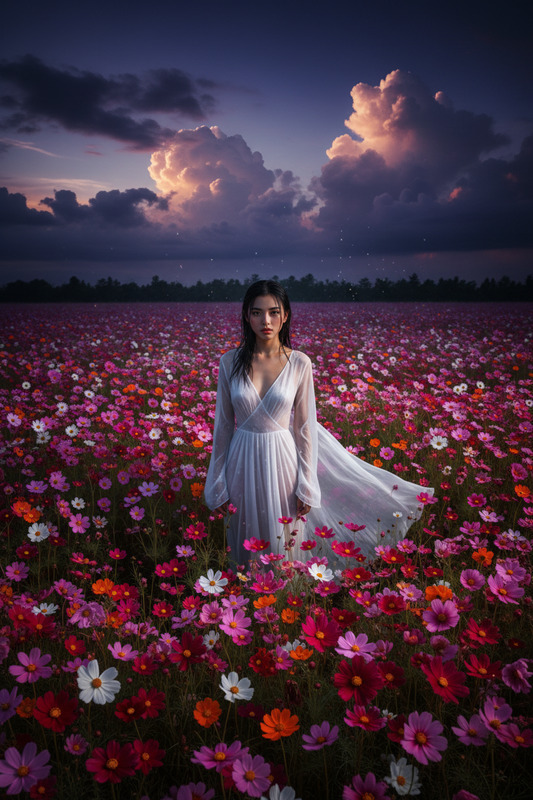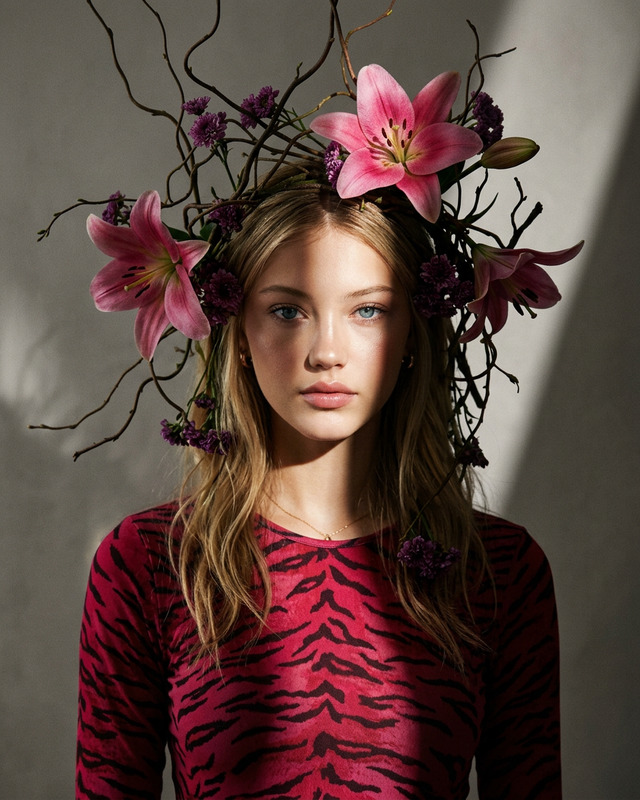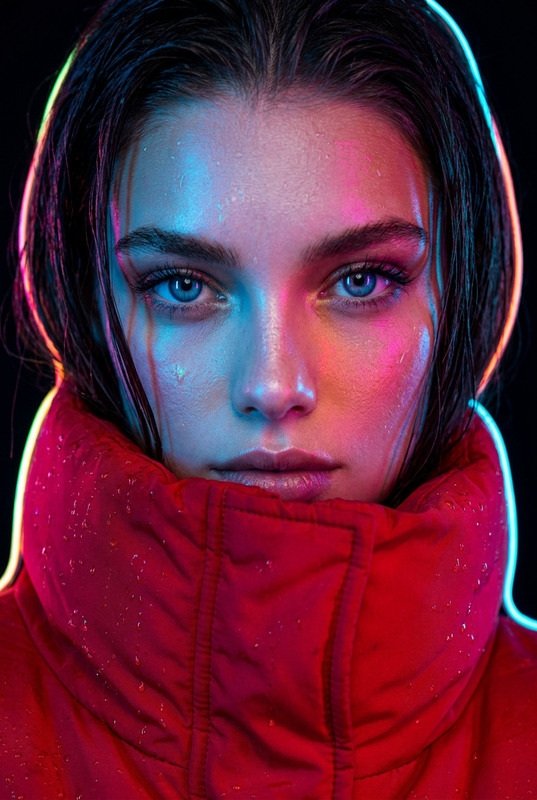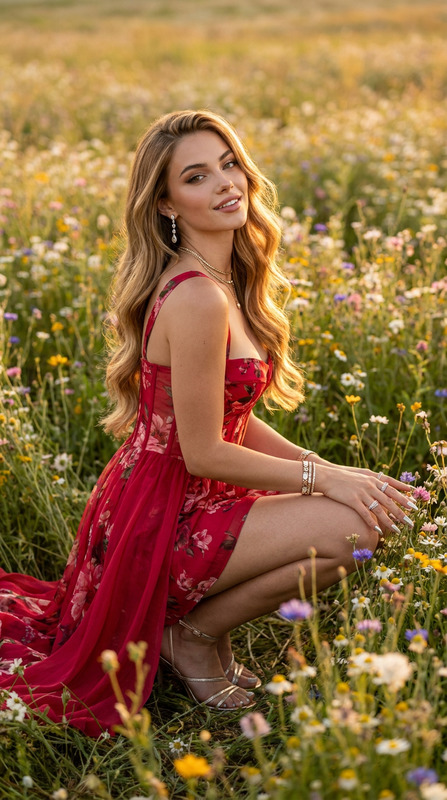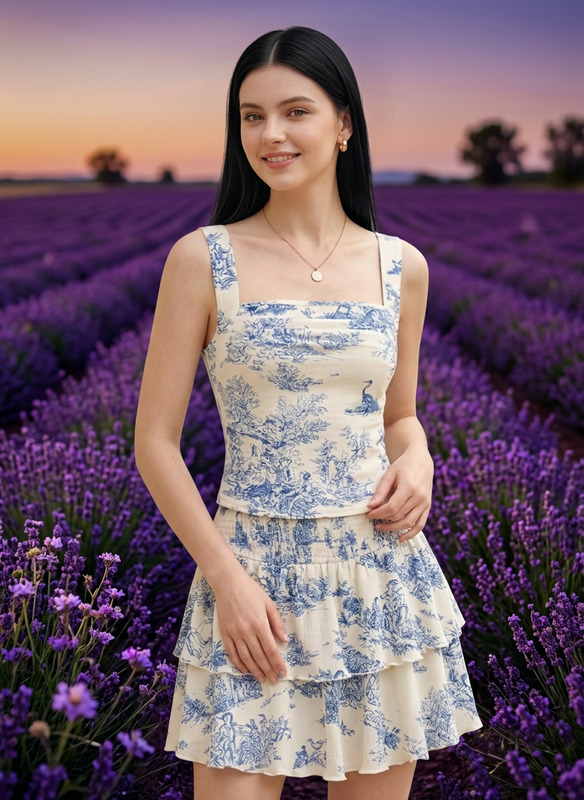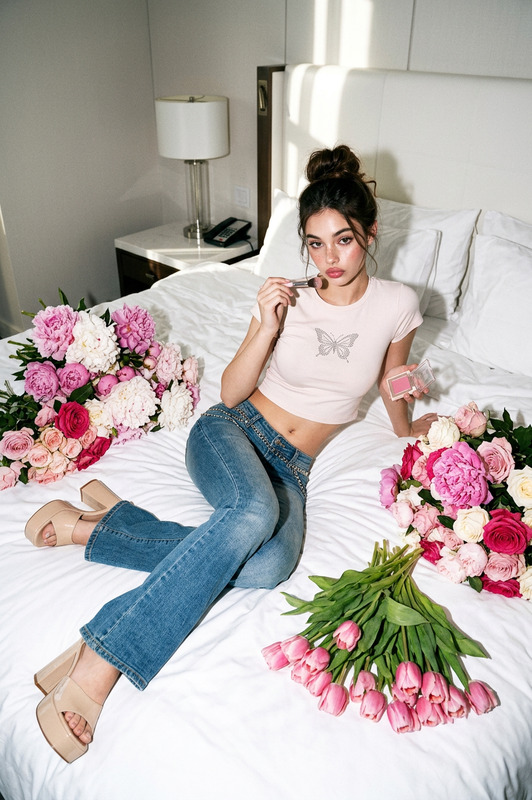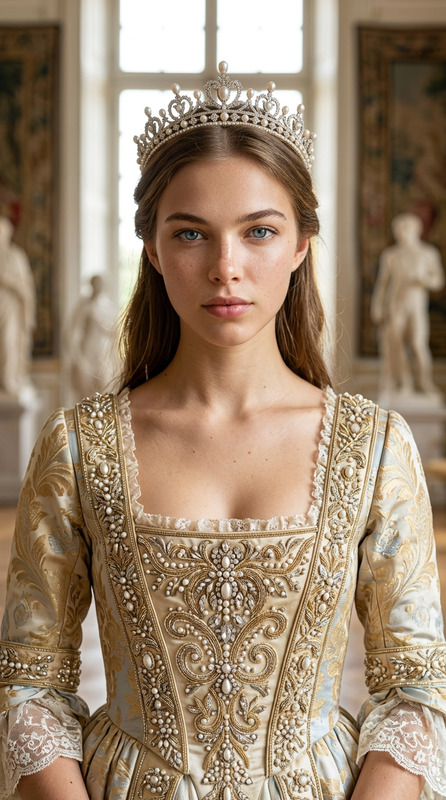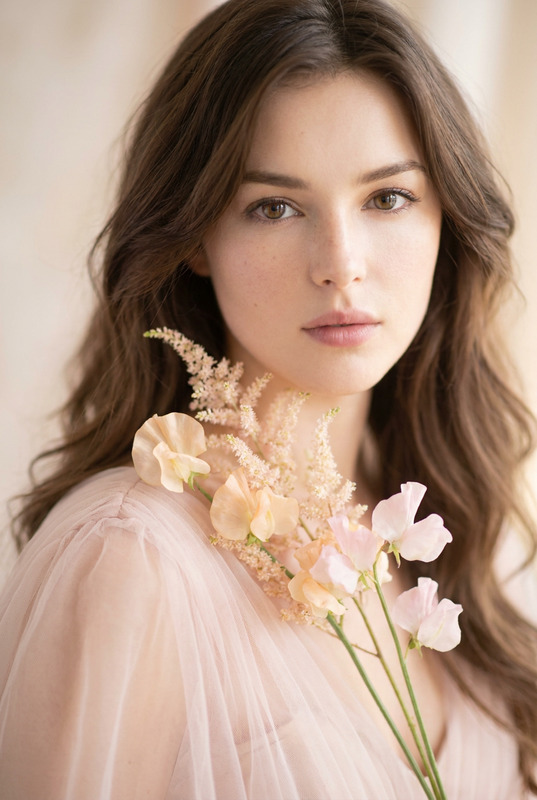
Floral Shot
- Model
- Nano Banana 2
- Image
- 843 × 1264 px
Prompt
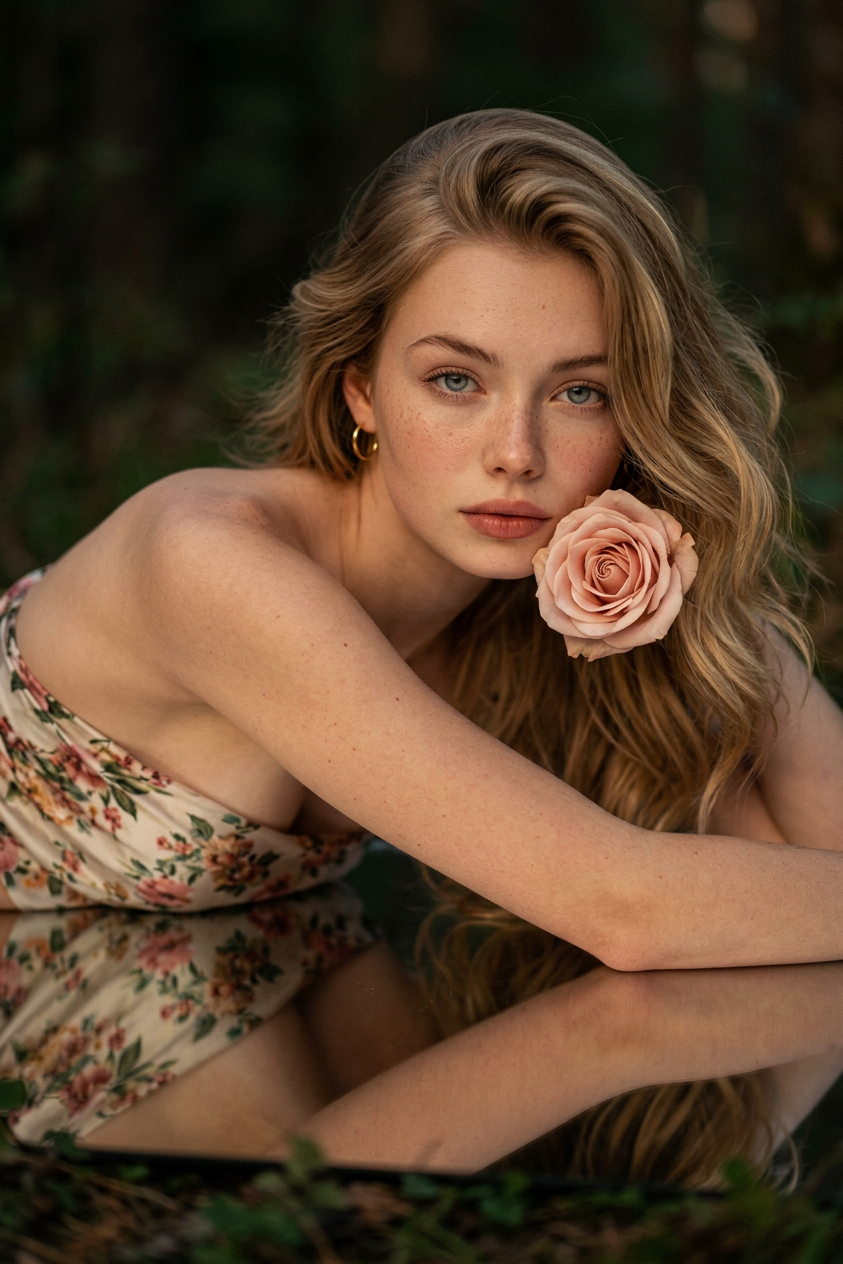
Ultra-realistic high-end fashion editorial, exact identity preserved from reference (no changes to face, body, or features). Shot on Sony A7R V, 135mm f/1.8, medium close-up, subject lying on stomach on mirror surface, sharp focus on eye and flower, soft bokeh. Soft warm key light from above-left with gentle fill, subtle fog and deep shadows. Woman: floral bandeau top, holding blush pink rose, intimate expression; man/child styled accordingly. Dark romantic forest backdrop, reflective floor with petals, hyper-detailed skin and textures, fine film grain, warm peach/coral tones, vertical 9:16.
Any aspect ratio
Overview
The Floral Shot template offers a refined way to transform ordinary photos into high-end fashion editorials. Utilizing the nano-banana-2 model, this template captures ultra-realistic details and sophisticated aesthetics, making it an invaluable tool for creating striking editorial visuals.
What It Does
This AI Image Editor template elevates your images into a fashion-forward statement piece. By preserving the subject's identity, it maintains facial and body integrity while enhancing the scene with a romantic, dreamy atmosphere. Achieve professional-grade focus and textural details ideal for editorial spreads.
Who It's For
The Floral Shot template is ideal for photographers, fashion designers, and creative directors aiming to produce editorial-quality visuals. Whether working on lookbooks, marketing campaigns, or social media promotions, this tool helps realize a high-end photographic vision with ease.
Summary
Create stunning editorial images with the Floral Shot template. It's perfect for fashion-centric projects requiring precision and artistry, where maintaining subject identity and producing evocative compositions are crucial. Explore other tools like the AI Profile Picture Generator and AI Product Photography for complementary capabilities.
How to Use
Choose the Template

Customize Your Image

Generate and Download

Use Cases
Fashion Editorials
- Enhance brand lookbooks
- Develop marketing materials
- Design social media visuals
Portfolio Development
- Showcase technical skills
- Highlight creative direction
- Appeal to high-profile clients
Marketing & Advertising
- Craft engaging ad campaigns
- Elevate product promotional materials
- Design visually rich print ads
Best Practices
Maintain Original Identity
Ensure the reference image clearly shows the individual's identity to preserve recognizable features accurately.Optimize Lighting and Focus
Utilize the template's settings to adjust lighting and focus, enhancing the natural beauty and detail of the image, as seen in products like AI Photo Relighting.Complementary Backgrounds
Select backgrounds that enhance the romantic aesthetic and don’t distract from the subject, akin to techniques used in the AI Background Changer.