Film Frames
- Model
- Nano Banana 2
- Image
- 848 × 1264 px
Prompt
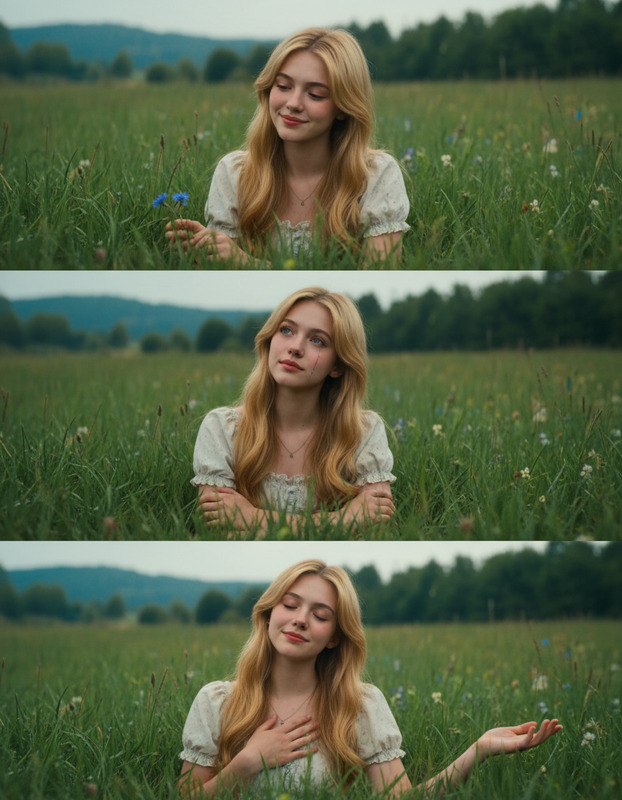
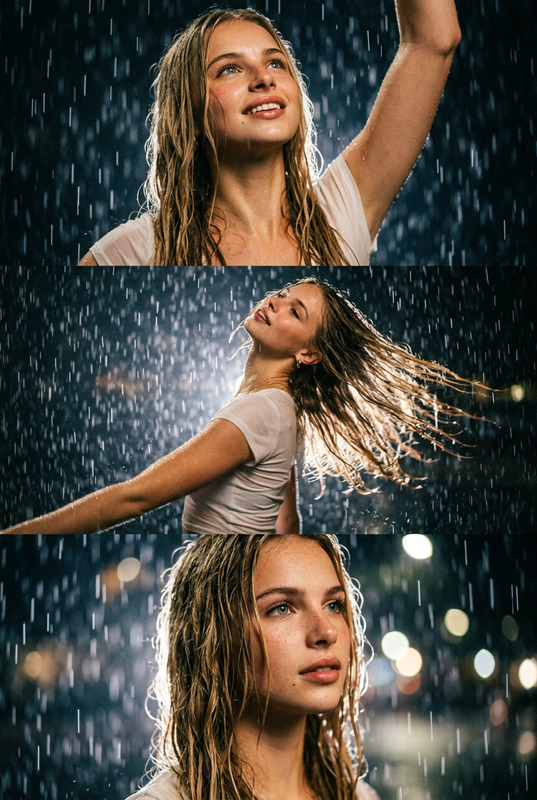
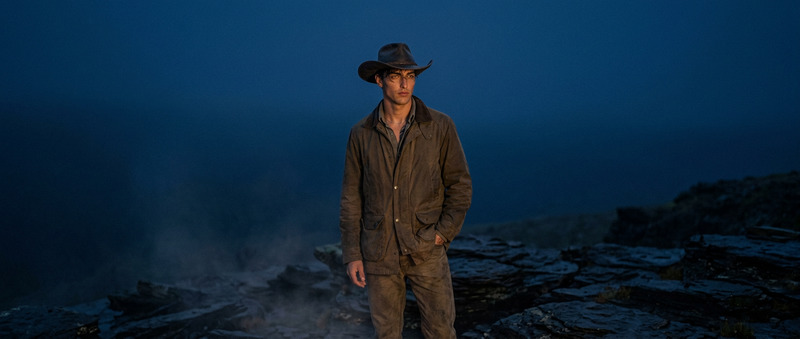
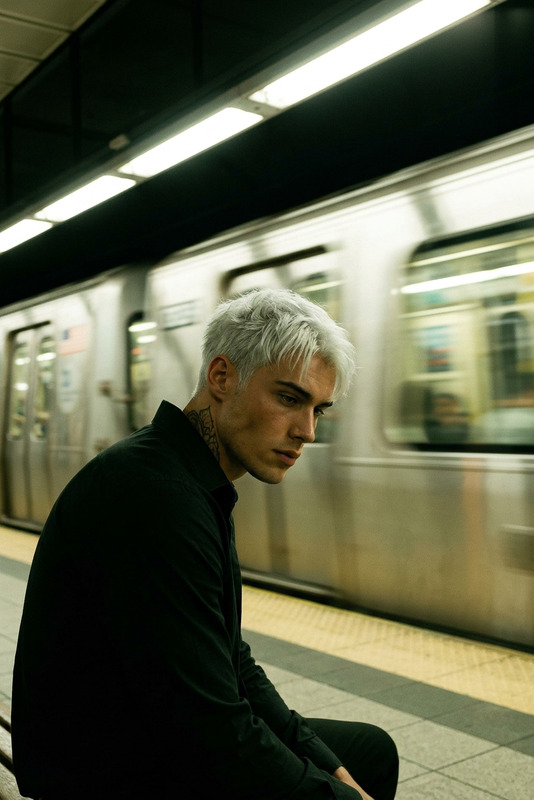
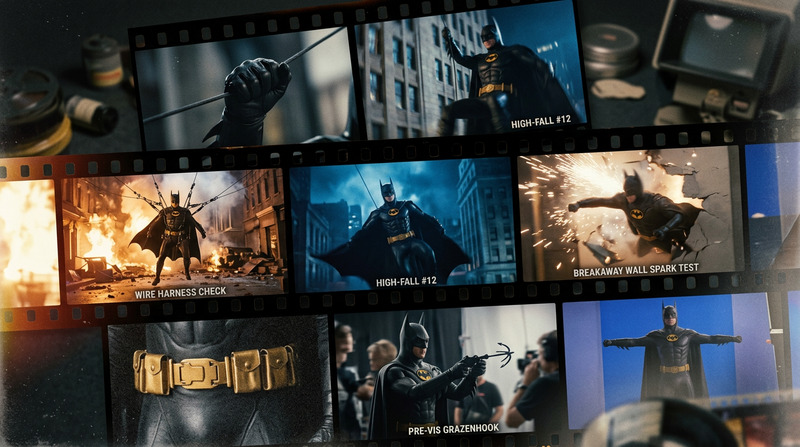
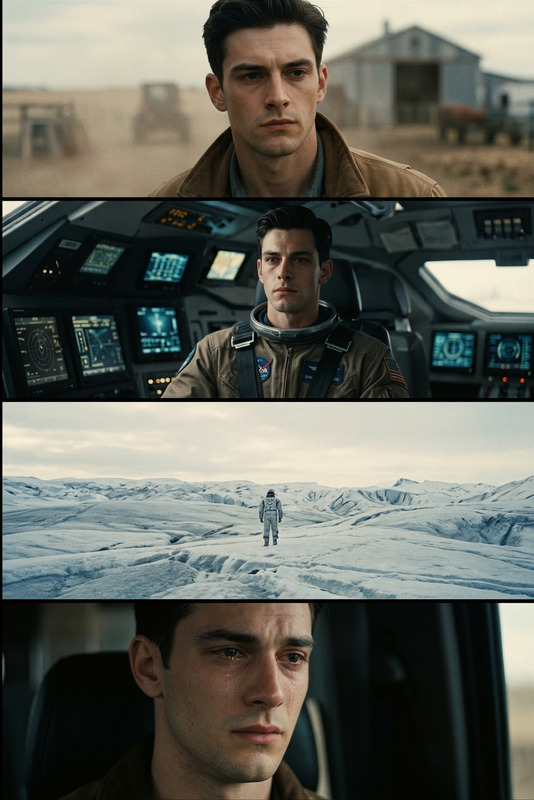
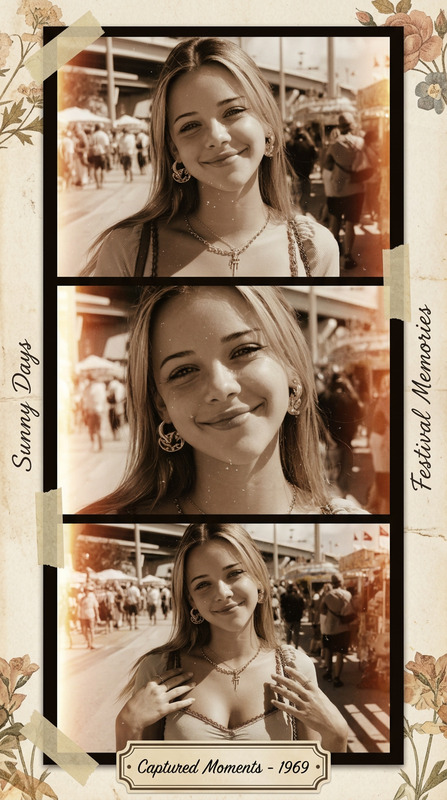
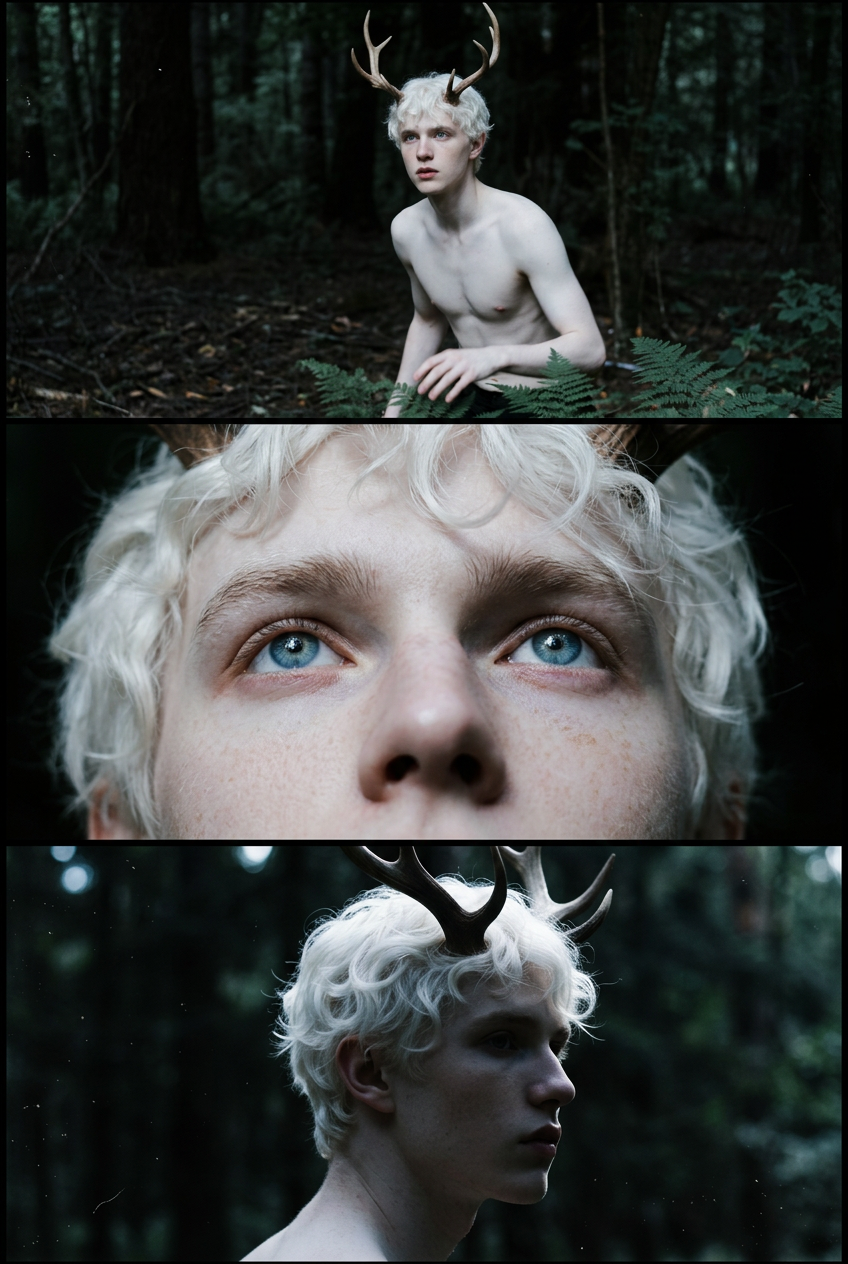
Transform the uploaded image into cinematic 3-frame sequential film stills (horizontal frames stacked vertically), full bleed edge-to-edge. Each frame should show a different moment from the same scene, with clear progression. Vary the composition, camera angle, and distances to create a sense of movement and storytelling. Use a cinematic, cooler-toned, high-contrast, deep-space blacks film with a natural color grade. Add subtle film grain, slight motion blur, and natural imperfections to emulate analog photography. Keep the composition candid and emotionally grounded, with a sense of movement and quiet storytelling. Overall aesthetic: cinematic, nostalgic, and organic, like raw film stills.
Any aspect ratio
Overview
With the Film Frames template, transform your uploaded images into compelling three-frame sequences that mimic the look of movie stills. Whether you are curating content for a portfolio or enhancing storytelling in personal projects, this tool elevates your images with cinematic flair and emotional depth. Each frame tells a distinct part of a visual story, providing a fuller, richer context that captivates the viewer. Discover more AI Image Editor tools to further refine your visuals.
What It Does
This AI Image Editor uses the nano-banana-2 model to transform a single image into a cinematic triptych, showing different moments from the same scene with varied compositions. It employs cooler tones, high contrast, and deep blacks to enhance the storytelling aspect, adding a layer of nostalgia and organic feel typical of analog photography. Subtle film grain and motion blur enhance the realism, ensuring each frame looks like it belongs in a film reel.
For more image transformation options, explore our AI Image Generator solutions.
Who It's For
Film Frames is perfect for photographers, filmmakers, and anyone in the creative industry looking to add a touch of cinematic magic to their images. Ideal for use in storyboarding and mood board creation, it's especially suited for those who appreciate the aesthetic of analog film and want to convey emotion and movement through still imagery.
Summary
Incorporate the look and feel of classic film into your projects with the Film Frames template. It's an ideal choice for anyone looking to evoke nostalgia and emotion, providing a cinematic narrative through sequential image editing. Harness the power of our AI Multi-Angle Generator to explore different perspectives in your cinematic sequences.
How to Use
Choose Your Starting Template

Customize Your Experience

Generate Your Film Sequence

Use Cases
Mood Boards
- Sequential storytelling
- Enhanced visual impact
Storyboarding
- Scene progression
- Dynamic composition
Social Media Imagery
- Increased engagement
- Unique storytelling
Best Practices
Select the Right Imagery
Choose images with strong narrative potential. Elements like expressive characters or dynamic scenes work best to provide a natural progression in the frames.Use Complementary Tools
Pair Film Frames with the Photo Colorizer for enhanced color palettes and the AI Clothes Changer to match wardrobe styles to your cinematic theme.Maintain a Consistent Style
Ensure that all frames maintain a cohesive aesthetic by using uniform color grading and composition adjustments.