City Blur
- Model
- Nano Banana 2
- Image
- 768 × 1370 px
Prompt
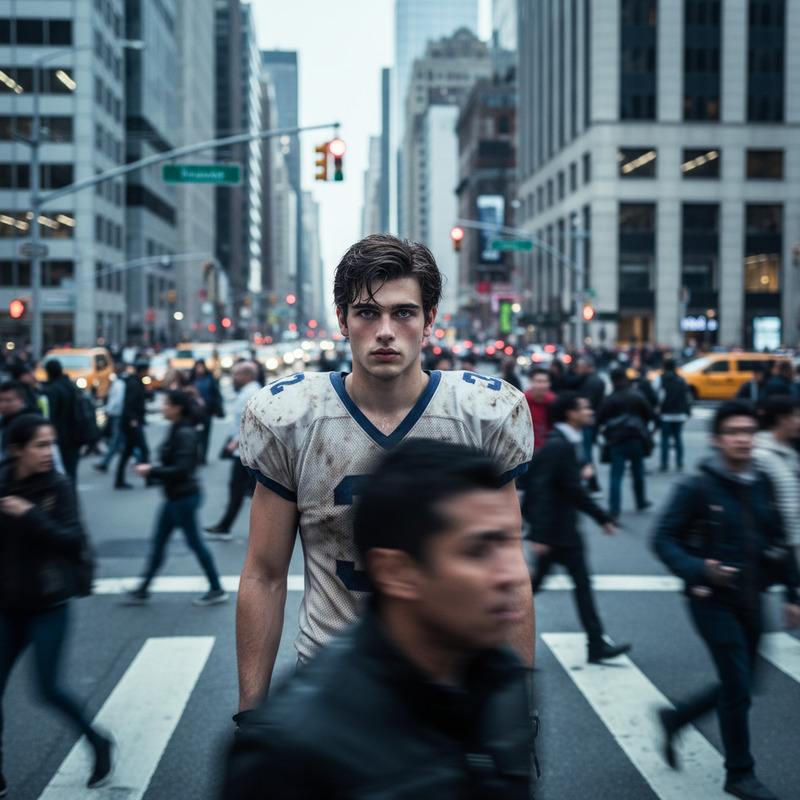
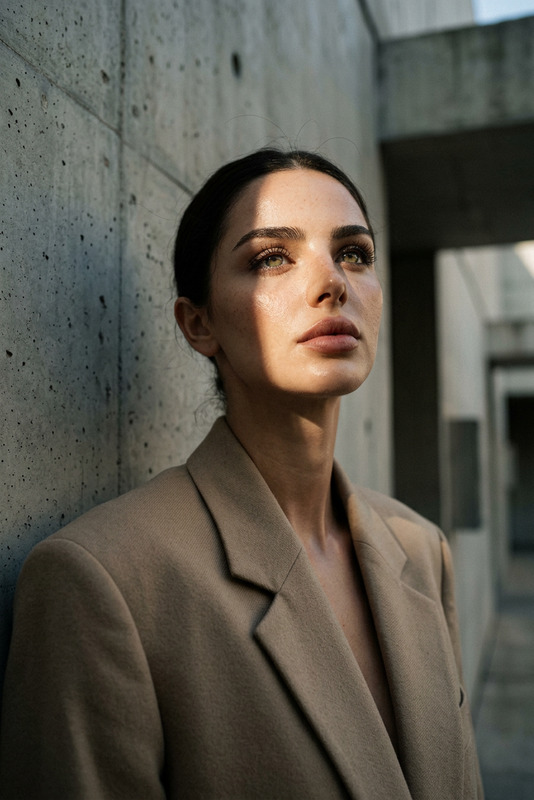
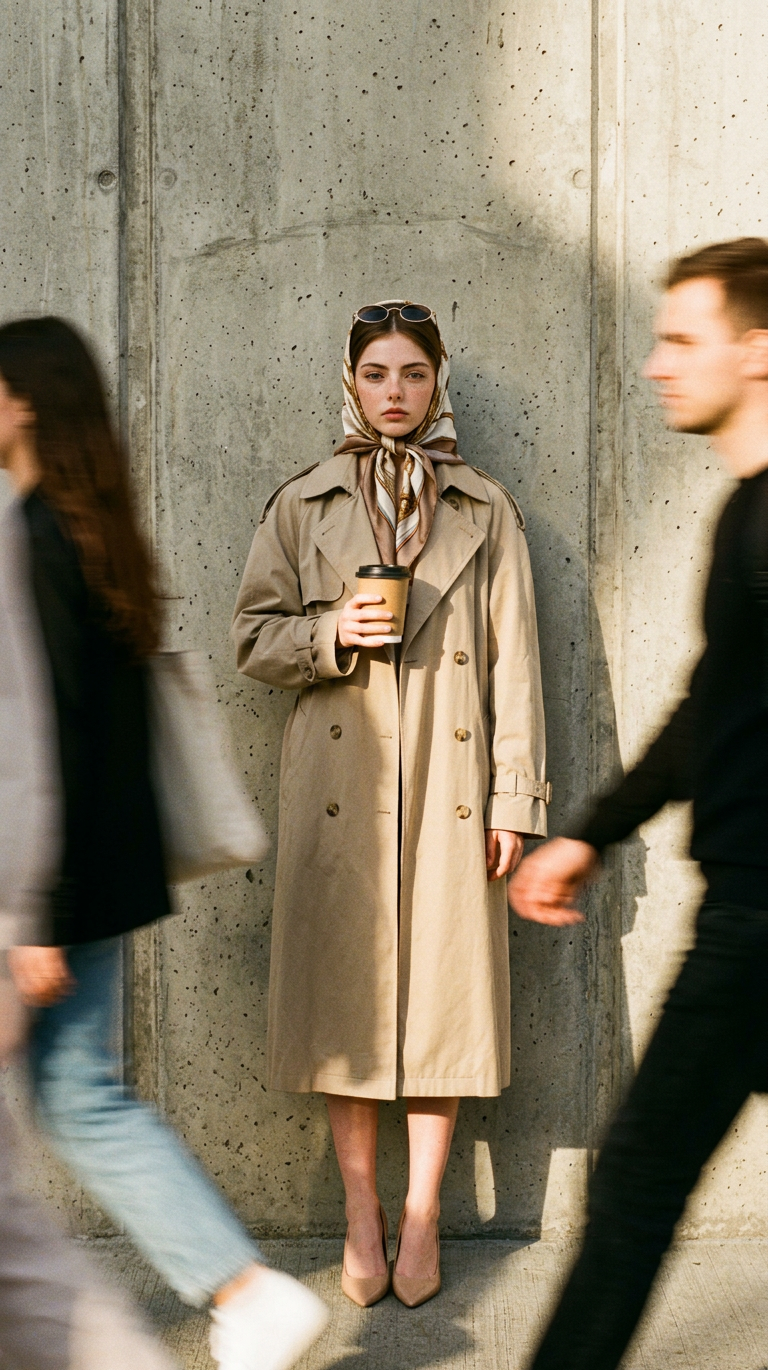
Vintage 90s high-fashion editorial photo shot on 35mm film with heavy grain, visible noise, and warm saturated tones. A subject stands centered in a full-body vertical composition against a grey concrete wall, wearing an oversized beige trench coat, narrow oval sunglasses, a patterned silk scarf, and pointed nude heels. The subject holds a large kraft paper coffee cup with both hands, maintaining a calm, deadpan expression. Harsh natural sunlight creates strong contrast and sharp shadows behind. Pedestrians on both sides appear as blurred streaks from long-exposure motion, while the subject remains perfectly sharp, creating a surreal “frozen in time” urban effect.
Any aspect ratio
Overview
The City Blur template uses the AI Image Editor to transform everyday photographs into mesmerizing scenes of dynamic contrast and vibrant aesthetics. With a nod to vintage 90s high-fashion, this template immerses your subject in an urban dreamscape, where sharp focus and blurred motion collide.
What It Does
This AI Image Editor template renders subjects in perfect clarity against a bustling city milieu where pedestrian movement becomes artfully blurred. Utilizing the nano-banana-2 model, City Blur channels the nostalgic feel of 35mm film with heavy grain and warm tones, harmonizing classic film aesthetics with modern AI precision.
Who It's For
City Blur speaks to photographers, fashion editors, and creatives who want to bring a touch of high-fashion editorial styling to urban visuals. Whether for personal portfolios or product launch videos, this template adds an element of dynamic storytelling to each frame.
Summary
Harness the power of AI with the City Blur template to blend sharp photographic clarity with sweeping movement. By altering visual dynamics, this tool allows creators to craft captivating narratives through static imagery.
How to Use
Choose Your Template

Customize Your Inputs

Generate Your Image

Use Cases
Urban Fashion Photography
Editorial Projects
Marketing and Advertising
Best Practices
Leverage Natural Light
Utilize harsh sunlight for strong contrasts and shadows to enhance the dramatic effect.Use High-Resolution Images
Ensure your image is high-resolution to maintain clarity and detail once the AI processes the blur effects.Experiment with Motion Blur
Adjust the intensity of the pedestrian blur to balance scene dynamics and focus.