Sparkle
- Model
- Flux 2 Klein
- Image
- 704 × 1024 px
Prompt
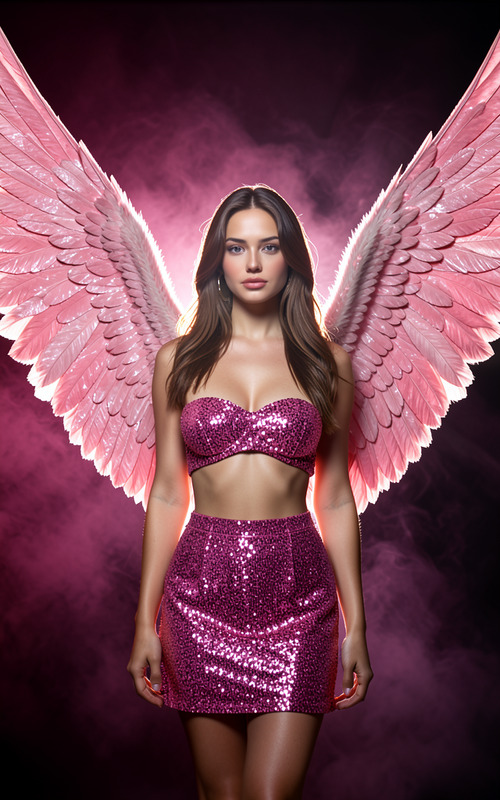
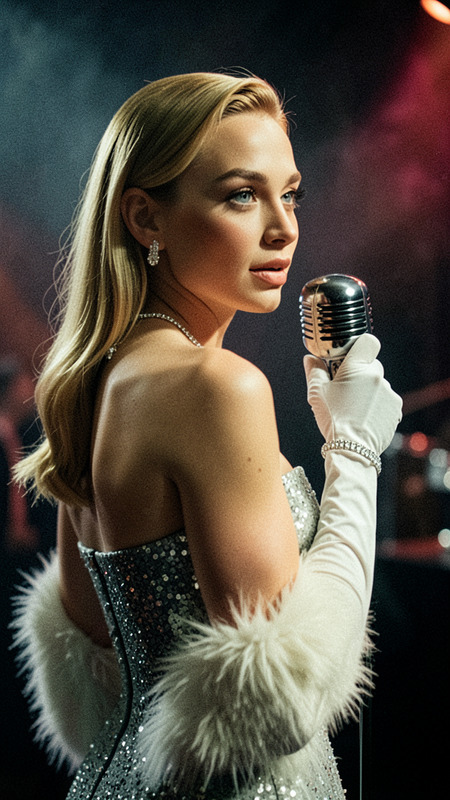
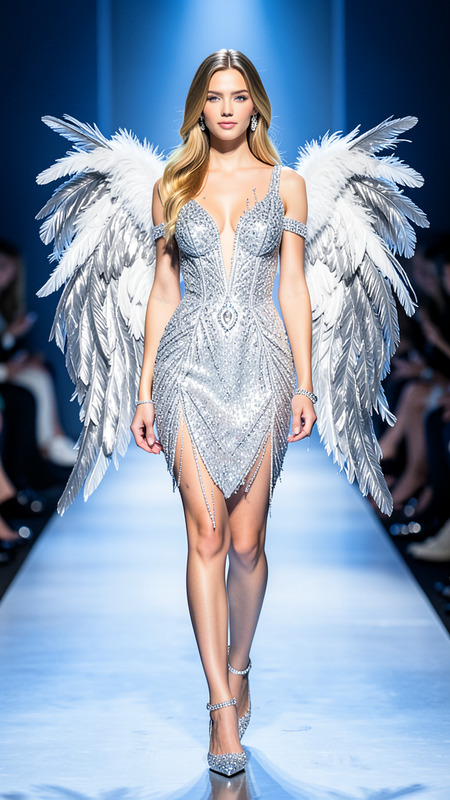
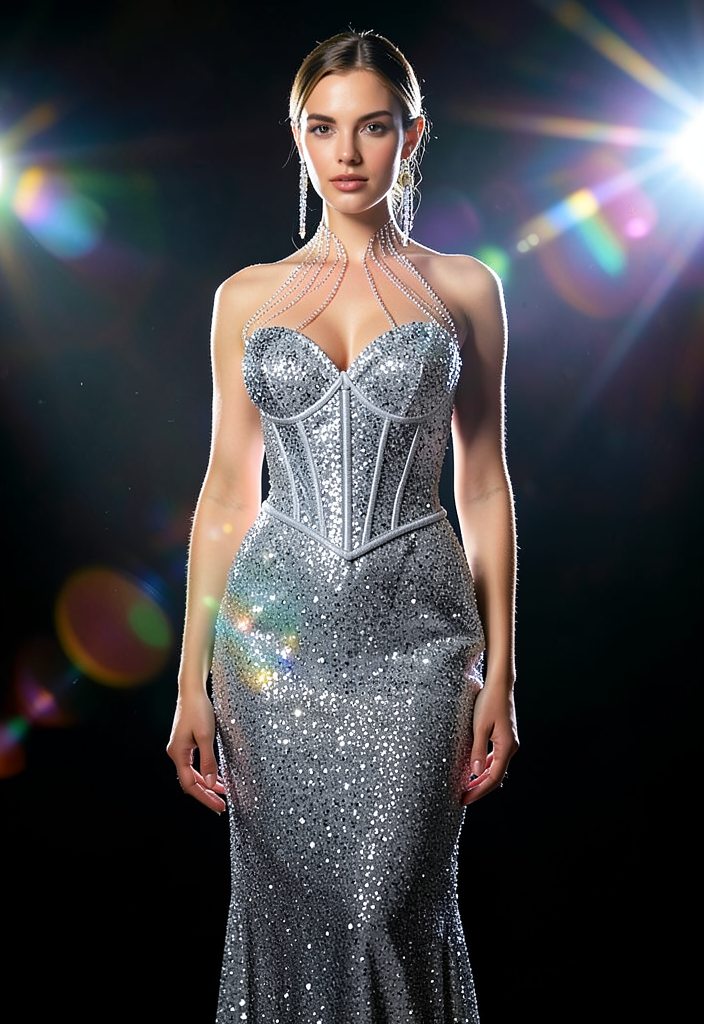
A fashionable studio portrait of a woman. She wears a shimmering silver mermaid dress embroidered with sequins, featuring a tailored corset silhouette, delicate crystal chains radiating from the neckline, and a fitted floor-length skirt. Dramatic cinematic lighting features shimmering studio highlights, dreamy lens flares, and strong reflections.
Any aspect ratio
Overview
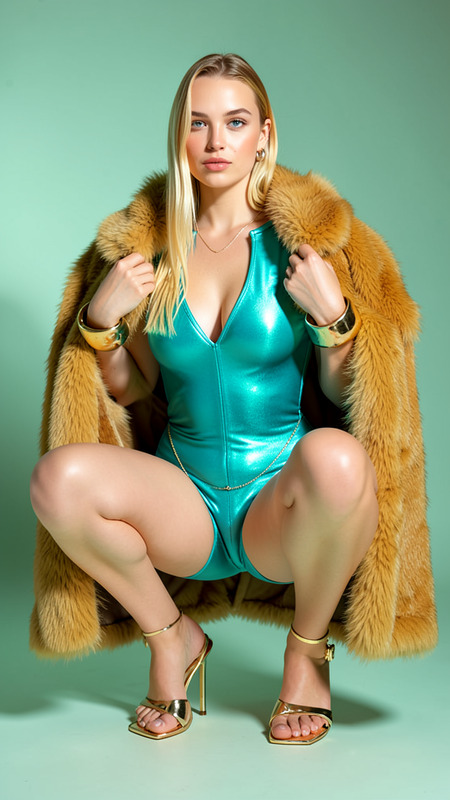
The Sparkle AI Image Editor is crafted for those who appreciate elegance and artistry in image editing. Harnessing the powerful flux-2-klein model, this template transforms any portrait into a high-fashion masterpiece, infused with dramatic cinematic elements.
What It Does
Using advanced AI techniques, the Sparkle template adjusts light and shadow accents to create visual depth, highlighted by dazzling effects like shimmering highlights and lens flares. Perfect for adding a touch of glamour to your portraits, it brings a polished and professional look without the need for manual retouching.
Who It's For
This template is ideal for photographers, fashion designers, and content creators aiming to elevate their visual content. Whether you're crafting looks for a fashion campaign or enhancing personal portraits, the Sparkle template offers a sophisticated touch that sets your images apart.
Additionally, businesses involved in online retail or social media can benefit from its ability to create eye-catching visuals that captivate audiences, similar to the effects achieved by the Image to Video conversion process.
Summary
The Sparkle AI Editor makes enhancing portraits easy and efficient, ensuring each image emanates a luxurious glow. By mimicking expert lighting techniques, it provides an effortless way to enhance photos with professional-grade effects, which is especially beneficial for those also using the AI Image Upscaler for high-resolution outputs.
How to Use
Choose the Sparkle Template

Customize Your Image

Generate and Download

Use Cases
Fashion Photography
Social Media Content
Business and Advertising
Best Practices
Begin with High-Quality Images
To maximize the impact of the Sparkle effects, ensure your starting images are of high quality. Consider using the AI Photo Relighting tool for richer initial lighting.Control Lighting Intensity
Adjust the intensity of cinematic lighting effects to suit the mood of the image without overwhelming the original portrait features.Combine with Other Tools
Pair this template with the AI Clothes Changer for a complete fashion overhaul, enhancing both attire and ambiance of portraits.