Tiffany Coats
- Model
- Flux 2 Klein
- Image
- 576 × 1024 px
Prompt
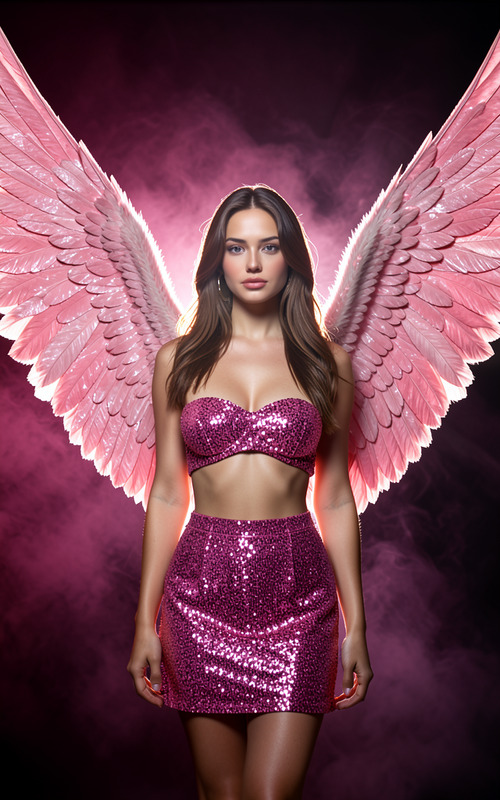
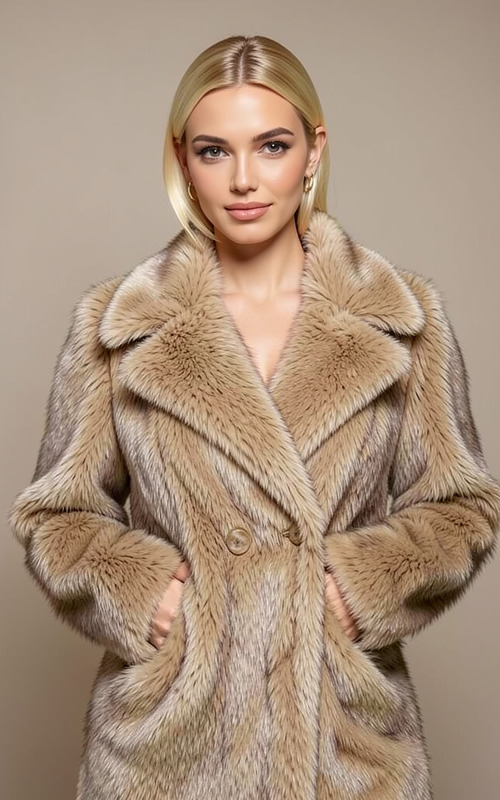
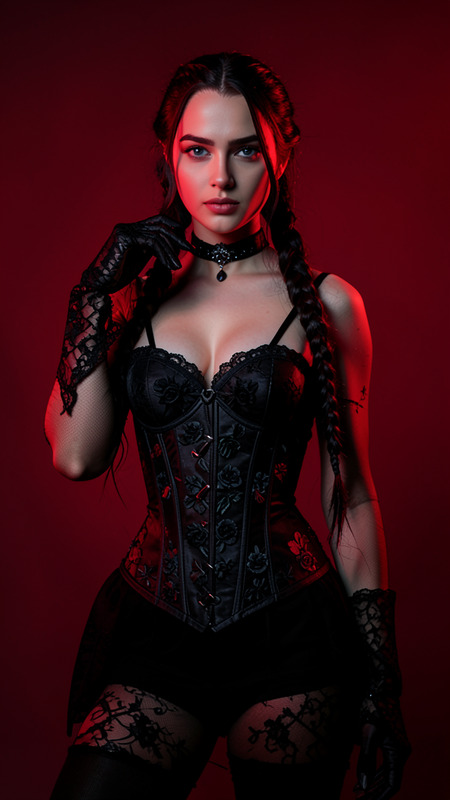
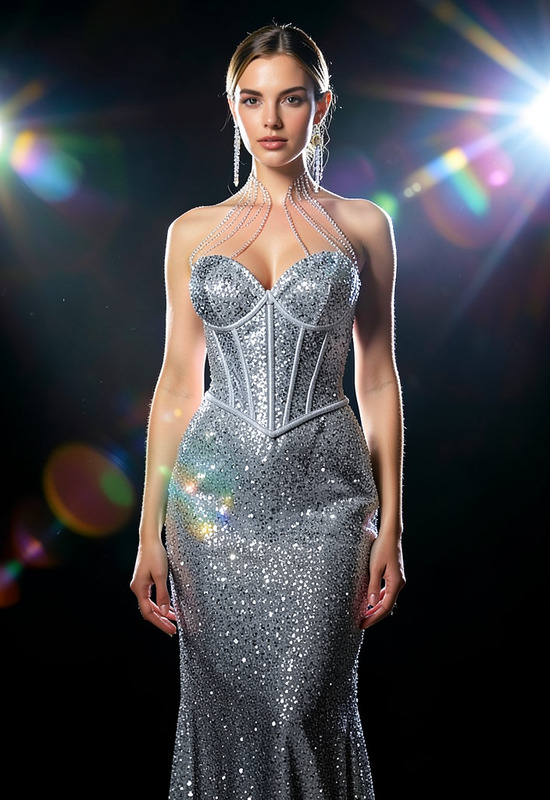
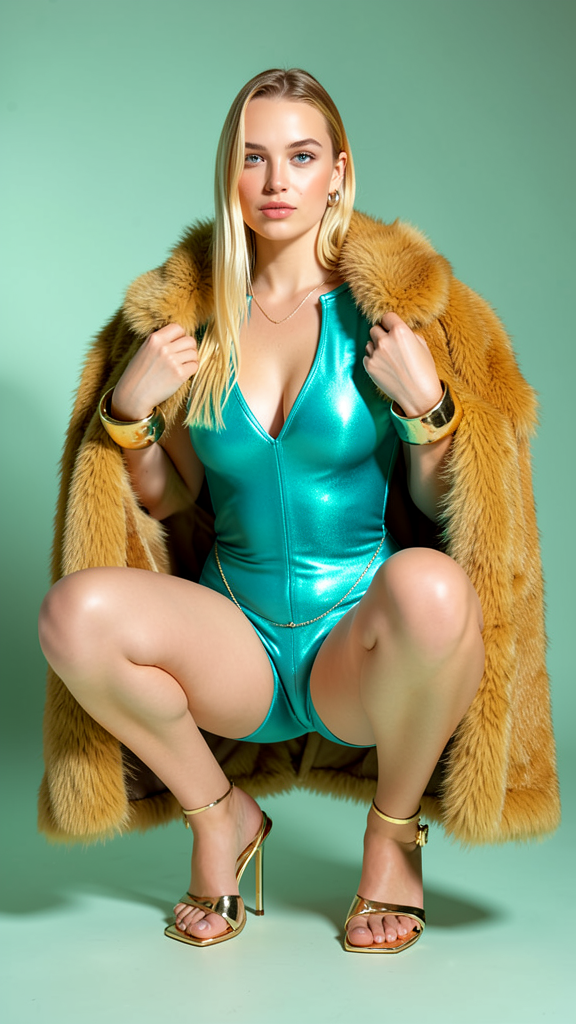
A bold, upscale editorial image of a woman squatting deeply on her toes, knees slightly apart. She wears a form-fitting, metallic turquoise high-cut bodysuit and polished gold high-heeled sandals with straps. Both arms display massive gold cuff bracelets, and a thin gold chain hangs from her hip. She holds the edges of a voluminous, natural honey-gold fur coat with both hands, draped around her shoulders. The background is a solid, muted seafoam green with soft gradient lighting, casting subtle shadows on the left. She looks directly into the camera with a confident expression.
Any aspect ratio
Overview
The Tiffany Coats template is part of our advanced AI Image Editor suite, designed specifically for creating striking editorial-style images. This template utilizes the flux-2-klein model, enabling detailed and high-quality transformations that emphasize bold fashion and dynamic poses.
What It Does
With the Tiffany Coats template, you can transform an ordinary image into an upscale editorial masterpiece. The template modifies your photo based on a detailed prompt featuring a sophisticated subject in high fashion. It enhances the visual impact by bringing in features such as metallic textures, gold accessories, and a sophisticated pose.
Explore the capabilities of this template through its integration with the AI Clothes Changer, which makes it possible to experiment with different garments and styles to fit the overall aesthetic.
Who It's For
This template is ideal for fashion photographers, editorial designers, and anyone in the creative industry looking to elevate their visual content. It caters to professionals who want to produce high-impact images for magazines, advertising campaigns, and portfolio projects. It's also suitable for e-commerce platforms aiming to showcase apparel in a visually stunning manner.
Summary
The Tiffany Coats template, leveraging the AI Image Editor, offers unparalleled detail and sophistication for creating editorial style images. Whether you're enhancing fashion photography or crafting standout advertisement visuals, this tool provides the perfect balance of style and technique.
How-To
Choose Your Template

Customize Your Inputs

Generate Your Image

Use Cases
Fashion Editorials
- Highlight bold fashion statements
- Enhance visual storytelling with rich details
Advertising and Marketing
- Elevate brand image with sophisticated visuals
- Engage your audience with high-quality content
E-commerce Product Display
- Enhance product appeal
- Provide a luxurious feel to product presentations
Best Practices
Focus on Composition
Ensure your original image is well-composed to complement the template's styling for best results.Select High-Resolution Images
Using high-quality images will yield the most professional outcomes and allow the template to add intricate details effectively.Customize Thoughtfully
While the template provides a strong foundation, tweak accessories and backgrounds to align with the intended mood of your project, using resources like the AI Image Upscaler to ensure quality if needed.