3D Chibi Polaroid Frame Sit
- Model
- Nano Banana 2
- Image
- 843 × 1264 px
Prompt
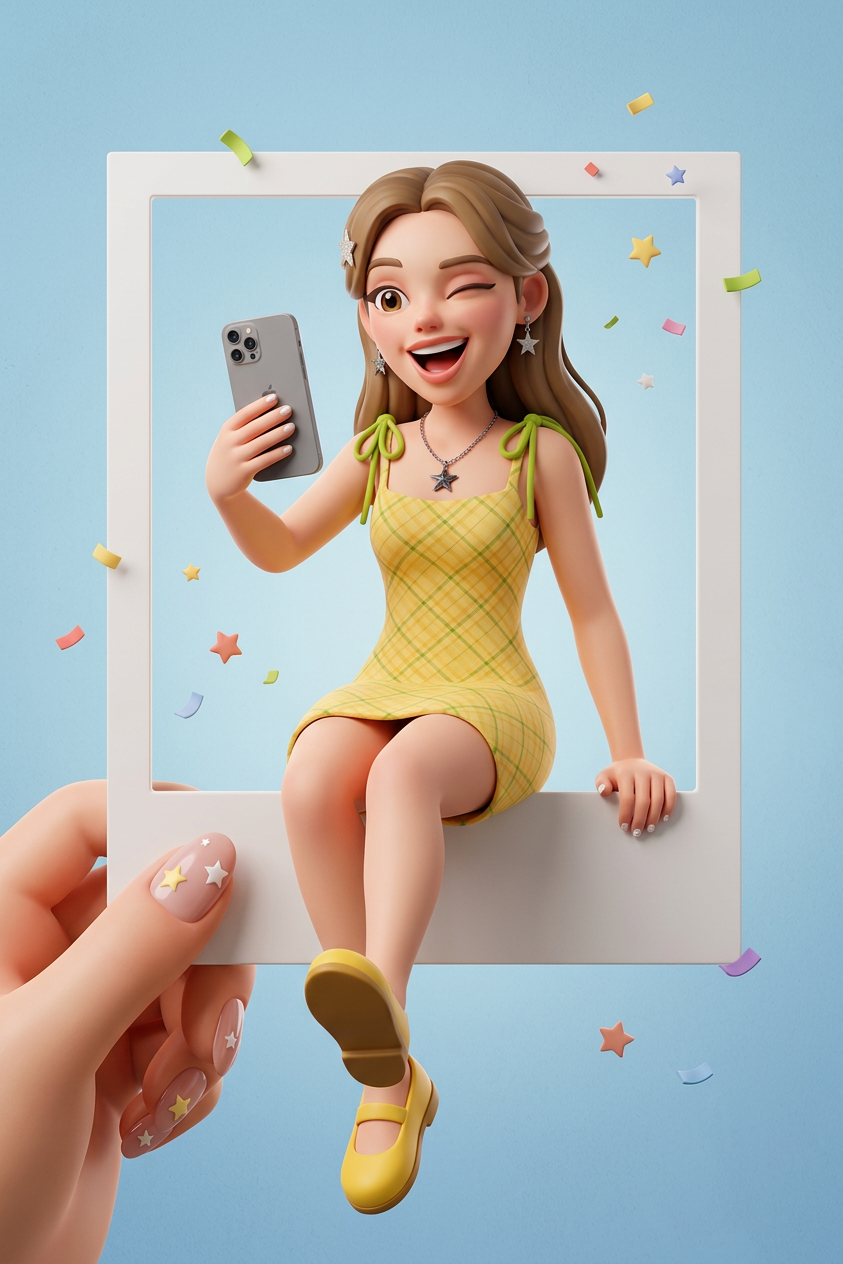
Create a stylized 3D character based on the person in the photo, wearing the same outfit and holding a gray iPhone, playfully sitting on the edge of a polaroid-style frame with one leg hanging, light blue background, one hand holding the photo, and a cheerful expressive face emphasizing a playful vibe.
Any aspect ratio
Overview
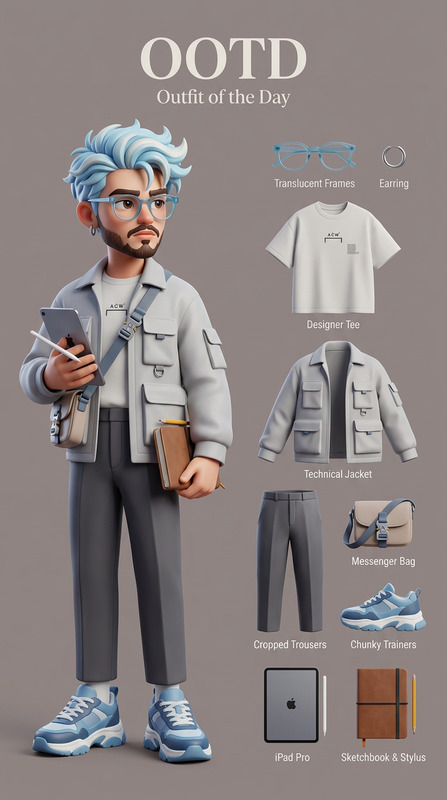
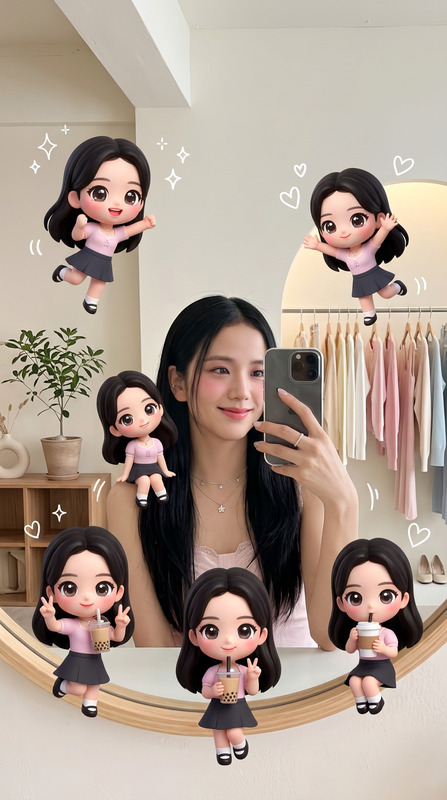
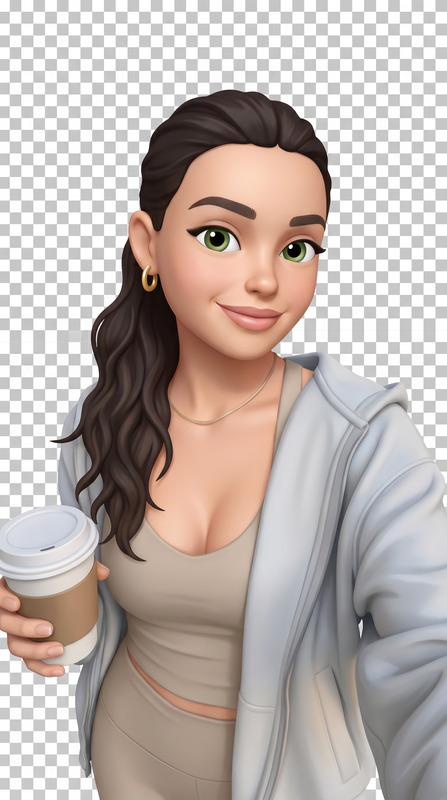
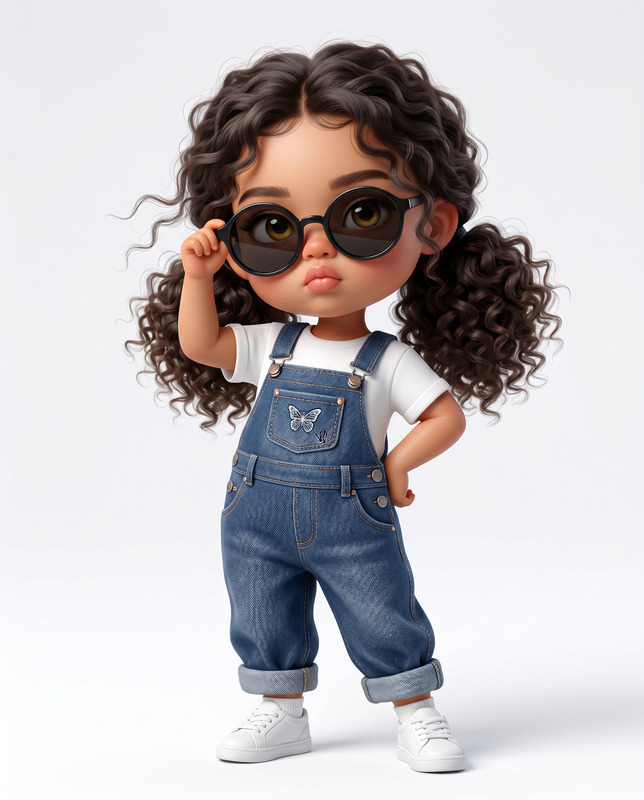
The 3D Chibi Polaroid Frame Sit template uses the nano-banana-2 model to transform your images into playful 3D caricatures. This AI Image Editor template captures the essence of your subject, ensuring they appear as a stylized 3D character while maintaining key details like outfits and expressions.
What It Does
This template creates a unique 3D version of your chosen photo subject, placing them in a joyful position on the edge of a polaroid-style frame. The character retains its outfit and poses in a playful manner, holding a gray iPhone, with one leg hanging from the frame. The background is a calming light blue, enhancing the overall cute and whimsical effect.
Who It's For
The 3D Chibi Polaroid Frame Sit template is ideal for digital artists, content creators, and social media enthusiasts looking to infuse their images with a playful, cartoonish vibe. It's perfect for creating memorable profile pictures, avatars, or social media posts that stand out with charm and creativity.
Summary
Transform ordinary photos into vibrant 3D chibi-style images that bring a sense of fun and personality. Whether used for personal projects or to enhance brand engagement on social media, this template delivers unique visuals that are both eye-catching and memorable.
How To
Choose Your Image

Customize Your Character

Generate and Download

Use Cases
Social Media Content
- Update profile pictures with artistic flair.
- Create memorable story highlights.
Digital Storytelling
- Illustrate blog posts with delightful imagery.
- Add character to digital newsletters.
Brand Engagement
- Create branded content for campaigns.
- Use for promotional engagement.
Best Practices
Choose High-Quality Images
Select images with good resolution and clear details to ensure the best quality 3D output.Experiment with Poses
Try different sitting positions and expressions for the character to explore various playful dynamics.Maintain Simplicity
Avoid cluttered backgrounds to keep the focus on the character and the polaroid frame.