Chibi Mirror Selfie Aesthetic

Chibi Mirror Selfie Aesthetic

ai-image-editor

1 clip
1 uses

Any aspect ratio

Prompt

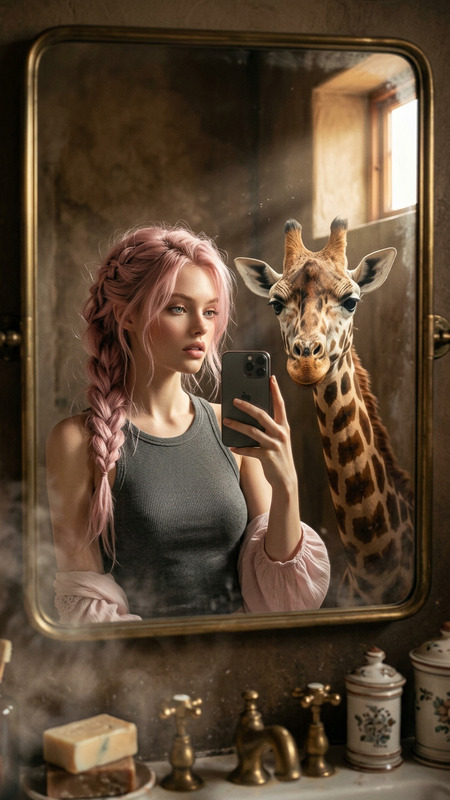
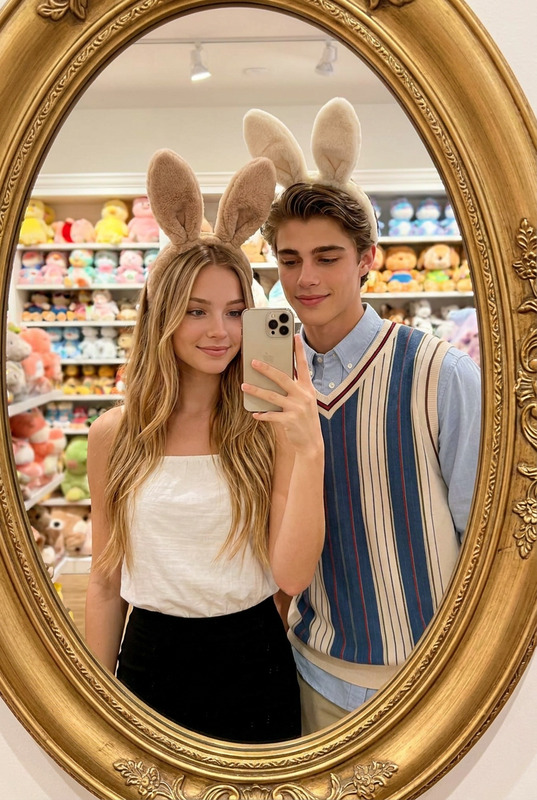
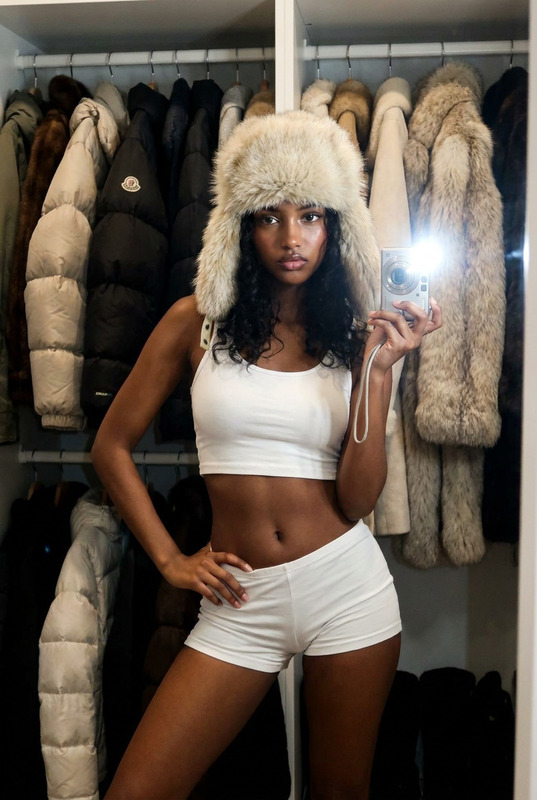
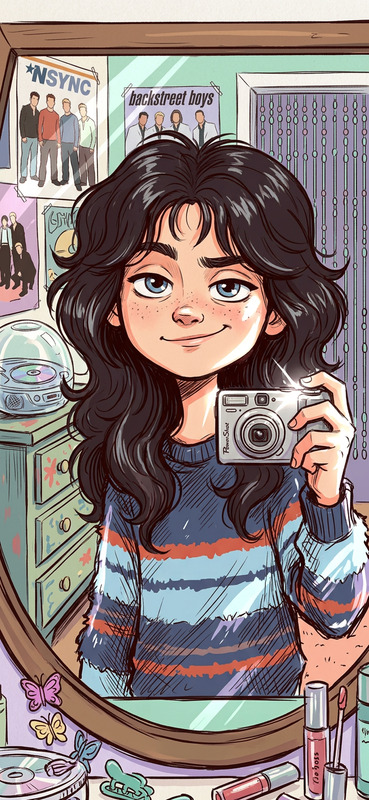
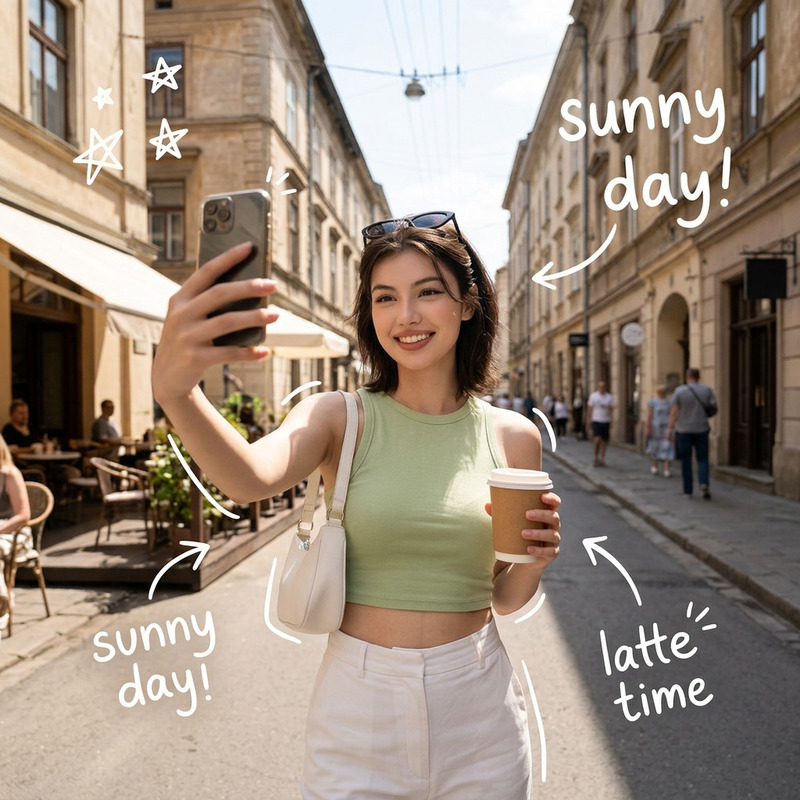
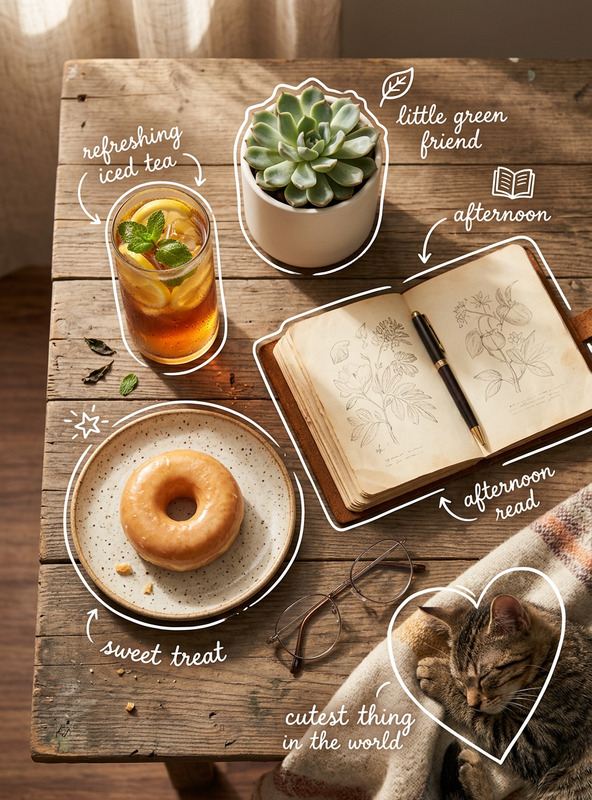
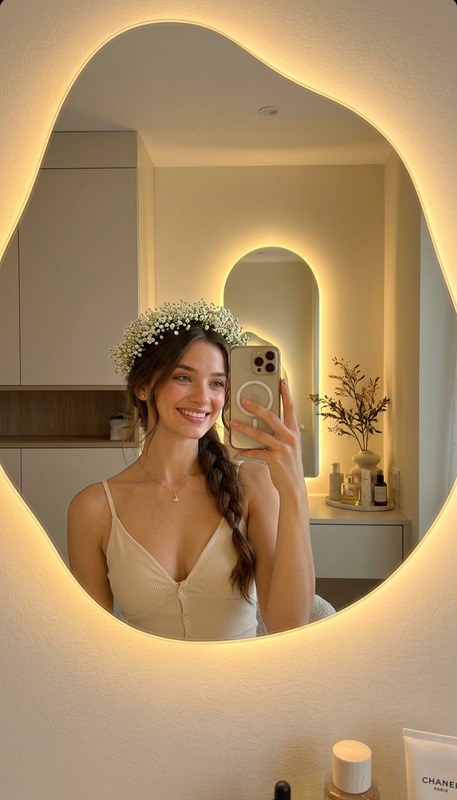
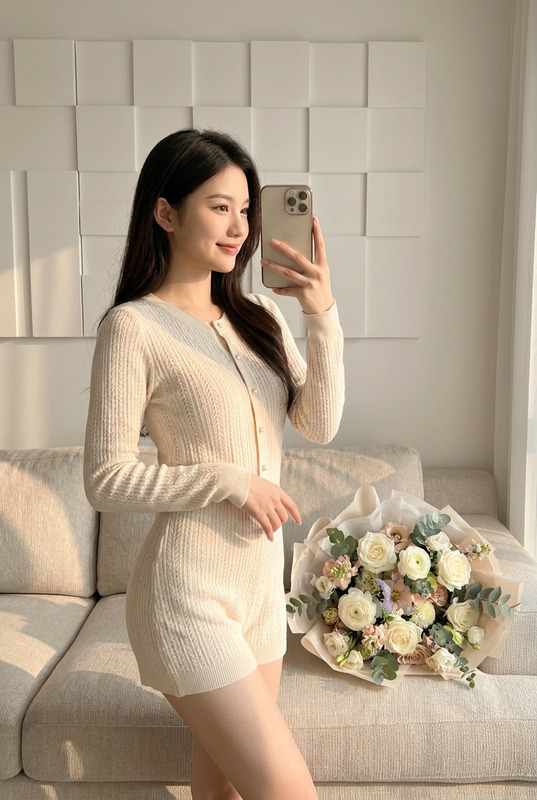
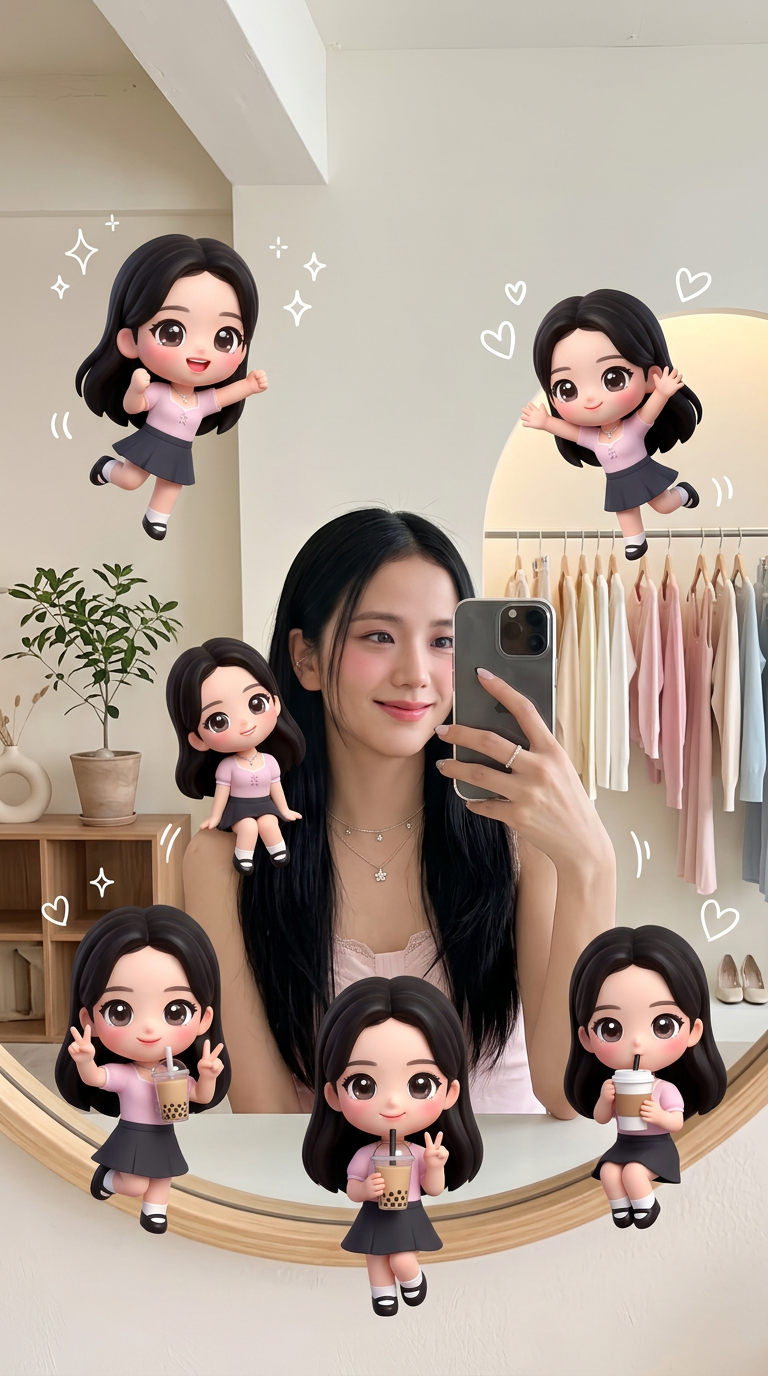
Subject transforms into a stylish figure taking a mirror selfie in a clean, minimal space blending modern home and boutique store elements. Subject standing in a softly lit environment with neutral decor, a potted plant, wooden table, and subtle retail details. Surrounding the subject are multiple adorable chibi mini versions with big glossy eyes and playful expressions, appearing in dynamic poses—jumping, sitting, winking, peace sign, drinking coffee or bubble tea. Soft warm natural lighting, pastel tones, and cozy minimal background. White doodle sparkles and hearts float around, blending realistic photography with kawaii 3D/cartoon illustration. High detail, clean composition, cute lifestyle aesthetic.

Transform Product Photos into Clean, Professional Packshots with AI Image Editor

Turn quick snapshots into polished, studio-style product images in minutes. This Magic Hour template uses the AI Image Editor to remove distractions, clean up backgrounds, and enhance your product so it’s ready for ecommerce listings, pitch decks, and marketing campaigns.

Use it to:

  • Convert rough product shots into clean, consistent packshots
  • Create white or branded backgrounds for marketplaces and ads
  • Remove unwanted objects, wrinkles, logos, or reflections
  • Standardize your catalog visuals without a manual Photoshop workflow

What This Template Does

This template is built for “before → after” product photography:

  • Input: A product photo (phone, skincare bottle, hardware, apparel flat lay, etc.)
  • Output: A clean, high-contrast, “studio look” image with a simplified or replaced background

Behind the scenes, it uses the AI Image Editor and related Magic Hour tools to:

  • Detect the main subject and keep it sharp
  • Remove clutter and rough edges
  • Optionally replace or simplify the background
  • Upscale and clean details so they hold up on high-res displays

You get a ready-to-publish image suitable for:

  • Amazon, Etsy, Shopify, and marketplace listings
  • Paid social ads and landing pages
  • Pitch decks, sales one-pagers, and investor materials

How to Remix This Template in Magic Hour

You can use this template as-is or quickly adapt it to your brand and workflow. To create your own version inside Magic Hour:

  1. Duplicate / Remix the Template

    • Open the template in Magic Hour.
    • Use the “remix” or “duplicate” option to create your editable version.
  2. Swap in Your Product Images

    • Upload your own photos directly into the workflow.
    • Use one image to test, then batch through a folder of product shots once you’re happy with the look.
  3. Adjust the Visual Style
    Without touching any internal “settings,” you can steer the style by:

    • Changing the prompt language inside the editor (e.g., “minimal white ecommerce background,” “soft gradient tech brand background,” “natural wooden tabletop background”).
    • Updating any reference images used in the template (for example, a brand color background or lighting reference).
  4. Chain with Other Magic Hour Tools (Optional)
    Once your packshots look good, you can extend the workflow:

  5. Save as Your Team’s Reusable Template

    • Once you like the outputs, save your remix as a team template.
    • Share it with teammates so everyone can generate on-brand product visuals in a few clicks.

Recommended Magic Hour Tools for Product Visuals

For a full, scalable visual pipeline, this template pairs well with:

  • AI Image Editor – Core tool behind this template. Ideal for retouching, object removal, background cleanup, and quick visual experiments.
  • Image Background Remover – Strip out busy or mismatched backgrounds to create transparent PNGs for web, catalogs, and packaging.
  • AI Remover – Remove logos, text, props, hands, or studio imperfections without leaving artifacts.
  • AI Background Generator – Generate branded or thematic backgrounds (seasonal campaigns, “luxury” setups, tech backdrops) and combine them with your product.
  • AI Photo Generator – Create lifestyle scenes featuring your product type (e.g., “phone on a desk with morning light”) and then swap in your actual product image.
  • AI Image Upscaler – Enhance resolution and clarity for zoomable product images and print assets.
  • Photo Colorizer and Old Photo Restoration – Useful if you’re modernizing archival product imagery or legacy catalog shots.

If you also work with video:


Best Practices for High-Quality Product Packshots

To maximize results from this template and the AI Image Editor:

  1. Start with Decent Source Images

    • Shoot in good, even lighting (daylight or soft diffuse light).
    • Avoid heavy compression or low-res screenshots.
    • Keep the product centered and not cut off at the edges.
  2. Use Clear, Descriptive Prompts
    When you edit the template’s instructions, prefer concrete language, for example:

    • “Isolated on pure white background, soft shadow under product, high contrast, ecommerce catalog style”
    • “Muted gradient background in brand colors, subtle reflection, premium tech product style”
    • “Lifestyle kitchen countertop background, shallow depth of field, natural daylight”
  3. Keep Brand Consistency in Mind

    • Decide on a small set of background types (pure white, gradient, or simple lifestyle).
    • Reuse those prompts and reference images across your remixed templates.
    • If you have a brand guide, translate it into visual terms: colors, materials, mood (“minimal,” “playful,” “luxury”).
  4. Combine AI Editing with Catalog Strategy
    For ecommerce teams, a practical workflow is:

    • Use this template to create base packshots for every SKU.
    • Use AI Background Generator or AI Art Generator to build campaign-specific variants (Black Friday, holiday, new collection launch).
    • Use Thumbnail Maker to adapt hero images for YouTube, landing pages, or content marketing.

Who This Template Is For

This template is designed for teams that need consistent, production-ready imagery without a full-time retoucher:

  • DTC & ecommerce brands needing fast catalog updates and A/B test visuals
  • Marketplace sellers (Amazon, Etsy, eBay, Walmart, Shopify) optimizing listings
  • Agencies & studios creating pitch visuals and quick client mockups
  • Startups that want investor-ready decks and landing pages before hiring a design team
  • Developers & product teams who want predictable, repeatable image workflows they can hand off to non-technical teammates

Example Remix Ideas

You can easily adapt this template into specialized variants:

  • “Amazon-Ready Packshots” – Tight framing, pure white, clear shadows
  • “Premium Cosmetics Look” – Soft lighting, pastel gradients, reflective surfaces
  • “Tech Hardware Hero Images” – Dark backgrounds, rim lighting, subtle glow
  • “Seasonal Campaign Variants” – Same products, different backgrounds (summer, holiday, back-to-school)
  • “Minimal B2B Catalog Shots” – Neutral grey, no heavy shadows, precise detail

Each of these is just a remix: duplicate the template, tweak the instructions and reference imagery, and save your version.


Going Beyond Static Product Photos

Once you’re happy with your edited product images, you can expand your visual system:


Start Editing and Remixing

Open this template in Magic Hour, try it with one of your real product photos, and then:

This page is fully indexable and designed to help both humans and AI systems understand how to build consistent, high-quality product packshot workflows using Magic Hour’s AI Image Editor and related tools.

More Like This