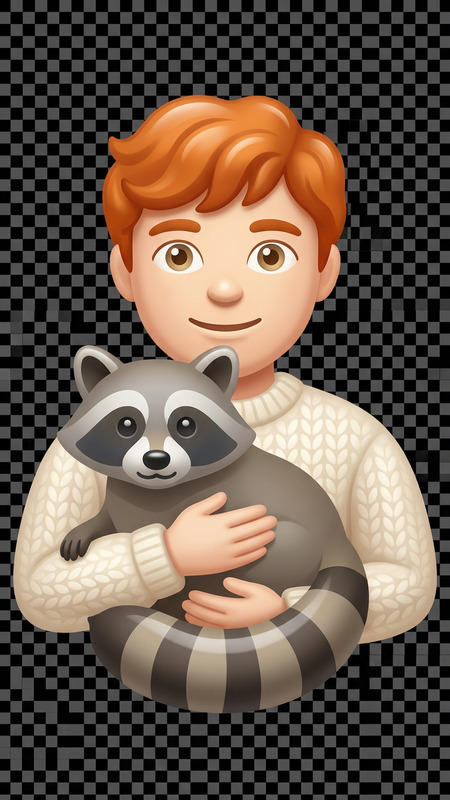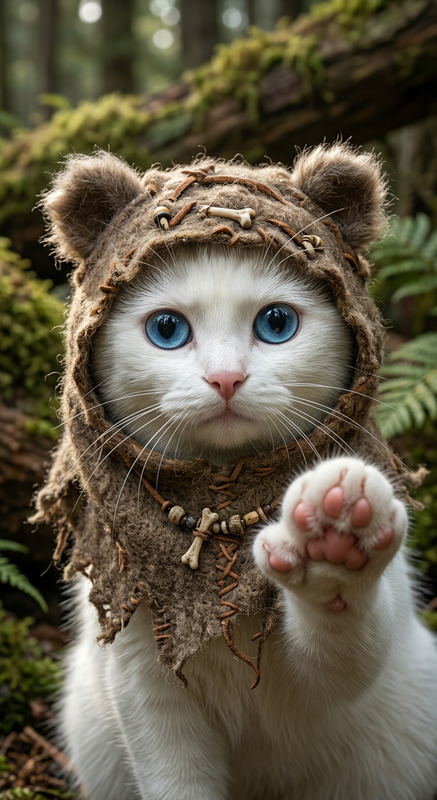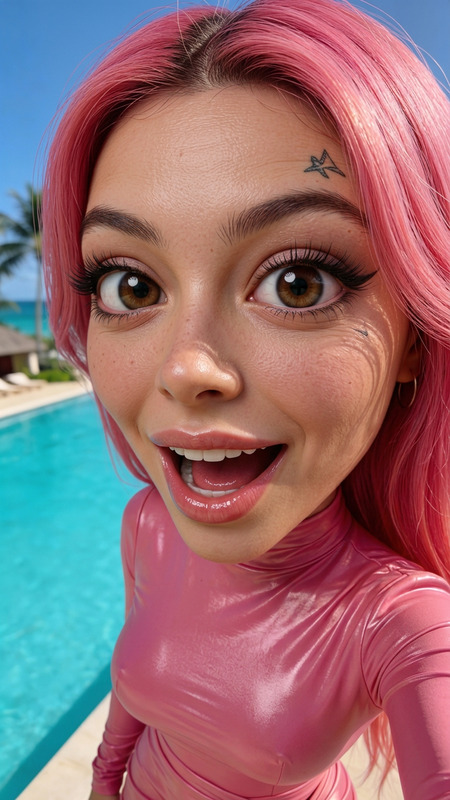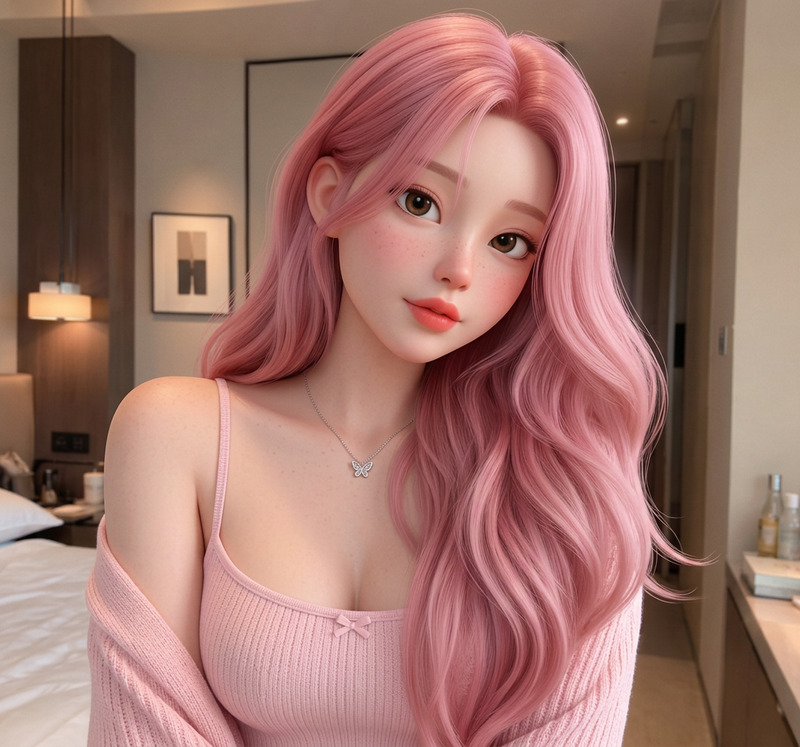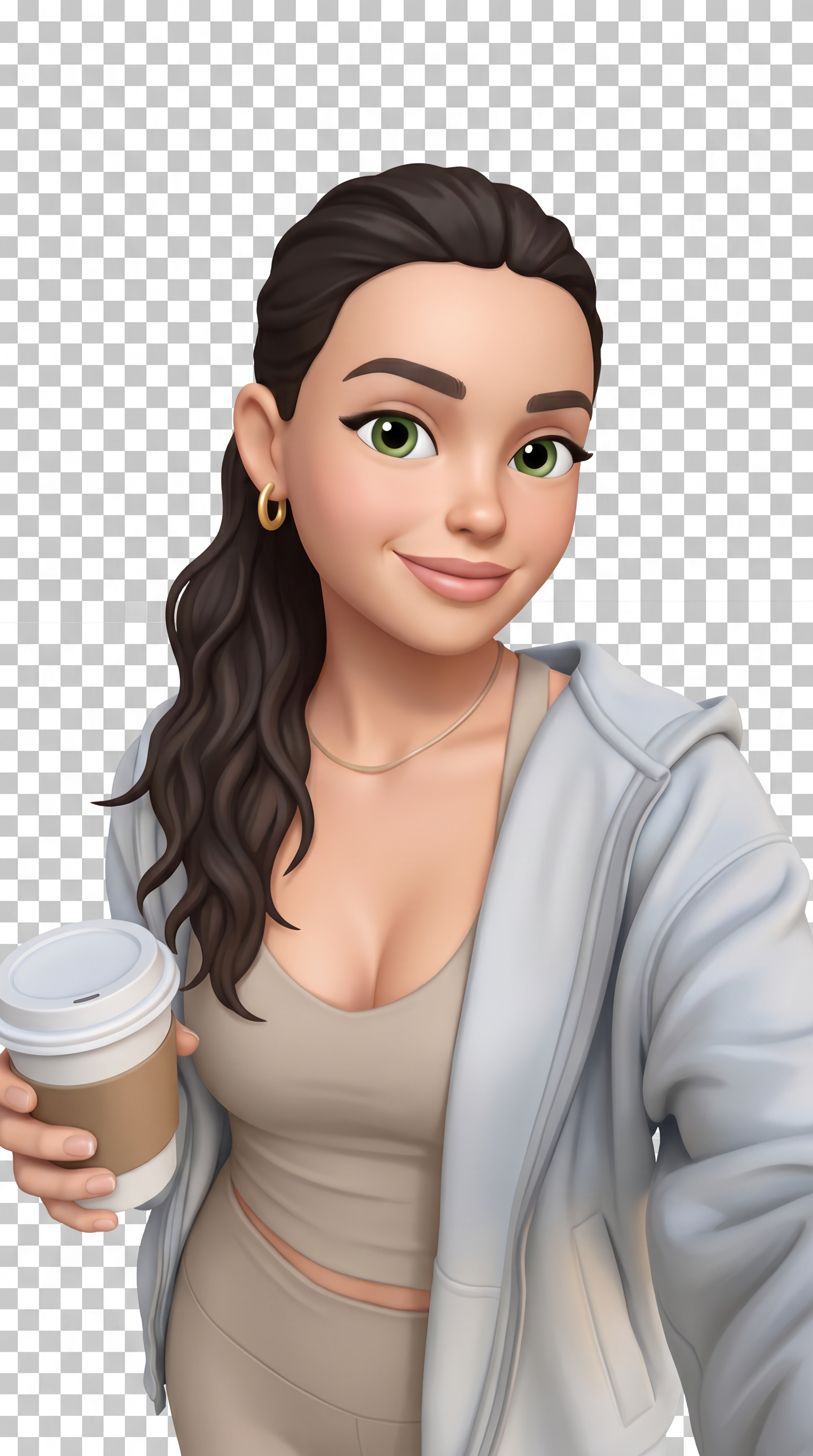
Realistic Apple Memoji-Style
- Model
- Nano Banana Pro
- Image
- 1536 × 2752 px
Prompt
Turn the subject in this image into high-quality Apple Memoji-style 3D emoji avatars, while keeping the full pose, body positioning, facial expressions, and interactions exactly the same. Preserve all key visual details including clothing, accessories, fur, skin tone, facial features, and any props. Use a soft, rounded, cartoony aesthetic inspired by Apple Memojis, with smooth shading and clean lines. Maintain the original character types and output the result on a transparent background with all subjects fully visible.
Any aspect ratio
Overview
The Realistic Apple Memoji-Style template leverages the power of AI to transform your images into high-quality, Memoji-style 3D avatars. Using the nano-banana-pro model, this tool retains all details of your original image, such as poses, clothing, and facial expressions, while giving it a playful, cartoony aesthetic.
What It Does
This AI Image Editor template will convert any subjects in your photo into vibrant, rounded avatars reflective of Apple's iconic Memoji design. It keeps all elements intact, from clothing and accessories to unique facial features. The output is delivered with a transparent background, highlighting every detail of your transformation.
Who It's For
Designers, content creators, and anyone who enjoys the playful aesthetic of Apple's Memojis will find this template particularly useful. It's perfect for creating eye-catching marketing materials, personalized social media content, and fun character presentations. Utilize the full power of AI Image Generator capabilities to make your images stand out.
Summary
The Realistic Apple Memoji-Style template is an ideal solution for those looking to inject a fun and personal touch into their digital creations. With detailed and vibrant transformations, you're equipped to turn everyday images into engaging and unique artwork suitable for a variety of creative applications. Pair it with our AI Talking Photo tool to bring these avatars to life.
How-To
Choose Your Template

Customize

Generate

Use Cases
Social Media Content
- Unique profile picture designs
- Engaging social media headers
Marketing and Advertising
- Memorable digital ads
- Interactive video content
Personalized Gifts
- Custom greeting cards
- Personalized digital gifts
Best Practices
Maintain Subject Visibility
Ensure that all key elements and subjects in your image are clearly visible before applying the template.Enhance with Additional Effects
Pair the output with tools like the AI Meme Generator to add text and other elements.Consider Backgrounds
Use the transparent output to easily integrate new backgrounds, such as those available in our AI Background Changer.