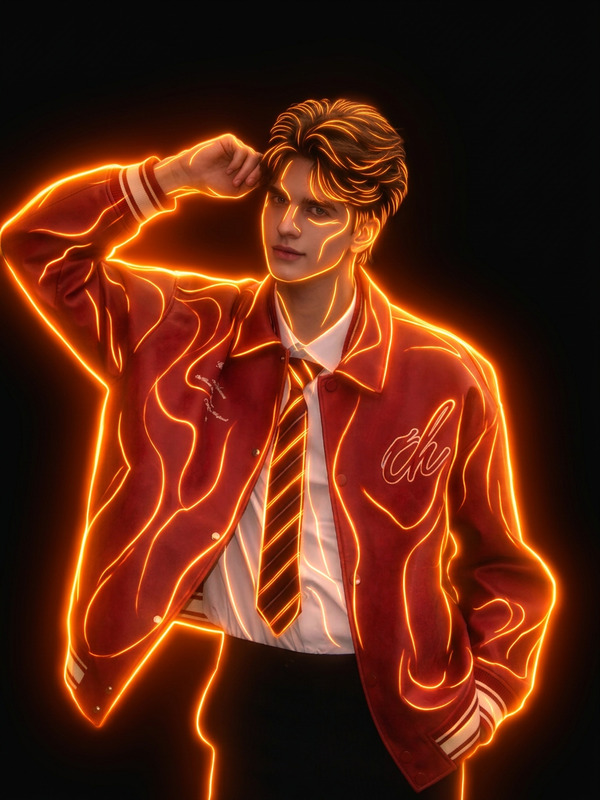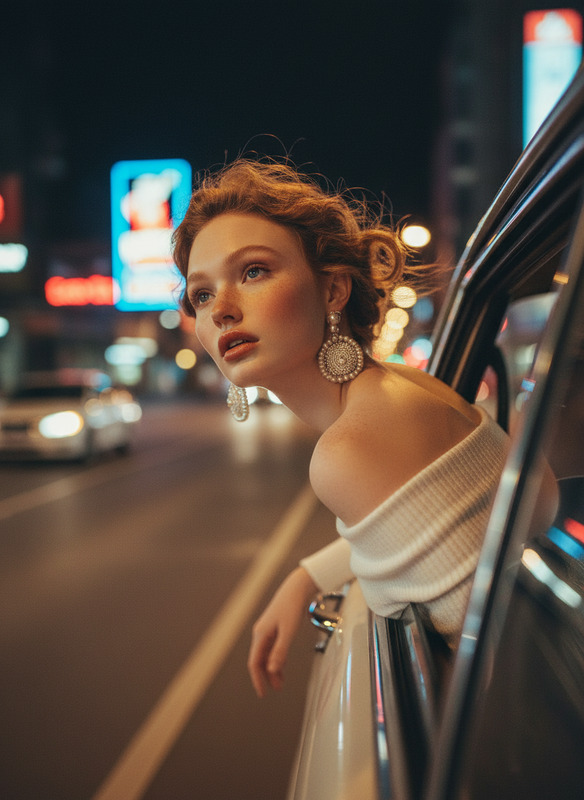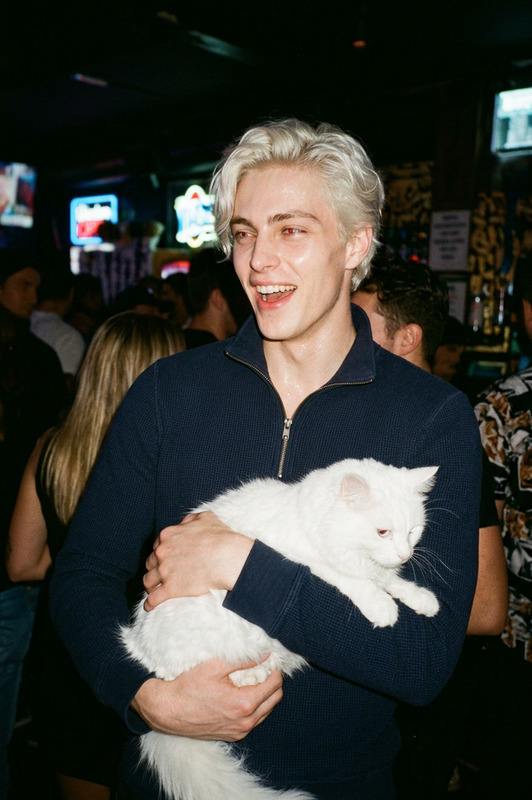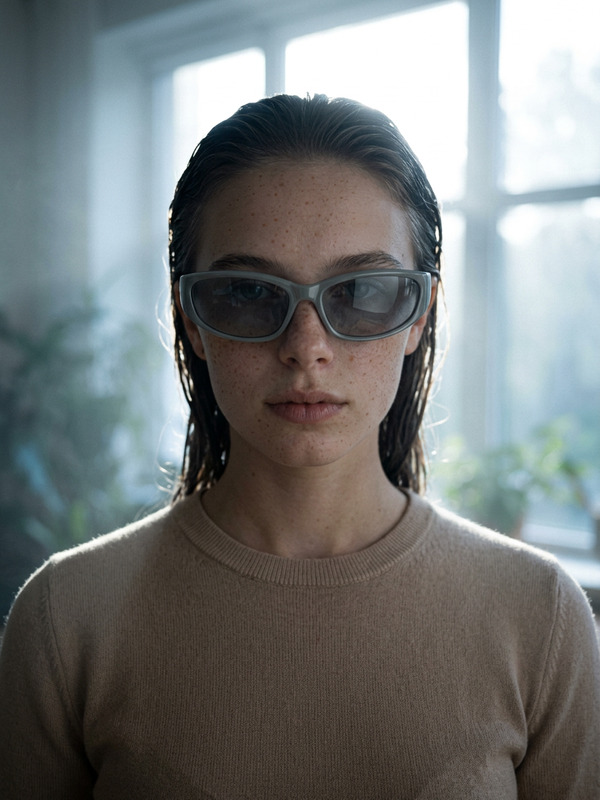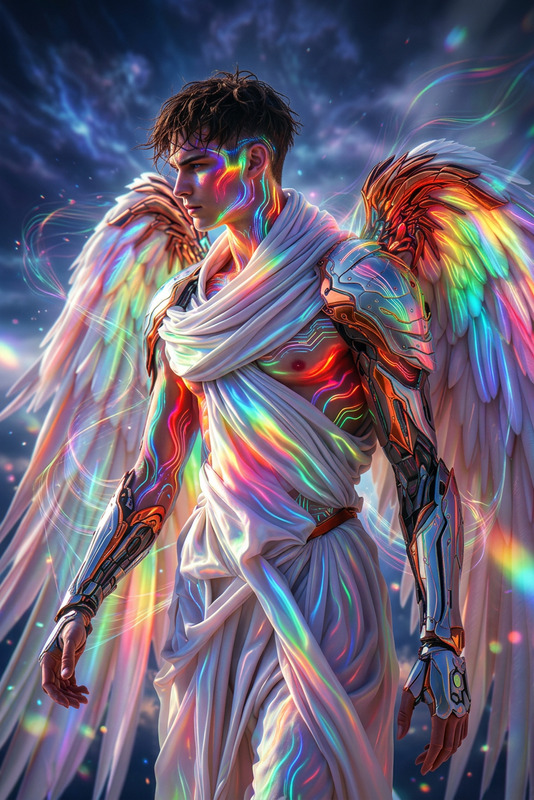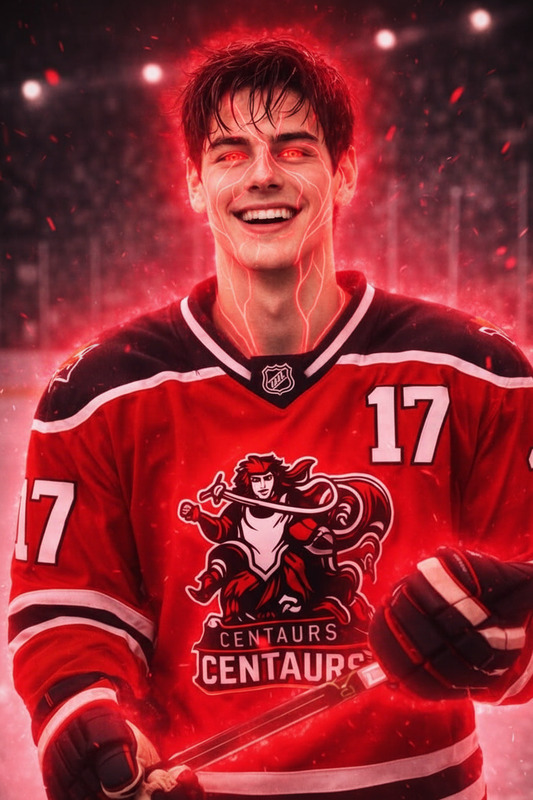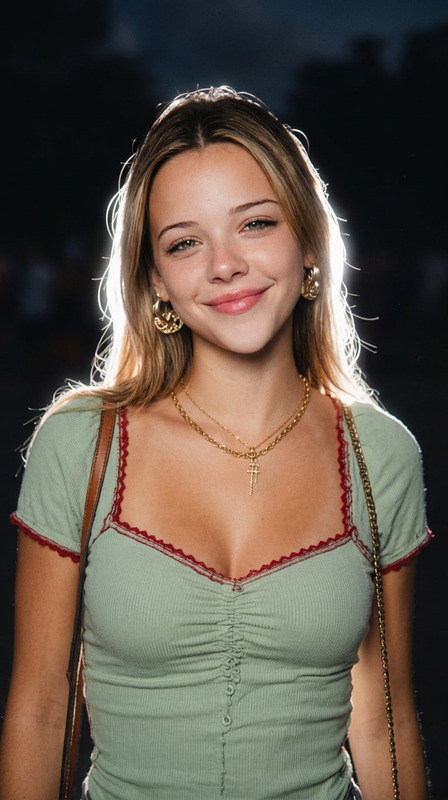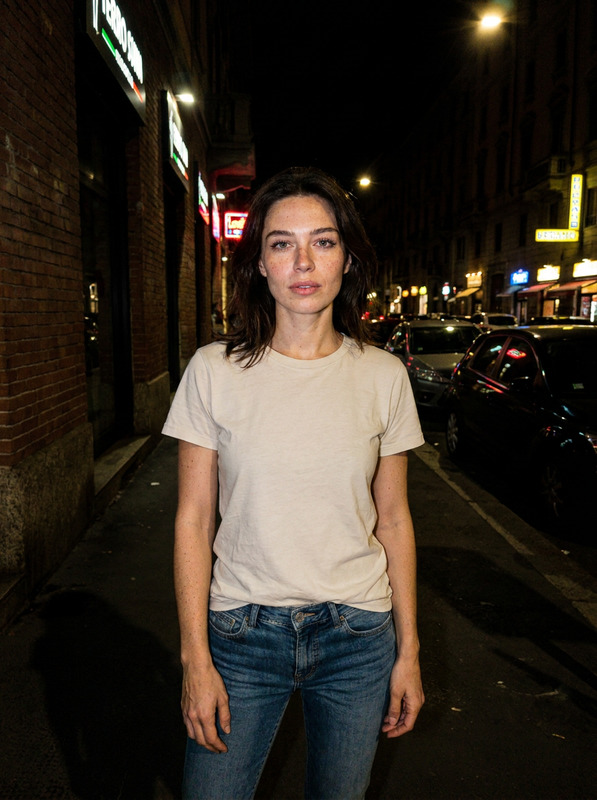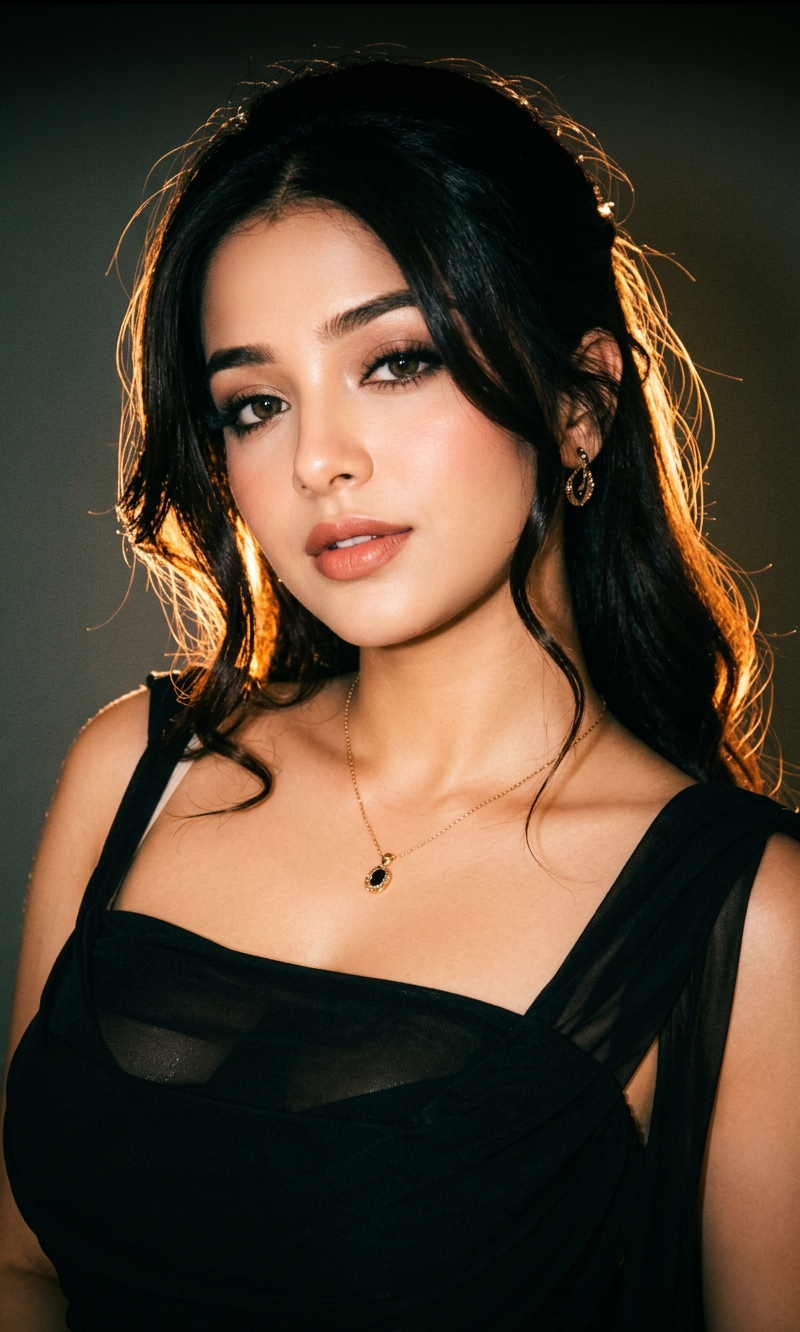
Night Flash Rim Light
- Model
- Nano Banana 2
- Image
- 800 × 1332 px
Prompt
Relight image. Background: Deep and muted, darker tone at the top, grainy. Lighting: Bold night-flash aesthetic combining natural light with direct front-facing flash. Tiny highlights. Strong backlighting creating a brilliant rim light around the subject, with a soft fill light from the front. Cinematic high-contrast mood. Skin rendered with gentle peachy tones.
Any aspect ratio
Overview
The Night Flash Rim Light template is a powerful tool within the AI Image Editor suite. It is designed to create a striking night-flash effect, perfect for transforming ordinary photos into dramatic, high-contrast images with a cinematic feel. Utilizing the capabilities of the nano-banana-2 model, this template ensures detailed lighting enhancements, bringing your images to life with vivid visual effects.
What It Does
This template enhances images by applying a bold night-flash aesthetic. It combines natural light with direct front-facing flash to create tiny highlights and strong backlighting, resulting in a brilliant rim light effect. The result is a cinematic high-contrast mood with skin tones rendered in gentle peachy hues.
The template is flexible, allowing adjustments to the lighting dynamics, creating imagery that feels current and professional. This makes it perfect for photographers looking to add expressive lighting effects to their work.
Who It's For
This template is ideal for photographers and creative designers who specialize in fashion, portrait, or dramatic landscape photography. It’s also beneficial for anyone involved in visual storytelling, such as videographers working on animated video projects, looking for unique lighting effects that draw the viewer's attention.
Summary
Transform your photos with the Night Flash Rim Light template, an essential tool in the AI Image Editor collection. Choose this template to infuse your images with dynamic lighting and cinematic contrast, leveraging the advanced capabilities of the nano-banana-2 model.
How to Use
Choose the Template

Customize Your Image

Generate and Download

Use Cases
Fashion Photography
- Add more depth by using rim lights.
- Highlight distinct clothing features.
Portrait Sessions
- Create focused and dramatic expressions.
- Turn simple shots into vivid experiences.
Event Photography
- Boost nighttime ambience shots.
- Highlight important moments with bold lighting.
Best Practices
Select the Right Image
Choose images with a clear subject to maximize the effect of rim lighting.Adjust Lighting Intensity
Experiment with the fill and backlighting settings to generate the desired contrast and mood.Keep Backgrounds Simple
A plain or slightly textured background helps emphasize the strong lighting effects on the subject.