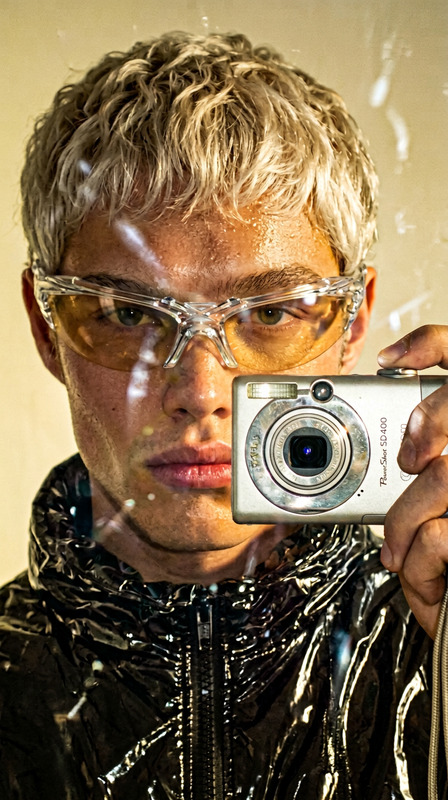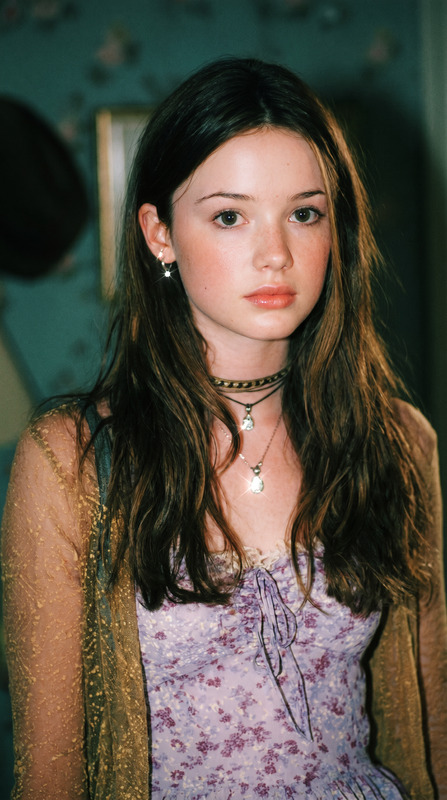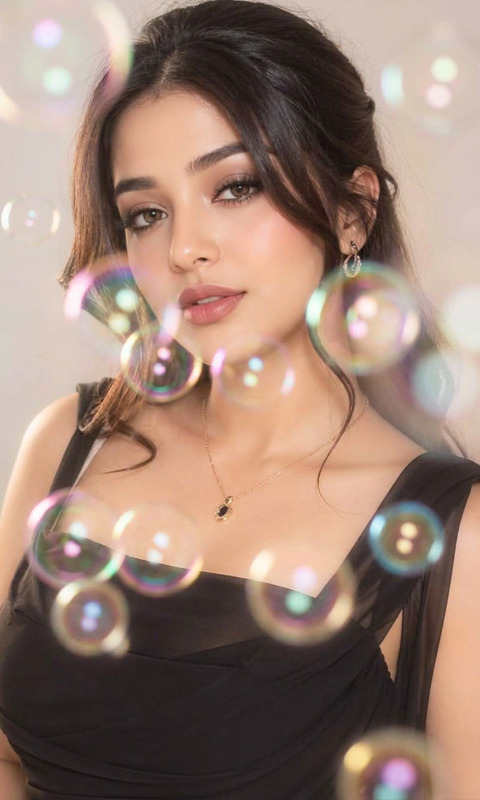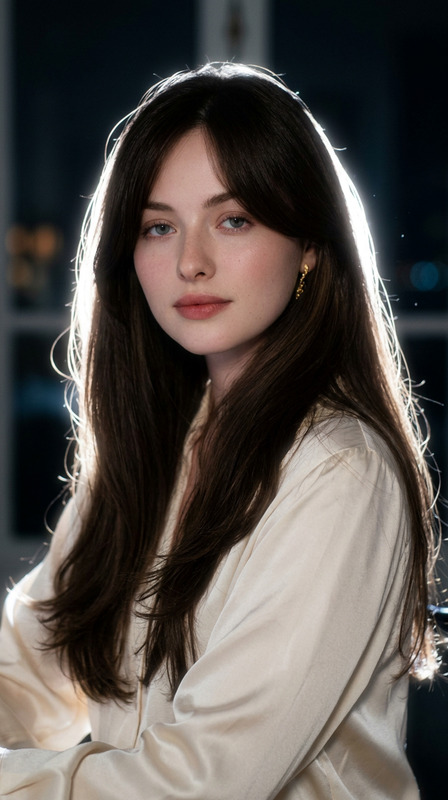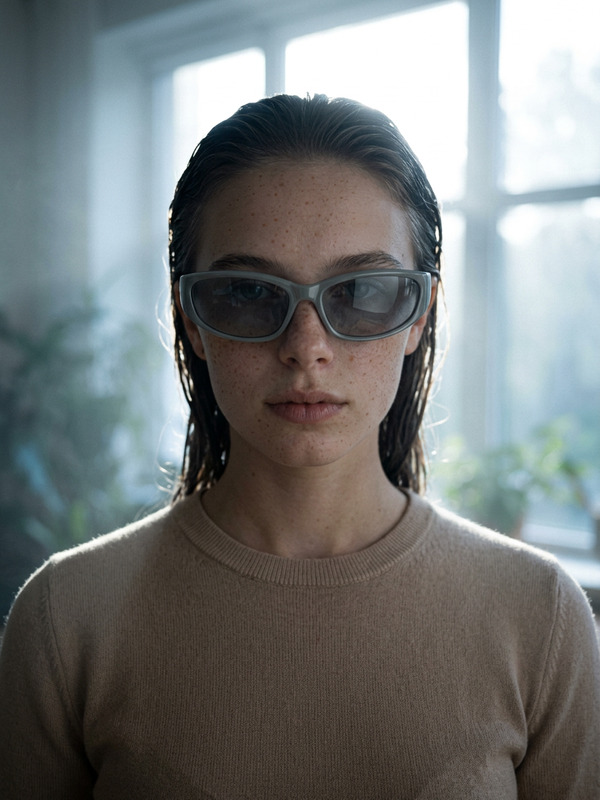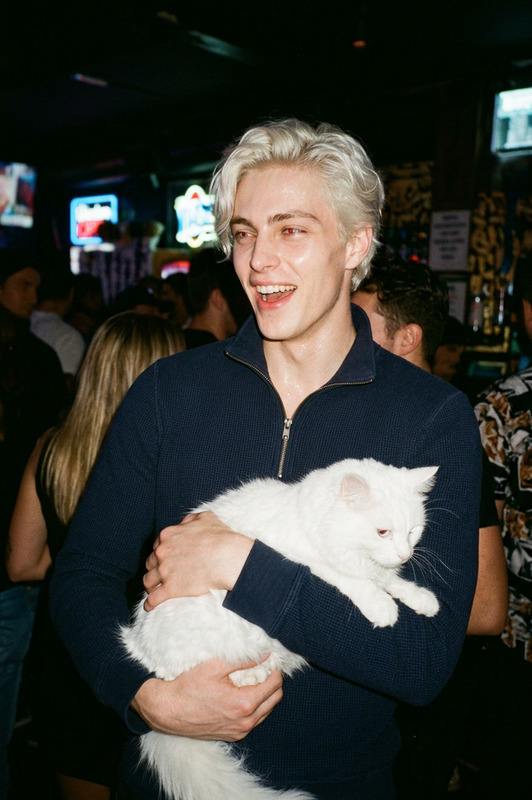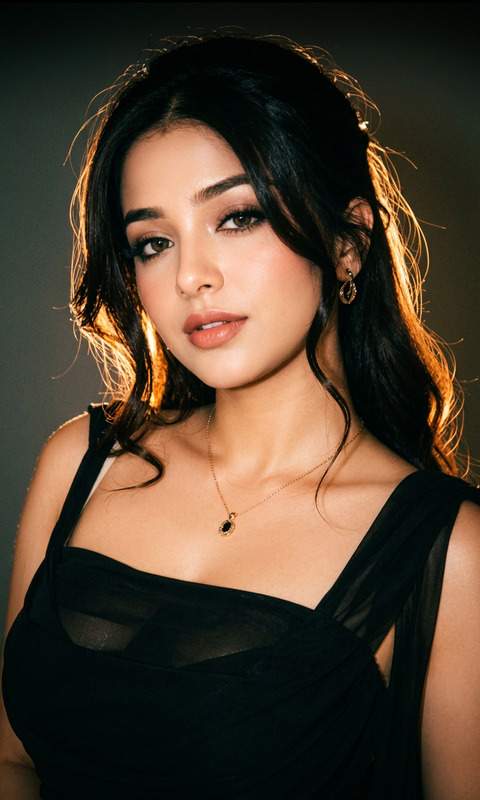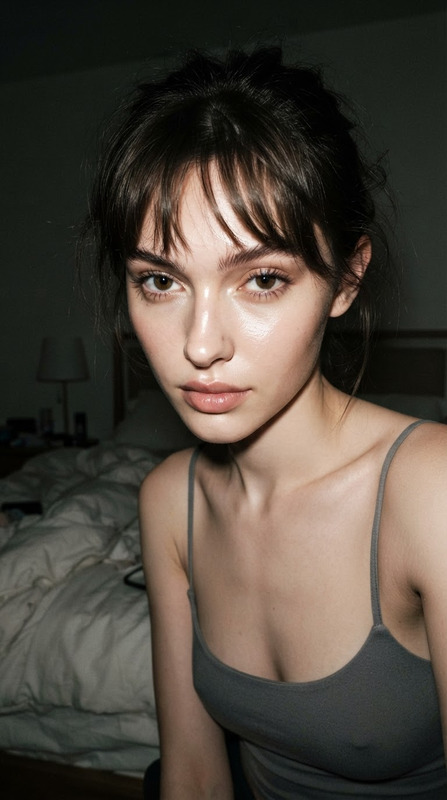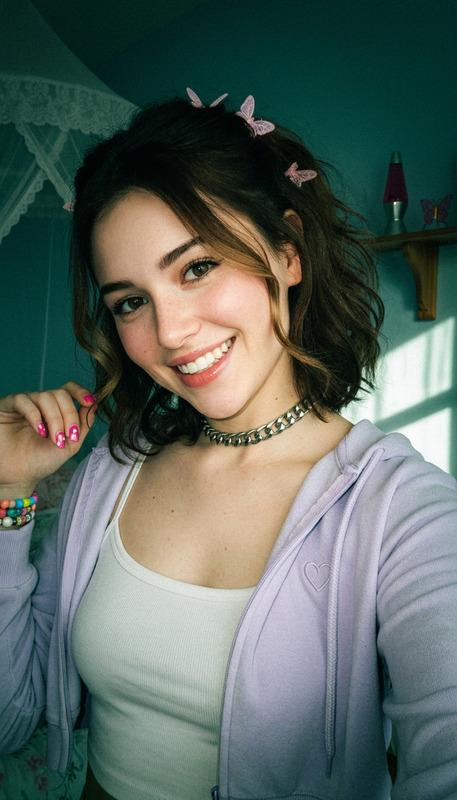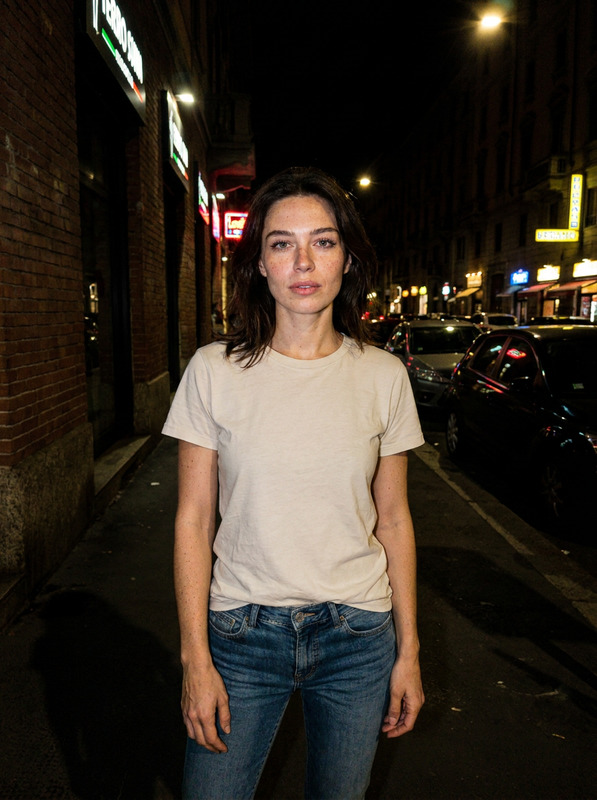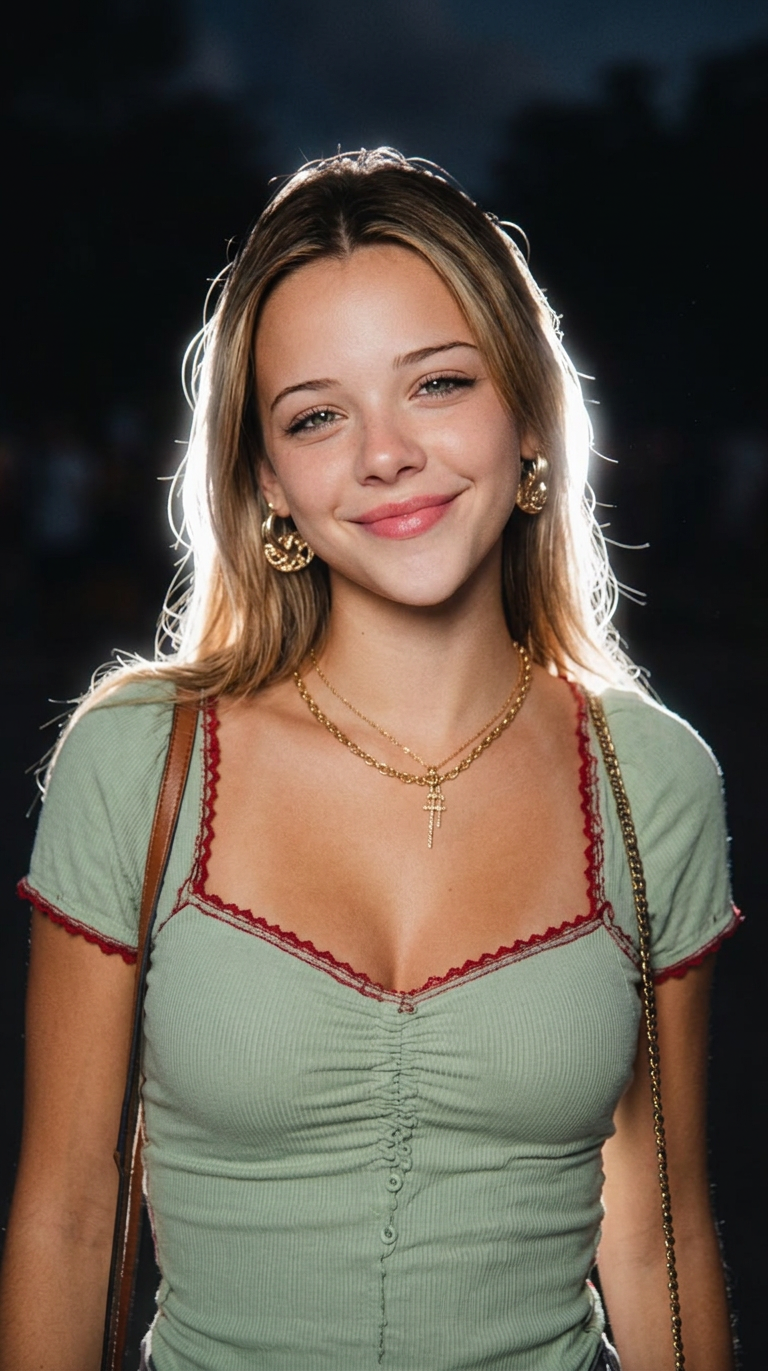
Dusk Flash
- Model
- Nano Banana 2
- Image
- 768 × 1371 px
Prompt
Apply a viral Instagram Lofi Dusk filter to the uploaded photo. Preserve identity and natural expression. Use a dark background fading into black, direct front flash lighting, powerful white backlight, glowing body outline, soft bloom diffusion, gentle halation, peach skin tones, cinematic contrast, grainy CCD camera texture, realistic 85mm portrait look.
Any aspect ratio
Overview
Transform your photos with the Dusk Flash template, an AI Image Editor powered by the nano-banana-2 model. This template applies a unique filter reminiscent of viral Instagram trends, perfect for users aiming to create visually stunning images with cinematic flair.
What It Does
This template incorporates a strong front flash and a white backlight to carve out a stylish, glowing body outline against a darkening background. It enhances natural expressions while adding a gentle film grain texture that mimics a CCD camera, all while maintaining realistic peach skin tones and cinematic contrast.
Consider combining this with an effective AI Image Upscaler for even crisper results, or use it in tandem with the Photo Colorizer for creative finishing touches.
Who It's For
The Dusk Flash template is ideal for content creators looking to stand out on platforms like Instagram. It's also suited for photographers interested in adding a unique filter effect to portraits. Whether you're a social media influencer or an amateur photographer, this tool can take your visuals to the next level.
Summary
With the Dusk Flash template, you can effortlessly create a professional aesthetic that captures attention. Using advanced features from the AI Image Editor, this template is a versatile solution for enhancing portraits with a viral flair.
How-To
Choose the Template

Customize Your Inputs

Generate Your Image

Use Cases
Social Media Enhancements
Professional Photography
Creative Storytelling
Best Practices
Choose the Right Photos
Use photos with good light balance to get the most from the lofi dusk filter, ensuring natural expressions are highlighted.Optimize for Platforms
Before applying the template, consider the formats you'll need for different social media platforms to best showcase your edits.Pair with Other Tools
For refined results, combine this template with similar tools like the AI Multi-Angle Generator for a broader range of visual effects.