Neon Flash – Y2K Night Muse
ai-image-editor
Any aspect ratio
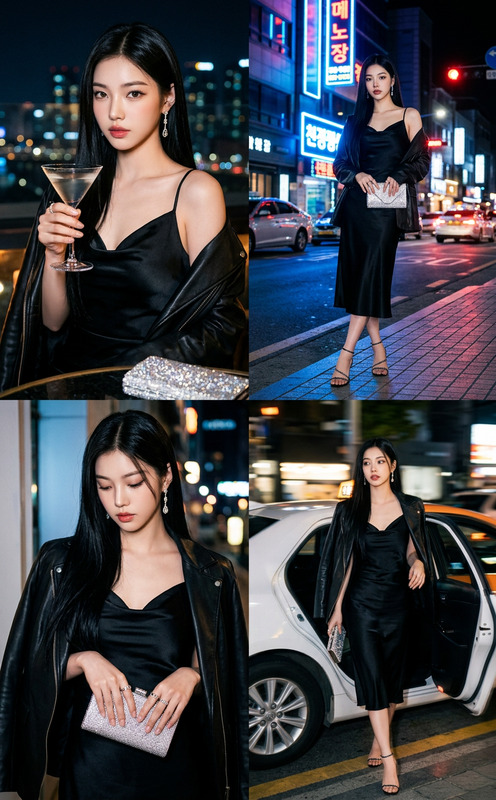
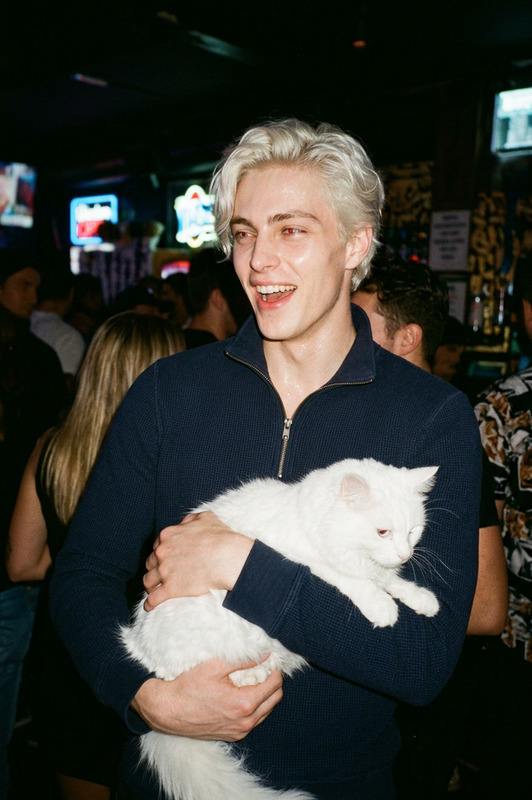
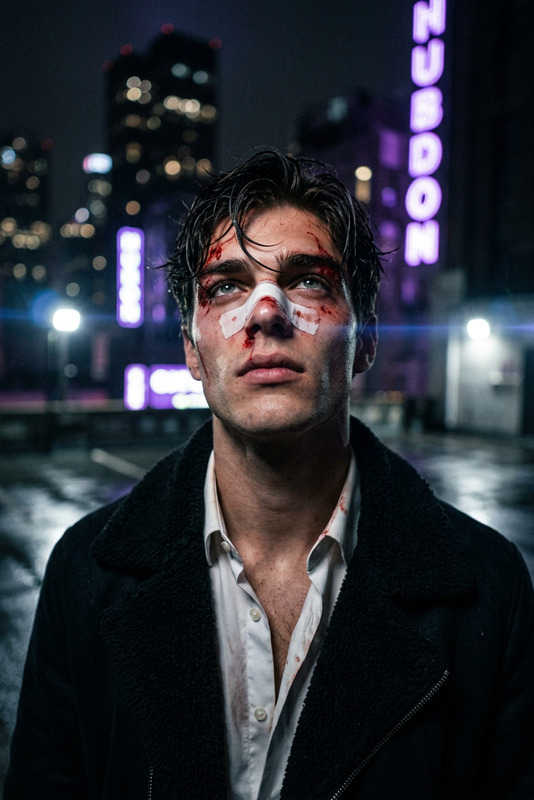
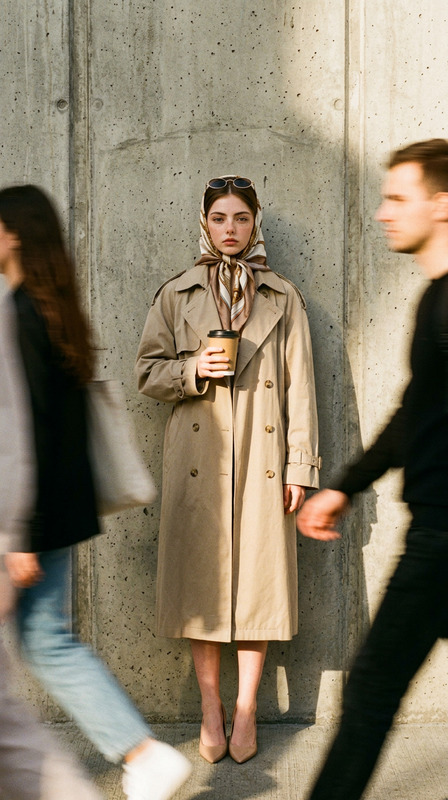
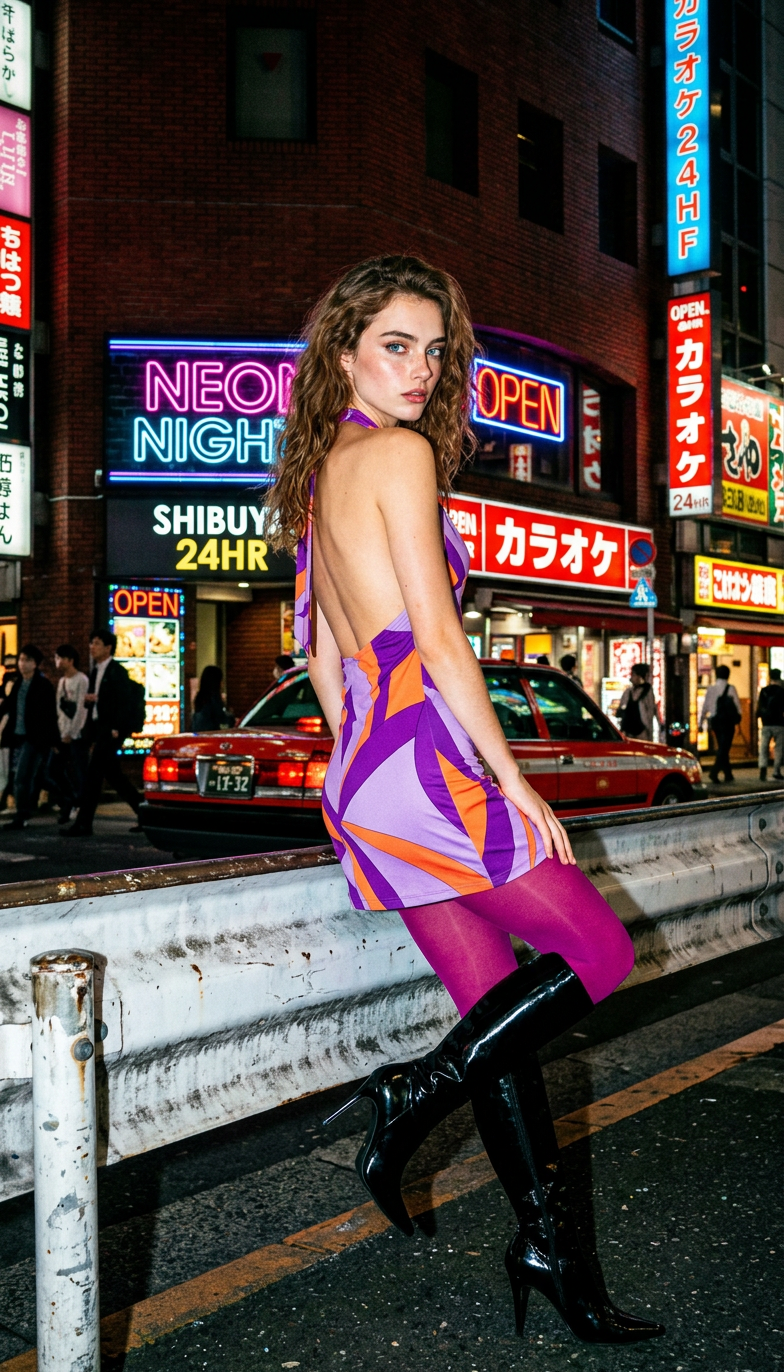
High-fashion night street photo with cinematic 35mm film aesthetic, using direct on-camera flash for sharp contrast against a dark urban background, with visible grain and saturated colors. A subject poses confidently on a neon-lit city street, leaning against a metal guardrail and looking back over the shoulder with a moody expression. The subject wears a Y2K-inspired backless halter mini dress with bold purple, lavender, and orange geometric patterns, paired with vibrant magenta tights and glossy black knee-high stiletto boots. The background features a busy urban scene with a red building, glowing billboard text, neon signs, a red taxi, and blurred pedestrians. Paparazzi-style, cinematic composition, vibrant nightlife atmosphere, ultra-detailed, 8K resolution.
AI Image Editor: Smart, Fast Image Editing for Modern Creators
Use the Magic Hour AI Image Editor to clean up photos, redesign visuals, and prototype ideas in seconds. Replace objects, change backgrounds, remove distractions, and restyle images with natural language prompts instead of manual pixel work.
This template was built with AI Image Editor and is fully remixable—use it as a starting point, then adapt it to your brand, product, or creative workflow.
What You Can Do With This Template
This template is ideal for:
- Product & marketing visuals
- Swap backgrounds to match campaigns
- Remove unwanted objects or logos
- Turn rough mockups into clean, shareable assets
- Social content & thumbnails
- Create consistent styles for Instagram, TikTok, YouTube
- Auto-clean photos and add on-brand elements
- Prototyping creative directions
- Test different aesthetics (minimal, cinematic, cyberpunk, etc.)
- Explore multiple art styles and layouts quickly
- Photo cleanup & restoration
- Remove people, objects, or text from photos
- Fix low-quality assets before using them in decks or ads
If you’re already using other Magic Hour tools—like AI Photo Generator, AI Art Generator, or AI Selfie Generator—this editor is the fastest way to refine and finalize those outputs.
How to Remix This Template in Magic Hour
You can recreate and customize this template in a few minutes:
Start from an existing image
- Upload your own photo, product shot, or design mockup directly into the AI Image Editor.
- Or generate a base image first using:
Describe the change you want
Use clear, specific prompts like:- “Remove the person in the background and replace with a clean studio backdrop.”
- “Turn this casual photo into a professional LinkedIn-style headshot.”
- “Change the packaging to matte black with minimal typography.”
- “Make this look like a high-end editorial product shot.”
Edit by area (masking)
- Select the part of the image you want to change (e.g., background, clothing, objects, face).
- Prompt for the new content or style you want in that region.
This is powerful for: - Precise object removal and replacements
- Swapping outfits (paired with AI Clothes Changer)
- Adjusting faces (paired with AI Face Editor or AI Face Generator)
Iterate quickly
- Run multiple variations until it matches your brand or aesthetic.
- Save the best version as your “base look” for future edits or campaigns.
Optional: Chain into other tools
Once you have a polished image:- Turn it into a short animated clip with Image to Video
- Add subtle motion or talking effects with AI Talking Photo
- Upscale for print or high-res decks with AI Image Upscaler
- Remove backgrounds entirely with Image Background Remover
Example Use Cases for Creators & Teams
1. Startup founders & product teams
- Turn basic product photos into launch-ready visuals
- Test different brand directions without a full design sprint
- Create consistent visuals for pitch decks, landing pages, and investor updates
Combine with:
- AI Logo Generator for brand marks
- Thumbnail Maker for pitch video or demo thumbnails
- Book Cover Generator for reports or whitepapers
2. Marketers & performance teams
- Rapidly A/B test different creatives for ads and social
- Localize visuals for different markets by editing details (backgrounds, environments, cultural cues)
- Clean assets from clients or partners without waiting on design queues
Helpful pairings:
- AI Meme Generator for quick social assets
- AI QR Code Generator for campaign-specific codes
- Auto Subtitle Generator and Text to Video for multi-format campaigns
3. Content creators & YouTubers
- Design consistent, on-brand thumbnails using AI Image Editor + Thumbnail Maker
- Clean up backgrounds, tweak lighting and style, or add props and effects
- Generate channel art, banners, and promo posts from a single photoshoot
Extend with:
- AI GIF Generator for animated loops
- AI Voice Generator or AI Voice Cloner for voiceovers
- Video Upscaler for higher quality clips
4. Designers & creative technologists
- Prototype visual directions with natural language instead of manual retouching
- Explore different aesthetics (anime, comic, dark fantasy, manga, minimalism) quickly
- Prep concept art to feed into other pipelines (video, animation, or generative tools)
Advanced inspiration:
- AI Anime Generator and AI Manga Generator
- Comic Book Generator
- Dark Fantasy AI and Fantasy Map Generator
- AI Illustration Generator
Combine Image Editing With Video & Animation
This template focuses on still images, but you can turn your edited results into motion using other Magic Hour tools:
- Face Swap Video – Take your edited portraits and swap faces in video using the Face Swap Video template or Face Swap for images and GIFs.
- Lip Sync – Turn a static edited face into a speaking character with the Lip Sync template or AI Talking Photo.
- Video-to-Video – Stylize or transform a clip to match the aesthetic of your edited images via the Video to Video template.
- Animation – Turn clean character or product images into animated sequences with the Animation template or Animated Characters Generator.
This makes it possible to:
- Start from one strong edited image
- Turn it into a thumbnail, short, ad creative, or animated explainer
- Keep style and branding consistent across assets
Expert Tips for Reliable Results
Be specific in your prompts
Instead of “make it better,” try “make lighting soft and cinematic, with a neutral gray background and subtle depth of field.”Describe intent, not just objects
Phrases like “professional corporate headshot,” “high-end e‑commerce product shot,” or “Pinterest-style lifestyle image” help the model infer composition, lighting, and mood.Iterate in small steps
Make one major change at a time (background, outfit, expression, props) and lock in what works. This makes your edits more predictable and easier to reproduce.Use specialized tools when needed
- Remove a specific item more surgically with Remove Object from Photo or AI Remover
- Cleanly cut out subjects using Image Background Remover or Watermark Remover if needed
- Fix blur or low resolution with Unblur Image and AI Image Upscaler
Related Templates & Tools You Might Also Use
Depending on your workflow, consider pairing this AI Image Editor template with:
Character & avatar creation
Style and fashion exploration
Niche creative work
Photo cleanup & restoration
When to Use This Template vs. Other Magic Hour Tools
Use this AI Image Editor template when you:
- Already have a base image and need to change or improve it
- Want to remove, replace, or restyle parts of an image
- Need fast, editable visuals for campaigns, decks, and content
Use other tools when you:
- Need to generate an image from scratch → AI Image Generator, AI Photo Generator, AI Art Generator
- Want to turn text or scripts into video → Text to Video
- Need dynamic avatars or talking content → AI Talking Photo, Lip Sync, AI Voice Generator
Start Remixing This Template
- Open the AI Image Editor.
- Upload an image (or generate one first with AI Photo Generator or AI Image Generator).
- Use the same editing patterns from this template: focused regions, clear prompts, and incremental improvements.
- Save your best version as your reusable “house style” for future content.
Use this template as a blueprint for a repeatable, AI-native image workflow—fast enough for performance marketing, flexible enough for creative teams, and simple enough to plug into any modern content stack.