Night Street Flash Portrait
- Model
- Nano Banana 2
- Image
- 878 × 1216 px
Prompt
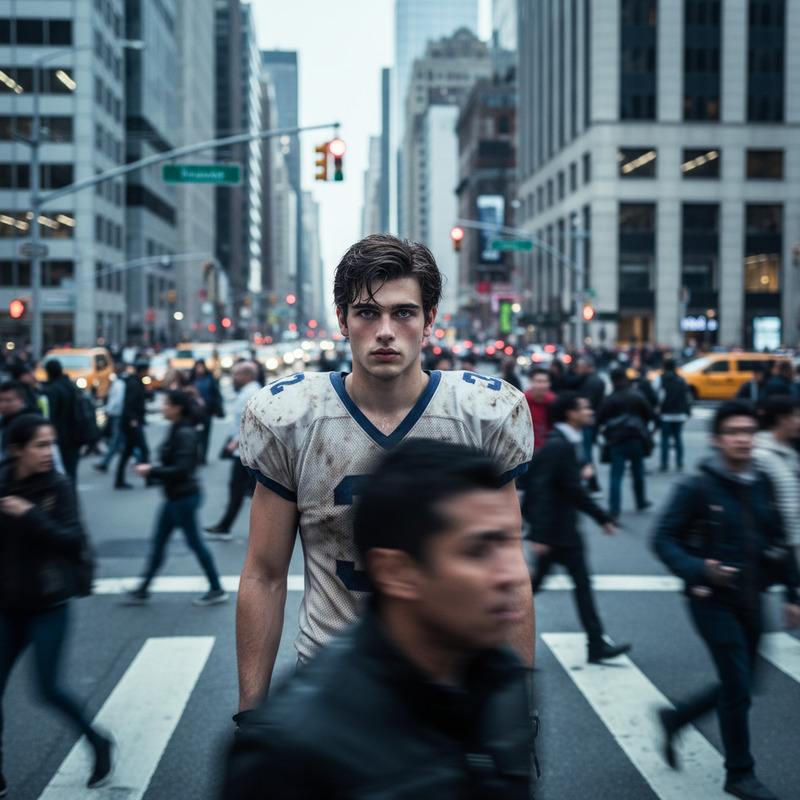
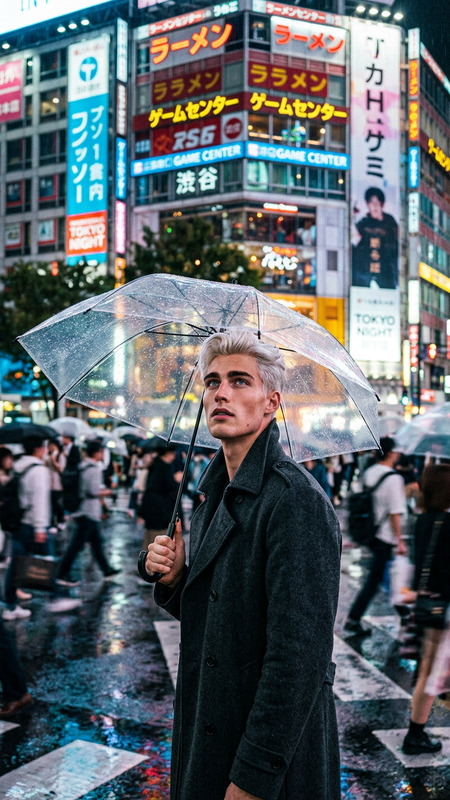
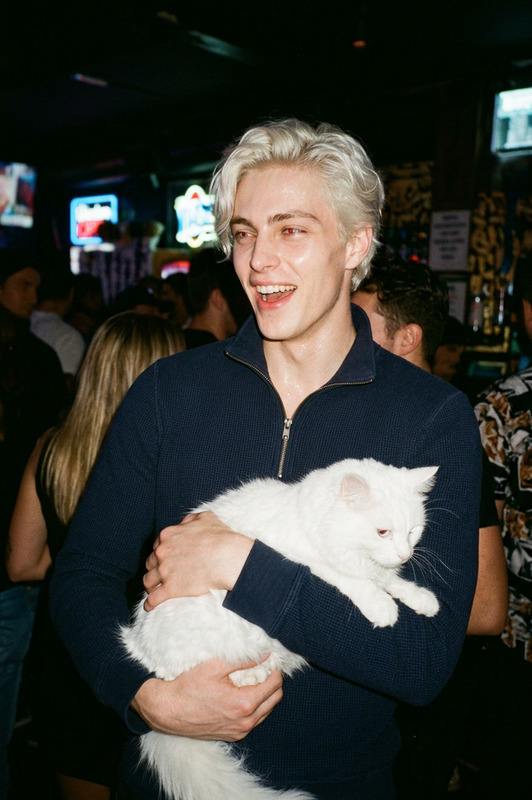
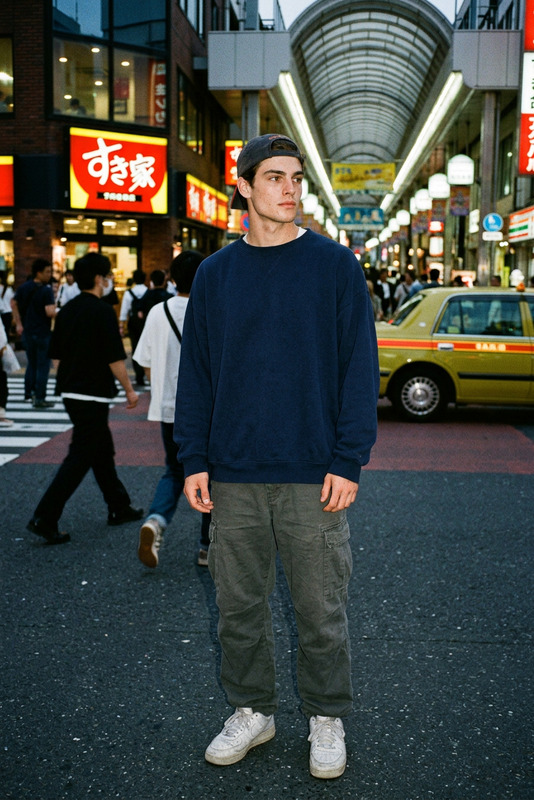
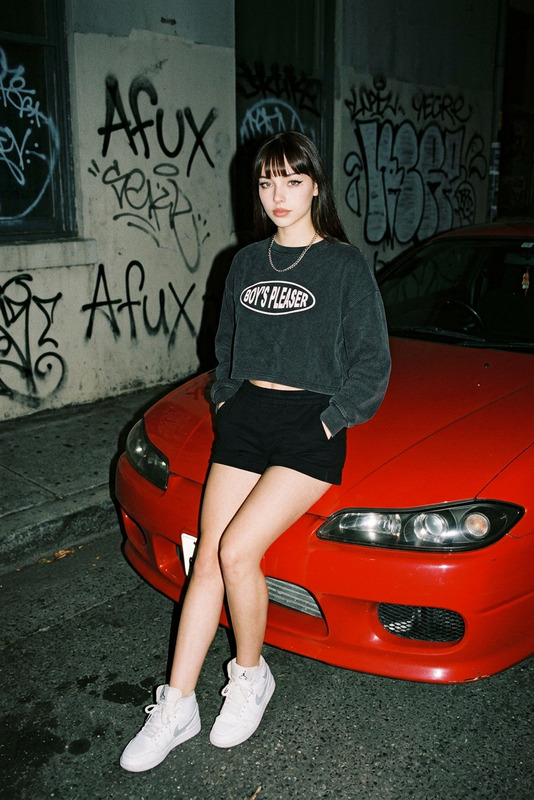
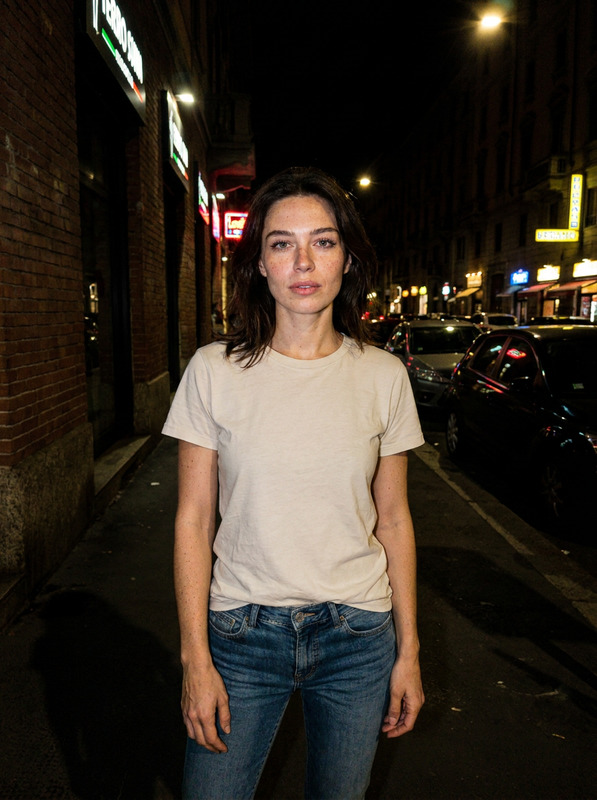
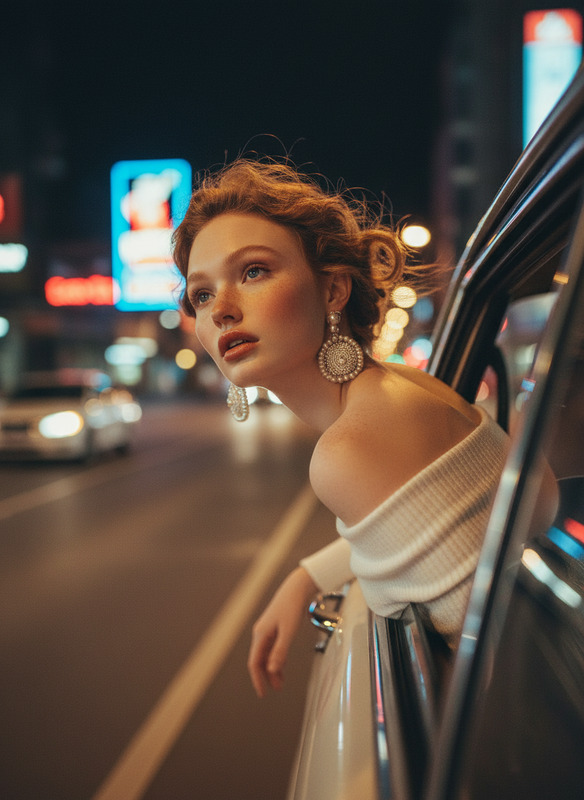
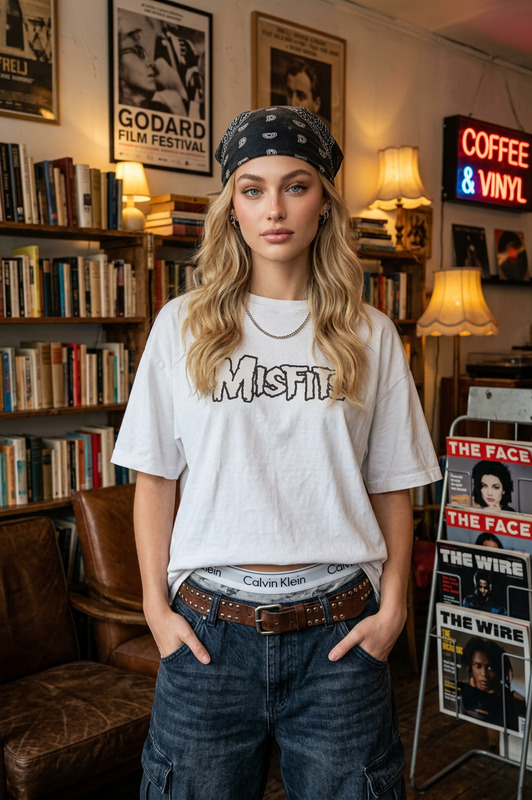
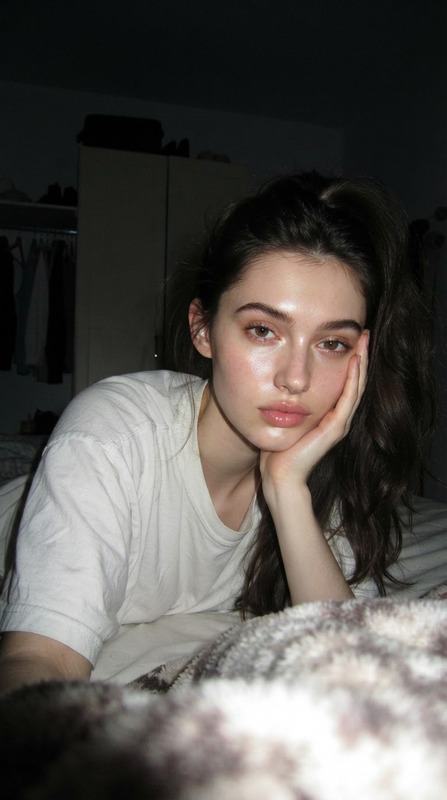
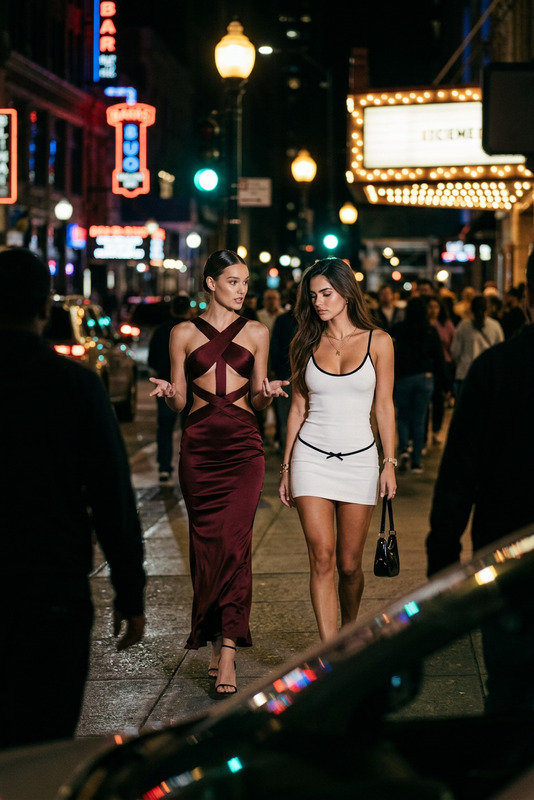
Strong cinematic flash lighting casting sharp shadows behind the subject with a slight glow and subtle halation. Subject leans casually next to a vehicle with arms folded across the chest, giving a slight smile toward the camera in a natural candid pose. Wearing an army green V-neck knit crop vest, black shorts, and white-grey retro sneakers (530 style). Set on a dark city street at night with a gritty, raw, nostalgic atmosphere. Background is blurred with urban darkness and soft ambient city light. Analog 35mm film aesthetic with flash photography look, shallow depth of field, candid street portrait style, high detail, slightly imperfect film grain texture.
Any aspect ratio
Overview
Dive into the captivating world of night street photography with the Night Street Flash Portrait template. Designed to mimic the charm of analog 35mm film, this AI-powered image editor lets you create striking portraits that are rich in urban nostalgia. From composing the perfect exposure to crafting grainy film-like textures, unleash your photographic creativity in a flash.
What It Does
Transform your urban night shots into cinematic masterpieces with this template. The Night Street Flash Portrait brings sharp shadows, subtle glow, and a gritty atmosphere to your portraits. This tool utilizes the AI Image Editor capabilities to give your photos a high-detail, candid street portrait style, complete with the charming imperfections of film grain texture.
Who It's For
Ideal for photographers, content creators, and video producers who adore the classic aesthetic of analog film. Whether you're an enthusiast capturing urban nightscapes or a professional looking to add a cinematic edge to your content, this template offers the perfect blend of creativity and technology. Engage your audience with visuals that tell a compelling story.
Summary
The Night Street Flash Portrait template provides a seamless way to achieve professional-grade portraits with a nostalgic film look. By harnessing the power of the Image Editor, your photos will boast high detail, vibrant lighting, and an authentic urban ambiance that captures attention and communicates artistry.
How To
Choose

Customize

Generate

Use Cases
Urban Fashion Photography
- Stark shadows and ambient city lights
- Analog film grain effect for authenticity
Creative Street Portraits
- Use in promotional or personal projects
- Enhances mood and narrative through visuals
Film-inspired Visual Art
- Experiment with shadows and depth of field
- Craft works with nostalgic film appeal
Best Practices
Consider Lighting Conditions
Ensure the base photo has adequate light contrast. The AI will enhance shadows and highlights, but starting with a well-lit scene improves results.Use High-Quality Images
Provide high-resolution source photos to maintain clarity and detail. This enhances the film grain effect.Experiment with Textures
Try different clothing textures and backgrounds to see how the algorithm adapts the flash lighting for creative outcomes.