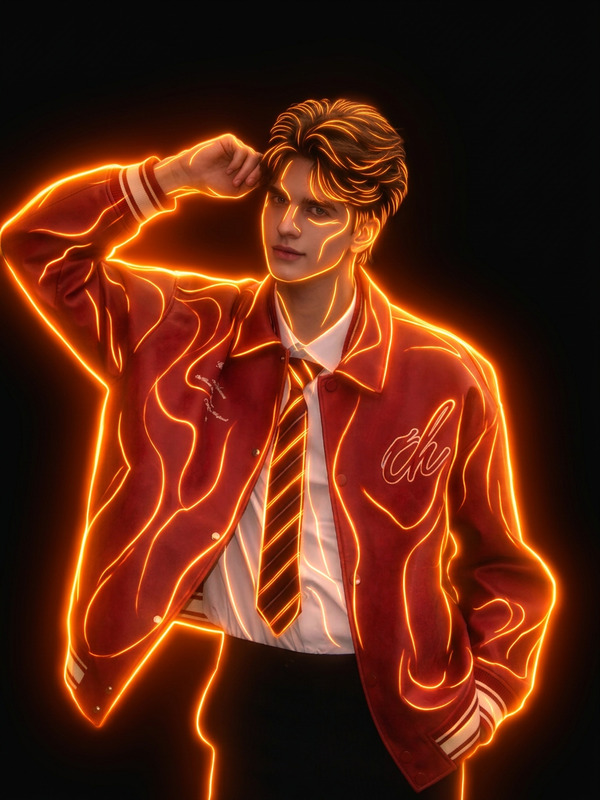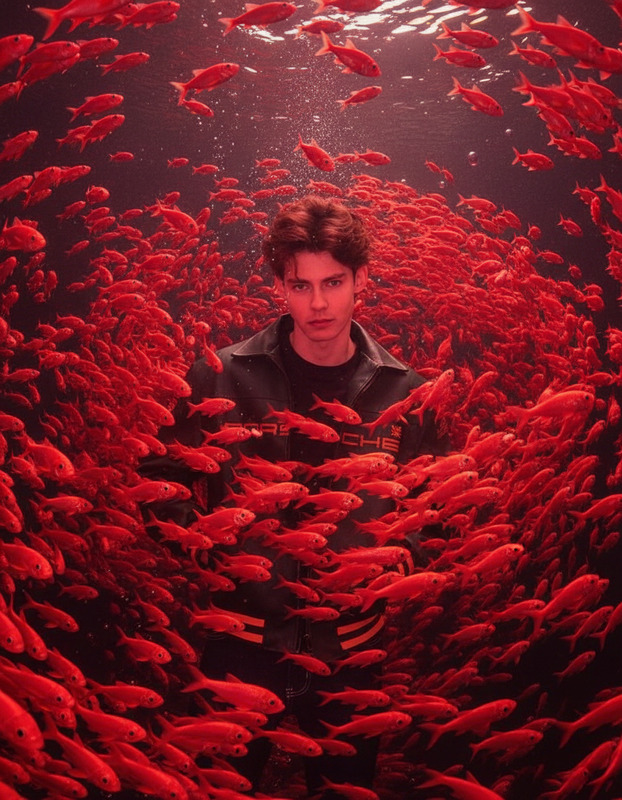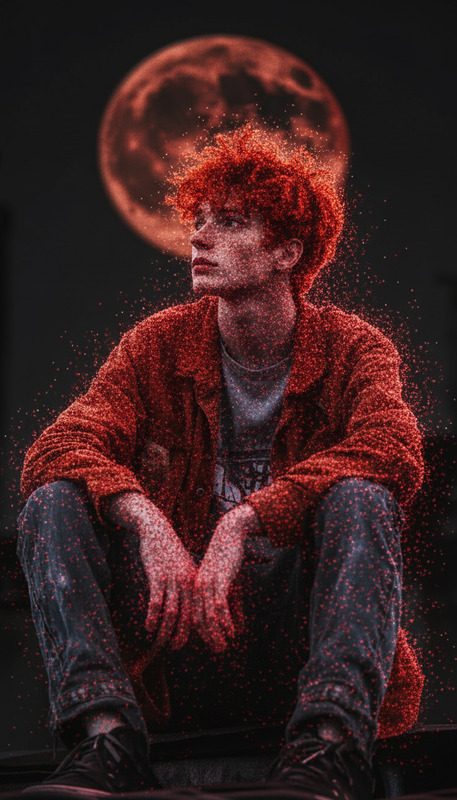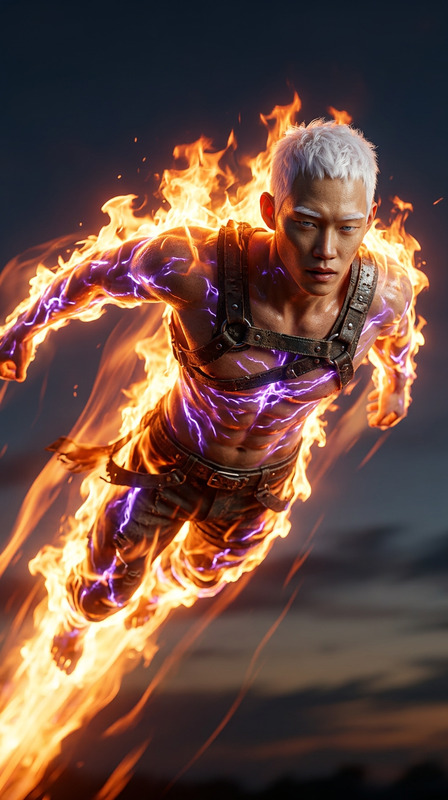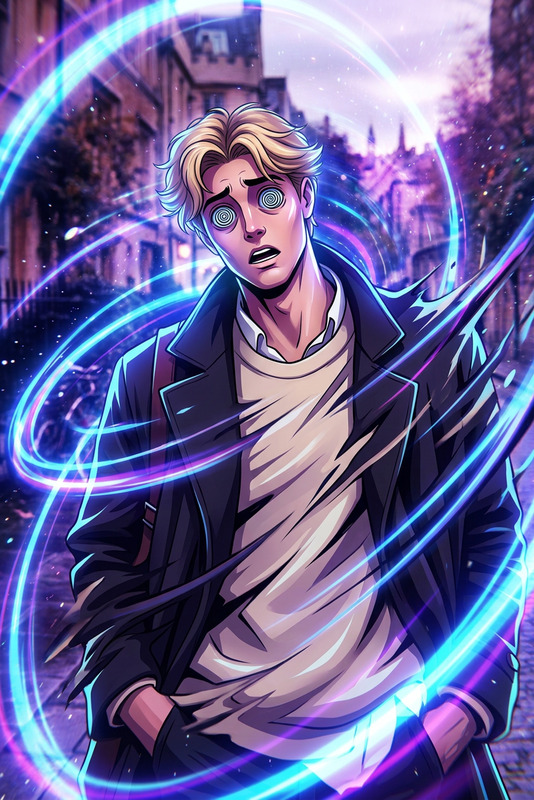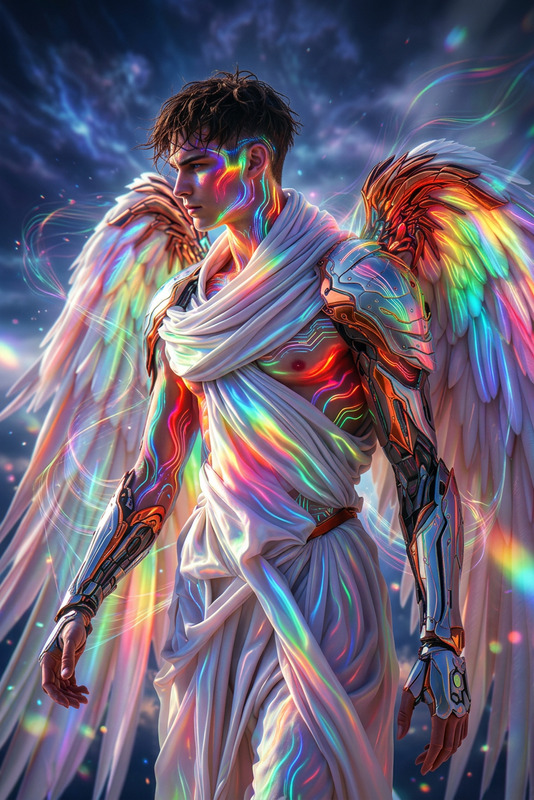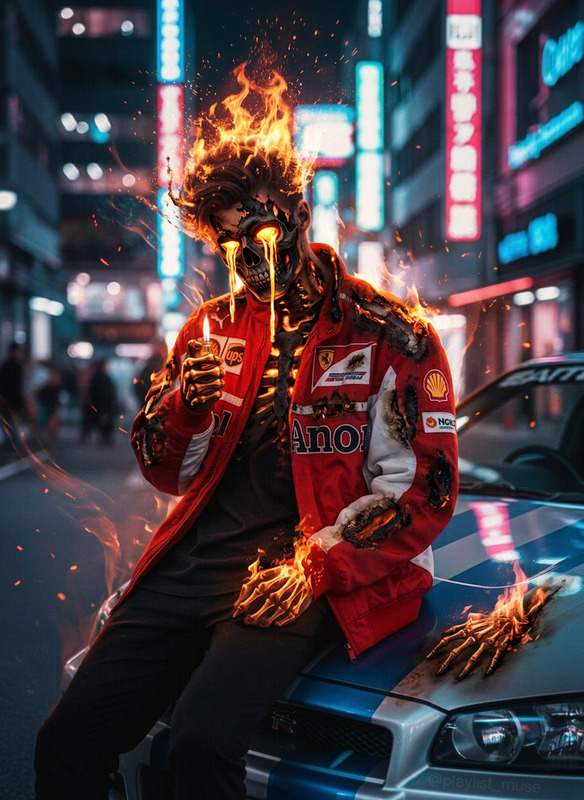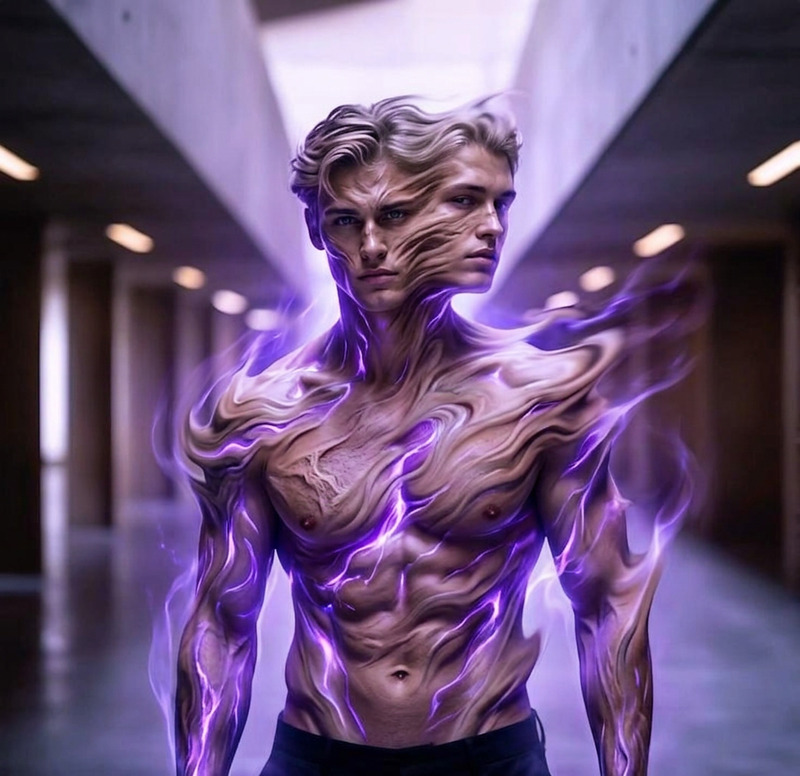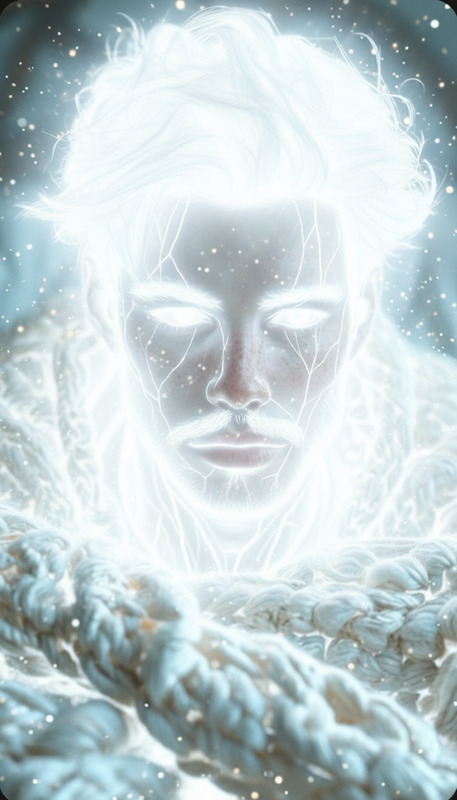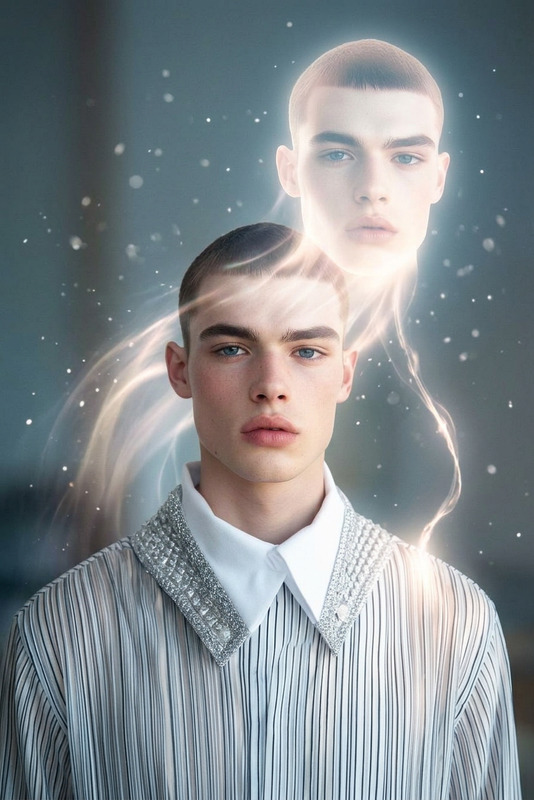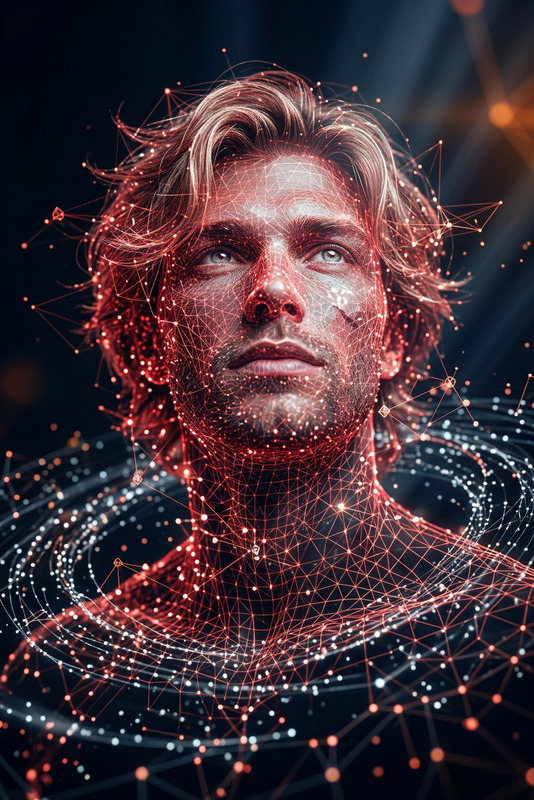
Red Innerlight
- Model
- Nano Banana
- Image
- 832 × 1248 px
Prompt
Subject glowing from within as a radiant red light pulses through the body, shining through skin and eyes, veins subtly illuminated, aura expanding outward, powerful and spiritual transformation, soft particles drifting in the air, dark cinematic background, high contrast lighting, mystical atmosphere, ultra-detailed, 4K.
Any aspect ratio
Overview
The Red Innerlight template, part of our AI Image Editor, offers a mesmerizing visual transformation. Harness the power of the nano-banana model to craft stunning images where subjects illuminate with a radiant red hue. This template is designed for creators seeking to add mystical and cinematic effects to their imagery.
What It Does
Red Innerlight is an AI Image Editor tool that transforms your images, injecting a deep spiritual effect through glowing red light radiating from within the subject. Set against a dark cinematic background, the template accentuates features with high contrast lighting, creating an ultra-detailed 4K image that captivates and engages audiences.
Who It's For
This template is ideal for digital artists, visual storytellers, and filmmakers who want to enhance their images with mystical and spiritual transformations. It's also perfect for content creators focusing on themes like spirituality, transformation, and visual metaphors.
Summary
Use the Red Innerlight template to breathe new life into your visuals. With the AI Image Editor, apply a captivating and radiant red aura to your images, making them ideal for standout visual projects. This template is perfect for creators looking to produce ultra-detailed, mystical imagery.
How-To
Choose Your Template

Customize Your Image

Generate and Download

Use Cases
Spiritual Artworks
- Meditation visuals
- Spiritual transformation imagery
Cinematic Projects
- Horror film promotions
- Fantasy short films
Social Media Campaigns
- Instagram highlights
- Facebook ad campaigns
Best Practices
Choose the Right Image
Select images with clear subject placement and less cluttered backgrounds to emphasize the glowing effect.Adjust Contrast Carefully
High contrast settings work best with this template to accentuate the red glow and dark backgrounds.Utilize in High-Resolution
Work with high-resolution images for the best results, ensuring sharp and detailed outputs.