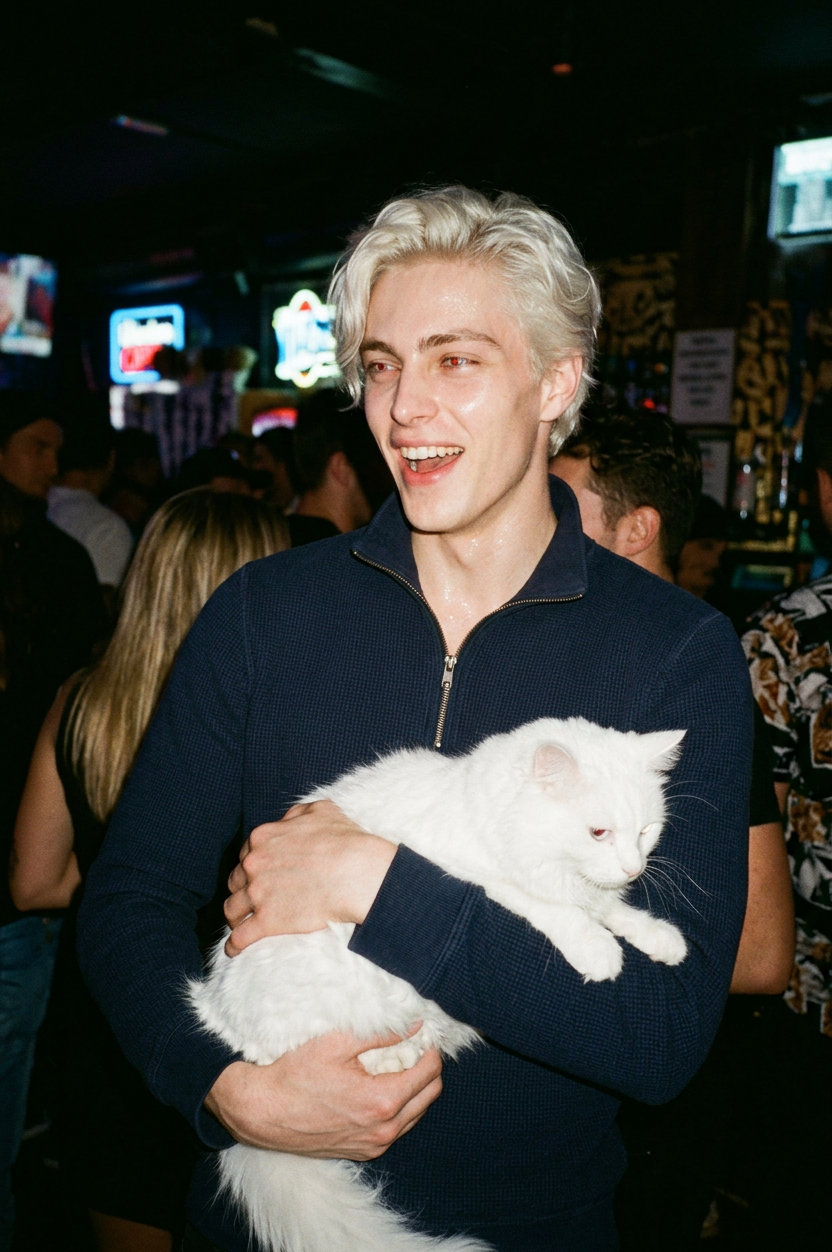
Flash Night
ai-image-editor
Any aspect ratio
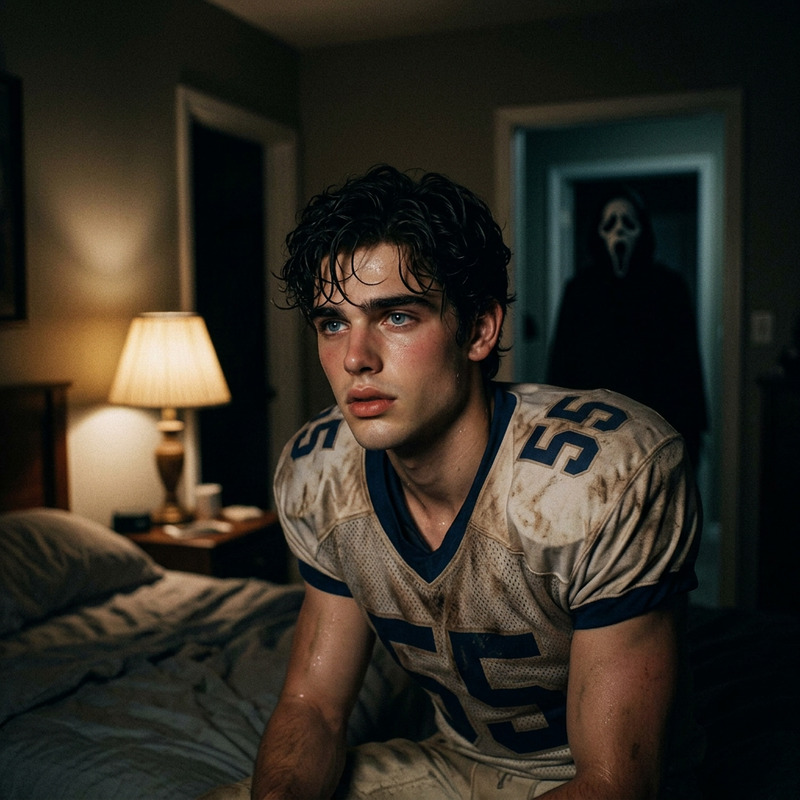
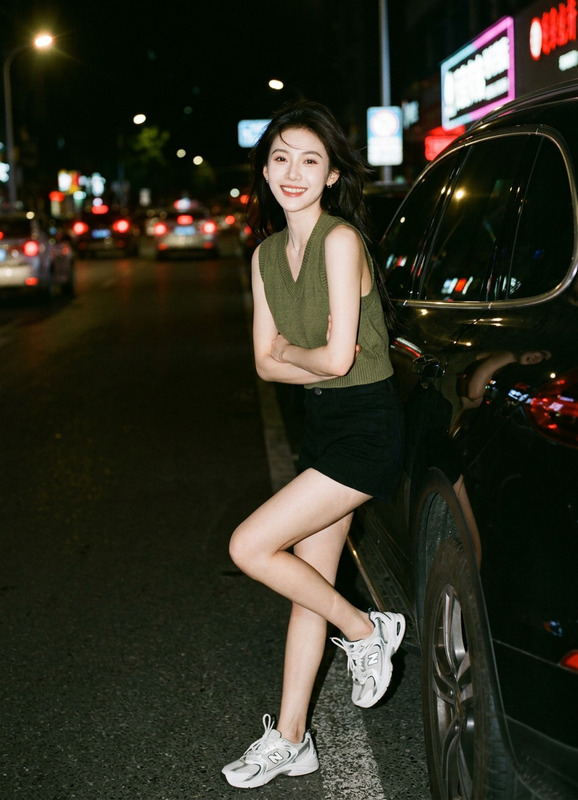
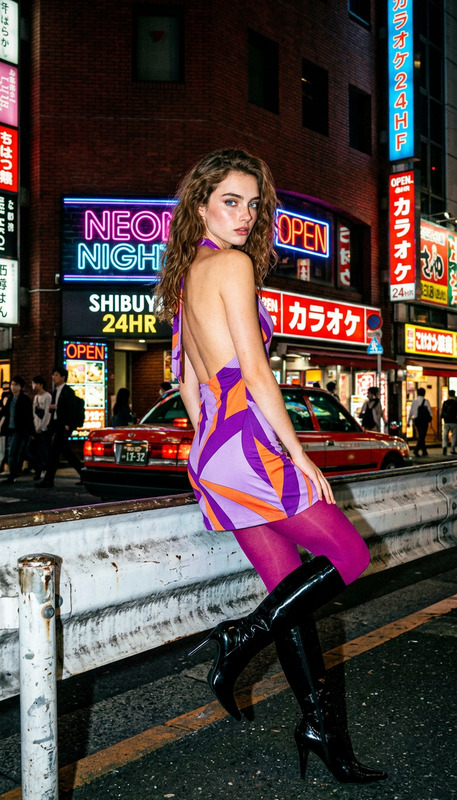
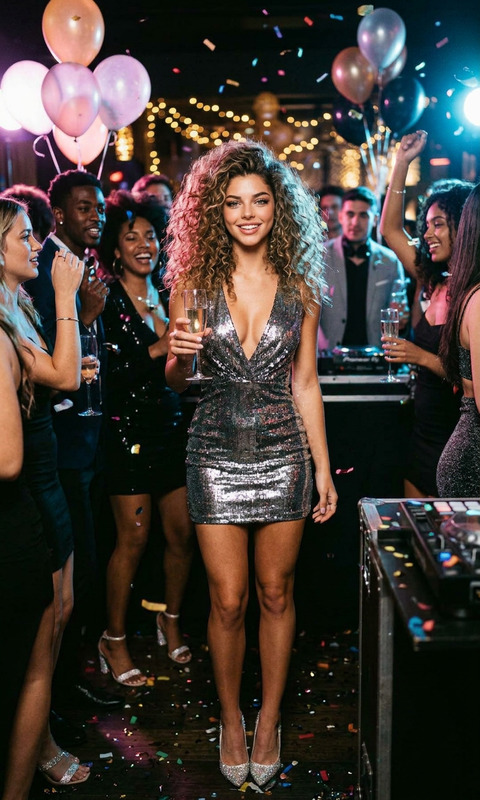
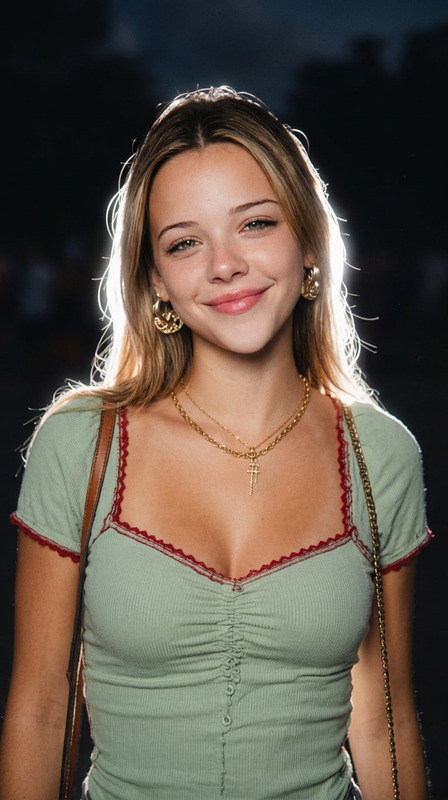
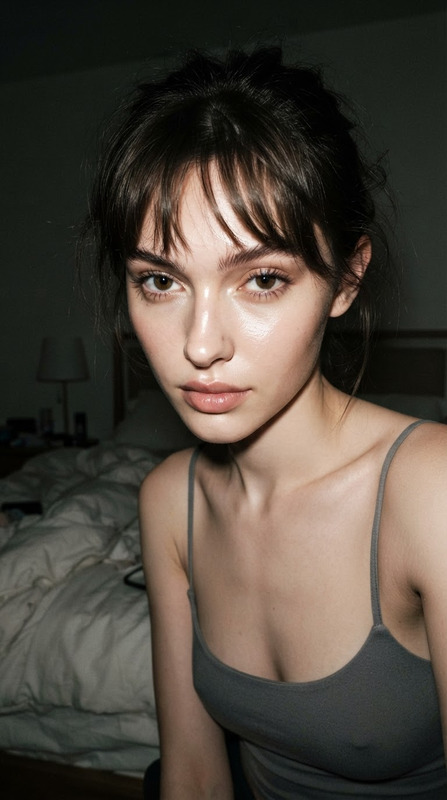
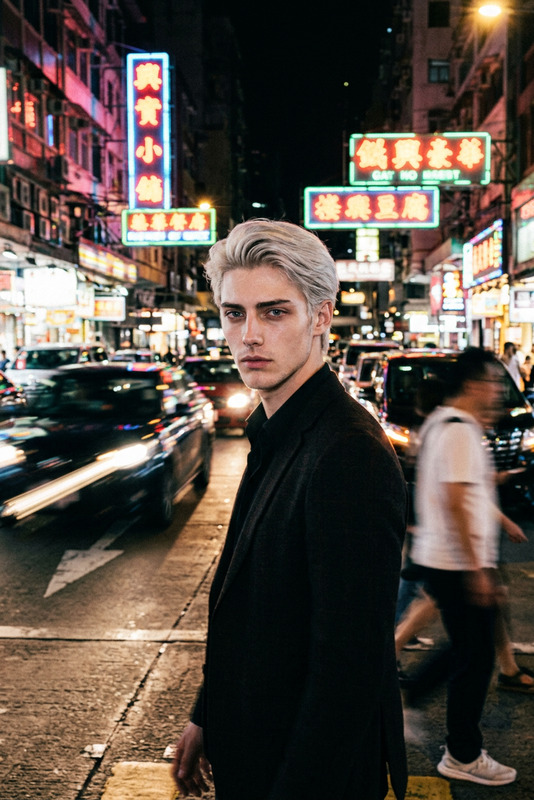
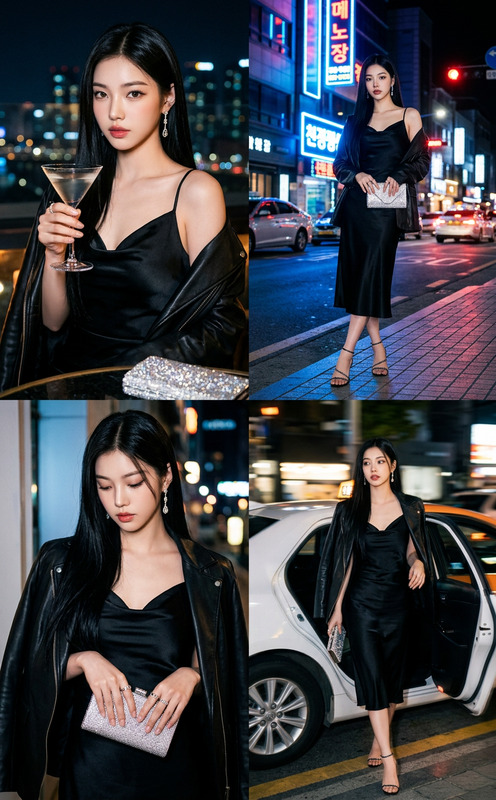
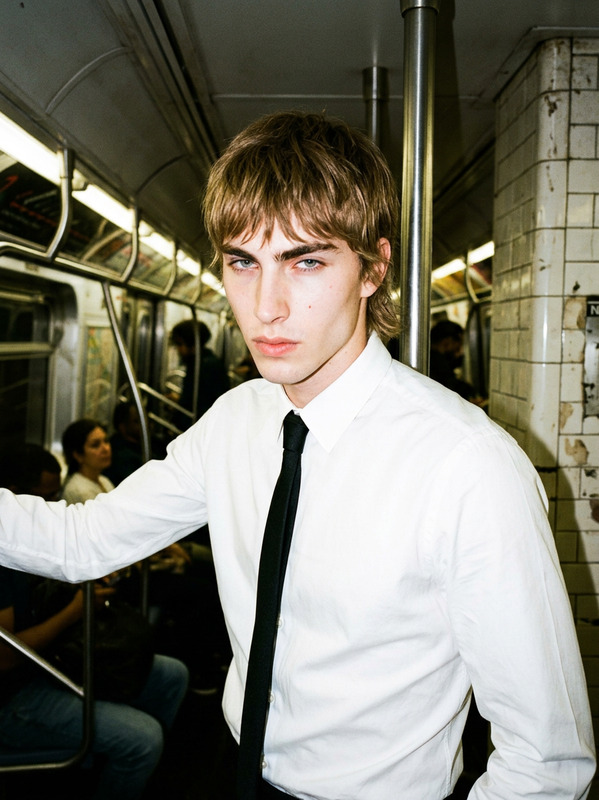
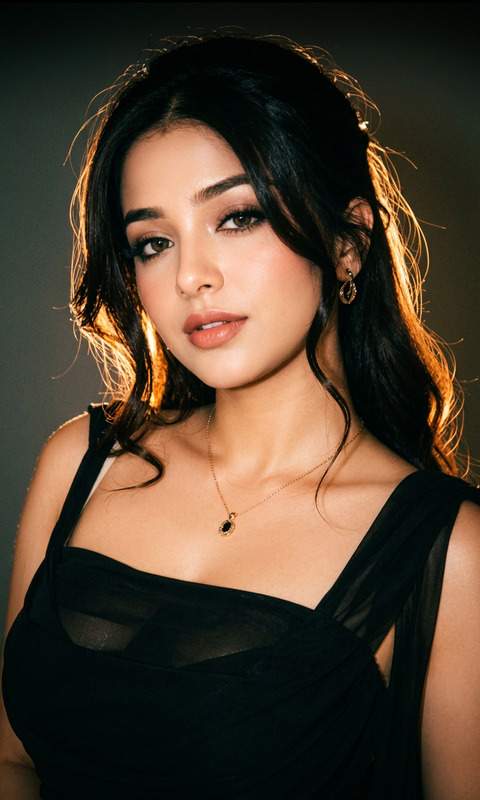
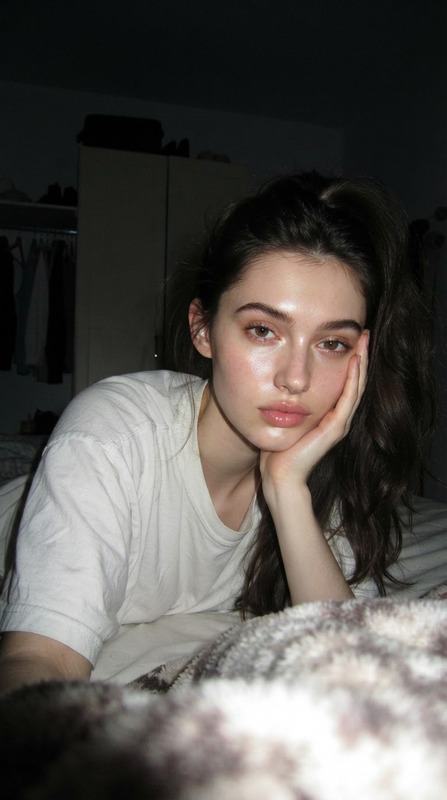
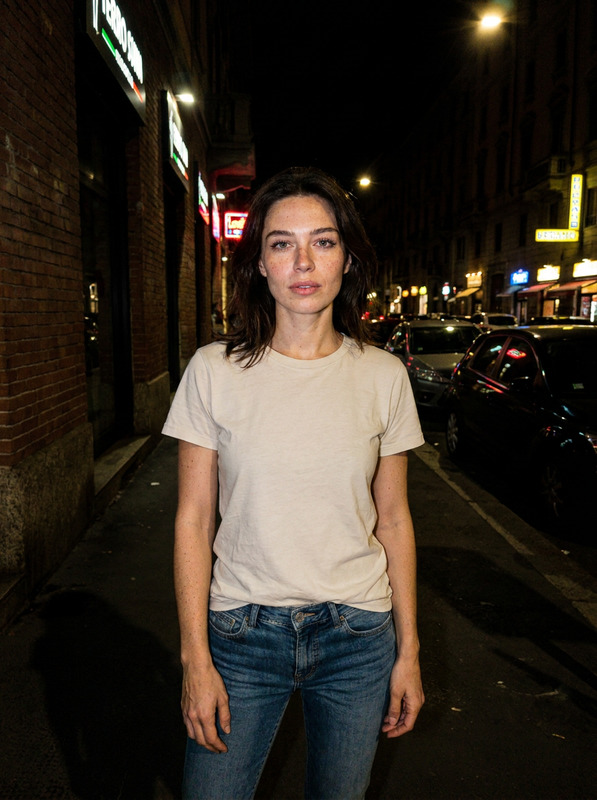
Transform the photo into nighttime chic flash photography. Use harsh direct on-camera flash with strong highlights, deep shadows, and slight overexposure on the subject. Set the scene at night with a dark, moody background while keeping realistic colors and textures. Add a candid, editorial feel, slightly imperfect framing, motion energy, and spontaneous expression. Emphasize high contrast, glossy skin highlights, and subtle film grain for a raw, fashion-nightlife aesthetic.
AI Image Editor Template: Turn Any Photo Into a Polished, On‑Brand Visual
Use this AI Image Editor–based template to transform existing photos into clean, on‑brand assets for product shots, ads, social media, pitch decks, or thumbnails—without needing Photoshop skills or a design team.
This template is built on Magic Hour’s AI Image Editor, so you can:
- Clean up or replace backgrounds
- Remove distracting objects or people
- Refine faces, outfits, and lighting
- Add or change products, props, and text
- Upscale and sharpen results for export
What You Can Do With This Template
This template is designed for fast, repeatable edits on top of existing photos. Typical use cases:
Marketing & growth
- Turn rough photos into ad‑ready creatives
- Produce multiple variants for A/B tests
- Localize visuals for different regions and audiences
Founders & product teams
- Create clean product shots from quick phone photos
- Generate consistent assets for landing pages and decks
- Visualize feature concepts before design resources are available
Creators & influencers
- Polish thumbnails and banners
- Remove clutter from lifestyle photos
- Quickly generate on‑brand imagery for sponsorships
Designers & creative teams
- Rapidly iterate visual directions
- Mock up new layouts, props, and styling
- Hand off clearer visual briefs to stakeholders or clients
If you need to go further into character or brand‑new image creation, pair this template with tools like the AI Photo Generator, AI Art Generator, or AI Image Generator and then refine the outputs with the AI Image Editor.
How to Remix This Template in Magic Hour
You can clone the logic of this template and adapt it to your own workflow in a few focused steps:
Start from any image
- Upload a product shot, portrait, lifestyle photo, or brand asset.
- For best results, use images that are reasonably in focus and not overly compressed. If needed, sharpen first with the AI Image Upscaler or Unblur Image.
Define your editing goal in natural language
- Describe the transformation you want at a high level (e.g., “make this into a clean ecommerce product photo on white,” “turn this into a cinematic portrait for LinkedIn,” “remove background people so this looks like a professional brand shot”).
- Be explicit: mention style (minimalist, vibrant, cinematic), context (ad, banner, product detail page), and constraints (keep the original product color, keep the person’s face).
Use AI Image Editor operations in sequence While you don’t see the underlying steps, this template conceptually chains together common AI Image Editor operations you can remix:
Background cleanup and replacement
- Remove clutter or complex scenes using the Image Background Remover or AI Background Generator.
- Replace with:
- Solid color (e.g., ecommerce white, brand color)
- Abstract gradients or textures
- Contextual scenes (office, studio, kitchen, city, etc.)
Object and distraction removal
- Remove logos, reflections, hands, cables, or random objects with Remove Object from Photo or AI Remover.
- Use this to comply with marketplace ad guidelines or clean up UGC before use.
Face and people refinement
- Subtly improve faces, symmetry, or details with the AI Face Editor or AI Face Generator.
- For professional avatars and profiles, combine with the AI Headshot Generator or AI Selfie Generator, then fine‑tune in the AI Image Editor.
Props, outfits, and styling
- Change or enhance clothes using the AI Clothes Changer or AI Outfit Generator to match your brand tone.
- Swap or add props (laptops, packaging, decor elements) with text prompts inside the AI Image Editor.
Final polish
- Increase resolution or clarity via the AI Image Upscaler.
- Restore older or low‑quality inputs with Old Photo Restoration or Photo to Sketch if you’re going for an illustrated style.
Make it reusable as your own “house style”
- Document your typical “before → after” transformations (e.g., “UGC → polished brand creative,” “office photo → LinkedIn banner,” “basic product shot → premium catalog image”).
- Reuse the same kinds of instructions, backgrounds, and styling choices for consistency across campaigns, decks, emails, and product pages.
Example Remix Workflows
Use this template as a blueprint for more specialized flows:
1. Product‑First Ecommerce Images
- Start from a phone photo of a product.
- Remove the existing background.
- Generate a clean white or light‑gradient background with the AI Background Generator.
- Remove hands, cables, and clutter with Remove Object from Photo.
- Upscale with AI Image Upscaler for marketplace or web.
2. Founder / Team Portraits for Landing Pages
- Upload a candid or webcam photo.
- Clean the background and replace it with a subtle gradient or on‑brand pattern.
- Refine facial details with the AI Face Editor; keep it realistic and consistent across the team.
- If you need talking avatars for explainers, send the edited portrait to AI Talking Photo or Text‑to‑Video.
3. Social Media Thumbnails and Memes
- Use this template to standardize thumbnail composition: subject centered, clear background, strong contrast.
- Add or remove elements, then finish in the AI Meme Generator or Thumbnail Maker to layer typography and layouts.
4. From Image to Short Video Assets
- Start with an edited hero image based on this template.
- Convert it into motion with:
- Image‑to‑Video for subtle camera moves and animations
- AI GIF Generator for social loops and ads
- Animation Templates for stylized animations built on your edited image
For talking heads and explainers, pair your edited image with AI Voice Generator or AI Voice Cloner and assemble a full video.
Related Magic Hour Tools Worth Combining with This Template
To extend this template into a full AI‑first creative pipeline:
For faces, identity, and avatars
- AI Face Editor – advanced facial edits
- Gender Swap – exploratory character variations
- Avatar Generator – stylized profile images from your edited photos
- Face Swap and Face Swap GIF – apply cleaned‑up faces into new contexts; if you need prebuilt flows, explore the Face Swap Video template
For brand, IP, and marketing assets
- AI Logo Generator and Icon Generator – brand marks that can be composited into edited images
- Book Cover Generator, Album Cover Generator, and Thumbnail Maker – wrappers around your edited imagery for publishing and campaigns
- AI QR Code Generator – visual QR codes you can embed into final designs
For creative storytelling and worlds
- AI Character Generator, Animated Characters Generator, AI Anime Generator – generate characters you can then refine and composite via the AI Image Editor
- Fantasy Map Generator, Dark Fantasy AI, Comic Book Generator, DND AI Art Generator – build worlds, panels, or scenes and then polish them with this template’s editing workflow
For compliance, cleanup, and quality
- Watermark Remover – clean your own watermarked drafts before reuse
- Photo Colorizer – modernize old black‑and‑white assets before editing
- Video Upscaler and Auto Subtitle Generator – if you extend your edited imagery into video content
Tips for Better Results
Start with the best available source
Higher‑resolution, better‑lit inputs give dramatically better AI edits. Use Unblur Image or AI Image Upscaler when you’re stuck with low‑quality originals.Be explicit about what must stay the same
When describing your edit, call out non‑negotiables: product shape, packaging, brand colors, a person’s identity, or key layout constraints.Think in systems, not one‑offs
This template is most powerful when you apply the same editing logic to whole sets: entire product catalogs, all co‑founder photos, or every thumbnail in a series.Chain tools deliberately
A common pattern for smart teams:- Generate or capture a base image.
- Clean and standardize it using this AI Image Editor template.
- Turn it into motion or interactive content with Animation, Image‑to‑Video, AI Talking Photo, or Text‑to‑Video.
Use this template as your default “photo cleanup and standardization” layer in Magic Hour. Any time you or your team receives a rough asset—phone shot, user photo, quick mockup—run it through this AI Image Editor–based flow first, then build higher‑value experiences (video, ads, explainers, landing pages) on top.