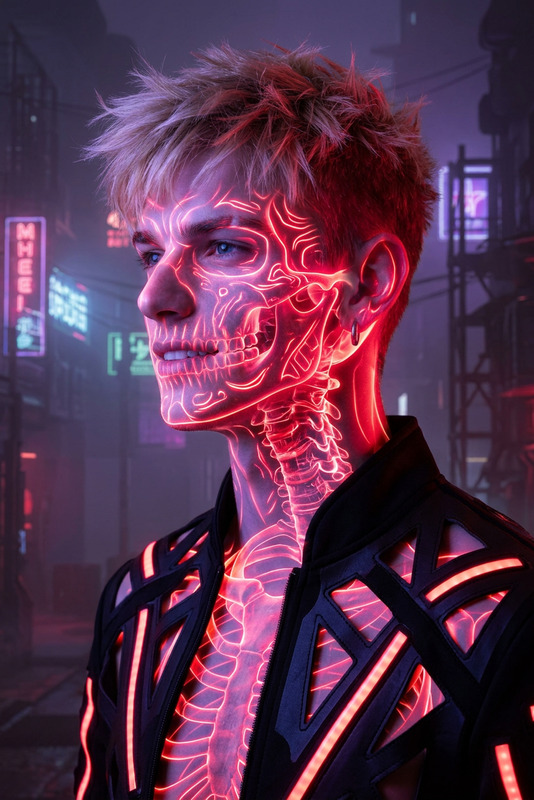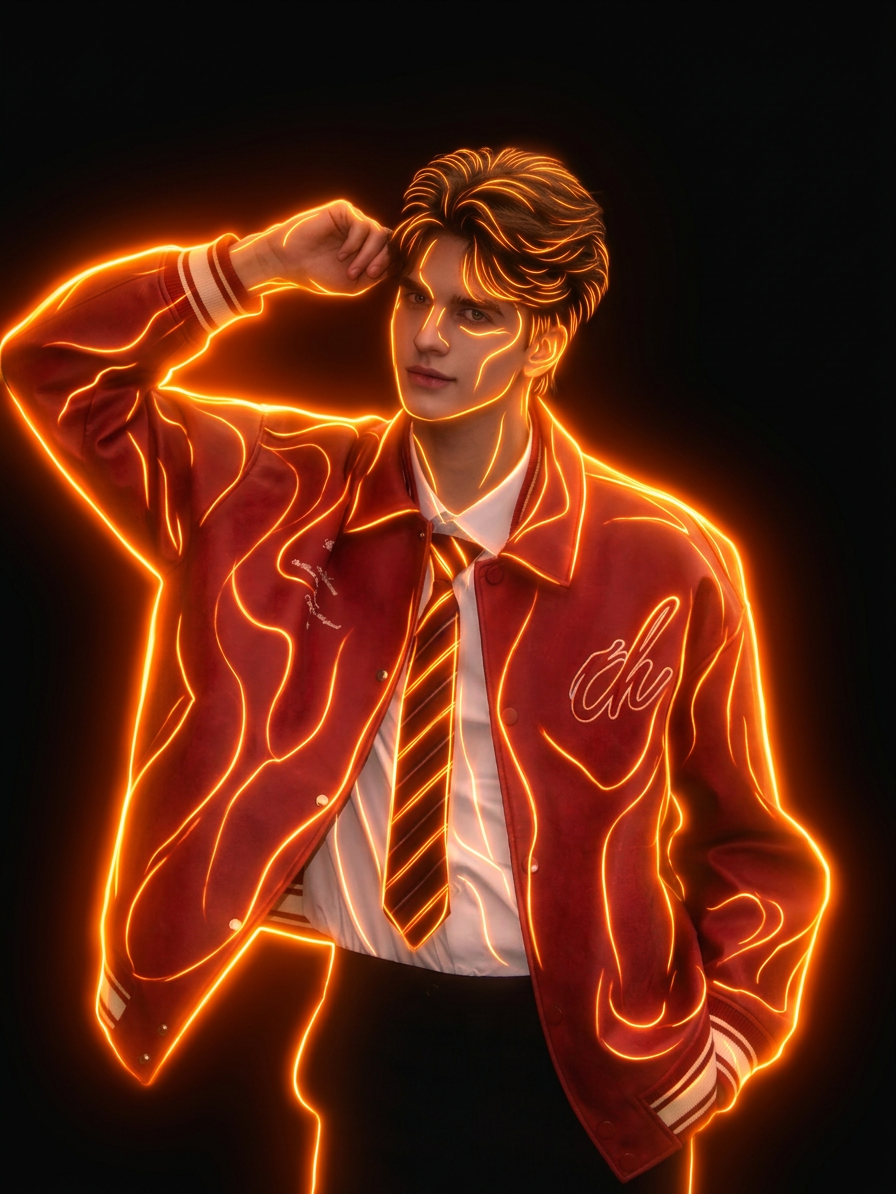
Orange neon light

Orange neon light

ai-image-editor

1 clip
2 uses

Any aspect ratio

Prompt

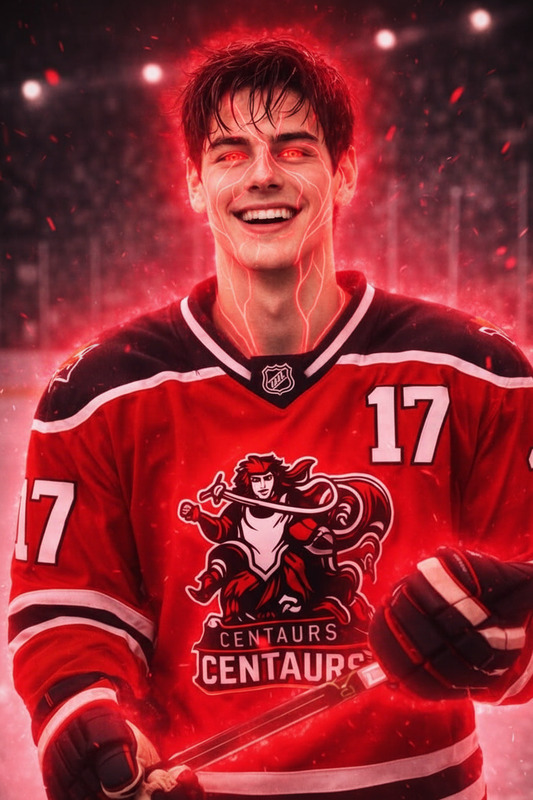
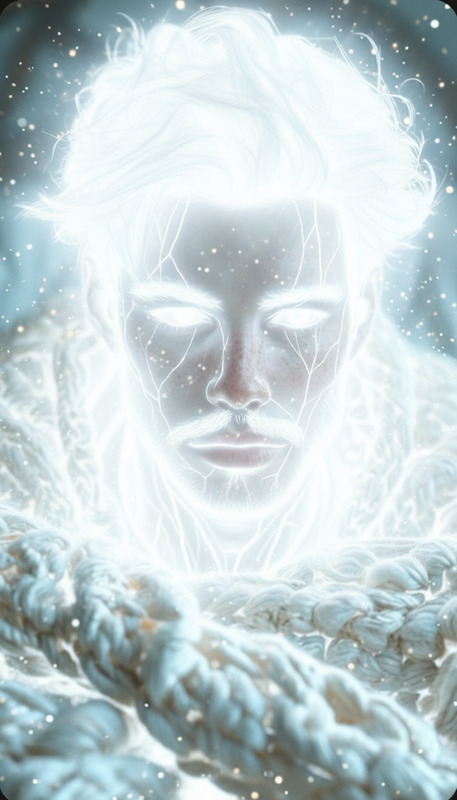
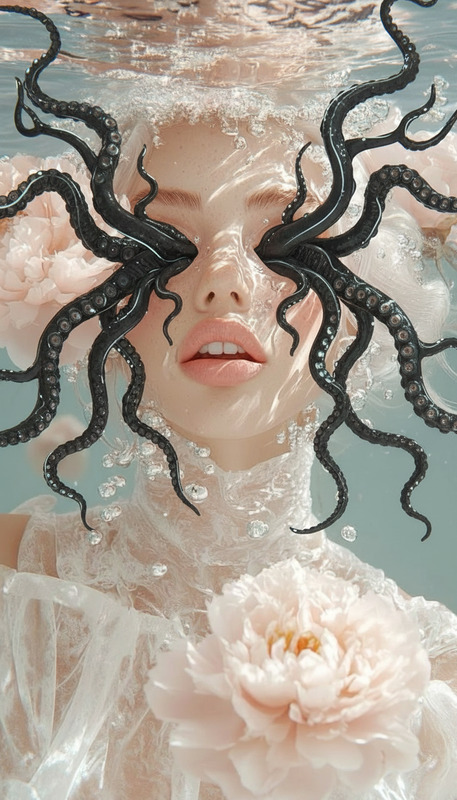
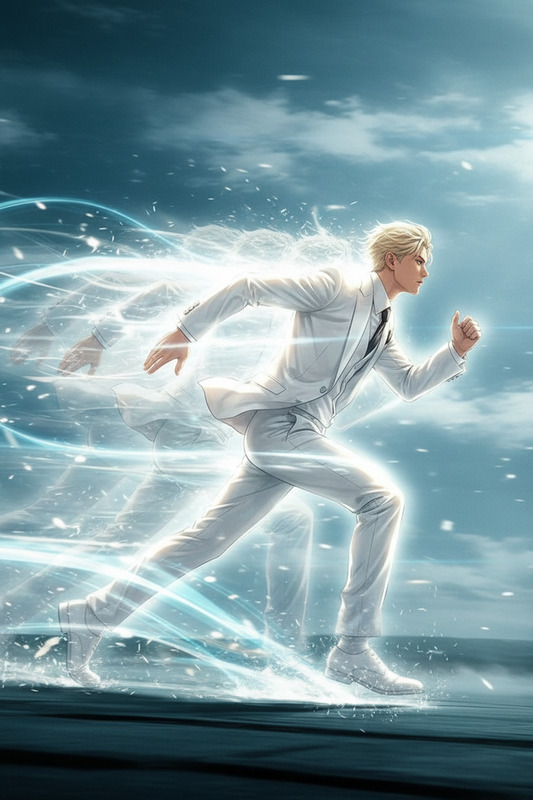
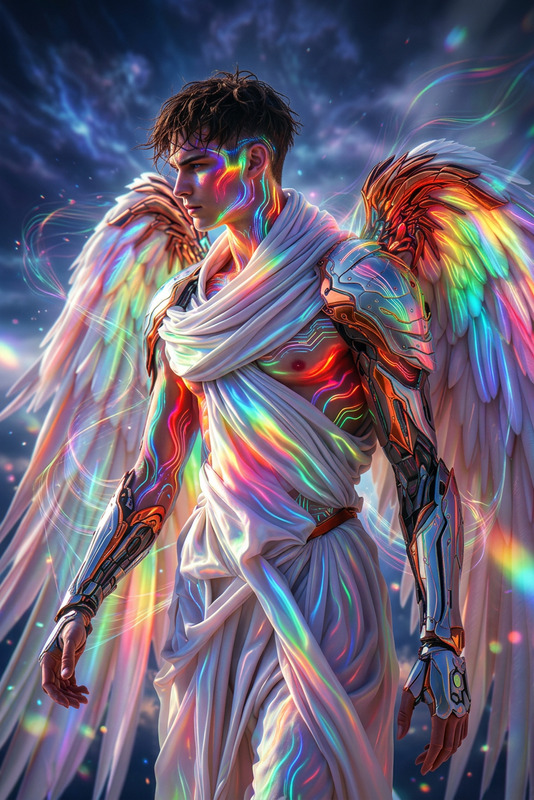
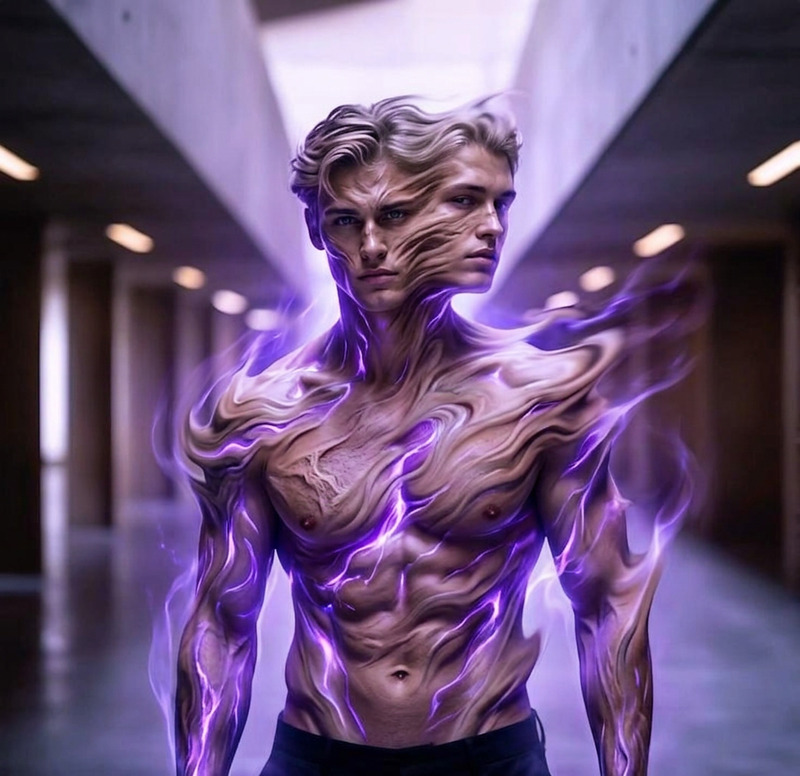
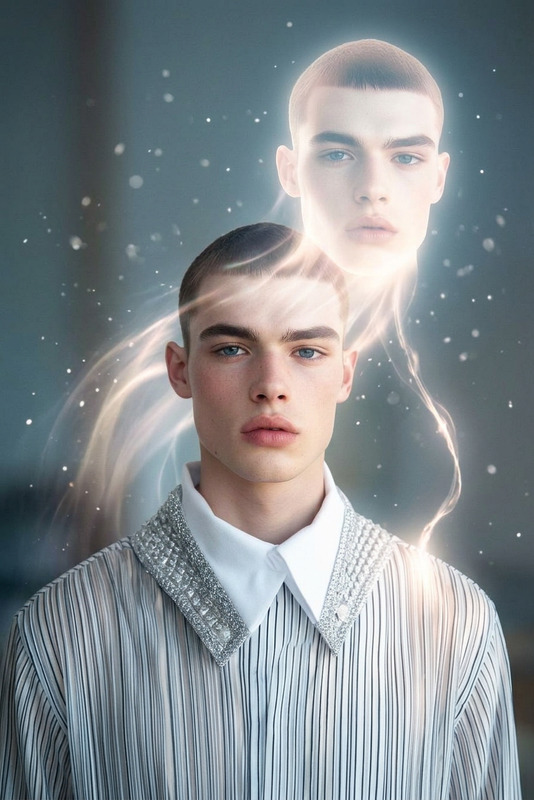
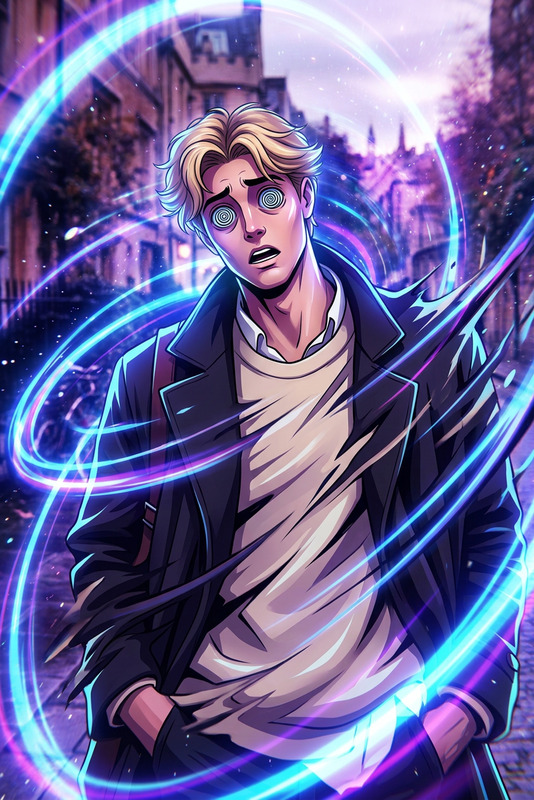
A subject , surrounded by intense glowing orange neon light tracing along the contours of the body, creating a radiant aura effect. The light wraps around the skin like energy lines, highlighting muscles with high contrast against a dark background. Cinematic lighting, ultra-smooth skin, futuristic glow, dramatic shadows, minimal composition, high detail, surreal and powerful atmosphere.

Tags

visual effects

AI Image Editor Template: Replace Objects & Clean Up Photos in Seconds

Use this template to quickly remove, replace, or enhance anything in your image with the AI Image Editor. It’s ideal for product photos, social posts, ads, and creative projects where you need precise, realistic edits without jumping into complex design software.


What this template does

This template shows you how to:

  • Remove unwanted objects or people from a photo
  • Replace items with new ones (e.g., swap a plain mug for a branded mug)
  • Clean up backgrounds and distractions for more professional images
  • Add or modify details (lighting, textures, small props) to match your brand or concept
  • Quickly iterate multiple versions of the same shot for testing and content variations

Under the hood, it relies on the same tech used in professional “generative fill” workflows (diffusion models and inpainting techniques), but wrapped in a streamlined, browser-based experience via Magic Hour’s AI Image Editor.


How to remix this template in Magic Hour

You can recreate and customize this template in a few steps:

  1. Open AI Image Editor
    Go to the AI Image Editor.

  2. Upload your base image

    • Use a product shot, portrait, lifestyle photo, or design mockup.
    • For best results, start with a clear, high-resolution image. If your original is low-res, you can improve it first with the AI Image Upscaler.
  3. Select the area you want to change

    • Use the brush to highlight the object, person, or region you want to remove or replace.
    • Be as precise as you can around edges for cleaner, more realistic results.
  4. Describe what you want instead

    • Write a short, specific text instruction (prompt).
    • Examples:
      • “Remove the person in the background; extend the wall and floor naturally.”
      • “Replace the plain t-shirt with a black hoodie, minimal streetwear style.”
      • “Swap the empty desk with a modern laptop and notebook, natural lighting.”
  5. Generate and iterate

    • Review the results and generate variations until you get something that matches your concept.
    • Save multiple versions for A/B tests, thumbnails, or campaign variations.
  6. Export and reuse


High-impact use cases

This template is especially useful if you:

1. Run an ecommerce or DTC brand

  • Remove clutter and props from product photos
  • Replace backgrounds to match seasonal campaigns or marketplaces
  • Clean up reflections, labels, or brand conflicts
  • Make quick variations for different ad platforms and marketplaces (Amazon, Etsy, Shopify, etc.)

Pair with:

2. Create marketing and ad creatives

  • Remove brand-incompatible elements (logos, text, signage) from stock photos
  • Add or remove devices, screens, or props to fit your narrative
  • Fine-tune lighting and scenes to match brand guidelines without reshooting

Pair with:

3. Social media, content, and creator workflows

  • Remove photobombers and distractions from travel, lifestyle, or event photos
  • Add funny or surreal elements for memes and storytelling
  • Clean up personal brand visuals for LinkedIn, Twitter, and portfolio sites

Pair with:

4. Product, UX, and pitch decks

  • Edit UI mockups to match your current product state
  • Replace generic device frames with your actual app screens
  • Clean up backgrounds or scene elements for investor decks and internal docs

Pair with:


Practical prompt patterns that work well

You don’t need perfect wording—clarity and specificity matter more than length. Here are repeatable prompt structures:

  • “Remove + extend / restore background”

    • “Remove the chair on the right and extend the wooden floor and white wall naturally.”
  • “Replace X with Y, in style Z”

    • “Replace the plain mug with a matte black ceramic espresso cup, minimal, studio lighting.”
  • “Change attribute of an object/person”

    • “Change the jacket to a beige trench coat, urban street style, keep the same pose and lighting.”
  • “Add a subtle element that fits the scene”

    • “Add a small indoor plant on the left side of the desk, matching the existing lighting and style.”

You can combine this with other tools for more complex pipelines. For example, generate a base image with the AI Photo Generator, then refine it using AI Image Editor for precision edits.


Advanced workflows and tool combinations

For more sophisticated creators and teams, this template can sit inside a broader Magic Hour workflow:


Tips for better, more realistic results

  • Start with good input: Higher-resolution images produce more convincing edits. Use Old Photo Restoration or Photo Colorizer if you’re working with legacy assets.
  • Be clear and constrained: Ask for one change at a time for more control. You can always run multiple passes.
  • Match style and lighting: Mention “same lighting,” “same perspective,” or “matching the current style” in your prompt to keep edits seamless.
  • Think in layers:

Who this template is for

This AI Image Editor template is optimized for:

  • Founders and marketers who need fast, on-brand visuals for ads, landing pages, pitch decks, and socials.
  • Content creators and YouTubers who need clean thumbnails and hero images without full-time design support.
  • Designers and product teams who want an AI-assisted way to iterate visuals before committing to full production.
  • Developers building AI-driven content pipelines, who want to understand how generative editing can sit inside asset workflows.

Next steps

Remix this template, adjust the prompts to your brand or project, and use it as a reusable building block for your image editing workflow inside Magic Hour.

More Like This