Wild
- Model
- Flux 2 Klein
- Image
- 576 × 1024 px
Prompt
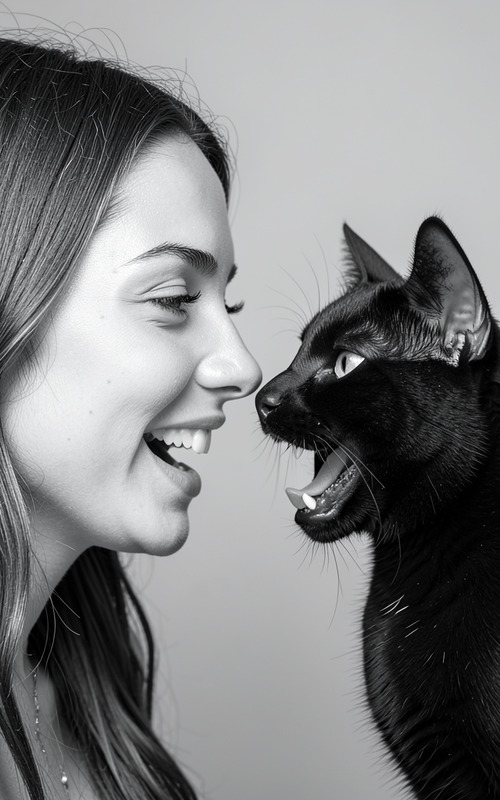
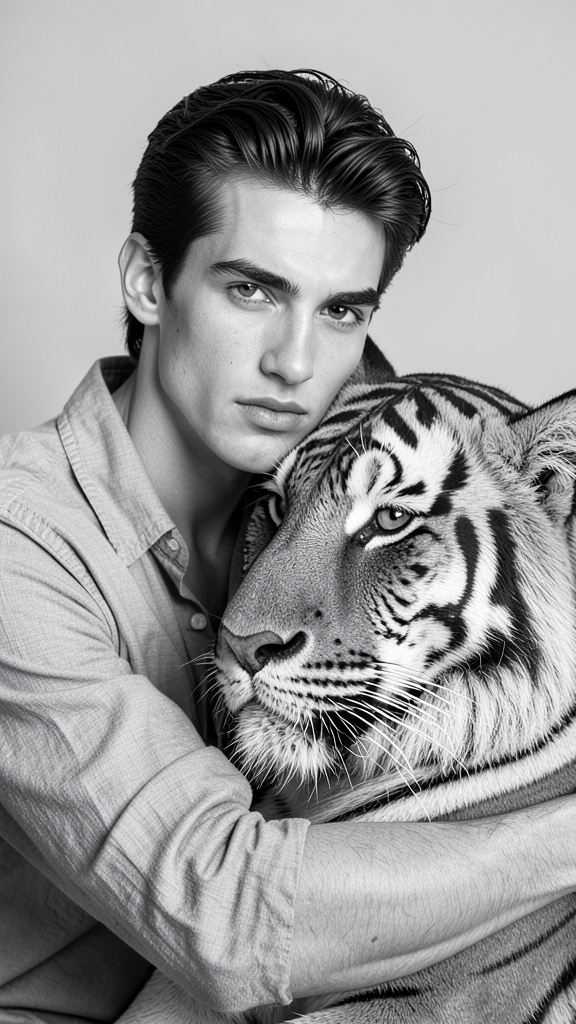
A detailed black-and-white portrait of the subject embracing a majestic tiger. Preserve exact facial features and identity from the reference image. The subject has neatly groomed hair and wears a casual partially open shirt. Sharp focus captures the intensity and calmness in both the subject’s and tiger’s eyes. The background remains simple and unobtrusive, emphasizing strength, connection, and tranquility.
Any aspect ratio
Overview
The "Wild" AI Image Editor template empowers creators to produce captivating black-and-white portraits that emphasize the subject's connection with wilderness. This deep-edit tool uses the flux-2-klein model to transform reference images into detailed compositions featuring a subject and a majestic tiger.
What It Does
The "Wild" template is designed to maintain the subject's identity while introducing an intricate element of nature—a majestic tiger. It captures sharp focus on the subject's facial features and the intense calm in both the subject's and tiger's eyes. The simple background underlines the core themes of strength and connection, all crafted in a breathtaking monochrome palette.
Who It's For
This template is ideal for digital artists, photographers, and creative professionals who wish to explore the wild side of human-nature connections. Whether you're aiming to enhance your art portfolio or create unique assets for an advertising campaign, this AI Image Editor offers a sophisticated approach to storytelling.
Summary
Incorporate the essence of tranquility and strength in your visual projects with "Wild." This template leverages advanced AI to unite the subject with the wilderness in a cohesive black-and-white image. Its precision ensures the subject's features are kept intact while emphasizing their bond with a majestic tiger, ideal for projects requiring strong emotional appeal. Explore how AI Image Editor and other Face Swap tools can complement your projects.
How To
Choose the Wild Template

Customize Your Image

Generate and Download

Use Cases
Artistic Portfolios
- Unique digital art
- Strong emotional narrative
- Enhance creativity
Marketing Campaigns
- Brand storytelling
- Nature-centric products
- Emotional appeal
Social Media Content
- Unique posts
- High engagement
- Memorable visuals
Best Practices
Choose High-Quality Reference Images
Ensure the reference image is of high quality to capture and maintain the subject's facial features accurately.Consider the Composition
Think about how the subject and tiger will appear together. Plan the composition to draw attention to both the subject and the tiger's eyes.Explore Complementary Tools
Enhance your project by integrating other tools like the Image to Video converter to create dynamic content.