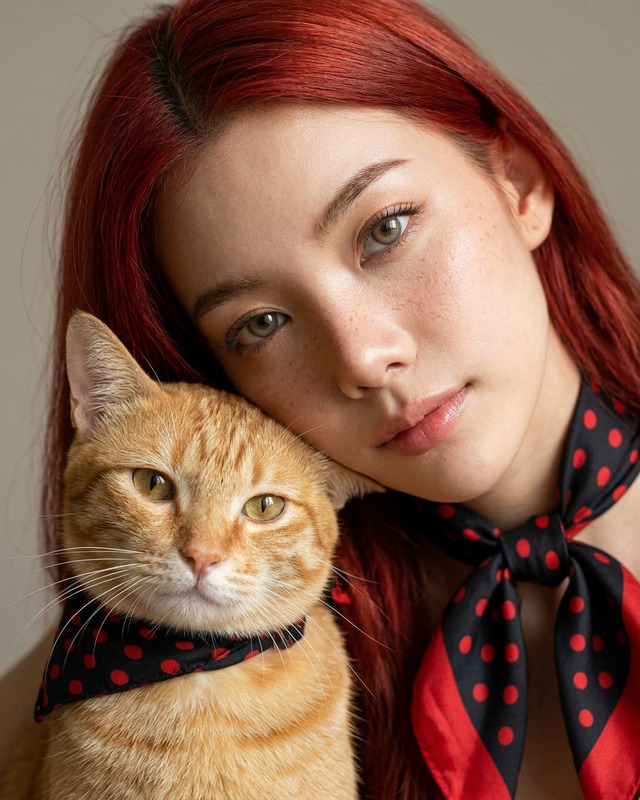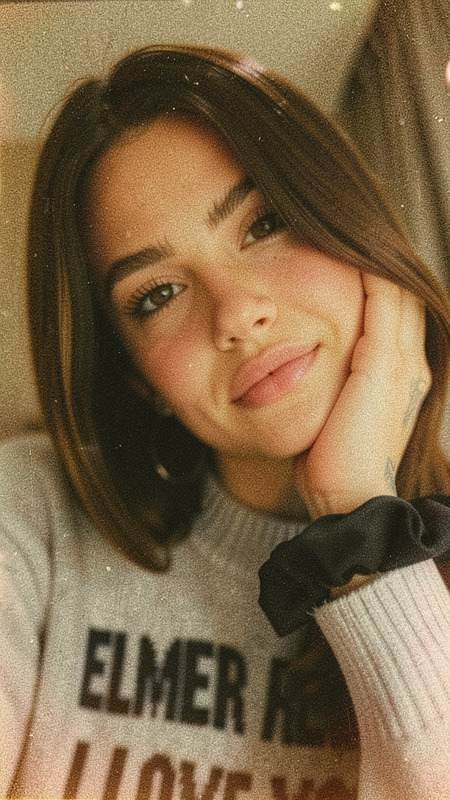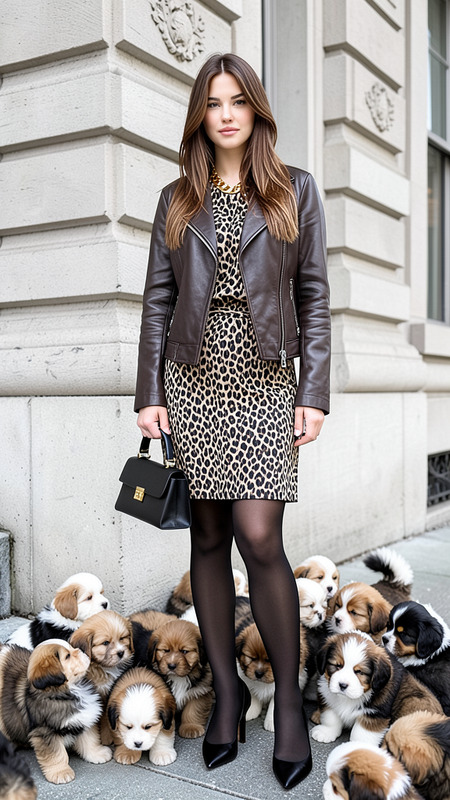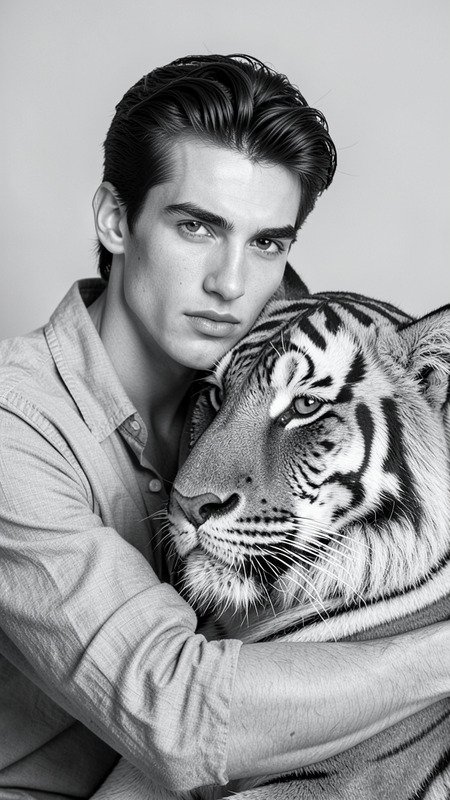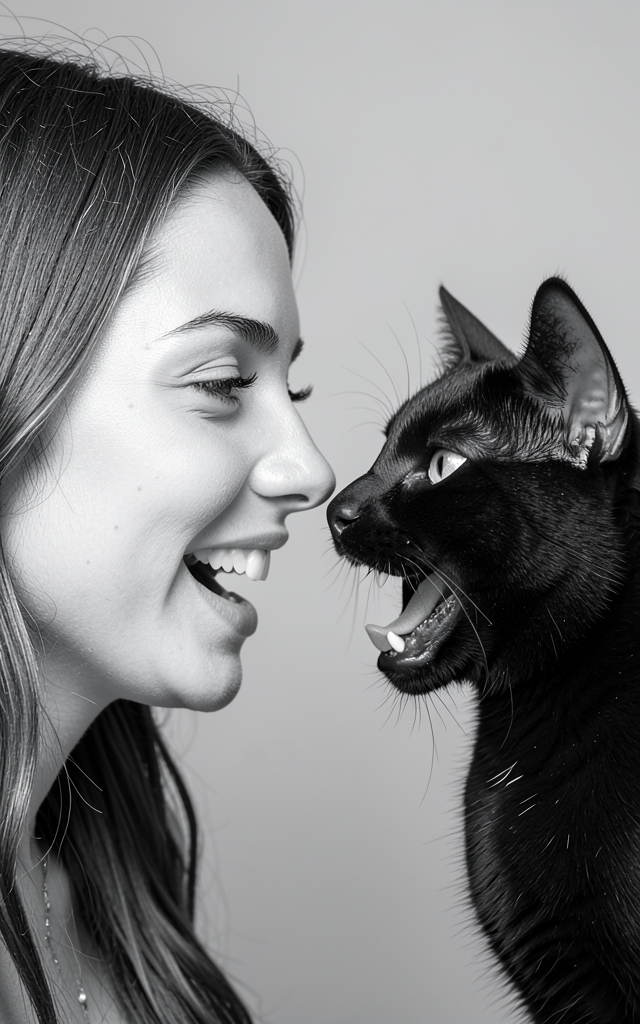
Pets BW
- Model
- Flux 2 Klein
- Image
- 640 × 1024 px
Prompt
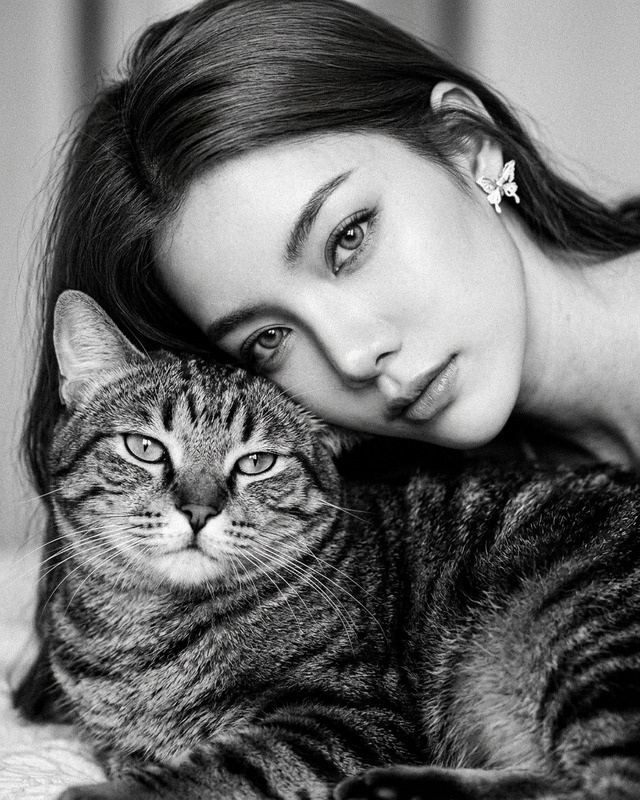
A hyper-realistic black-and-white studio portrait featuring a woman and a black cat facing each other in perfect profile. Their faces are very close, nearly nose to nose, both with open mouths as if playfully communicating. The woman’s expression is joyful and natural, with relaxed eyes and a slight smile, while the cat’s mouth is open showing its tongue and teeth in a lively, non-aggressive manner. Soft studio lighting from the side creates gentle highlights and smooth shadows, emphasizing the detailed textures of the woman’s skin and the cat’s fur. The composition includes generous headroom above their heads, with a neutral background and a clean, realistic photographic style.
Any aspect ratio
Overview
The Pets BW template in the AI Image Editor category provides a unique black-and-white aesthetic for creating hyper-realistic studio portraits. Featuring advanced functionality from the Flux-2-Klein model, this template is tailored for capturing intimate and intricate compositions between subjects, ensuring that their natural emotions and textures are emphasized in a polished finish.
What It Does
This template captures and enhances the finer details between human and pet subjects in black-and-white. It utilizes soft studio lighting to highlight textures and emotions, producing an artistic yet realistic look. Through the detailed prompts, it ensures that both faces are portrayed with lively, natural expressions, adding depth and charm to the portrait.
Who It's For
This template is ideal for photographers, artists, and content creators looking to generate engaging profile portraits that capture the unique bond between humans and their pets. It's also useful for anyone interested in expanding their portfolio with sophisticated black-and-white imagery.
Summary
The Pets BW template transforms everyday interactions between people and pets into stunning black-and-white portraits. Perfect for professionals and enthusiasts alike, it offers a powerful tool for creating images with emotional depth and visual impact using AI-powered photography tools.
How To
Choose Template

Customize Inputs

Generate Image

Use Cases
Creative Portraits
- Detailed textures and expressions
- Black-and-white aesthetic
Professional Photography
- Capture unique moments
- Enhance portfolio diversity
Social Media Content
- Attract audience with engaging visuals
- Provide fresh and artistic perspectives
Best Practices
Focus on Details
Pay close attention to the expressions and positions of both subjects to make full use of the template's potential.Experiment with Lighting
Experiment with different lighting options to see how they affect the mood and texture in black-and-white.Utilize Composition
Consider the headroom and positioning to enhance the subject interaction and overall balance of the image.