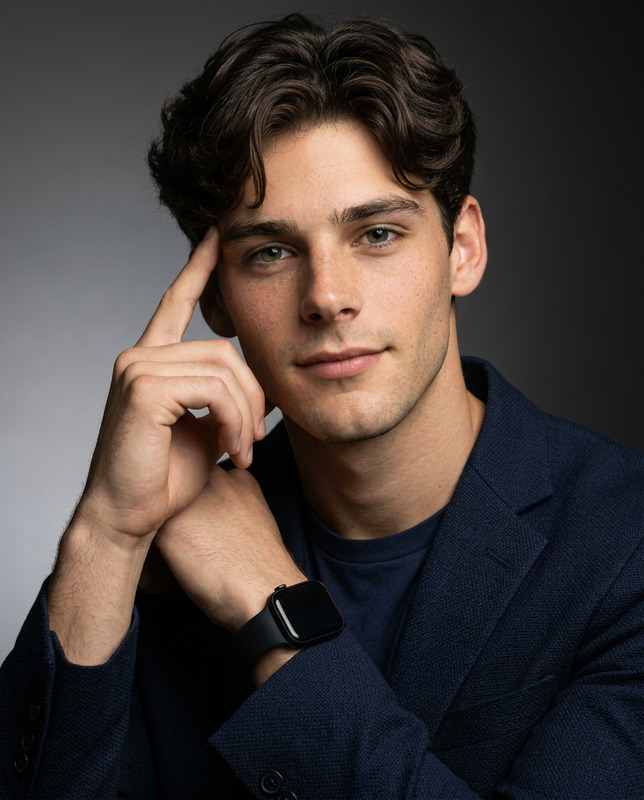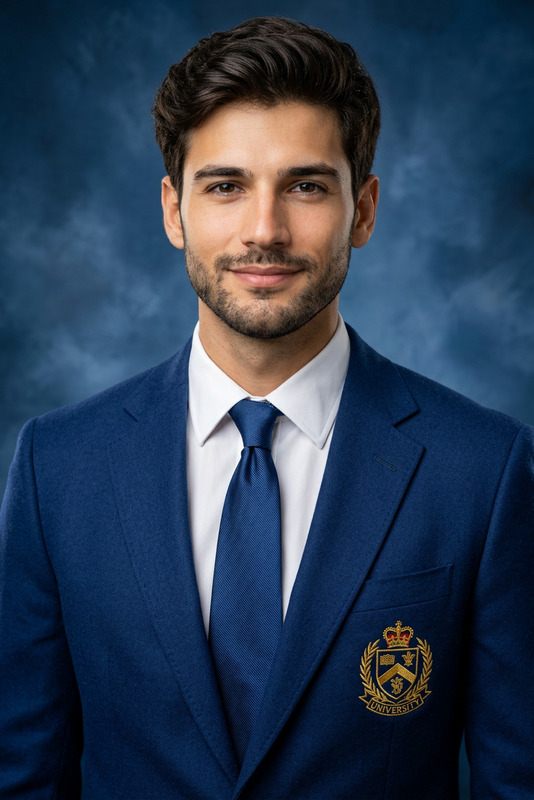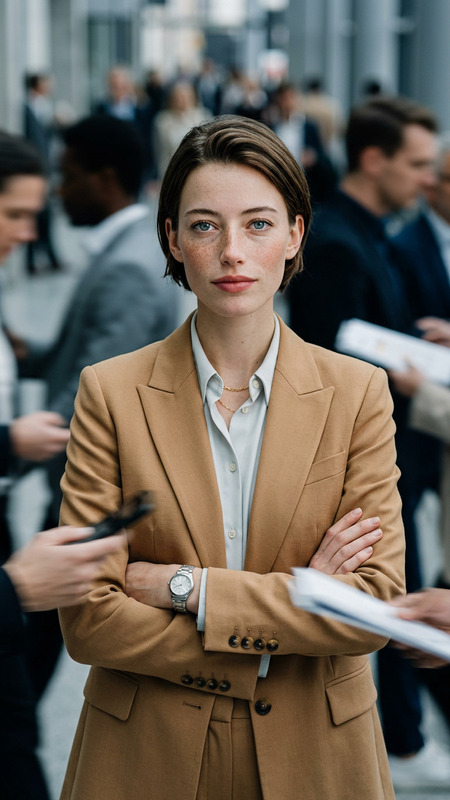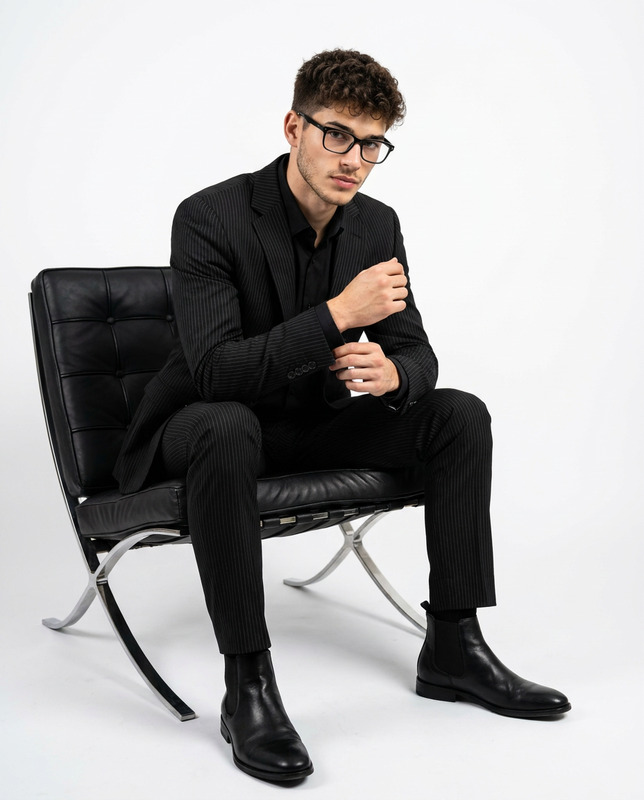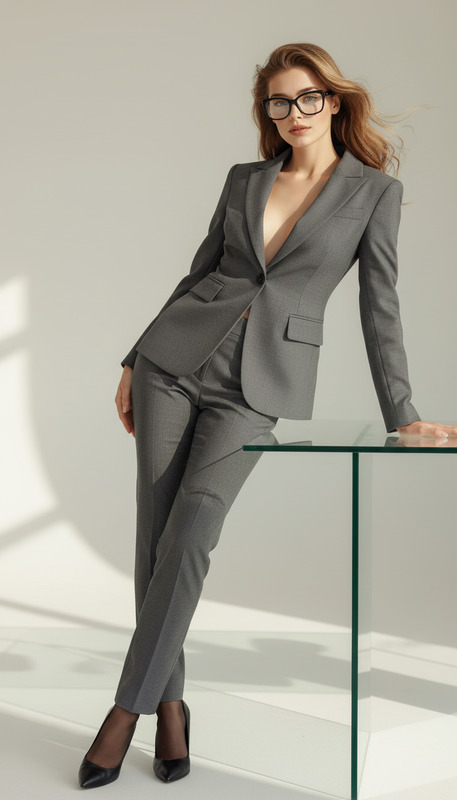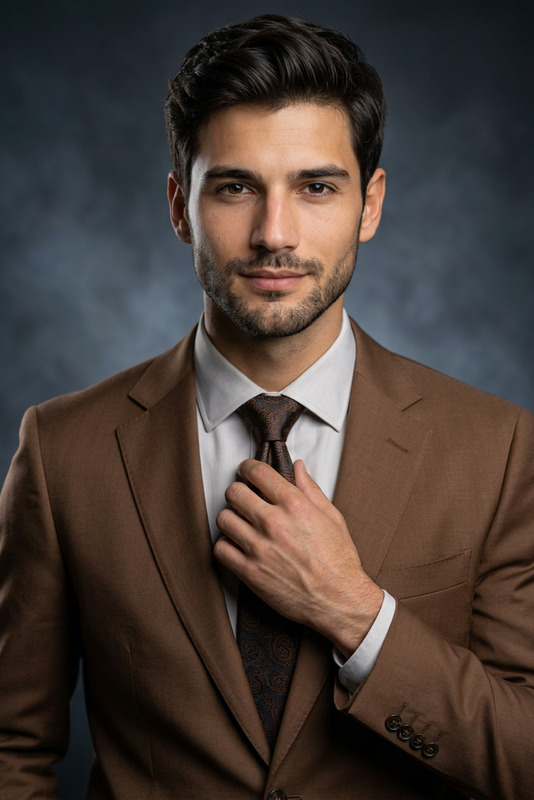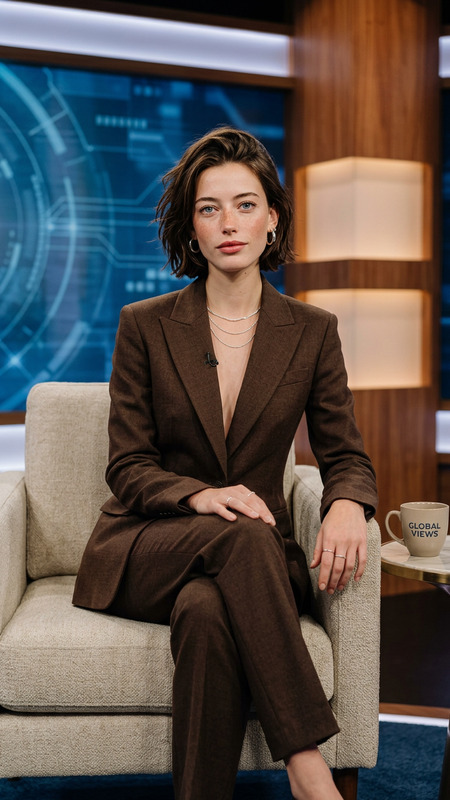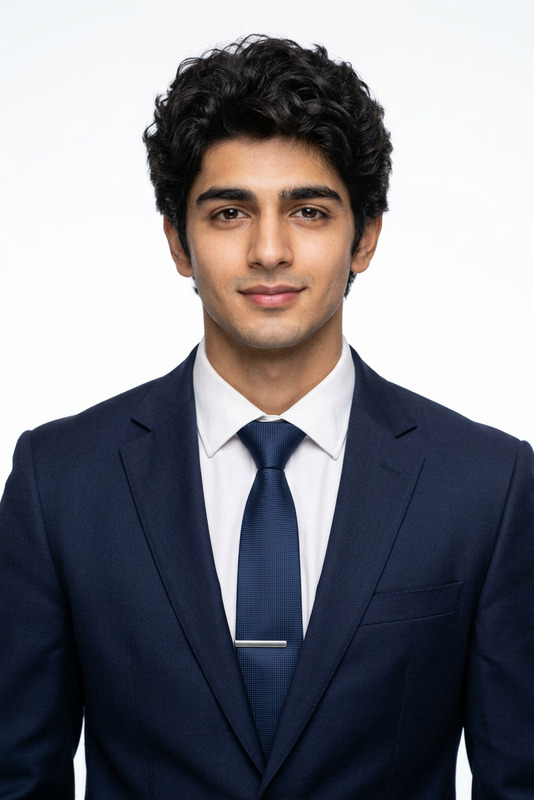
Executive Office Portrait
- Model
- Nano Banana 2
- Image
- 768 × 1365 px
Prompt
Based on the subject in the uploaded image, recreate a new image while preserving their facial features, overall appearance, temperament, and hairstyle. The scene is set in a modern high-rise office interior. The subject is seated on a black premium leather office chair, facing directly toward the camera. The posture is upright with a slight forward lean. One hand gently supports the chin while holding a luxury pen, and the other hand rests naturally on an open notebook on the desk. The overall pose conveys confidence, composure, and a subtle sense of engagement, presenting a professional yet approachable working state. The desk is a high-end glass surface. In the foreground, slightly to the right, there is an open silver MacBook laptop. On the left side of the desk, a thick red-covered book and neatly arranged documents are placed. Beneath the subject’s hand lies an open notebook, with visible details, enhancing the realism of the workspace. The background features floor-to-ceiling windows overlooking a modern city skyline, with strong horizontal architectural lines from surrounding office buildings. The background is slightly blurred to emphasize the subject while maintaining a sense of depth. Lighting combines soft indoor professional lighting with natural daylight from the windows. The key light comes from the front upper angle, creating even and clear illumination on the face. Subtle cooler ambient tones in the background reinforce a calm, corporate atmosphere. The overall image is sharp, clean, and high-end. The subject wears a light beige tailored suit with a matching inner layer. The fit is clean and structured, reflecting a minimalist and professional style. Accessories are subtle and refined, enhancing the executive presence. The composition is a medium close-up, front-facing shot, with the subject centered in the frame. The overall image is balanced, clean, and polished, presenting a high-end business portrait with an elite professional office setting.
Any aspect ratio
Overview
The "Executive Office Portrait" template in the AI Image Editor category harnesses the power of the nano-banana-2 model to craft sophisticated, high-end portraits. It transforms any uploaded image into a professional executive setting, accentuating features and details for a refined corporate presence.
What It Does
This template recreates portraits, ensuring the subject’s unique facial features and overall demeanor are preserved. It places the subject in an executive office setting complete with luxury elements like a leather office chair, glass desk surface, and a city skyline backdrop. The subtle but effective use of lighting enhances the professional aura.
Explore more artistic transformations with tools like the Gender Swap and the AI Image Upscaler for increased focus on customization and detail.
Who It's For
This tool is ideal for corporate professionals, digital marketing agencies, and personal brand builders looking to create high-end professional portraits. It's equally beneficial for creatives who seek to leverage AI Profile Picture Generator capabilities for distinct business identities.
Summary
Offering a unique composition of professionalism and aesthetics, the "Executive Office Portrait" ensures every detail complements the executive style. This template allows for high-grade image edits that maintain the subject's integrity while situating them in a refined corporate setting. It is a prime choice for producing striking, authoritative visual narratives.
How To Use the Executive Office Portrait Template
Choose the Executive Office Portrait Template

Customize Your Portrait

Generate and Download

Use Cases
Corporate Branding
- LinkedIn profile updates
- Company website headshots
- Corporate brochures
Marketing and Advertising
- Executive spokesperson images
- High-end client meeting showcases
- Promotional material
Creative Storytelling
- Digital magazines
- Business case studies
- Documentary marketing
Best Practices
Select High-Quality Images
Ensure your original photo is well-lit and high-resolution for the best results. Templates like the AI Image Upscaler can enhance image details.Balance Features with Professional Elements
While maintaining individuality, ensure the lighting and background suit the corporate setting described in the prompt.Regular Updates
Keep your professional images current, especially as personal styles or corporate branding evolves.