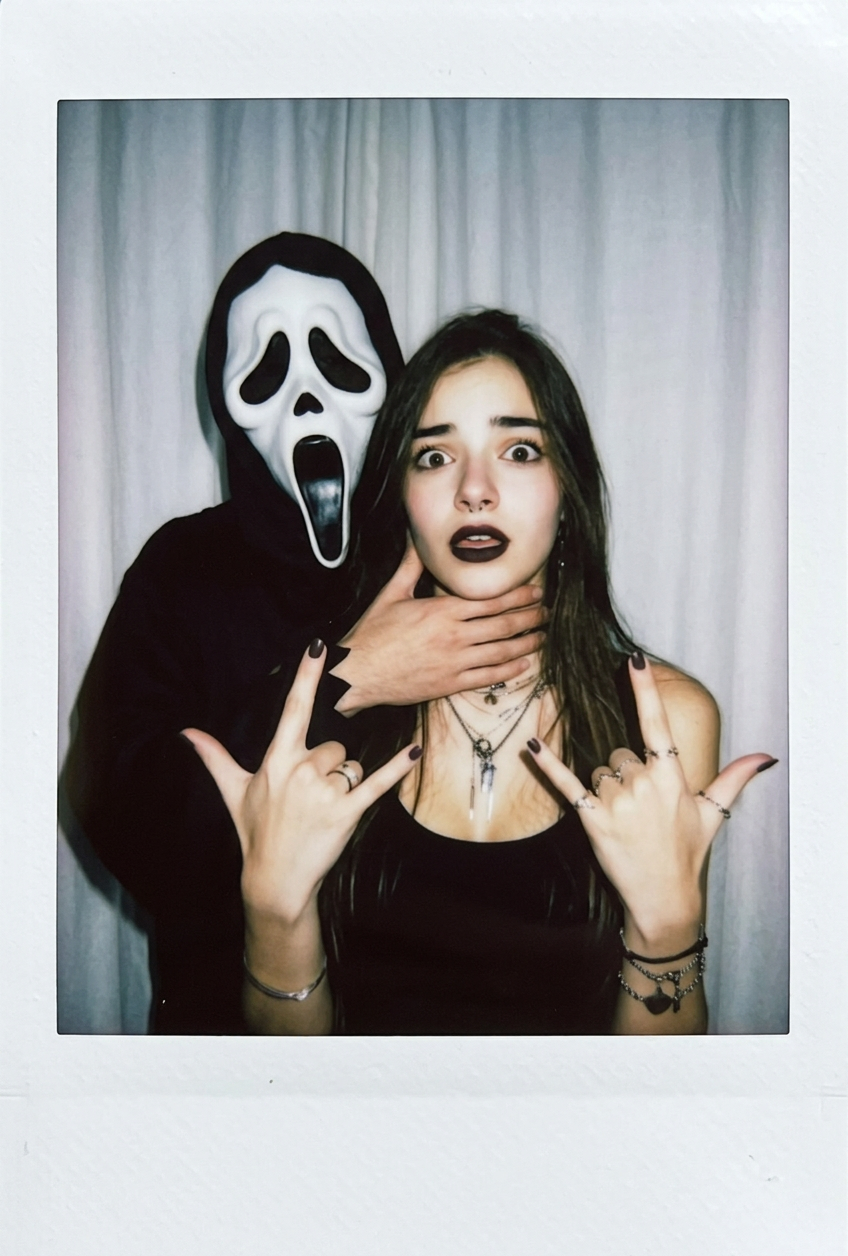
Ghost Mask Prank
- Model
- Nano Banana 2
- Image
- 848 × 1256 px
Prompt
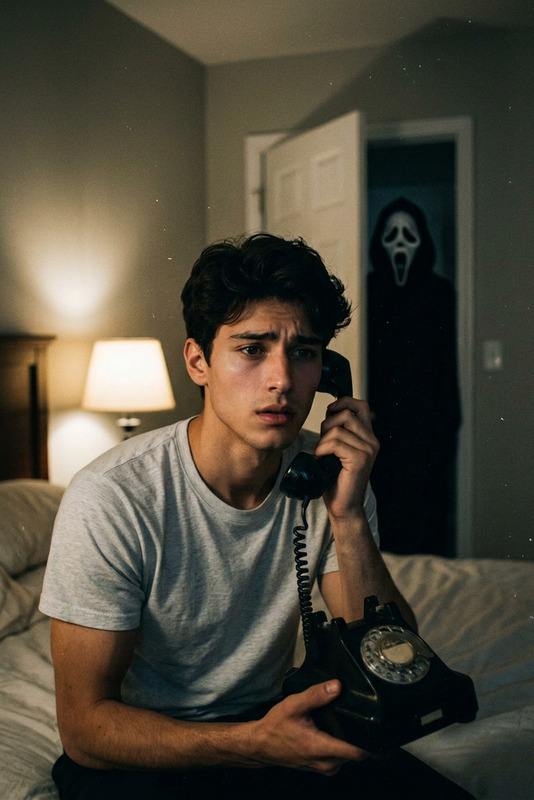
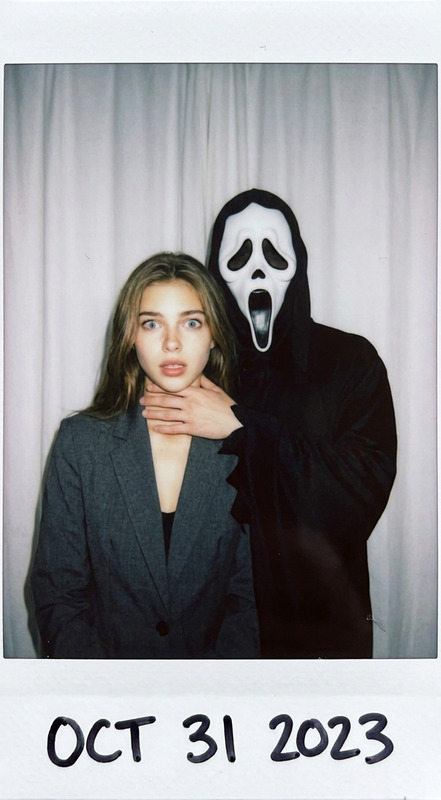
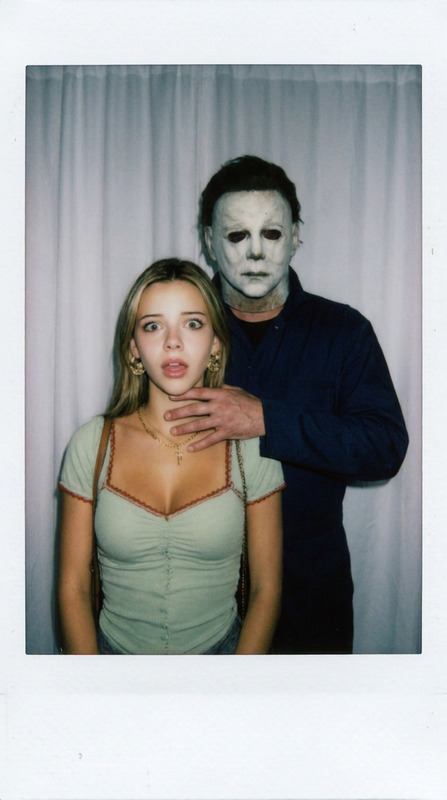
Take a photo using a Polaroid camera. The photo should look like a normal photo, without any clear subjects or props. The photo should have a slight blur effect, and the light source should be evenly distributed across the frame, such as a flash in a dark room. Replace the background with a simple white curtain. The subject is photographed with a person wearing a white ghost mask and a black robe. The ghost mask stands behind the subject, with one hand playfully placed on the subject's neck. The subject looks shocked, creating an eerie yet humorous atmosphere. Do not retouch the face.
Any aspect ratio
Overview
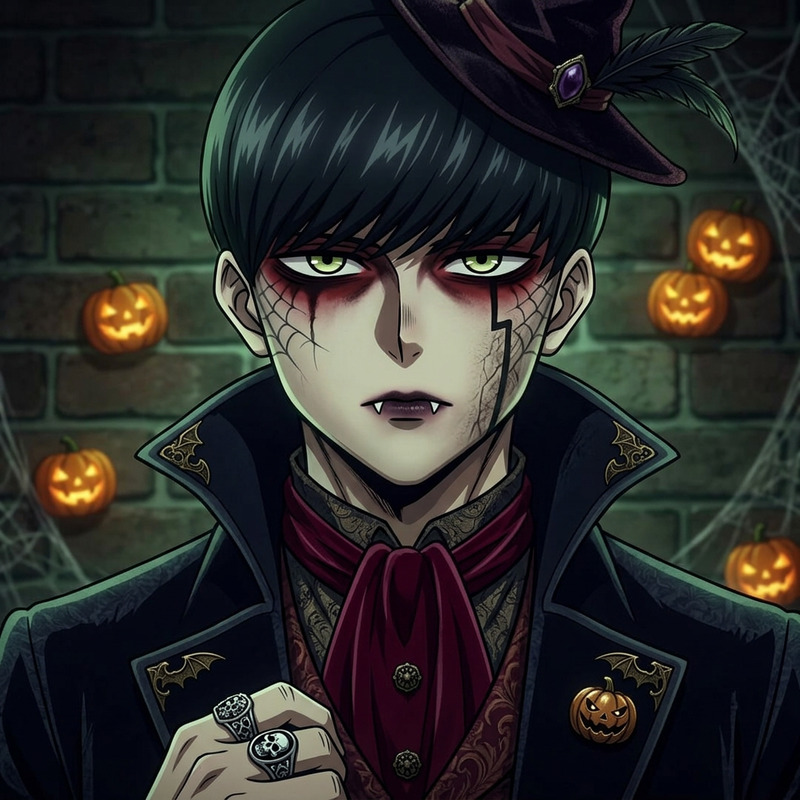
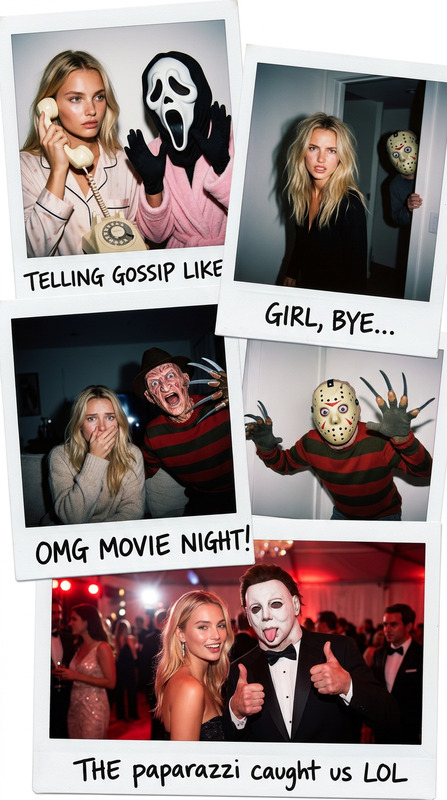
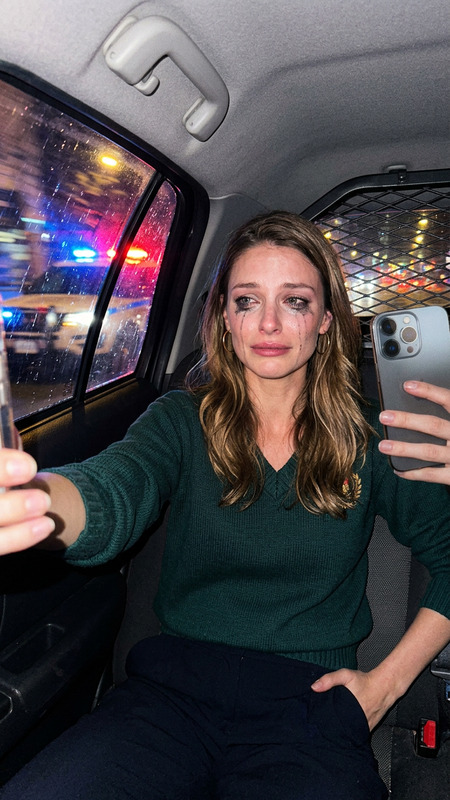
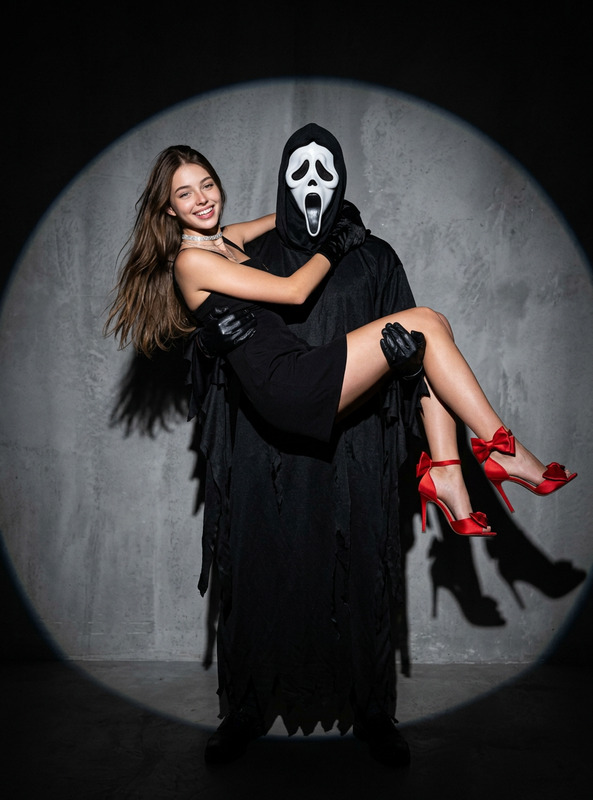
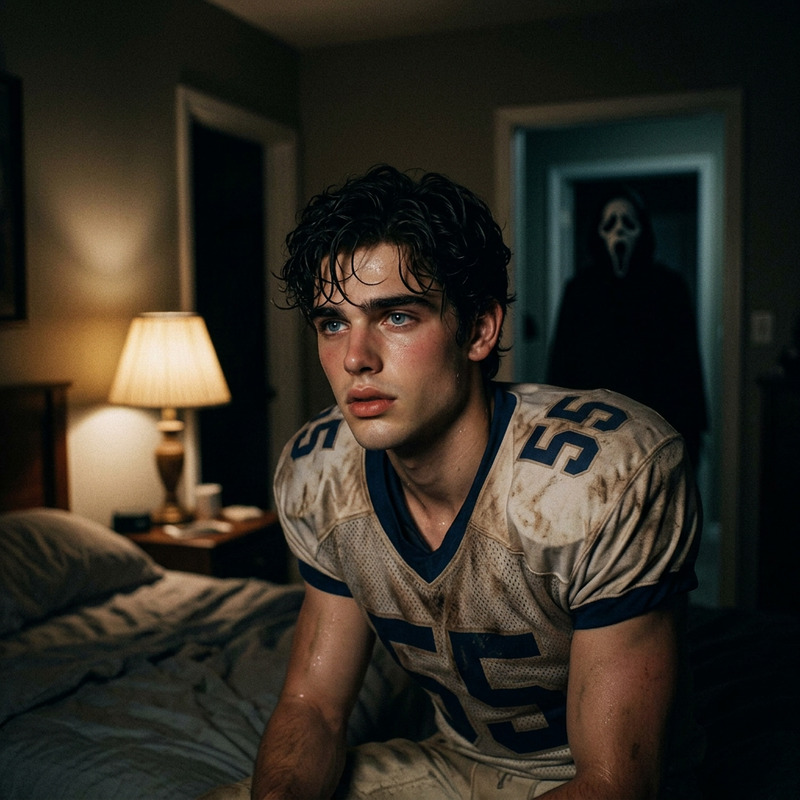
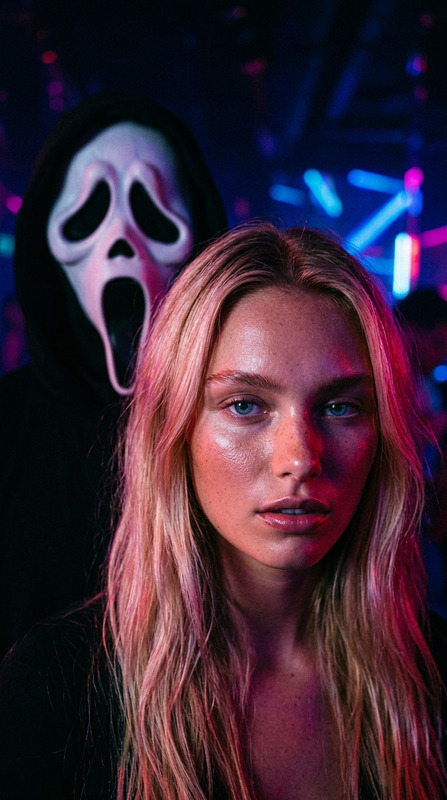
The Ghost Mask Prank template uses the AI Image Editor to infuse your photos with a spooky yet humorous ambience. With advanced AI models like nano-banana-2, this template allows you to create images resembling a playful ghost encounter.
What It Does
This template edits your photos to include a haunting ghost mask scene. By replacing backgrounds and adding specific visual elements like a white curtain and ghost mask, it transforms ordinary photos into eerie snapshots. The enhancement focuses on capturing an atmospheric, blurred effect, while ensuring the subject's face remains untouched for authenticity.
Who It's For
The Ghost Mask Prank is perfect for content creators seeking unique and memorable imagery. From Halloween enthusiasts to social media influencers, this template caters to anyone looking to captivate their audience with creative photo edits. It also serves as a valuable tool for meme creators and pranksters aiming to add a humorous twist to their content.
Summary
With the Ghost Mask Prank, you can easily craft chilling yet funny images using the AI Image Editor. Ideal for creating atmosphere-filled photos that stand out, this template supports a wide range of JPEG and PNG files. Delve into photo manipulation with this engaging tool, designed for users at all skill levels.
How To
Choose Your Template

Customize Your Inputs

Generate and Download

Use Cases
Halloween Party Invites
- Add humor to party invites
- Create a memorable first impression
Social Media Content
- Increase engagement with creative posts
- Stand out in a crowded feed
Prank Projects
- Design hilarious pranks
- Enjoy a playful scare
Best Practices
Use High-Quality Photos
Start with clear, high-resolution images to enhance the final result's impact.Balance Humor and Spookiness
While keeping it lighthearted, ensure the ghost mask achieves the desired eerie effect.Test Different Scenes
Experiment with various setups to find the most convincing prank image.