Polaroid Big2
- Model
- Nano Banana
- Image
- 768 × 1344 px
Prompt
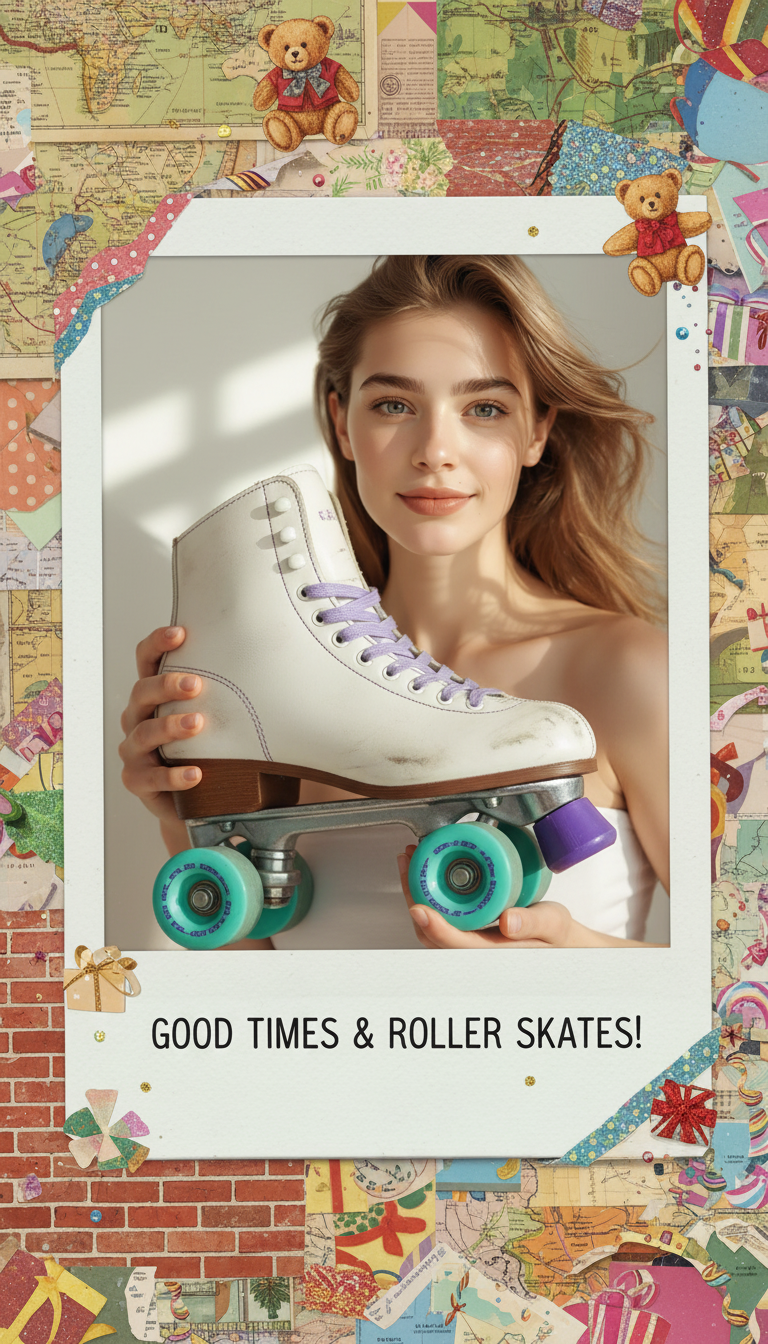
A realistic Polaroid-style portrait of the subject holding an oversized retro roller skate with turquoise wheels and purple accents. Preserve exact facial features and identity from the reference image. The composition includes a Polaroid frame with torn edges surrounded by decorative collage elements such as maps, brick textures, teddy bears, and festive details. Creative editorial aesthetic with playful styling.
Any aspect ratio
Overview
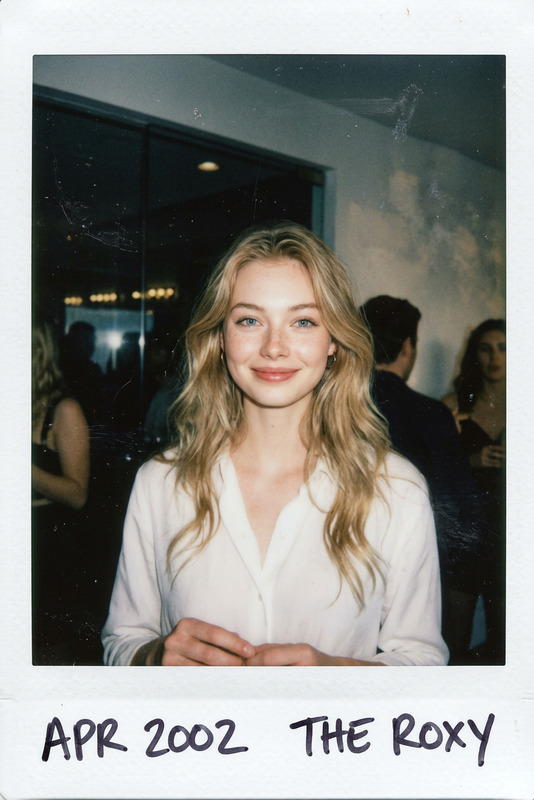
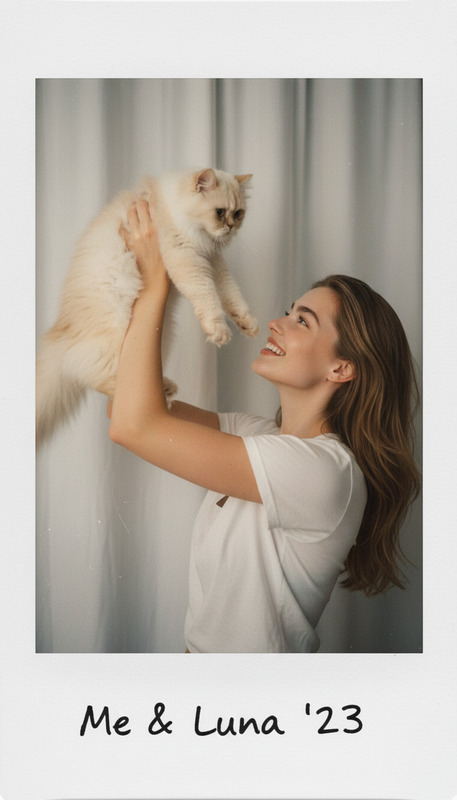
The Polaroid Big2 template transforms images into whimsical Polaroid-style portraits, preserving the subject's facial features while adding fun collage elements. This AI Image Editor template uses the nano-banana model to deliver realistic and playful compositions.
What It Does
This template lets you design a Polaroid-style portrait featuring subjects with an oversized roller skate, complete with colorful accents. The background collage, featuring maps, bricks, and teddy bears, adds a festive touch, delivering a creative editorial aesthetic. Perfect for those looking to add a retro yet vibrant flair to their images.
Who It's For
Ideal for creatives, marketers, and social media influencers who want to make their content stand out with a playful yet professional touch. This template is great for users needing unique visuals for campaigns or personal projects.
Summary
The Polaroid Big2 template is a powerful tool for creating vibrant, Polaroid-style images with decorative collages. Easily integrate it into your image-to-video projects for dynamic visual content that retains a playful retro theme.
How To
Choose Your Template

Customize Your Image

Generate and Download

Use Cases
Social Media Content
Marketing Campaigns
Personal Projects
Best Practices
High-Quality Images
Upload high-resolution images to ensure clear and precise facial feature preservation.Collage Elements
Experiment with different collage elements to personalize the decorative background to your taste.Reference Identity
Double-check that your reference image truly reflects the subject's identity for the best results.