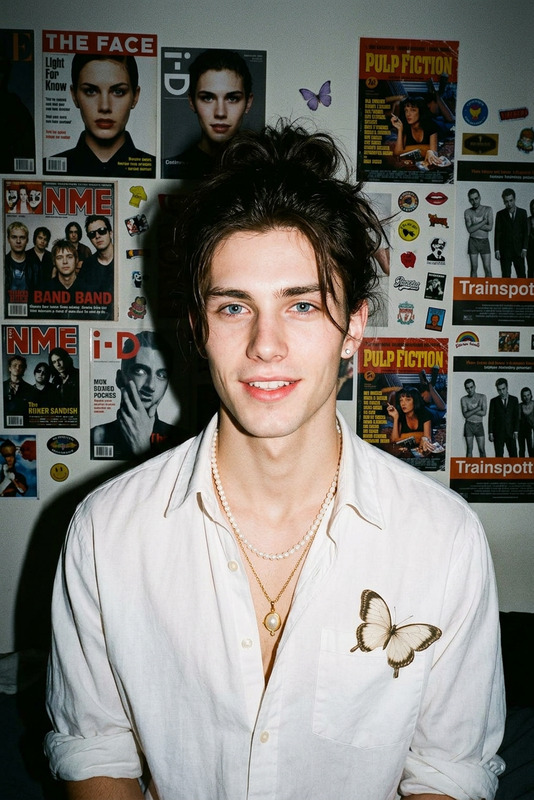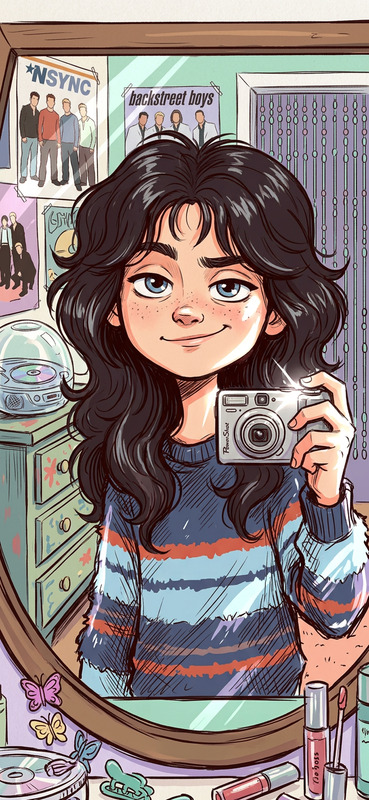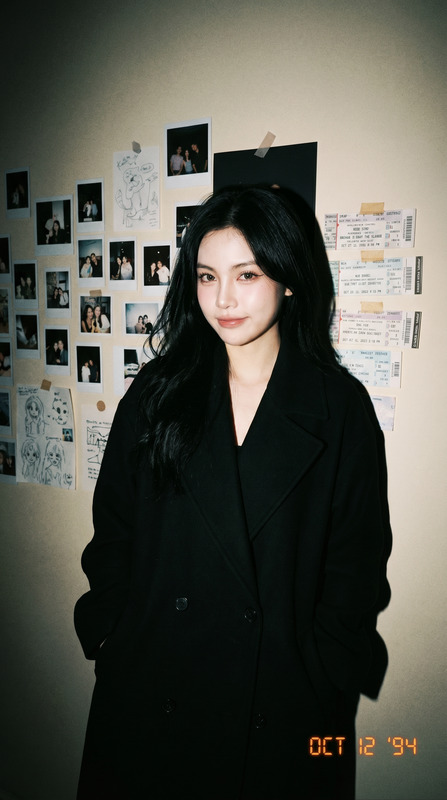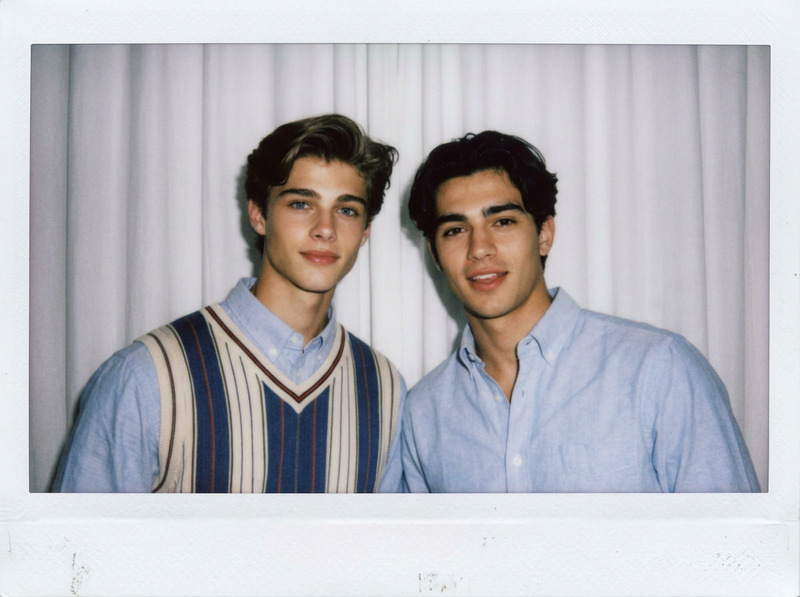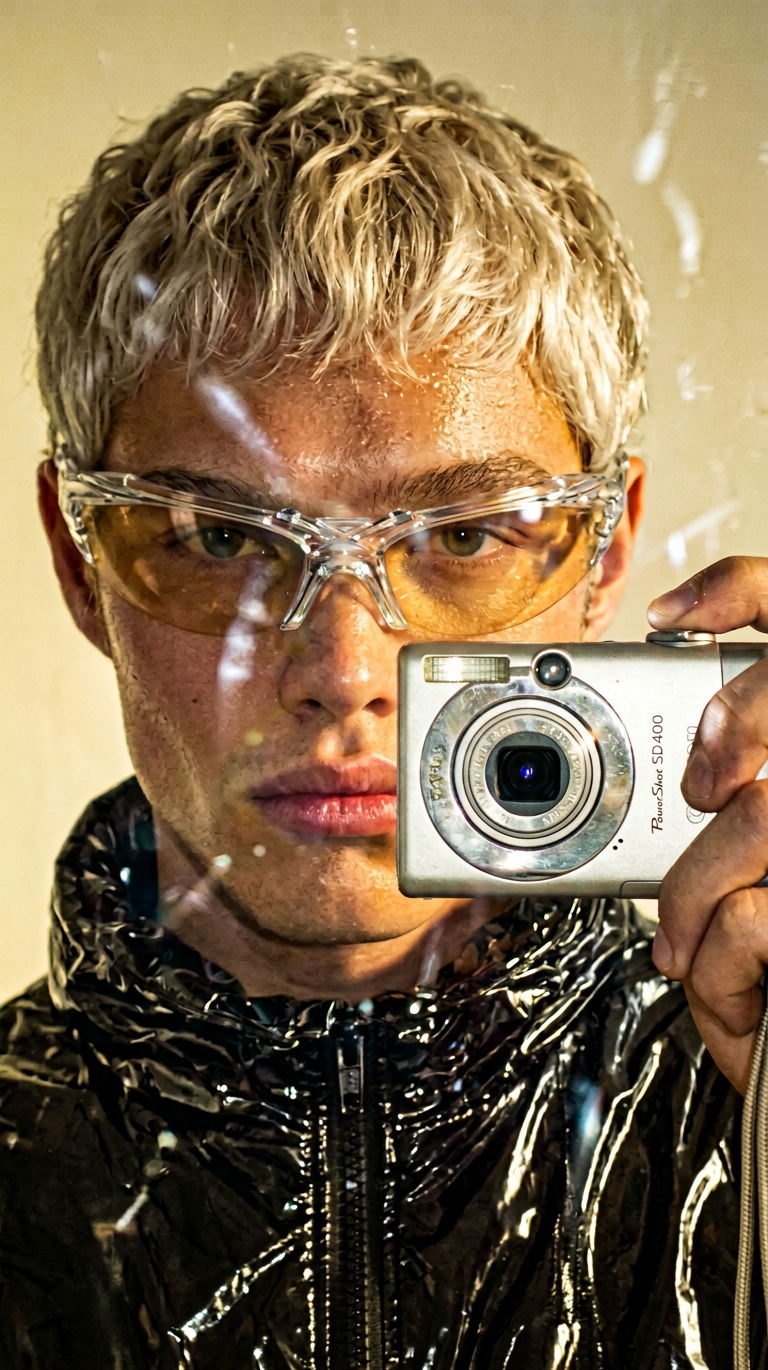
2000s Mirror Selfie Flashback
- Model
- Nano Banana 2
- Image
- 768 × 1370 px
Prompt
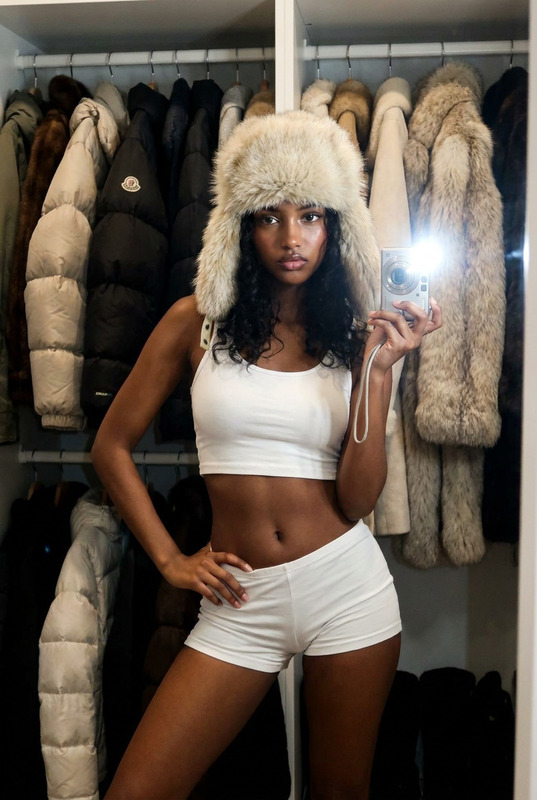
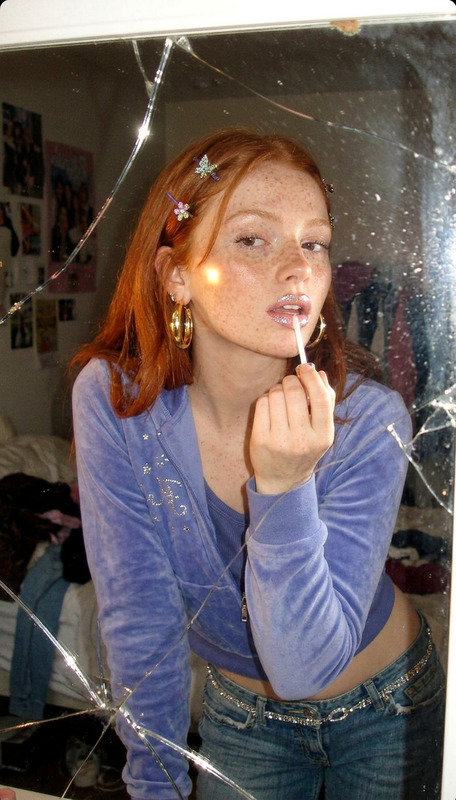
Using the uploaded image as the base, preserve the subject’s identity (if present), outfit, pose, and overall composition. Transform the photo into a realistic early-2000s mirror selfie aesthetic: direct point-and-shoot camera flash creating a bright hotspot and harsh reflections, slight overexposure on reflective surfaces, visible grain/noise, soft blur, and a warm/yellowish tint. Add subtle imperfections such as lens smudges, dust, or light streaks on the mirror. Maintain authentic era vibes with natural skin texture and minimal retouching. Keep the same aspect ratio as the original image. Output exactly one image.
Any aspect ratio
Overview
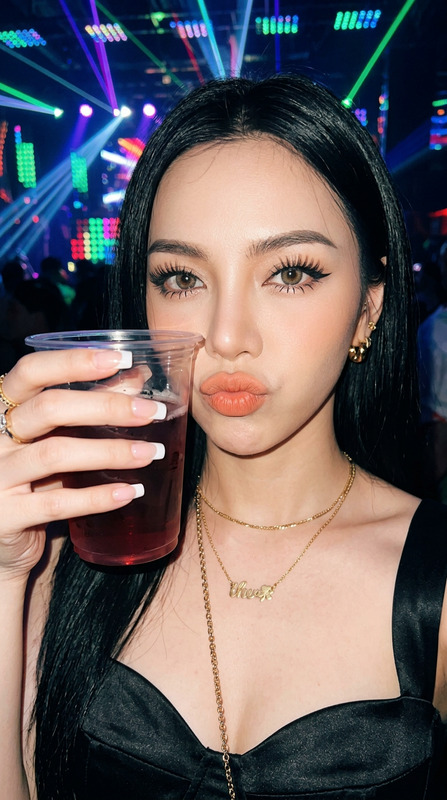
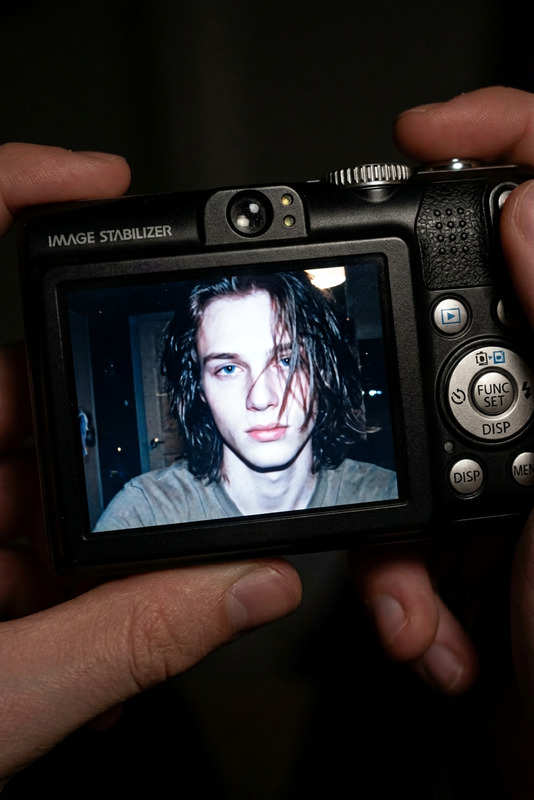
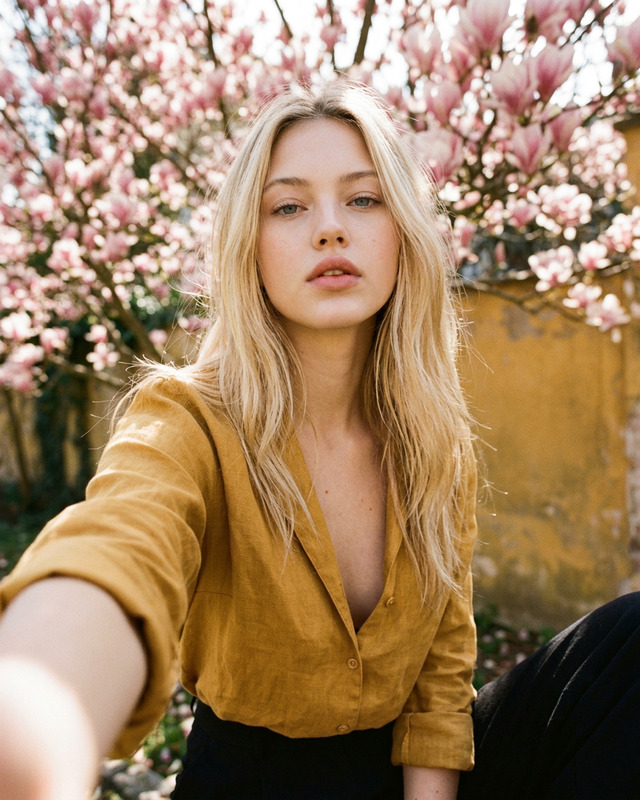
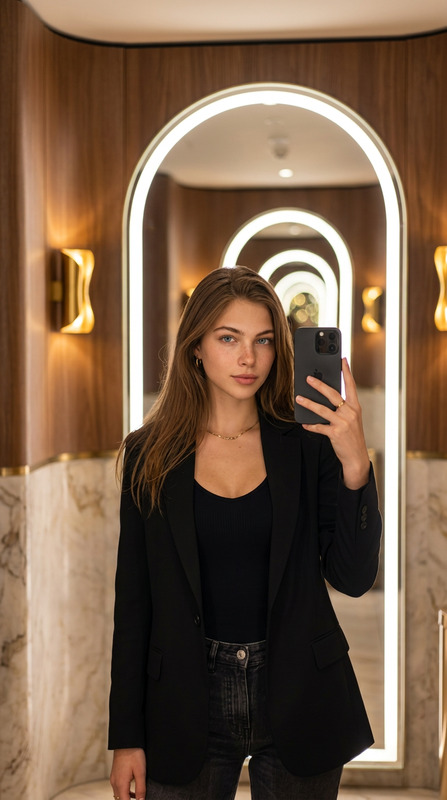
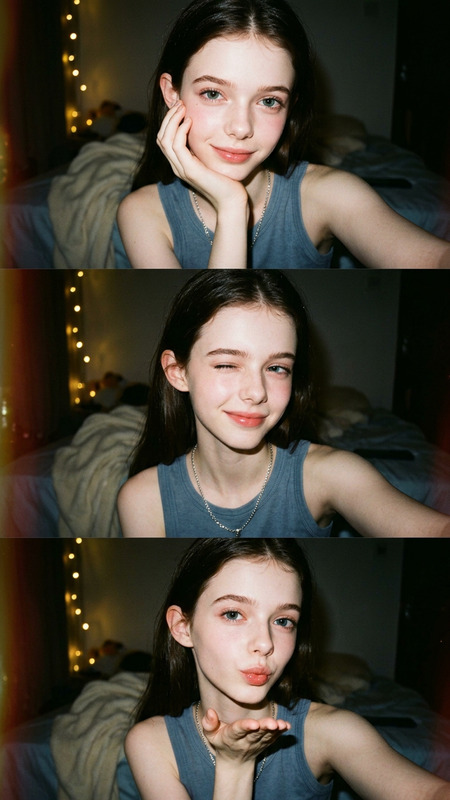
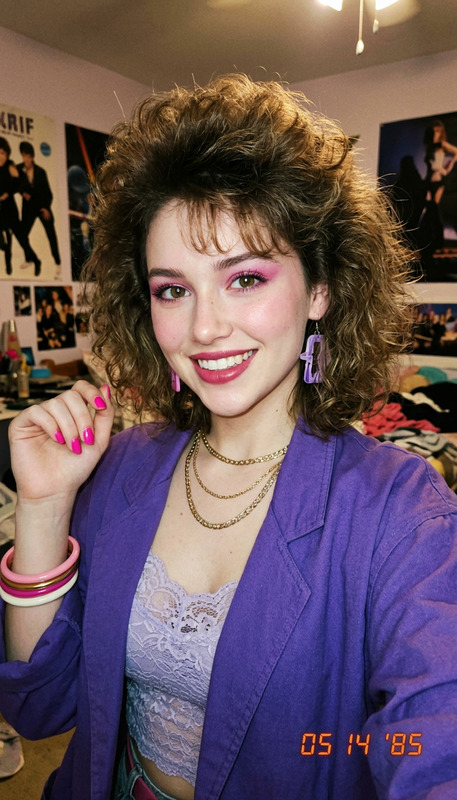
Step back into the early 2000s with the 2000s Mirror Selfie Flashback template. Exclusively designed for the AI Image Editor, this tool uses the nano-banana-2 model to transform your photos into vibrant, nostalgic mirror selfies. Capture the unique look of the era with precision.
What It Does
The template transforms your image by adding signature elements of early-2000s mirror selfies. Expect a direct camera flash effect, bright hotspots, and reflections that invoke that classic point-and-shoot camera feel. The process introduces slight overexposure on reflective surfaces, a touch of grain and noise, soft blurring, and a warm tint for ultimate nostalgia. Perfect for creating images filled with era-specific authenticity.
Who It's For
This template is ideal for photographers and social media enthusiasts looking to recreate the charm of the 2000s. Whether you're working on a mood board, generating eye-catching social media content, or just want to add a nostalgic touch to your personal photos, this AI tool fits perfectly into your workflow.
Summary
Perfect your retro look with the 2000s Mirror Selfie Flashback template. It's an excellent choice for those leveraging the AI Image Editor to add a vintage feel to digital projects. Experience the ease of turning modern images into 2000s masterpieces with minimal edits and maximum impact.
How-To
Choose Your Template

Customize Your Inputs

Generate Your Image

Use Cases
Social Media Content Creation
- Perfect for Instagram retro series
- Ideal for creative Snapchat stories
Creative Mood Boards
- Supports fashion collections
- Great for artistic direction
Personal Photo Projects
- Perfect for birthday collages
- Amazing for personal scrapbooks
Best Practices
Select the Right Image
Choose images with clean backgrounds to maximize the signature mirror selfie effect.Adjust the Subtle Details
Make slight tweaks to parameters for smudges and light streaks to achieve varied outcomes.Preserve Original Qualities
Maintain the original aspect ratio and composition to ensure realistic transformations.