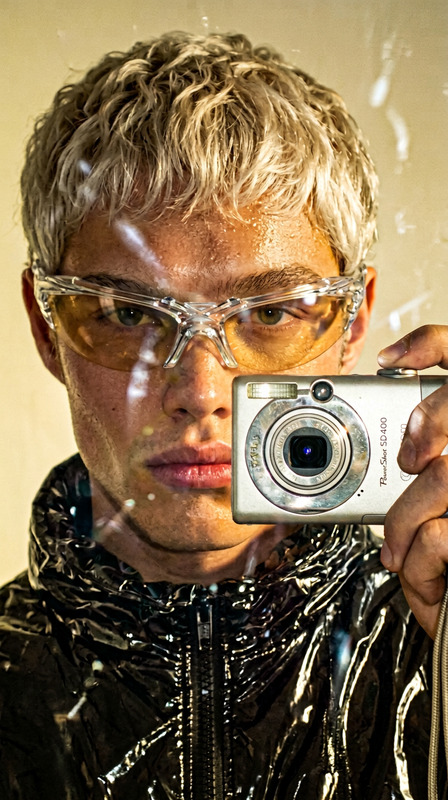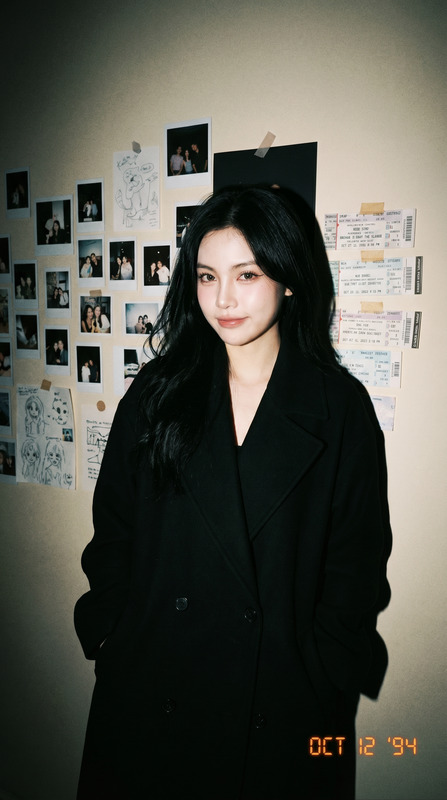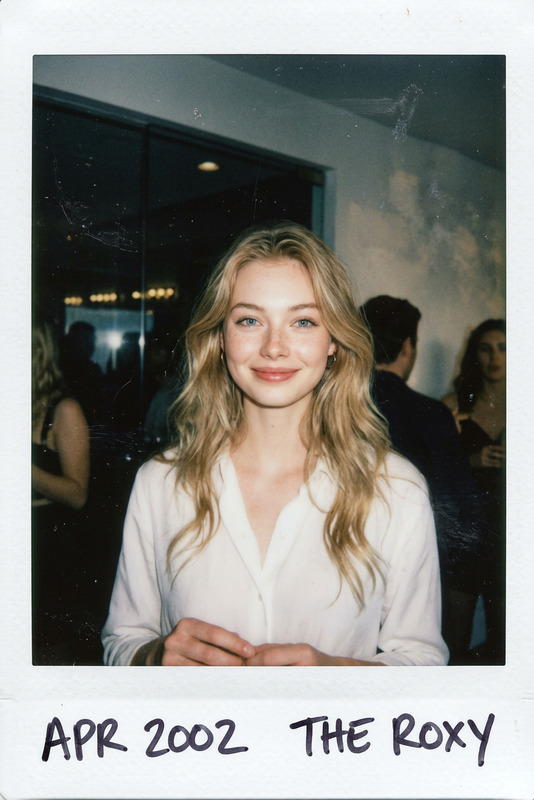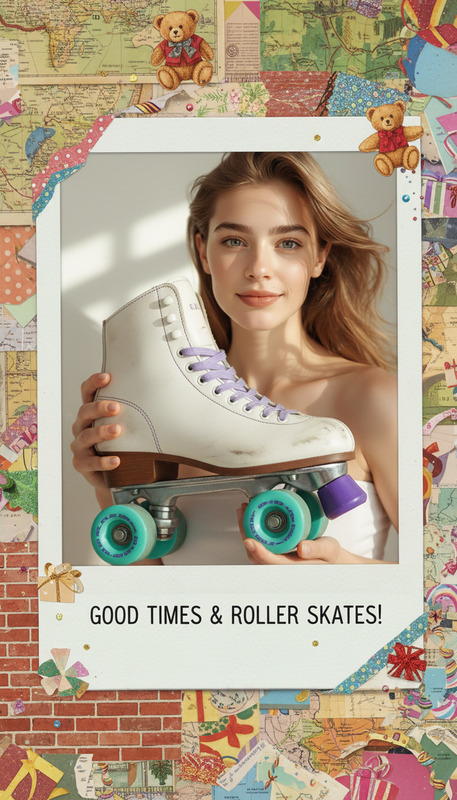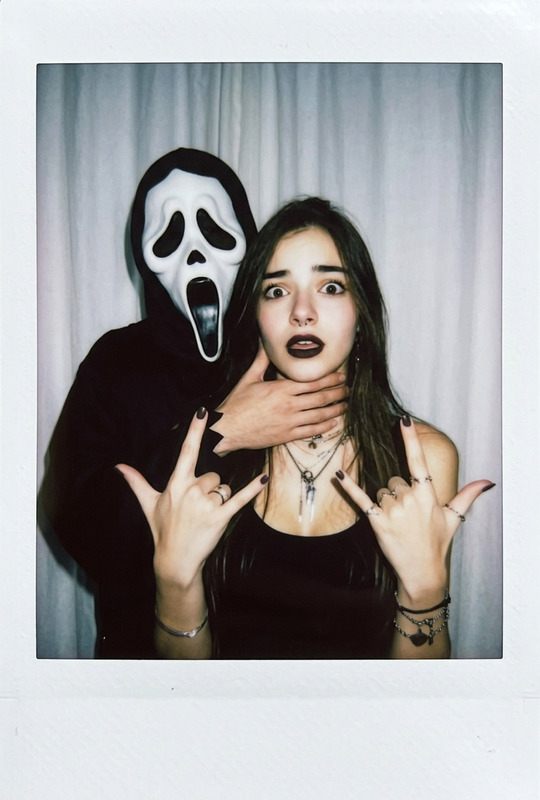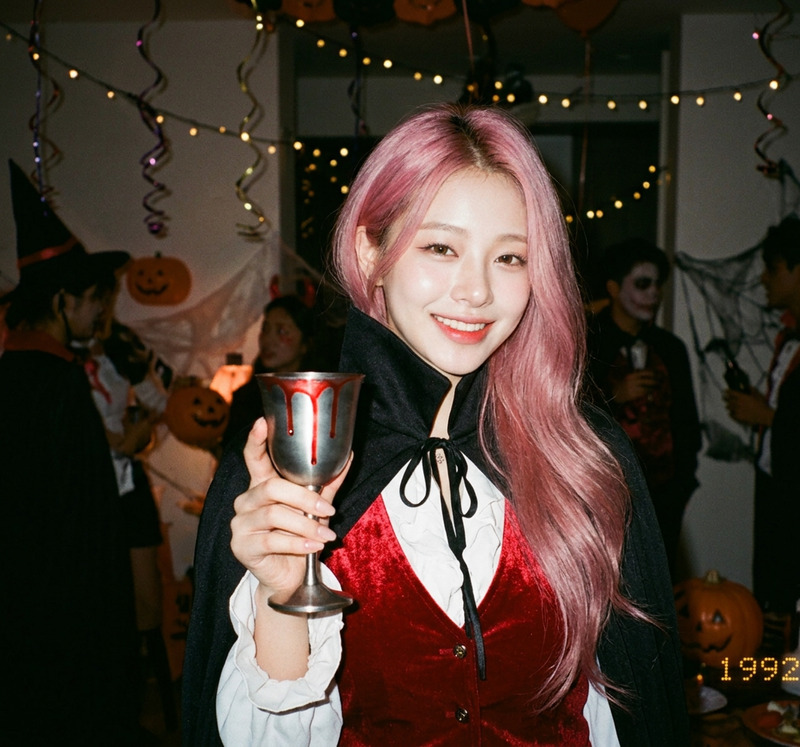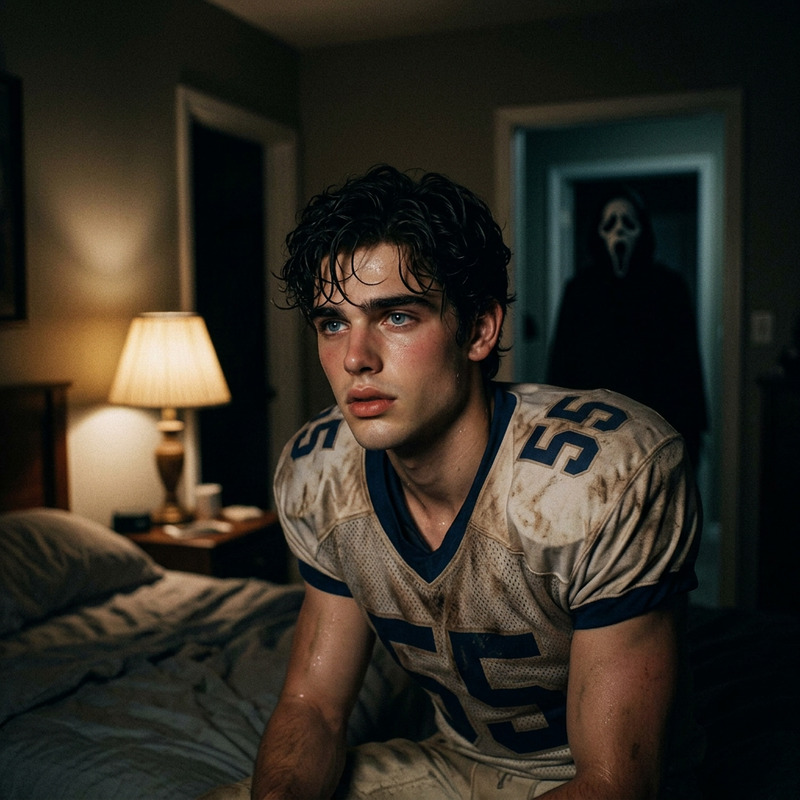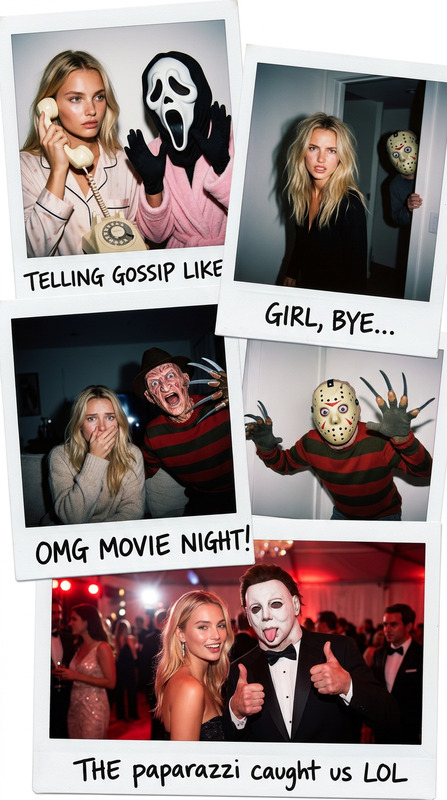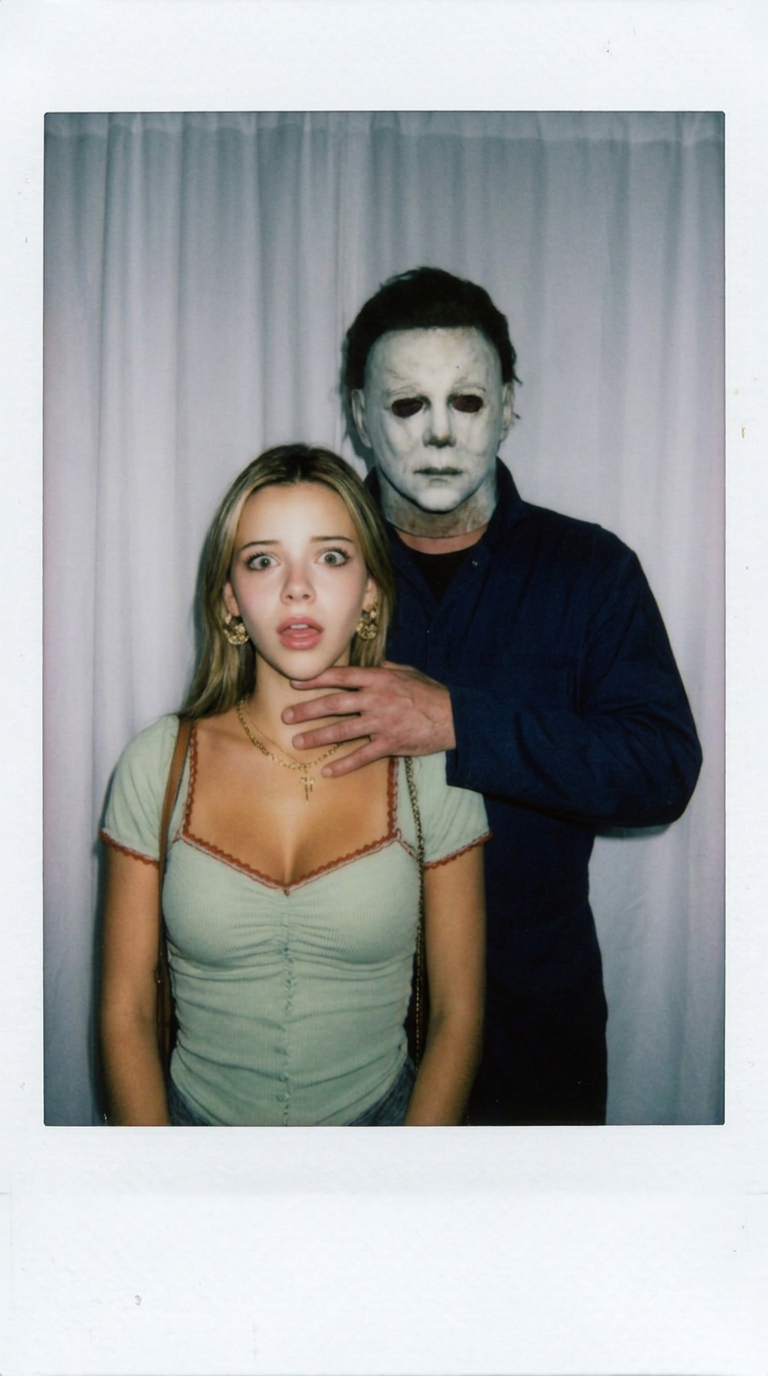
Myers Polaroid Strangle
- Model
- Nano Banana Pro
- Image
- 768 × 1376 px
Prompt
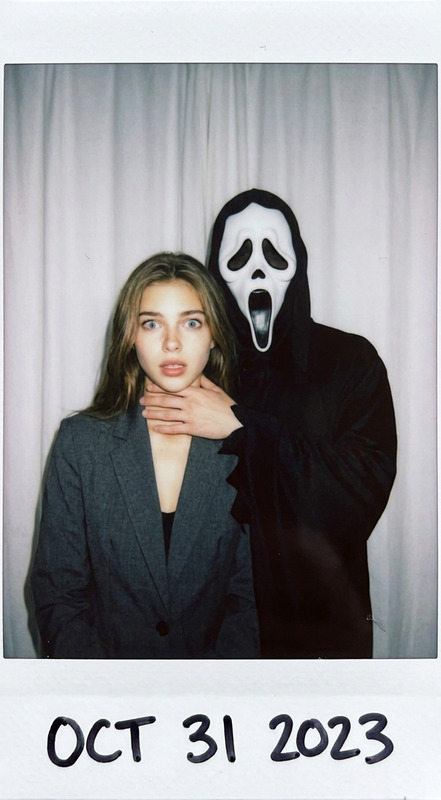
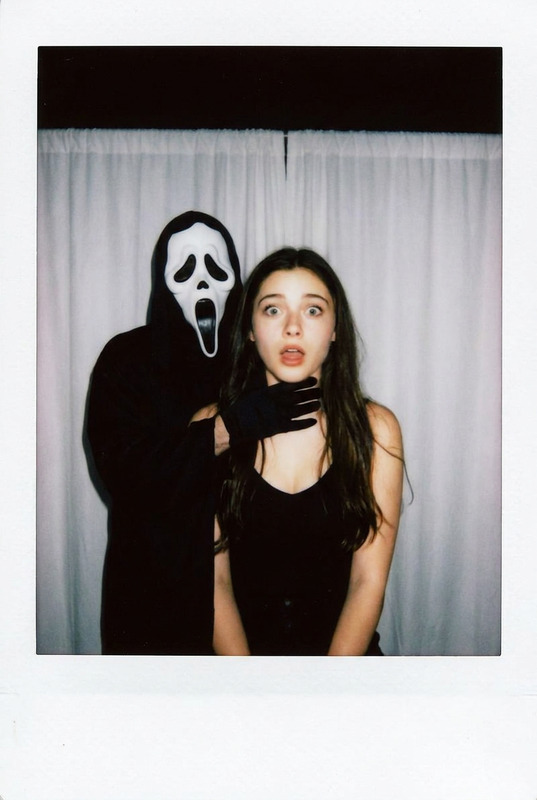
Take a photo using a Polaroid camera. The photo should look like a normal photo, without any clear subjects or props. The photo should have a slight blur effect, and the light source should be evenly distributed across the frame, such as a flash in a dark room. Replace the background with a simple white curtain. The subject is photographed with Michael Myers wearing his iconic pale mask and dark blue coveralls. He stands behind the subject, with one hand playfully placed on the subject's neck. The subject looks shocked, creating an eerie yet humorous atmosphere. Do not retouch the face.
Any aspect ratio
Overview
The Myers Polaroid Strangle template adds a unique twist to your photos by incorporating a playful appearance of Michael Myers into your scene. Designed as an AI Image Editor tool, this template utilizes the advanced nano-banana-pro model to create an eerie yet humorous Polaroid-style image.
What It Does
This template captures the iconic horror of Michael Myers in a lighthearted setting. Replace your photo's background with a simple white curtain and add the infamous slasher standing behind the primary subject. The scene is set to mimic a Polaroid's distinct aesthetic, complete with a slight blur and an evenly distributed light source, enhancing its eerie charm.
Who It's For
Perfect for horror enthusiasts and creative professionals looking to add a spooky yet fun element to their content. Whether you are a film buff creating a VFX Previs project or an artist crafting meme videos, this template provides an excellent opportunity to leverage familiar horror imagery in a lighthearted context.
Summary
Combine humor and horror in a single shot with the Myers Polaroid Strangle template. Capture the distinct feel of a Polaroid photo while integrating the creepy presence of Michael Myers. This template is ideal for anyone interested in AI Image Generation, looking to experiment with thematic style alterations and unique visual narratives.
How to Use
Choose Your Template

Customize Your Inputs

Generate Your Image

Use Cases
Themed Social Media Posts
Event Promotions
Artistic Projects
Best Practices
Choosing the Right Photo
Select a photo where the subject is clearly distinguished to ensure the addition of Michael Myers is as impactful as possible.Light Adjustments
Ensure the photo has a balanced light source to maintain the intended Polaroid effect, complementing the added characters and background.Background Compatibility
For best results, choose images where the existing background can be easily substituted without affecting the subject's visibility.