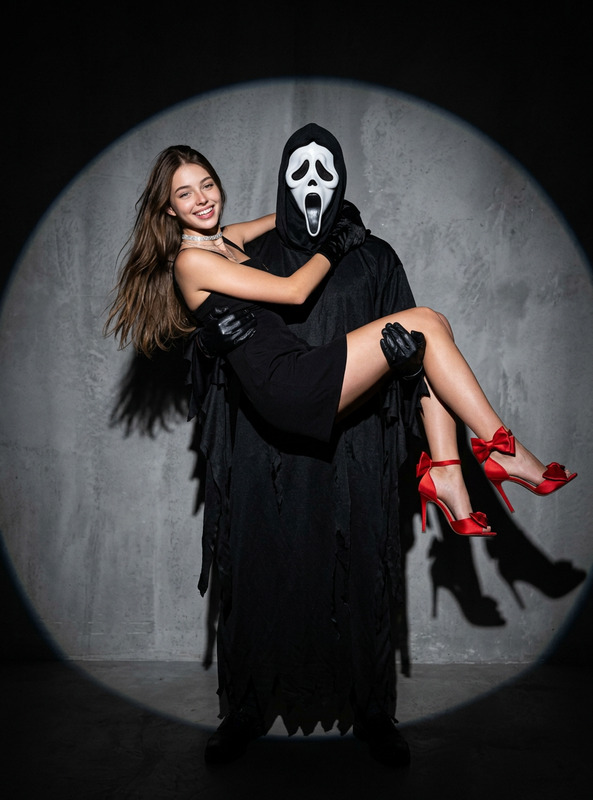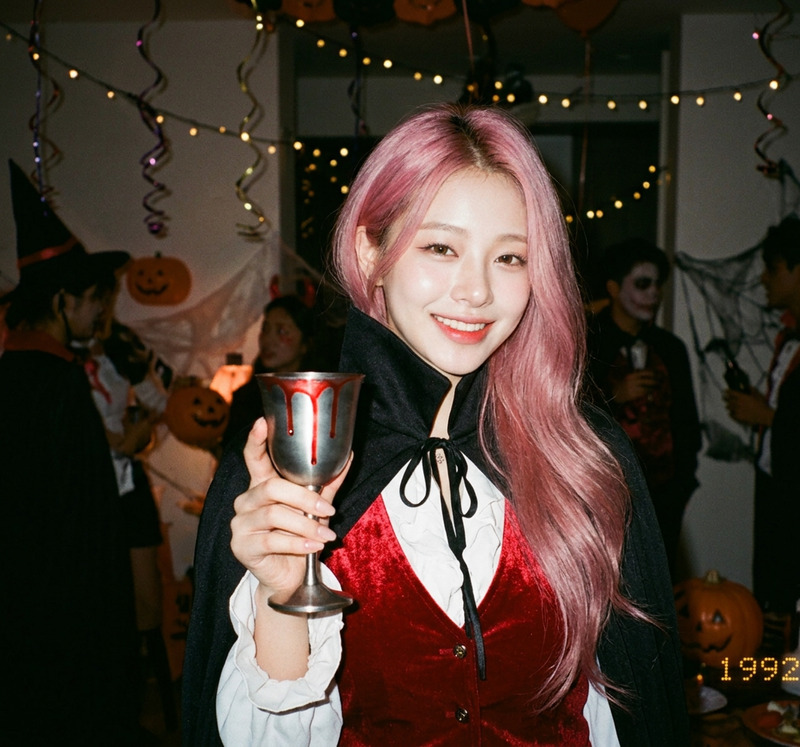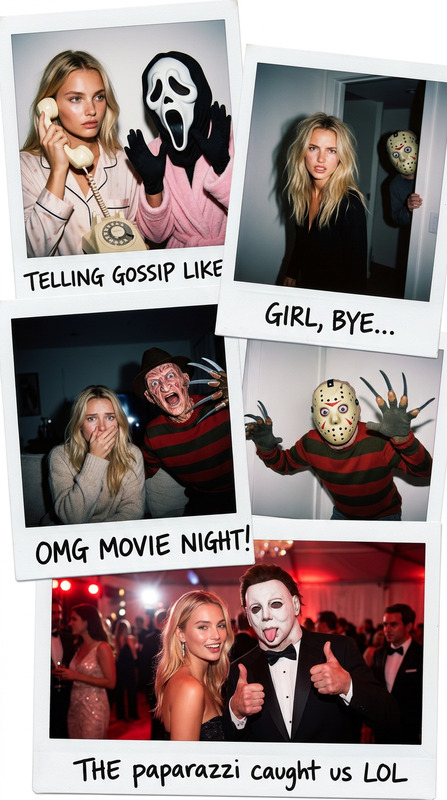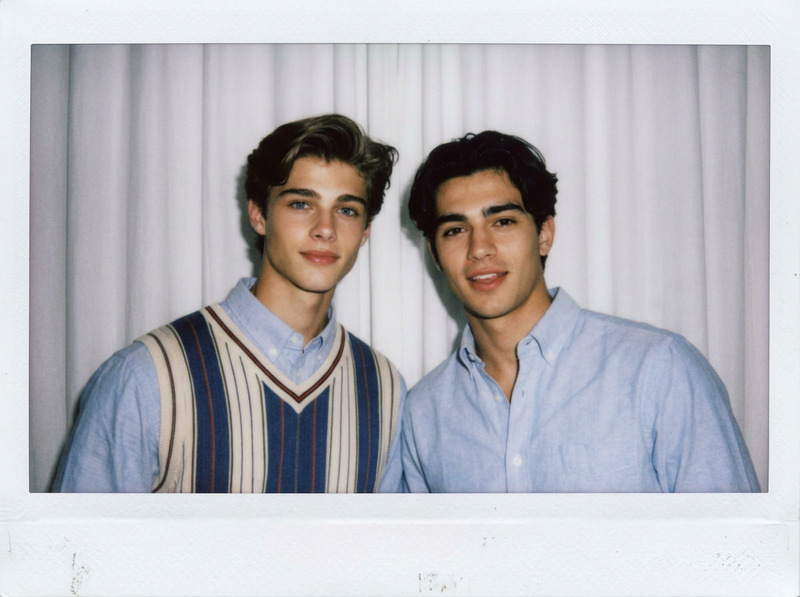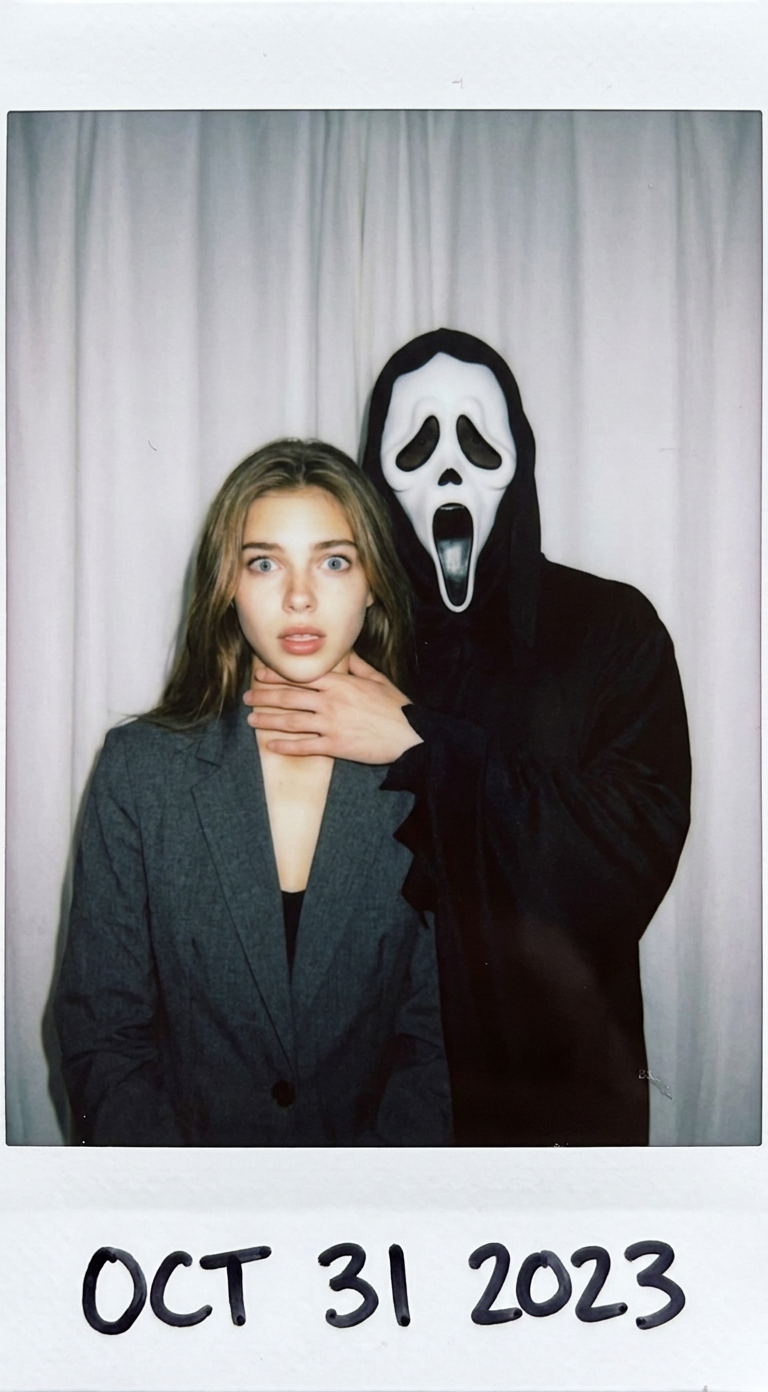
Polaroid Ghostface Choke
- Model
- Nano Banana Pro
- Image
- 768 × 1392 px
Prompt
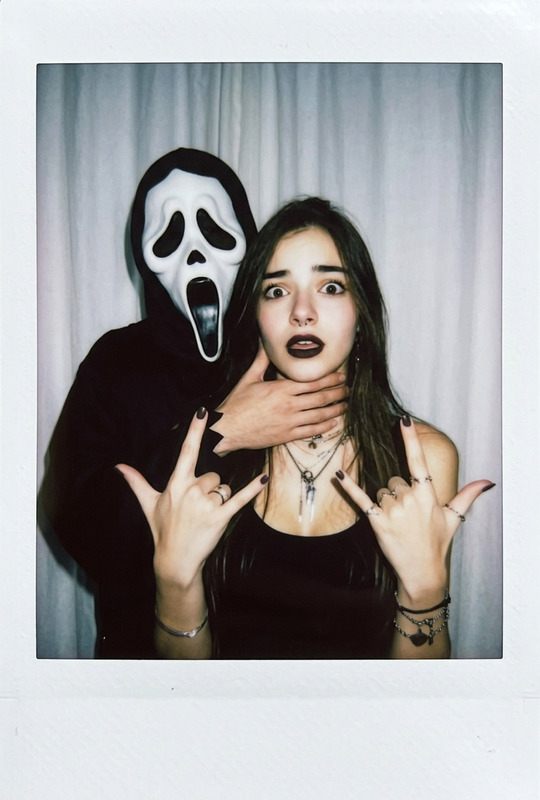
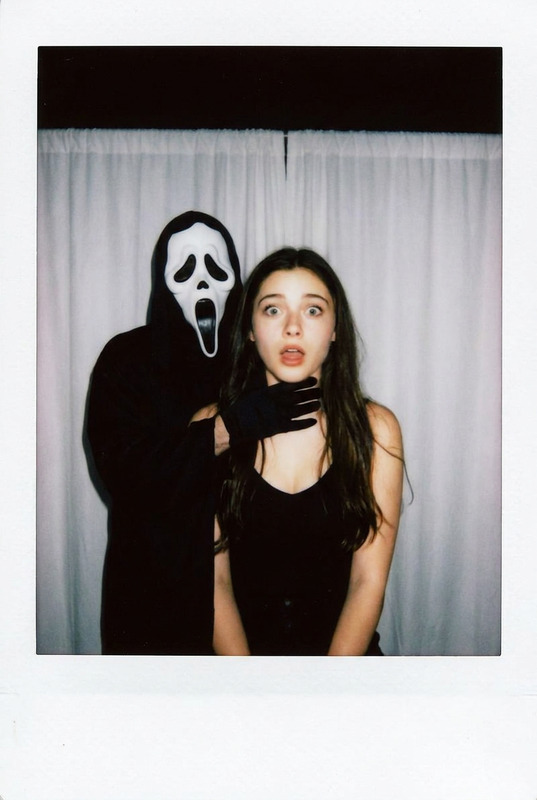
Take a photo using a Polaroid camera. The photo should look like a normal photo, without any clear subjects or props. The photo should have a slight blur effect, and the light source should be evenly distributed across the frame, such as a flash in a dark room. Replace the background with a simple white curtain. The subject is photographed with a person wearing a white ghost mask and a black robe. The ghost mask stands behind the subject, with one hand playfully placed on the subject's neck. The subject looks shocked, creating an eerie yet humorous atmosphere. Do not retouch the face.
Any aspect ratio
Overview
The Polaroid Ghostface Choke template is an AI Image Editor designed to add an eerie yet playful twist to your photos. Utilizing the Nano-Banana-Pro model, this template seamlessly integrates a ghostly mask and robe into your images, creating a unique visual effect that's perfect for themed content.
What It Does
This template uses AI to modify photos by adding a ghost mask and robe behind the subject, complete with a playful neck gesture. The background is replaced with a simple white curtain, enhancing the spooky yet humorous effect. The light source is adjusted to simulate flash photography, ensuring the scene is well-lit while maintaining a slightly blurred effect for authenticity.
Who It's For
Perfect for creators, marketers, and enthusiasts who want to add a unique twist to their images. This template is especially useful for social media influencers and content creators looking to produce engaging Halloween or horror-themed posts. It's user-friendly, making it accessible for those without advanced editing skills.
Summary
Infuse your images with an eerie charm using the Polaroid Ghostface Choke template. Ideal for creating content with a ghostly yet fun atmosphere, this tool is part of our comprehensive AI Talking Photo suite, bringing your creative visions to life easily.
How To Use It
Choose Your Template

Customize Your Settings

Generate Your Image

Use Cases
Social Media Content
- Engage your audience with themed content
- Perfect for Halloween promotions
Event Promotions
- Great for haunted house flyers
- Add horror-themed visuals to marketing materials
Personalized Gifts
- Ideal for custom cards or keepsakes
- Surprise friends with themed photo edits
Best Practices
Use High-Quality Photos
Start with clear, high-resolution images to ensure the best output quality.Adjust Lighting
Ensure the light source in your photo aligns with the template for authenticity.Experiment With Different Backgrounds
While the default is a white curtain, try other simple backdrops for variety.