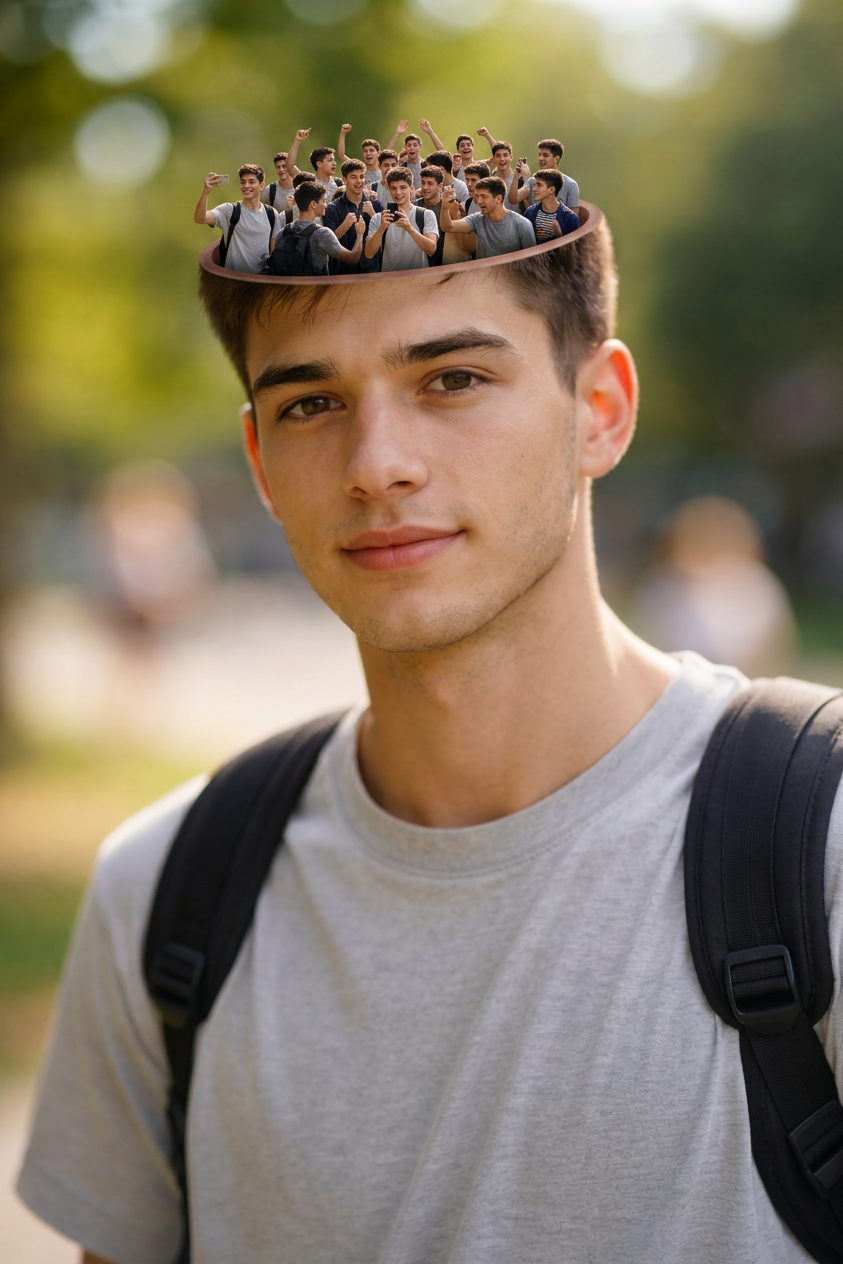
Mind Inside Head
- Model
- Nano Banana 2
- Image
- 843 × 1264 px
Prompt
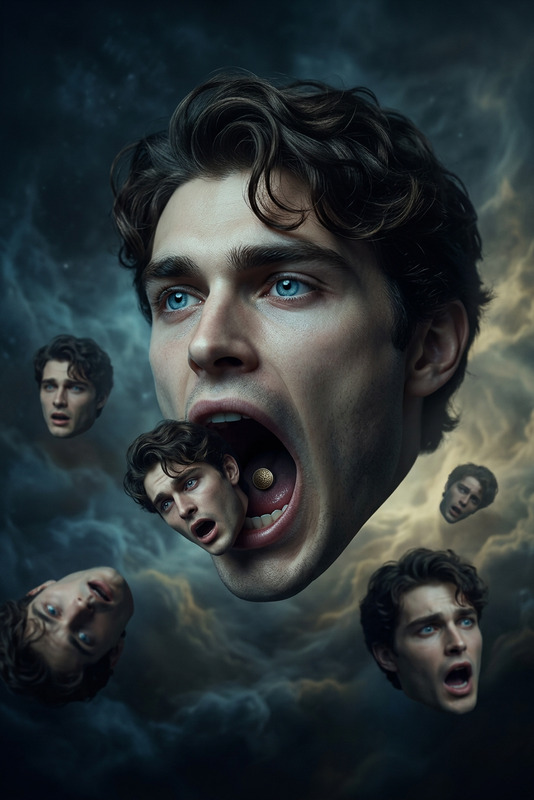
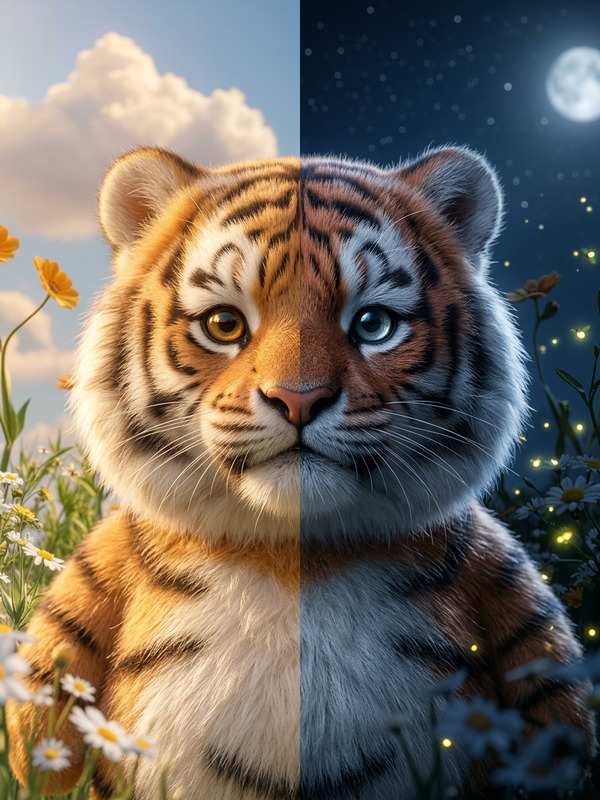
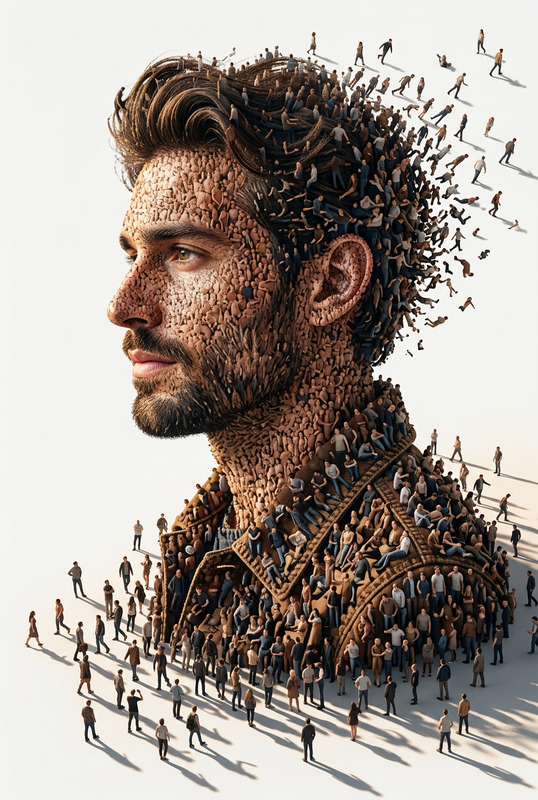
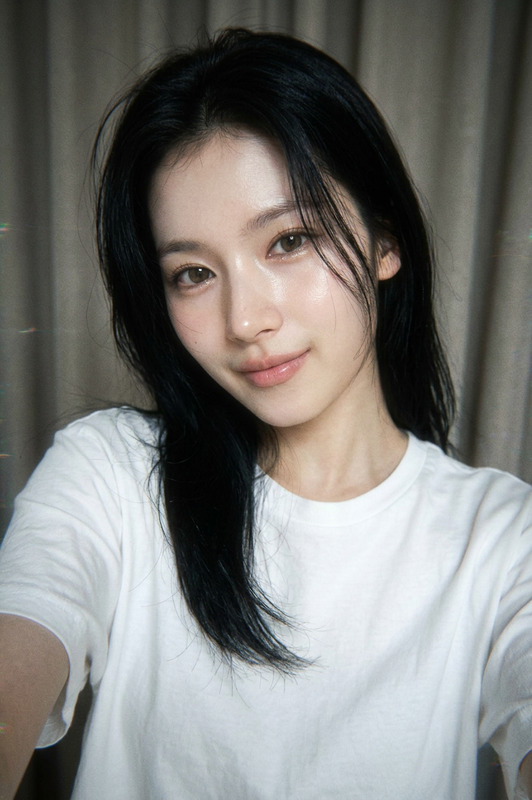
A surreal portrait featuring a close-up of a person's head, the top of the head is open, revealing a miniature crowd of the same person inside; the person in the crowd are in various poses, some are cheering, taking pictures, and interacting with each other, all within the confines of the open head, the main subject of the portrait has uploaded face as reference, looking upwards with a slight smile, creating a sense of introspection or a busy mind, the lighting is soft and even, highlighting the textures of the skin and hair, the background is a plain, light gray, ensuring the focus remains on the surreal concept, shot with a digital medium, employing realistic rendering techniques to blend the miniature scene seamlessly with the larger head, the color palette is natural, with skin tones accurately represented and a slight desaturation to maintain a neutral tone, the composition emphasizes the scale difference between the main subject and the miniature crowd, creating a visually striking and thought-provoking image.
Any aspect ratio
Overview
The Mind Inside Head template is a unique offering within our AI Image Editor category. Using the powerful nano-banana-2 model, it creates a surreal portrait blending realistic rendering techniques with imaginative visual effects. This template is perfect for creating introspective images that captivate the viewer and provoke thought.
What It Does
This AI Image Editor template crafts a surreal image featuring an opened head revealing a miniature crowd inside. The focus is on realistic blending of textures and lighting, offering a window into the inner world of your subject. The model captures subtle details, such as skin texture and nuanced expressions, bringing the scene to life with a natural color palette and soft lighting.
Who It's For
The Mind Inside Head template is ideal for visual artists, content creators, and marketers looking to add a layer of visual intrigue to their portfolios or campaigns. Whether you're developing a creative advertising piece or enhancing personal projects, this tool allows you to explore complex themes like introspection and the chaos of consciousness.
Summary
Create evocative imagery with the Mind Inside Head template in the AI Image Editor suite. It combines vivid detail with the whimsical concept of a busy mind to produce images that stand out in any collection. Explore similar options with our AI Image Generator for a wider range of creative outputs.
How To
Choose the Template

Customize Your Inputs

Generate and Download

Use Cases
Creative Advertising
- Intriguing product launches
- Bold brand statements
Artistic Portfolios
- Visual storytelling
- Conceptual art
Personal Projects
- Digital diary entries
- Expressive portraits
Best Practices
Focus on Contrast
Ensure the miniature crowd and the main head have distinct contrasts for a more dramatic effect.Experiment with Angles
Try different angles of the headshot to see what best complements the crowd scene.Refine Your Color Palette
Use the built-in color adjustments in the AI Image Editor to balance desaturation and natural skin tones.