Floating Head Consumption
- Model
- Nano Banana 2
- Image
- 843 × 1264 px
Prompt
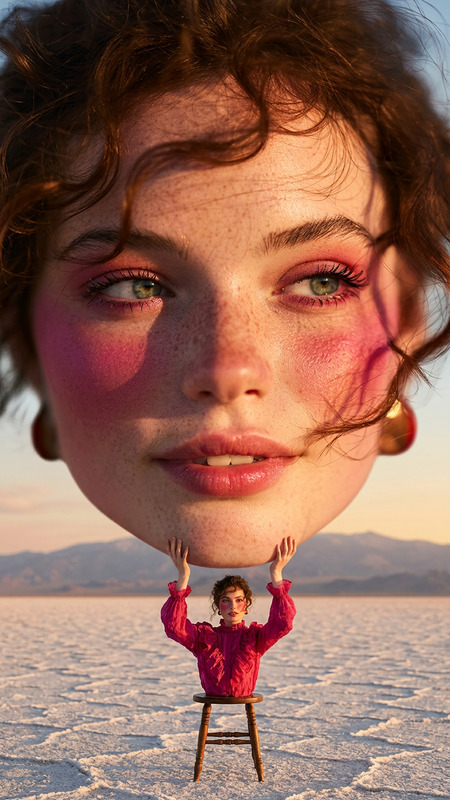
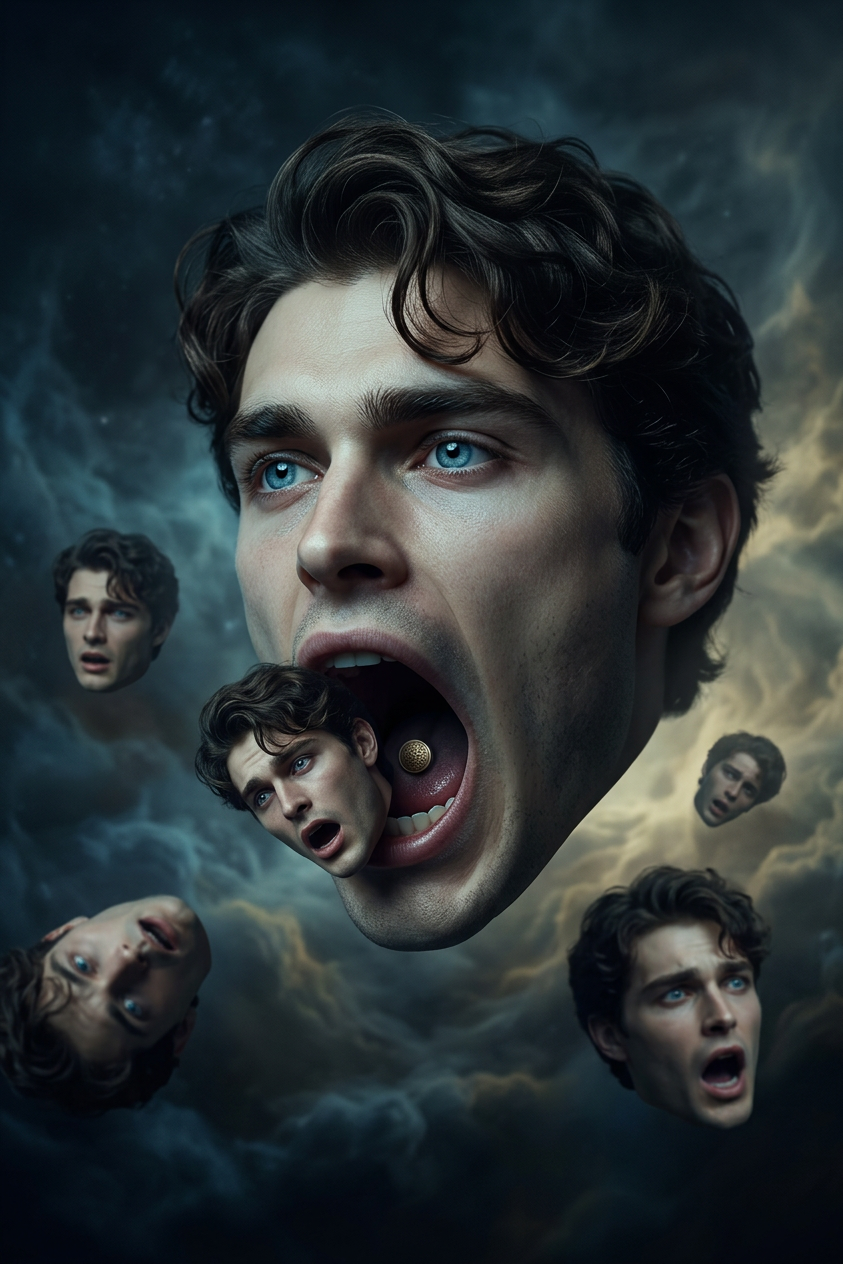
A surreal scene featuring an oversized floating human head suspended in mid-air with no body, dominating the frame. Several smaller floating heads drift away in different directions around it. The large central head opens its mouth as it consumes the smaller heads. Dreamlike surreal composition, distorted scale, cinematic lighting, eerie atmosphere, highly detailed textures, 4K realism.
Any aspect ratio
Overview
Welcome to the mesmerizing world of surreal imagery with our Floating Head Consumption template. Using the latest advancements in the AI Image Editor, this template brings your creative ideas to life with a unique combination of dreamlike elements and high-detail textures. Unleash the power of nano-banana-2 model to generate compelling visual narratives.
What It Does
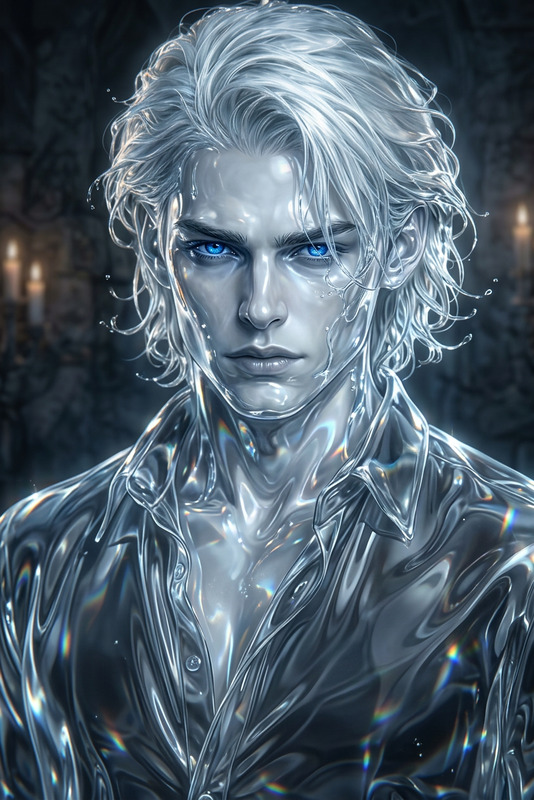
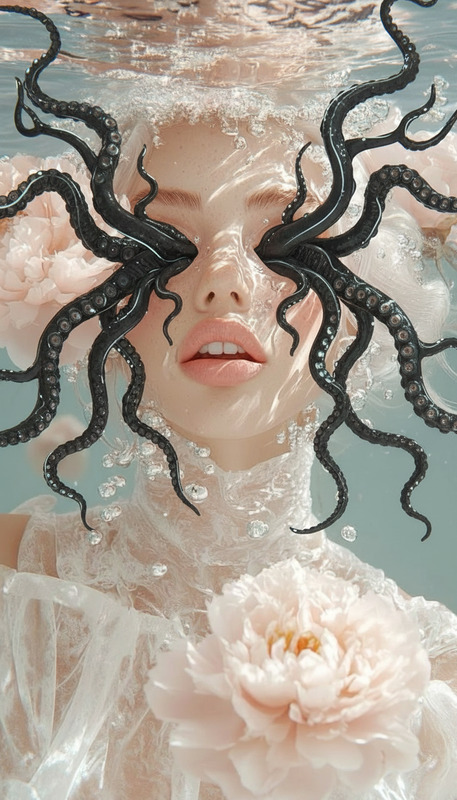
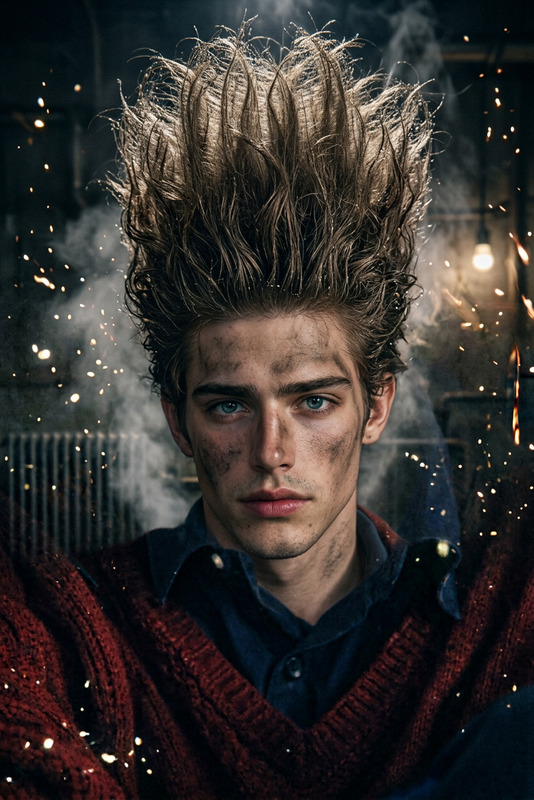
The Floating Head Consumption template enables you to create surreal scenes featuring a central floating head dominating the frame while it "consumes" smaller, drifting heads. Perfect for those looking to implement an eerie atmosphere with cinematic lighting. This AI tool enhances your projects by offering 4K realism with distorted scales and detailed textures, ideal for any visionary looking to push the boundaries of visual storytelling.
Who It's For
This tool is specially designed for content creators, digital artists, and marketers looking to craft unique visual experiences. Whether you're developing a quirky digital campaign or crafting art for exhibitions, this template helps distinguish your work by adding a surreal element that leaves viewers spellbound.
Explore its potential through related products like the AI Image Upscaler or the AI Clothes Changer for further enhancement and creativity.
Summary
The Floating Head Consumption template is an innovative tool within our AI Image Editor suite, allowing users to delve into surreal artistry with ease. Utilizing the nano-banana-2 model, it transcends conventional boundaries to offer a truly unique visual experience. Ideal for those seeking to add a touch of the extraordinary to their content.
How-To
Choose the Template

Customize Your Scene

Generate and Save

Use Cases
Art Exhibitions
- Unique displays
- Interactive digital exhibits
Digital Marketing
- Social media engagement
- Ad campaign visuals
Video Production
- Film backgrounds
- Music videos
Best Practices
Use Cinematic Lighting
Experiment with lighting settings to enhance the atmospheric feel of your image.Focus on Texture Details
Enable high-detail textures to produce realistic, eye-catching results.Explore Related Tools
Combine with tools like Image to Video for dynamic storytelling.