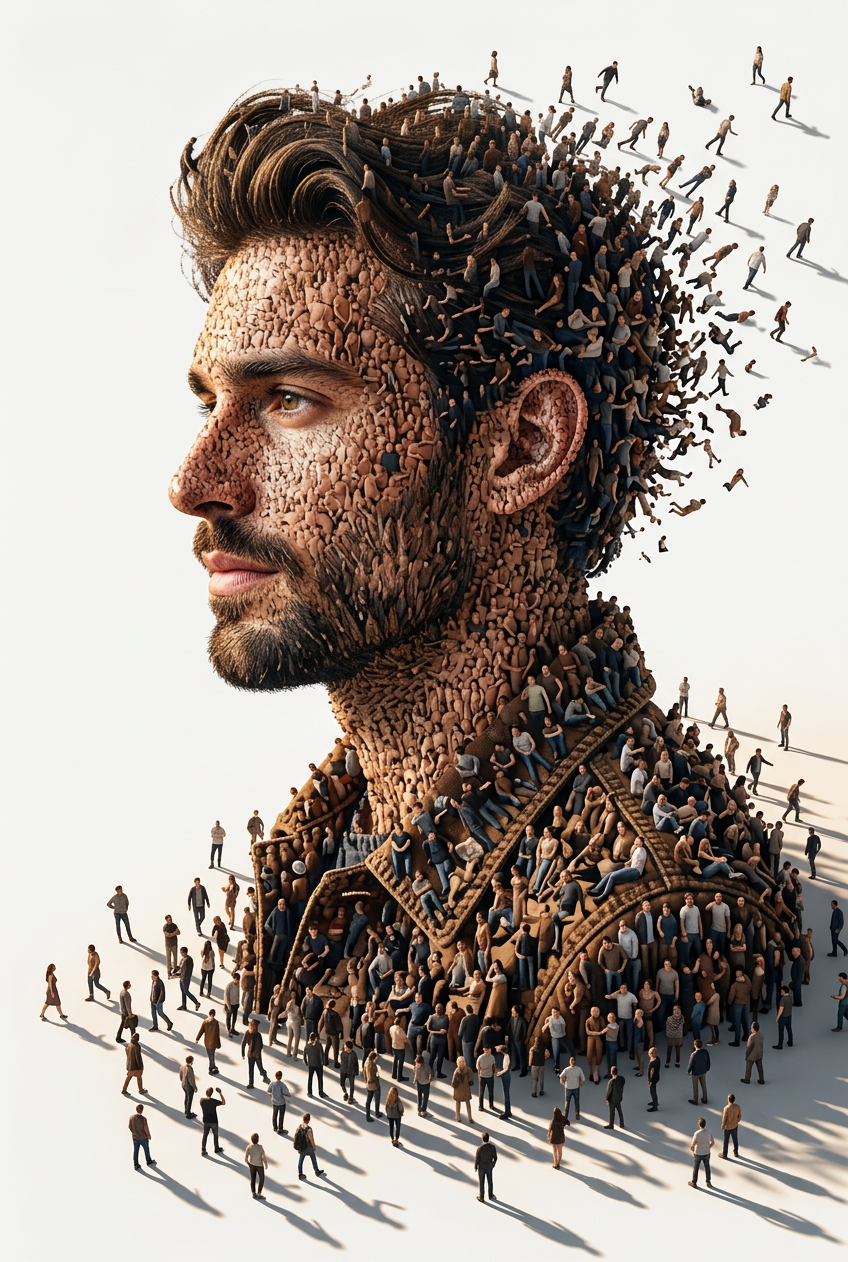
Human Mosaic Portrait
- Model
- Nano Banana 2
- Image
- 848 × 1262 px
Prompt
Create a surreal conceptual digital artwork of a side-profile portrait of [SUBJECT], where the entire face and upper body are formed by thousands of tiny human figures standing closely together. Preserve the subject’s facial identity, structure, hairstyle, skin tone, and recognizable features with high accuracy. The portrait should have strong realistic facial anatomy, detailed jawline, natural proportions, and seamless crowd integration. The tiny people should vary in clothing colors, poses, walking directions, and body language, creating a highly intricate human mosaic. Some individuals should appear to be slowly walking away from the silhouette, forming a dynamic dissolving/dispersing effect around the edges of the face, hair, neck, and shoulders. Scene viewed from a slightly elevated angle on a clean minimal white background. Warm directional cinematic sunlight casting long dramatic shadows across the ground. Ultra-detailed crowd textures, realistic depth, photorealistic skin formation, soft neutral color palette, high depth of field, atmospheric lighting, conceptual symbolism of collective identity, humanity, society, and human connection. Style: ultra-realistic conceptual art, cinematic composition, masterpiece quality, hyper-detailed, 8K, photorealistic textures, sharp focus, premium editorial aesthetic, museum-quality digital artwork.
Any aspect ratio
Overview
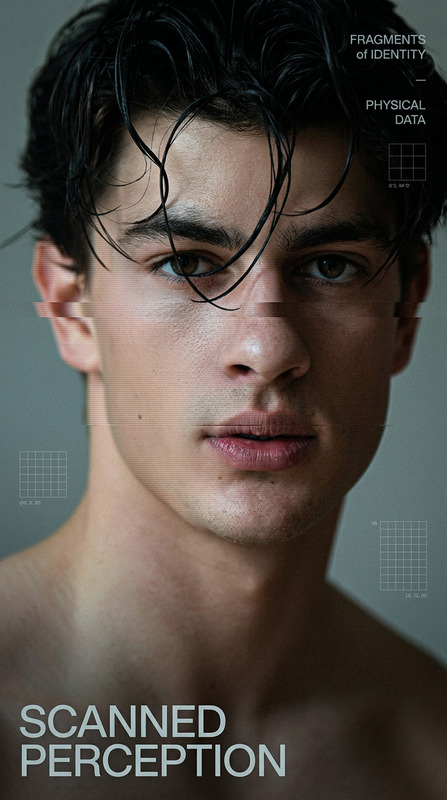
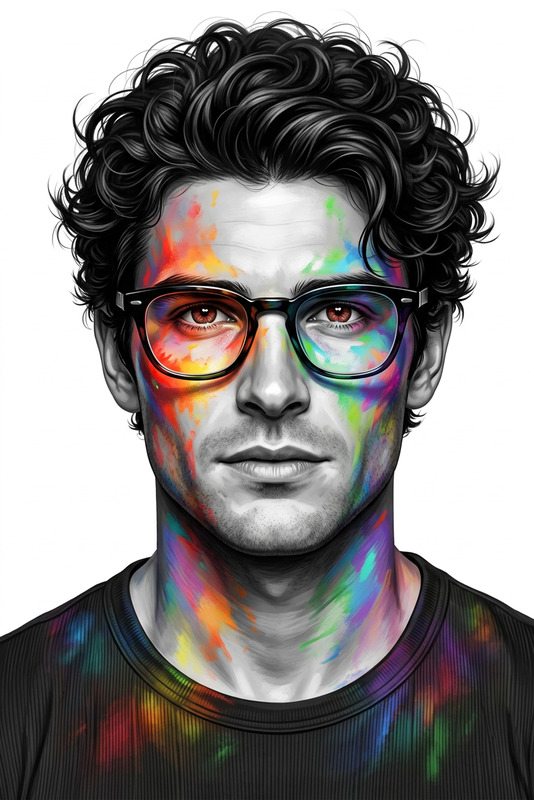
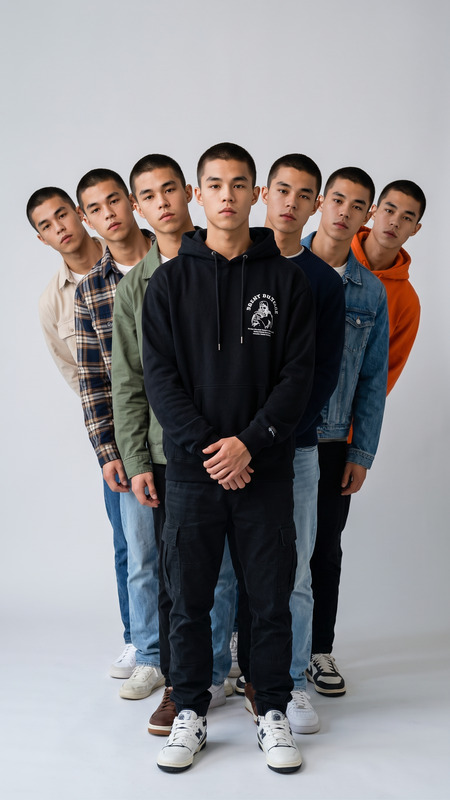
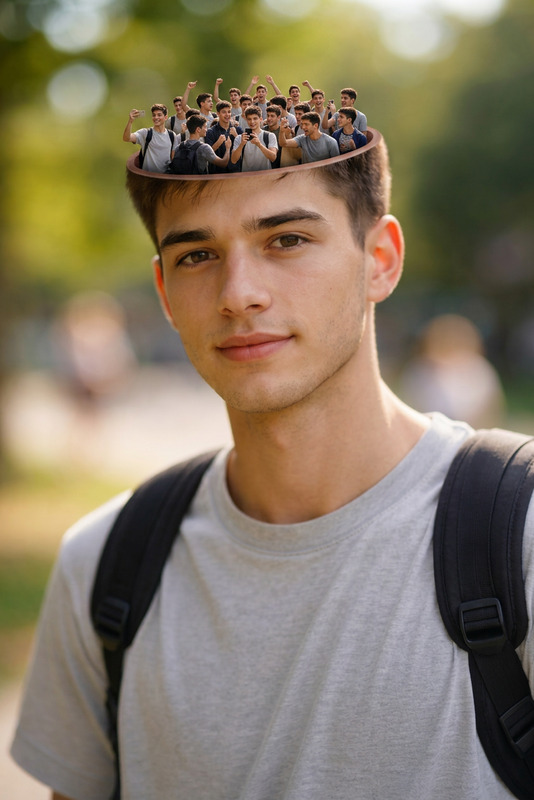
The Human Mosaic Portrait template leverages AI to craft an exquisite side-profile portrait where the face and upper body are ingeniously composed of thousands of tiny human figures. Designed with the advanced nano-banana-2 model, this template focuses on ultra-realistic representation and intricate detail, delivering a visually stunning human mosaic artwork in 8K resolution.
What It Does
This template allows you to create a surreal and conceptual digital portrait, emphasizing realistic facial anatomy and human integration. It maintains the subject’s identity and structure while incorporating tiny figures to form the overall image. The AI Image Editor ensures photorealistic textures and depth, capturing a collective human narrative in a single artwork.
Who It's For
Ideal for visual artists, digital creators, and photographers who seek to produce unique, high-quality digital portraits. It's perfect for those involved in conceptual art or editorial work where the theme focuses on societal elements, human connection, and collective identity. Art directors and designers will also find this template valuable for generating impactful visual stories.
Summary
This Human Mosaic Portrait template transforms your subjects into breathtaking works of art. By using this template, creators can highlight themes of humanity and society with the precision and aesthetic depth characteristic of masterpiece-quality imagery. To explore other creative possibilities, consider using tools like the AI Profile Picture Generator or AI Photo Relighting for exploring new lighting dynamics.
How-To
Choose Your Template

Customize Your Inputs

Generate Your Artwork

Use Cases
Editorial Concept Art
- Conceptual magazine covers
- Op-ed illustrations
- Impactful story visuals
Art Exhibitions
- Themed gallery installations
- Digital art showcases
- Virtual exhibition pieces
Advertising Campaigns
- Product launch visuals
- Promotional banners
- Social media ads
Personalized Portraits
- Special event commemorations
- Unique gifts
- Personal art projects
Best Practices
Consider Clothing Colors and Poses
Select diverse clothing colors and dynamic poses for the tiny figures to enrich the overall image complexity.Focus on Lighting and Shadows
Adjust the lighting to ensure the cinematic sunlight emphasizes depth and detail in your portrait.Preserve Facial Identity
Ensure that key facial features and proportions are maintained to capture the subject's likeness accurately.