Neon Split Identity
- Model
- Nano Banana 2
- Image
- 896 × 1190 px
Prompt
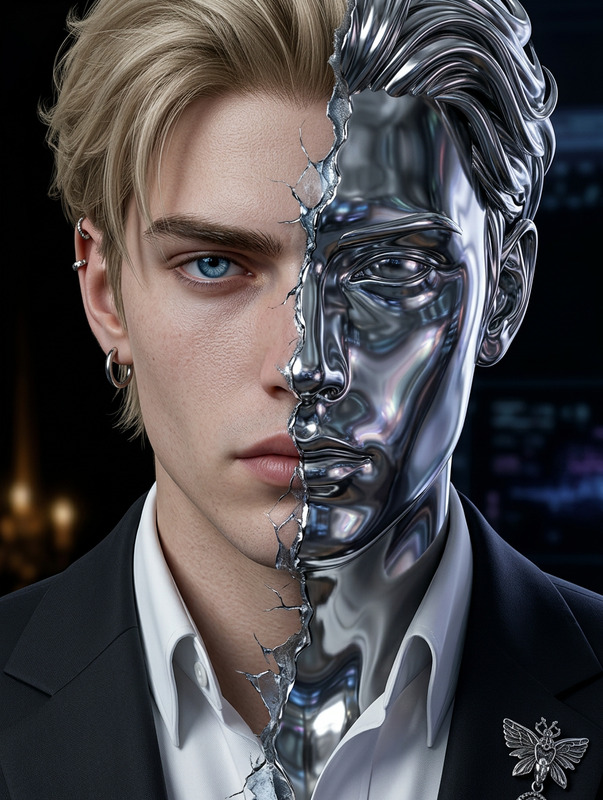
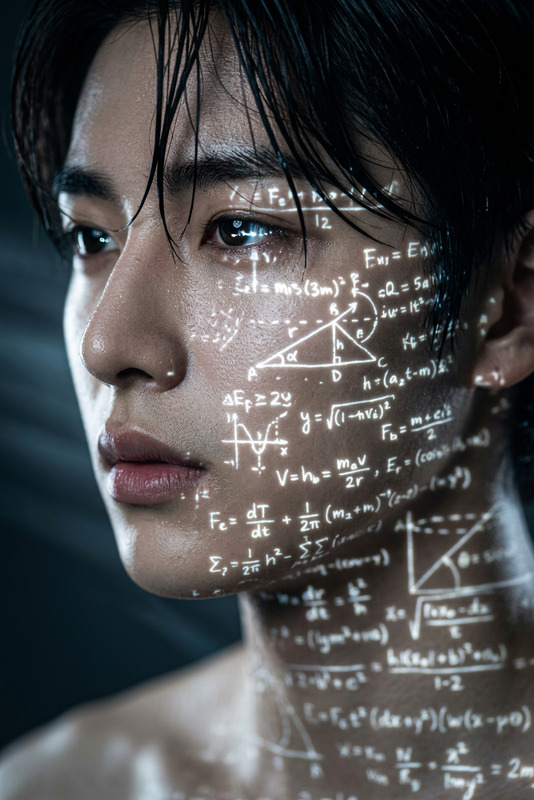
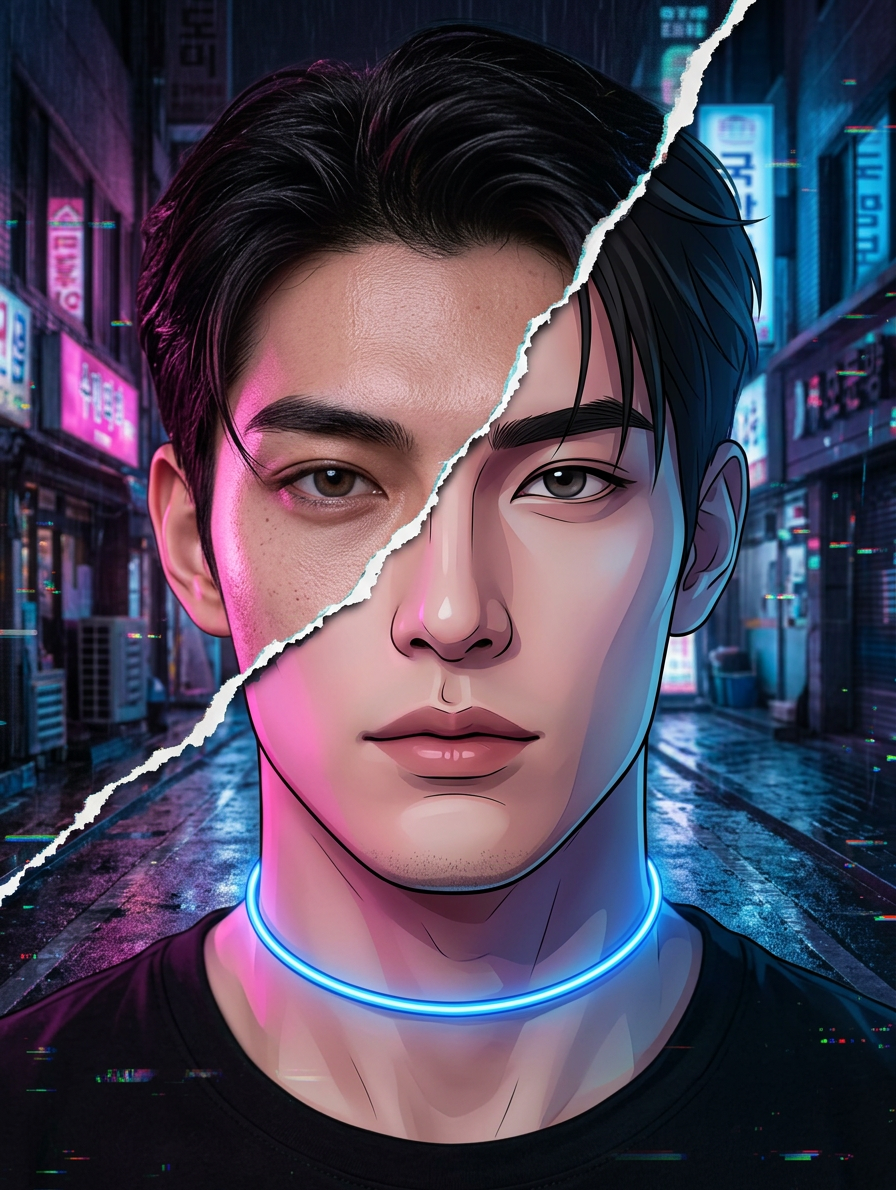
Subject: Head-and-shoulders frontal portrait with face preserved 100% identical to the reference—true proportions, real eye shape and tone, visible micro skin texture, natural glam makeup. Slight chin lift with a soft, calm gaze. A thin glowing blue choker around the neck. Style: hyper-realistic merged with cyber cartoon, featuring a diagonal glitch tear splitting the face into two visual styles. Lighting: soft neon mix with pink from the left and blue from the right, creating blended neon shadows. Background: dark cyberpunk urban atmosphere. High detail, crisp rendering, subtle digital distortion effects.
Any aspect ratio
Overview
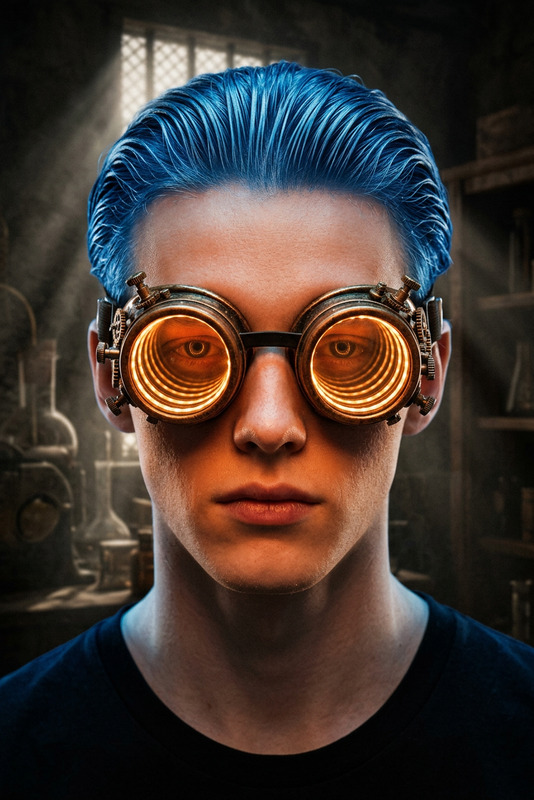
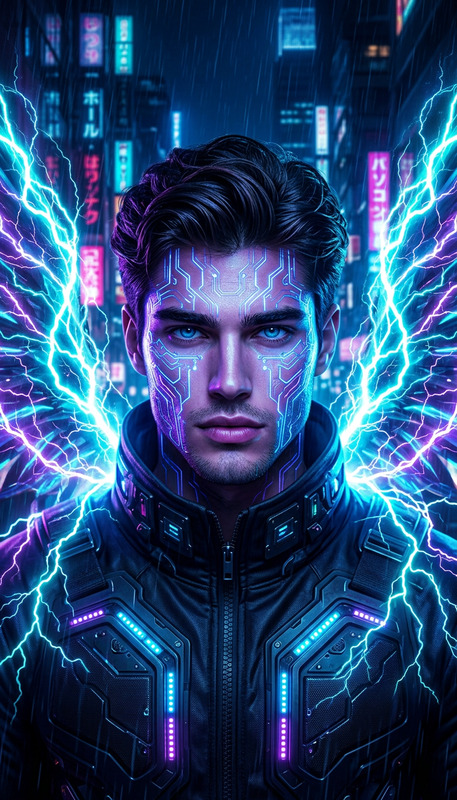
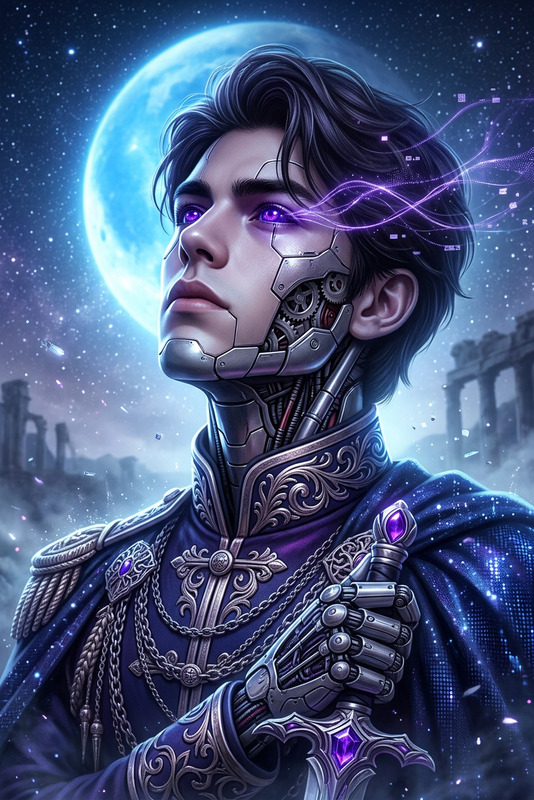
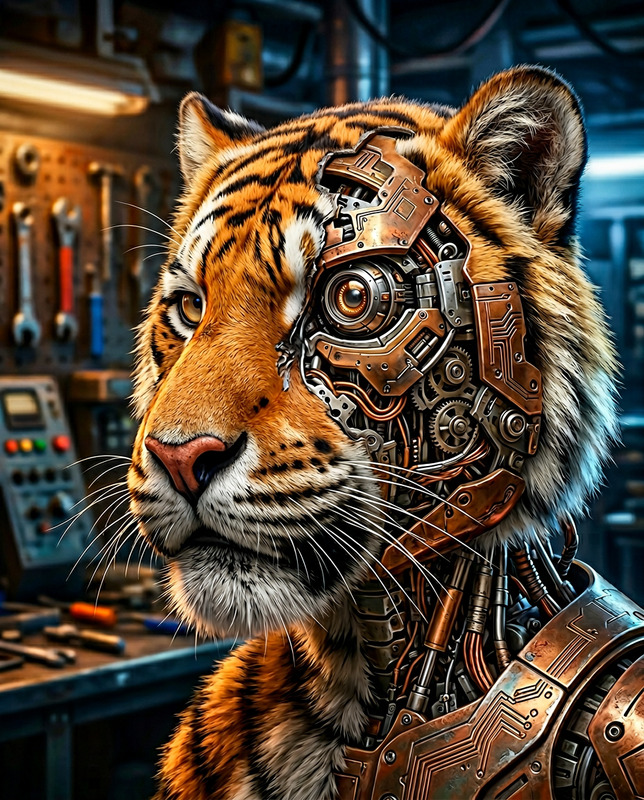
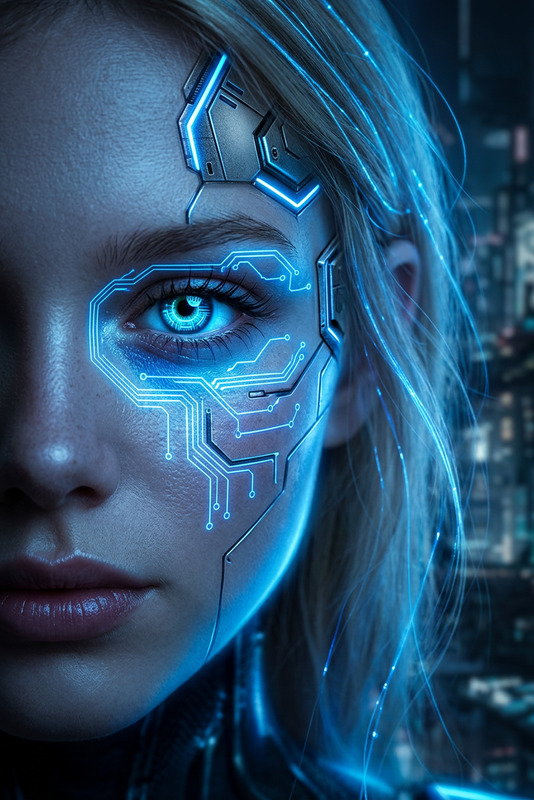
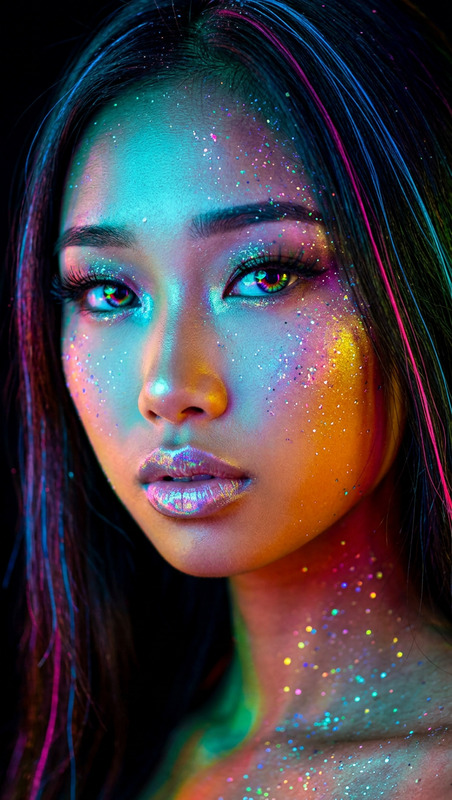
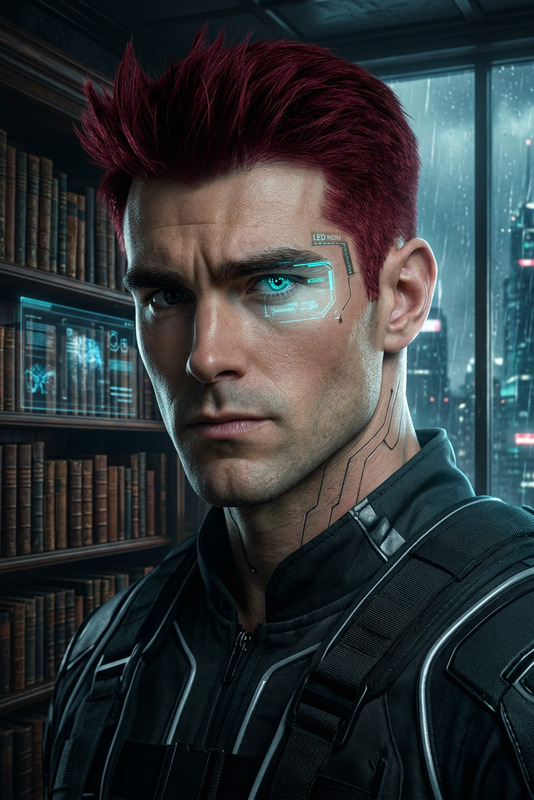
The Neon Split Identity template in the AI Image Editor lets you transform any head-and-shoulders portrait into a captivating masterpiece. By integrating hyper-realistic imagery with a cyber cartoon twist, this template provides a unique dual-style effect suited for modern, edgy aesthetic demands.
What It Does
This template takes a frontal portrait and applies a unique visual effect, creating a diagonal glitch tear that splits the face into two distinct styles. It enhances your image with advanced lighting effects and a stunning neon backdrop.
Utilizing the AI Image Editor powered by the nano-banana-2 model, this template ensures high detail, real eye and skin texture preservation while adding a cyber cartoon touch.
Who It's For
This template is ideal for digital artists, graphic designers, and anyone involved in creative projects seeking a modern and stylistically unique image. It's also valuable for marketing professionals creating content for tech-savvy audiences.
Summary
With the Neon Split Identity template, creating visually striking images is straightforward. This precision tool maintains the subject's authenticity while introducing imaginative digital artistry. Perfect for both artistic exploration and professional use, this template is your gateway to innovative visual content.
Explore more creative possibilities in the Image to Video toolkit for dynamic transformations.
How to Use
Select the Template

Personalize Your Image

Generate and Save

Use Cases
Artistic Projects
- Mixed-media artwork
- Digital storytelling
- Character design
Marketing Campaigns
- Social media content
- Ad campaigns
- Brand visual identity
Personal Branding
- Profile pictures
- Portfolio visuals
- Personal blog graphics
Best Practices
Choose the Right Photograph
Select a high-quality, frontal image where the face is clearly visible for optimal template results.Mind the Lighting
Ensure the photograph has balanced lighting to complement the template's neon lighting effects.Experiment with Styles
Feel free to tweak lighting and other visual cues in the editor to suit your project's needs and tone.