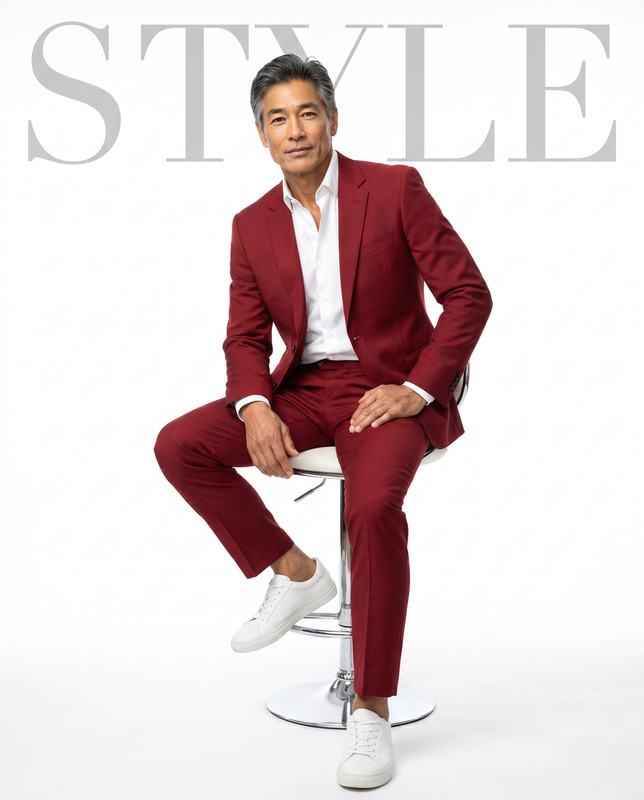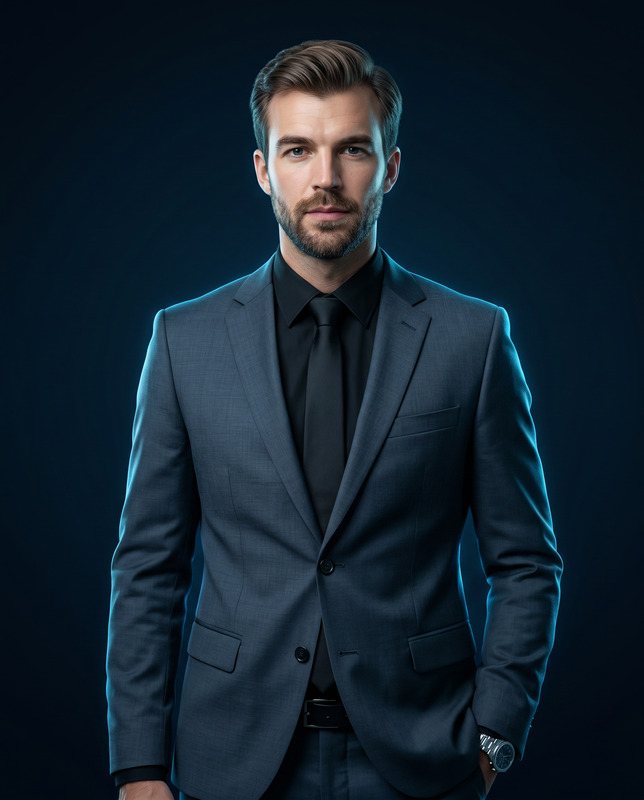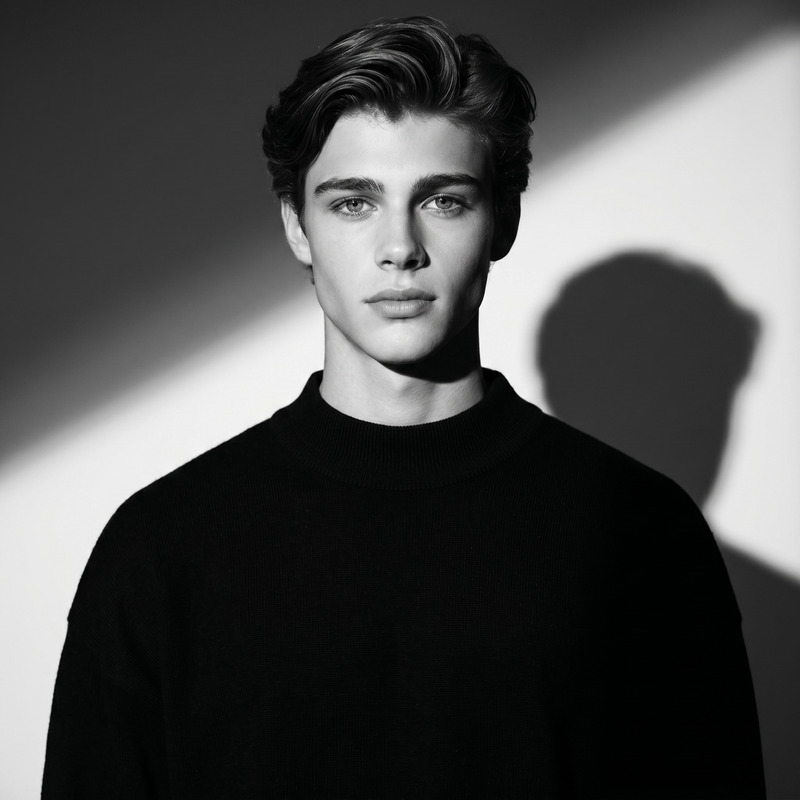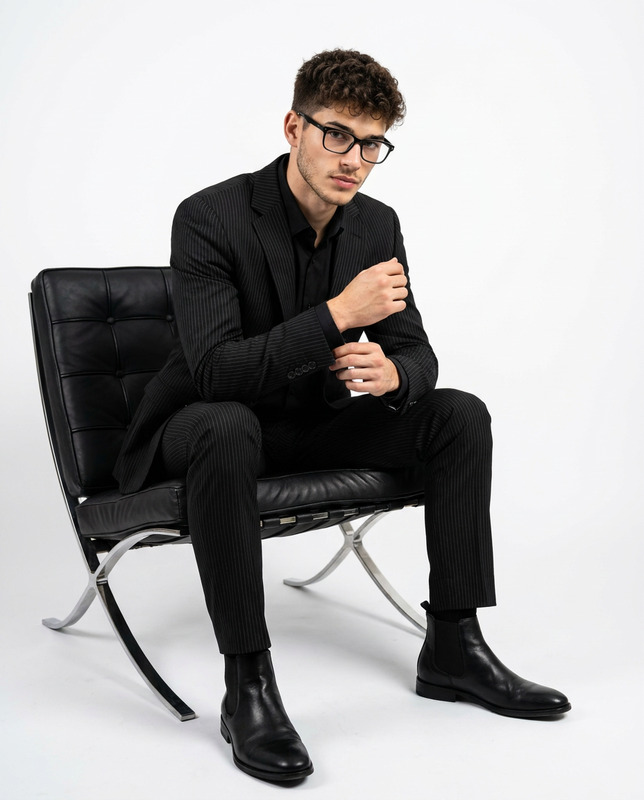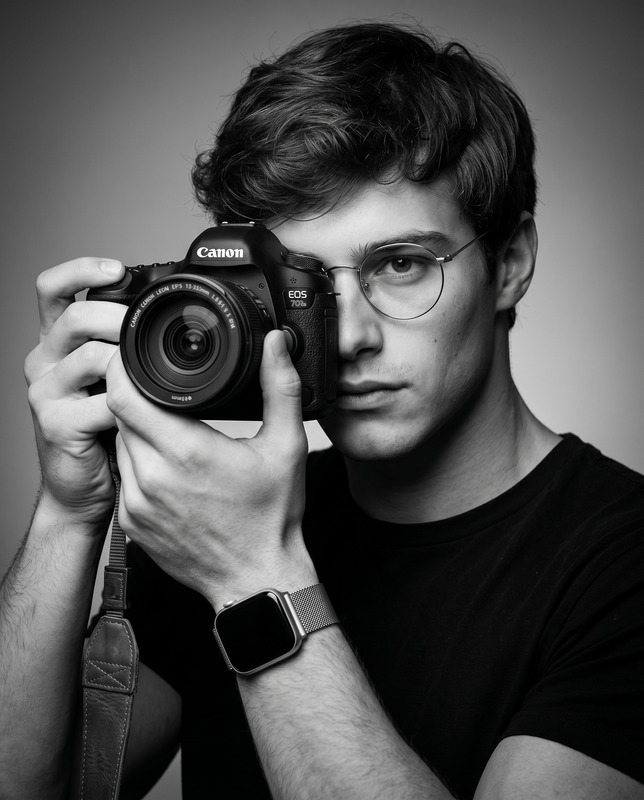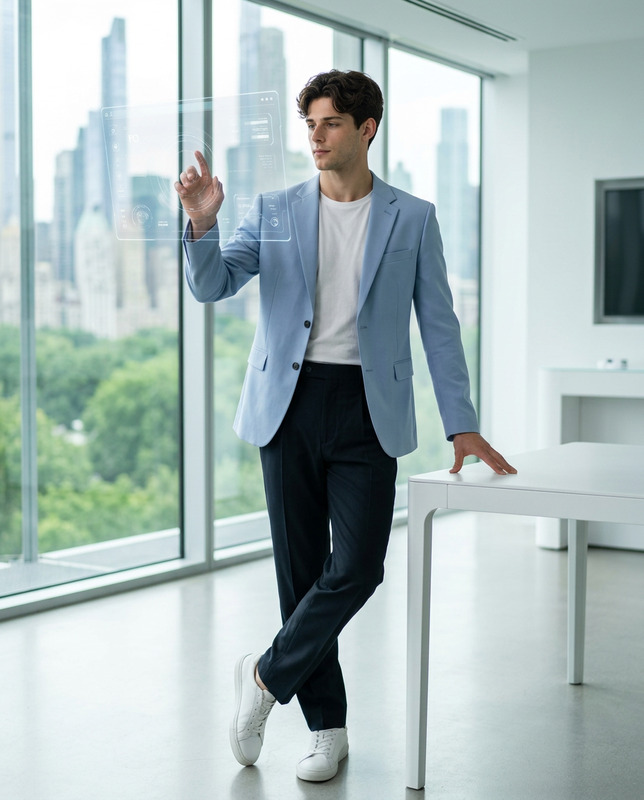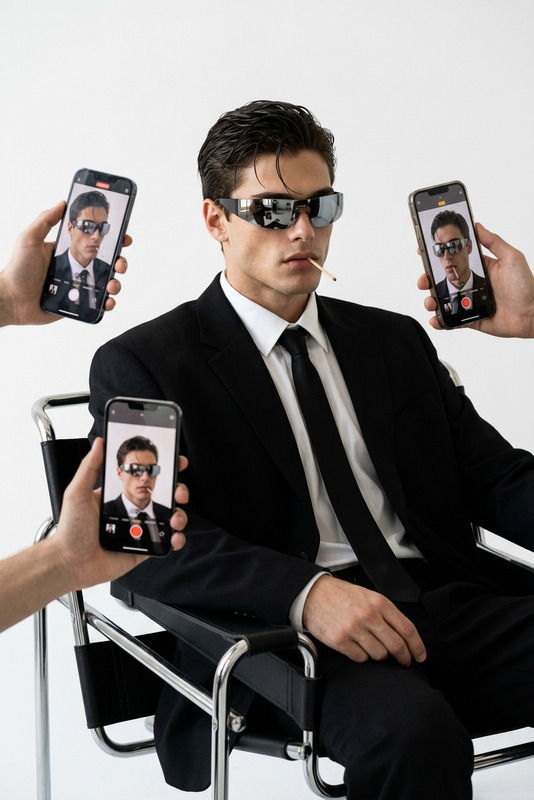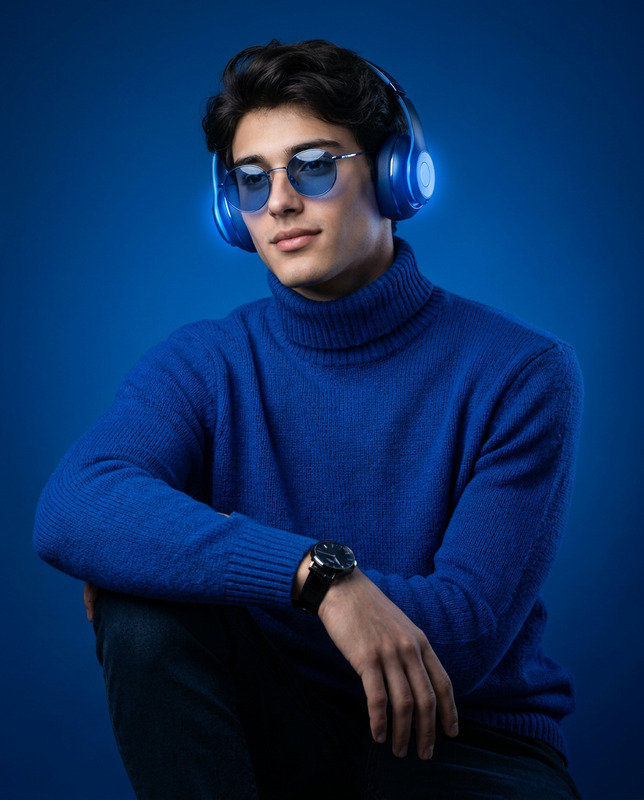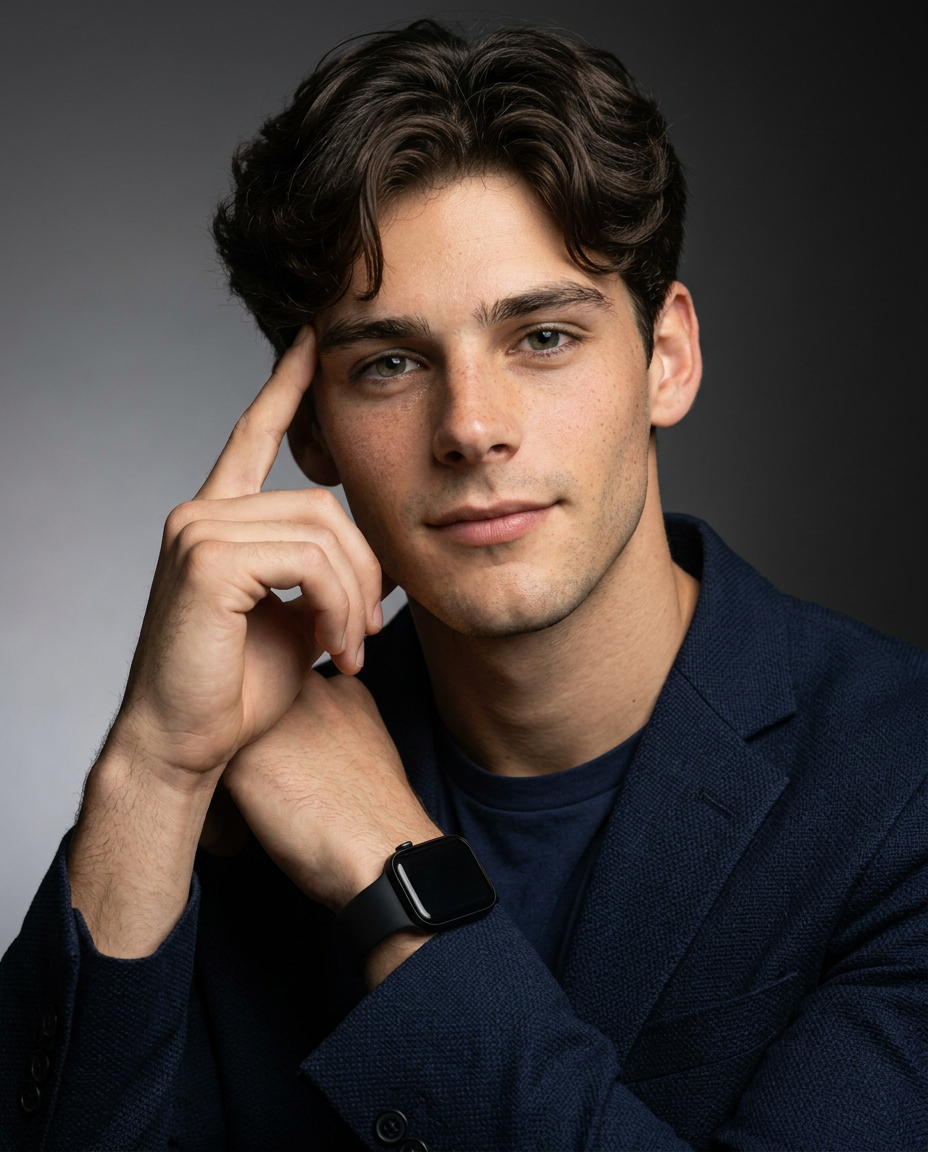
LinkedIn Profile Picture
- Model
- Nano Banana 2
- Image
- 928 × 1152 px
Prompt
Use the provided reference image strictly for the subject’s face, identity, and age reference. Lock facial identity with the highest priority. Preserve the exact facial structure, jawline definition, cheekbone shape, eyebrow structure, eye spacing, nose proportions, lip shape, beard density (if present), hairstyle, and natural skin tone. Do not beautify, stylize, or alter the subject’s identity. Create a high-end studio portrait in a vertical 4:5 aspect ratio. The composition is a clean editorial close-up portrait with generous negative space, giving the image a modern professional magazine-style studio look. Pose & Expression The subject’s shoulders are slightly angled toward the viewer’s right side, while his head tilts subtly upward. His eyes look toward the camera with a thoughtful, reflective gaze, as if he is thinking deeply about something. His left hand is raised beside his face, with the index finger lightly touching his left temple, while the other fingers remain softly curled. This gesture should clearly communicate a moment of concentration and deep thought. His expression is calm, intelligent, and contemplative, with a very subtle closed-mouth smile. Wardrobe He is wearing a premium dark navy blue textured tailored blazer over a matching dark navy crew-neck t-shirt. On his left wrist is a modern black smartwatch with a ridged band. Background The background is a clean studio backdrop with a smooth gray-to-black gradient, creating a dramatic yet minimal professional look. The composition should maintain balanced negative space around the subject. Lighting Professional cinematic studio lighting with a soft directional key light from the right side, creating a subtle Rembrandt lighting effect with soft shadows on the left side of the face and natural catchlights in the eyes. Camera & Quality Shot from an eye-level camera angle using an 85mm portrait lens, aperture f/5.6 for sharp focus on the face and hand. Ultra-detailed skin texture, visible pores, and realistic fabric textures. 8K resolution, photorealistic, editorial magazine cover quality. Aspect ratio 4:5.
Any aspect ratio
Overview
This LinkedIn Profile Picture template provides a detailed guide for creating professional, high-quality portraits tailored for LinkedIn profiles. By preserving the subject's natural features and enhancing the image with editorial-style professionalism, this template ensures the creation of modern and engaging profile pictures.
What It Does
The template uses the nano-banana-2 model to maintain the integrity of the subject's facial details while producing an 8K resolution image with photorealistic quality. It applies professional lighting techniques and a sophisticated composition to capture a thoughtful and professional demeanor. The outcome suits editorial standards, perfect for AI Image Editor applications.
Who It’s For
This tool is ideal for professionals looking to enhance their LinkedIn presence with a contemporary, professional portrait. It's also suitable for photographers aiming to offer high-end services without extensive equipment. Creative professionals can use it for product photos that require precision in capturing and maintaining facial and fashion details.
Summary
Designed for AI Image Editor users, this template helps create polished and professional LinkedIn profile pictures. By using advanced AI algorithms, it respects the original facial features while enhancing other elements for a studio-quality finish, merging modernity with professionalism in visual presentation.
How To
Choose the Template

Customize Your Inputs

Generate Your Image

Use Cases
Professional Networking
- Enhancing professional image
- Highlighting thoughtful expressions
- Maintaining natural appearance
Online Presence
- Instagram business accounts
- Facebook professional pages
Media and Publications
- Corporate reports
- Biographies and profiles
Best Practices
Maintain Natural Features
Prioritize keeping the subject's natural features intact to ensure authenticity and recognition.Follow Lighting Guidelines
Ensure the lighting requirements are followed to achieve the desired soft Rembrandt effect.Consider the Background
Use a background that complements the subject and does not distract from the professional look.