Capturing the Shot
- Model
- Nano Banana 2
- Image
- 1856 × 2304 px
Prompt
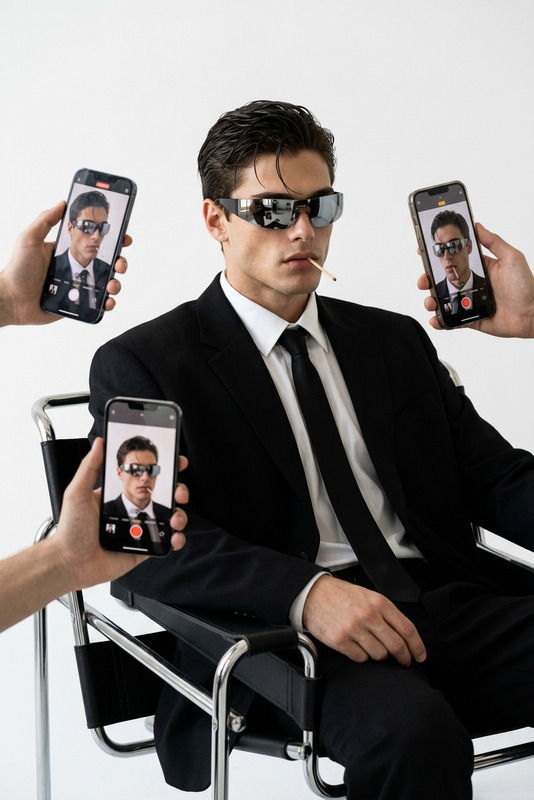
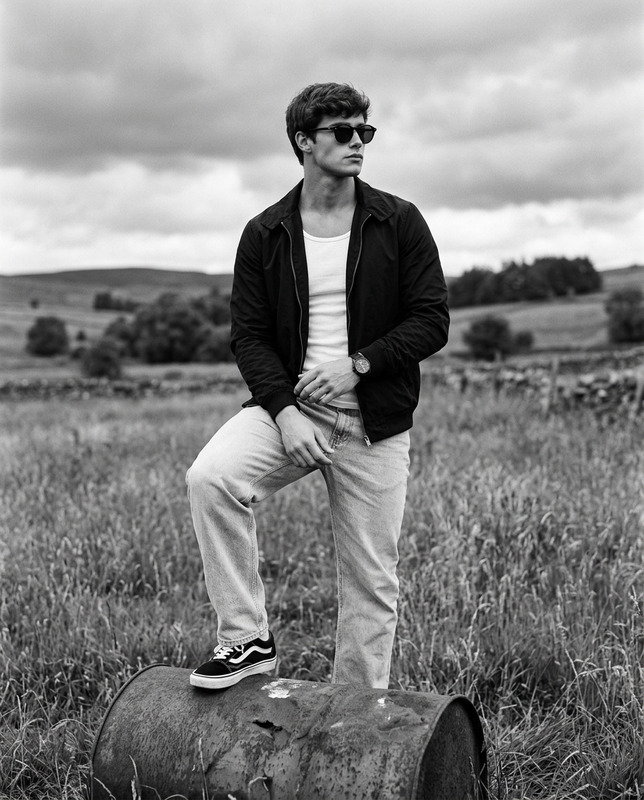
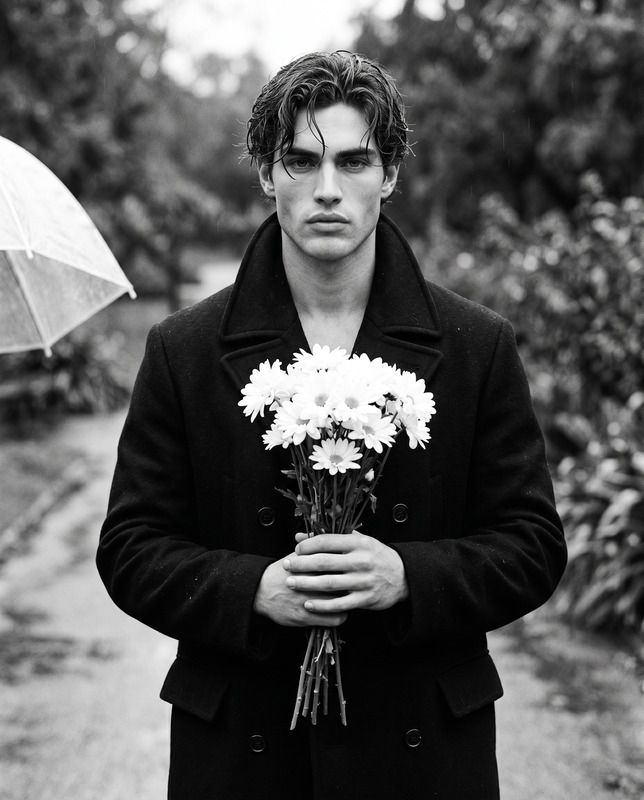
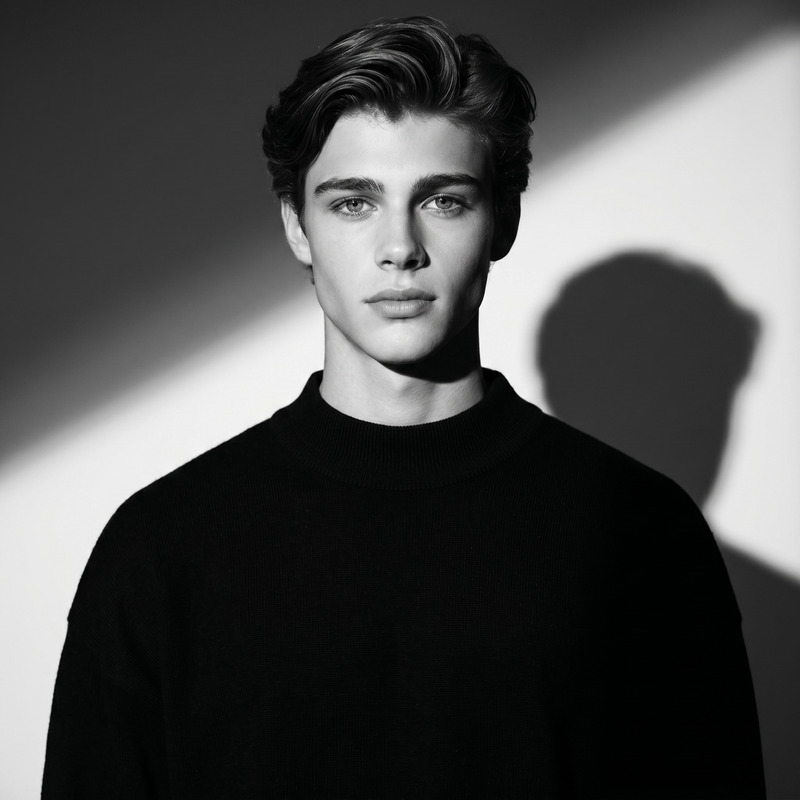
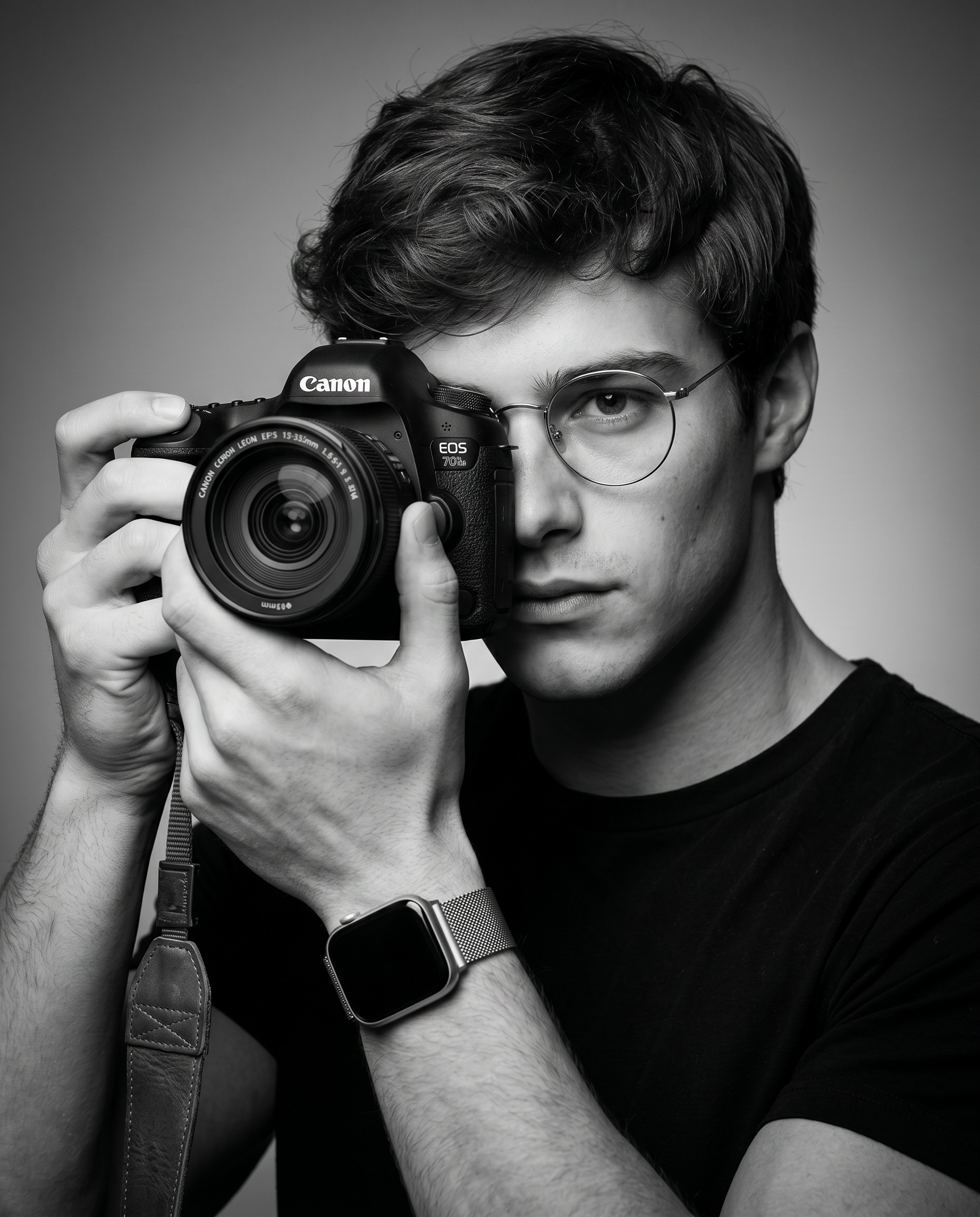
Reference & Identity (STRICT) Use the uploaded image as a facial and identity reference. The subject’s face must remain extremely close to the reference. Preserve exactly: Face shape, jawline, cheekbones Eye shape, spacing, gaze Nose, lips, skin tone Hairline, hairstyle, density Ear shape and head proportions No stylization, no beautification, no reshaping, no identity drift. Preserve natural skin texture, pores, and realistic micro-detail. MAIN CONCEPT Create a high-resolution, professionally composed black-and-white studio portrait of a man holding a camera. The mood is clean, modern, premium, and editorial, suitable for a professional photography portfolio. The image must feel commercial, cinematic, and sophisticated. SUBJECT & COMPOSITION The Subject A young man with East Asian features, wearing thin circular wire-rim glasses. Hair is voluminous, side-parted with a subtle pompadour lift, well groomed and natural. Expression is neutral, calm, focused, and confident. Pose Three-quarter angle toward the camera Holding a professional camera up to his face Right eye hidden behind the camera body Left eye visible and looking directly into the lens Creates a strong connection with the viewer Framing Tight medium shot (waist-up) Rule of thirds: visible eye + camera form the focal points Clean, balanced composition LIGHTING & TONALITY Lighting Style (Short Lighting) Key light: large softbox from the viewer’s right The side of the face turned away from the camera is more illuminated Gentle gradient across cheek, jawline, and nose Soft shadows, no harsh contrast Tonality Full monochrome range Deep true blacks (shirt, camera shadows) Clean highlights on glasses and watch band Background: seamless neutral grey with a subtle vignette DEPTH OF FIELD Tack-sharp focus on: Visible eye Front of the camera body Soft fall-off on far shoulder and back of hair Shallow depth of field (cinematic bokeh) Look of ~f/2.8 – f/4 APPAREL & ACCESSORIES Clothing: minimalist black fitted crew-neck t-shirt Eyewear: thin circular metal wire-rim glasses Watch: smartwatch with stainless steel Milanese mesh band, dark screen reflection Camera: professional DSLR/mirrorless body (Canon EOS / Nikon Z style) Lens: large zoom, approx. 24–70mm f/2.8 Strap: leather-textured camera strap hanging naturally VISUAL TEXTURE & QUALITY Ultra-high detail Visible hair strands Natural skin pores and fine texture Rubber grip texture on camera Polished commercial retouching Smooth tonal transitions No artificial smoothing, no plastic skin OUTPUT SETTINGS Style: photorealistic, commercial editorial Color mode: pure black & white Aspect ratio: 4:5 Resolution: ultra-high, studio quality No logos, no watermarks, no text
Any aspect ratio
Overview
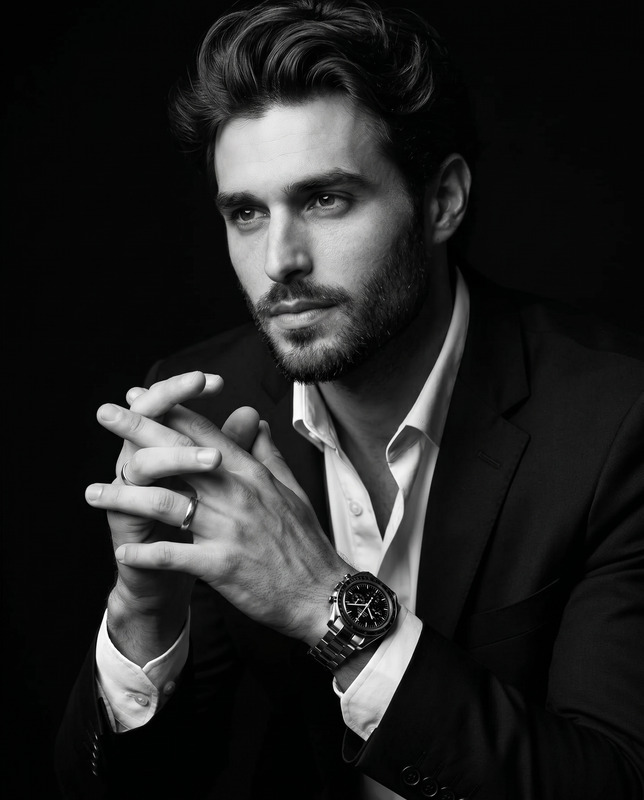
The "Capturing the Shot" template in our AI Image Editor suite allows you to create stunning, photorealistic black-and-white studio portraits. Utilizing the advanced capabilities of the nano-banana-2 model, this template ensures the subject’s face is represented with utmost fidelity to your uploaded reference image.
What It Does
This template focuses on enhancing professional photography projects by maintaining the identity and character of the subject with strict adherence to reference images. It delivers ultra-high resolution images, emphasizing natural skin texture and precise facial features, allowing for seamless integration into different AI Product Photography workflows.
Who It's For
This tool is ideal for professional photographers, design studios, and advanced amateurs aiming to produce high-caliber editorial portraits. Perfect for use in commercial settings, it ensures your output is consistent with a premium photographic aesthetic, making it suitable for Product Videos and commercial portfolios.
Summary
"Capturing the Shot" leverages our AI technology to create detailed and lifelike portraits that match your high standards. If you’re interested in exploring similar tools, consider the AI Face Editor for more comprehensive facial enhancements or the AI Image Generator for creative image design.
How To
Choose Your Template

Customize With Precision

Generate and Download

Use Cases
Editorial Portraits
Commercial Photography
Professional Portfolios
Cinematic Concepts
Best Practices
Maintain Realism
Focus on preserving natural facial features and textures to ensure a realistic outcome, critical for commercial work.Carefully Adjust Lighting
Leverage the template's lighting simulation to mimic studio conditions, balancing highlights and shadows for depth.Use High-Quality References
Start with the clearest possible reference image to enable precise facial recognition and feature replication.