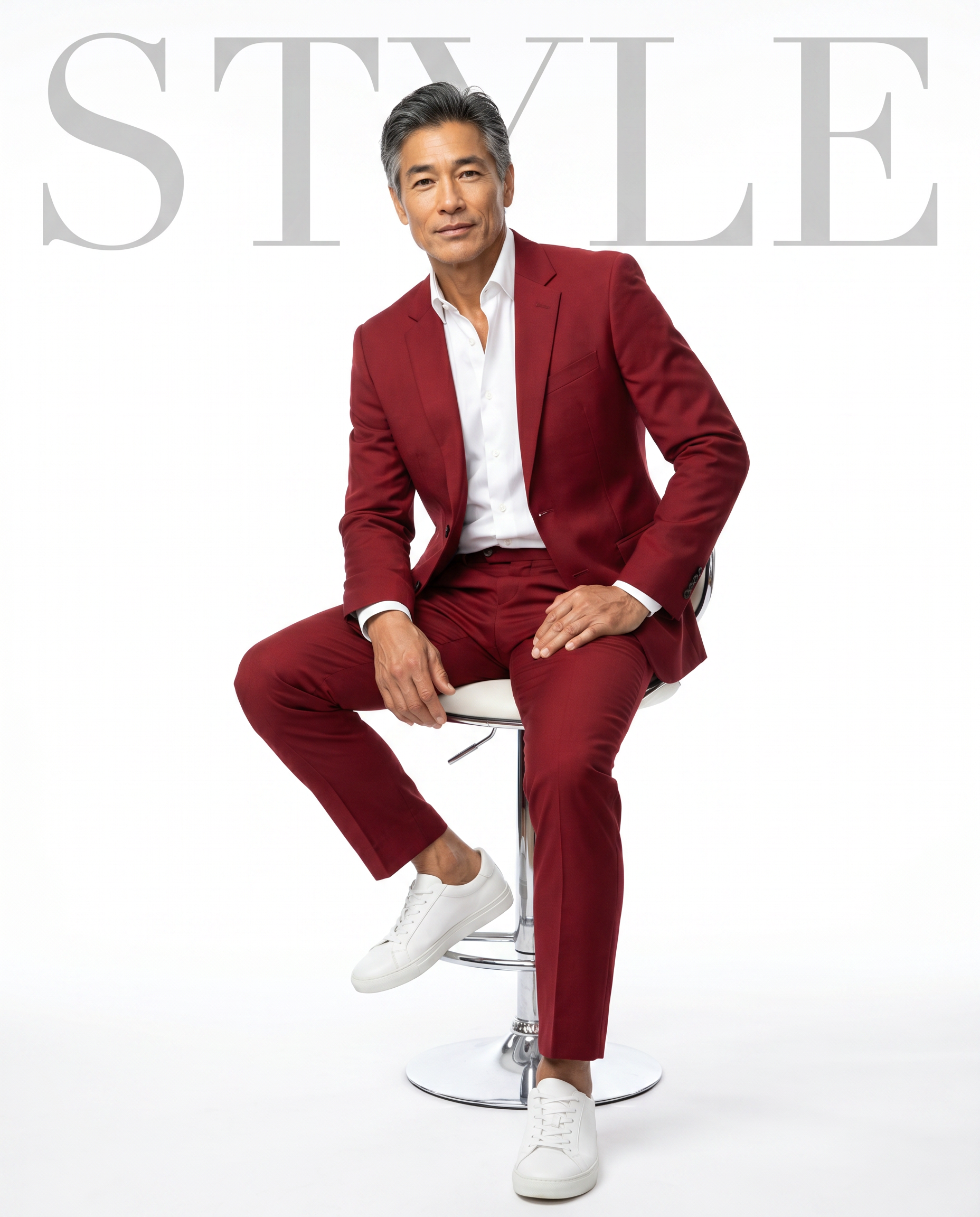
The Style Statement
- Model
- Nano Banana Pro
- Image
- 1856 × 2304 px
Prompt
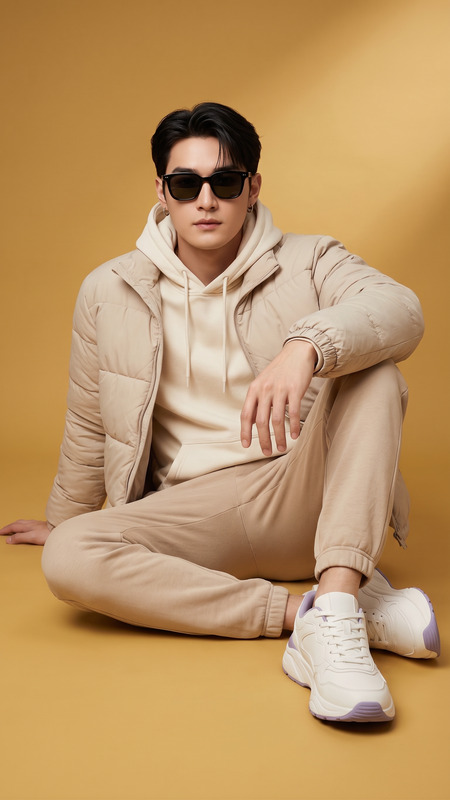
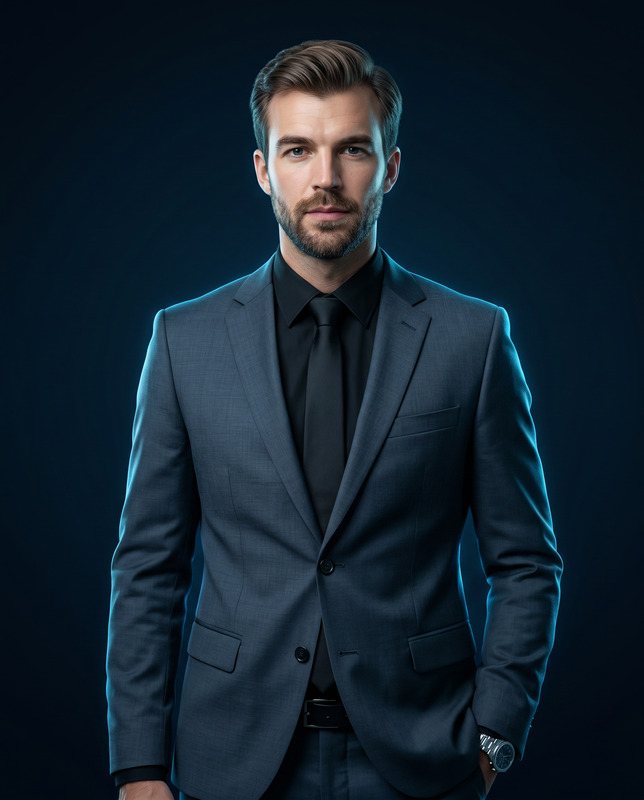
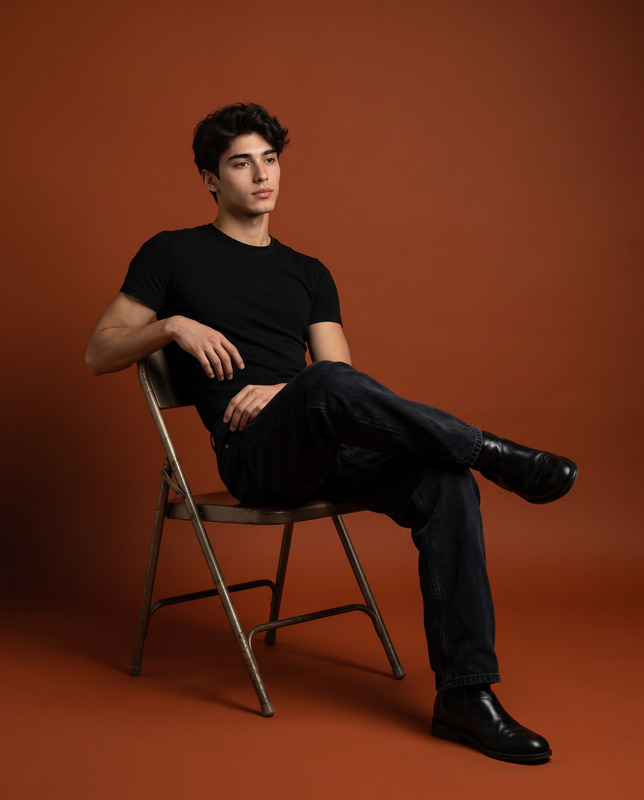
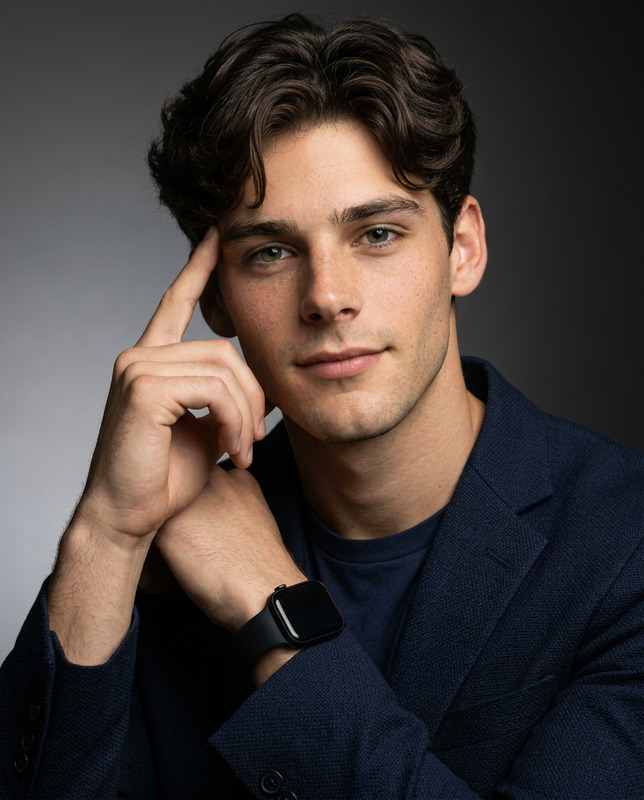
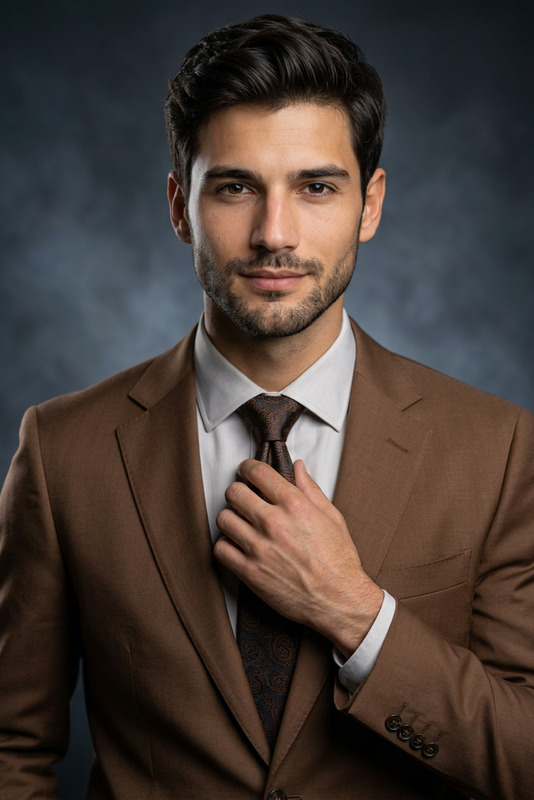
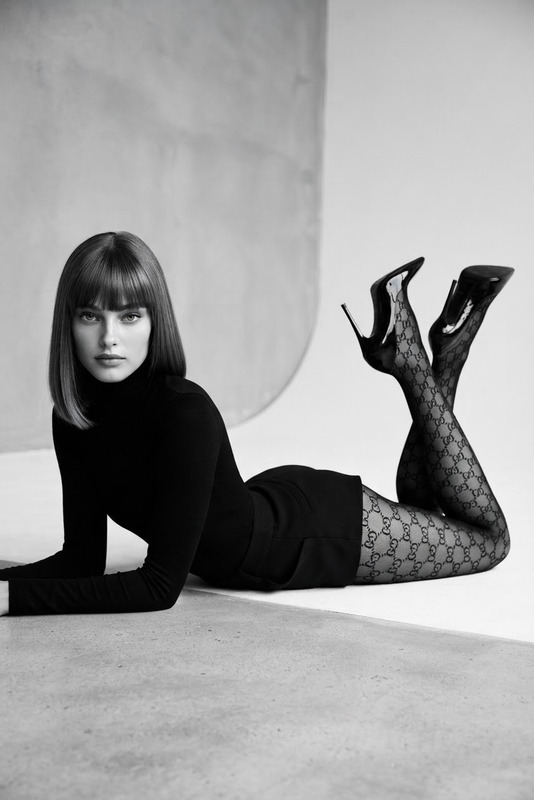
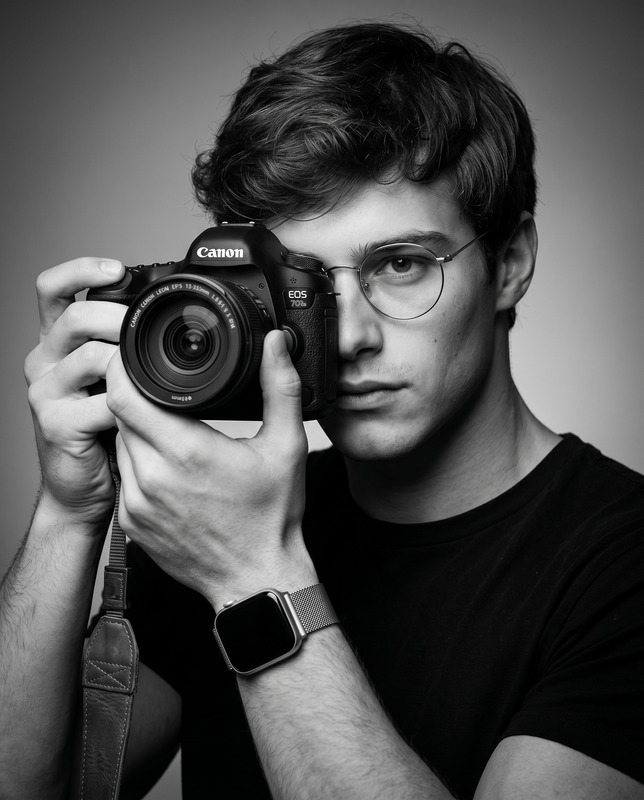
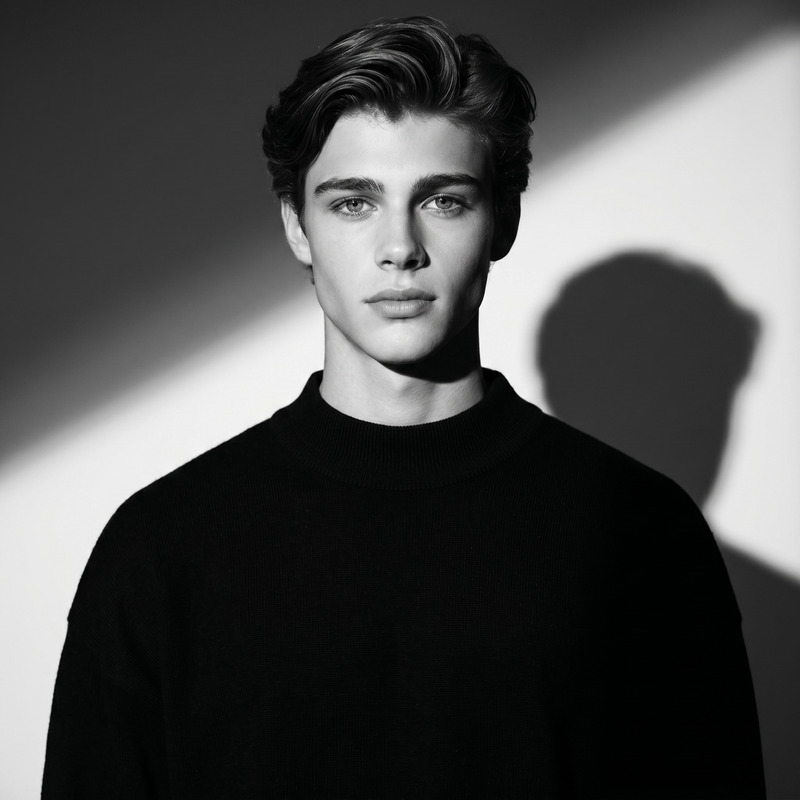
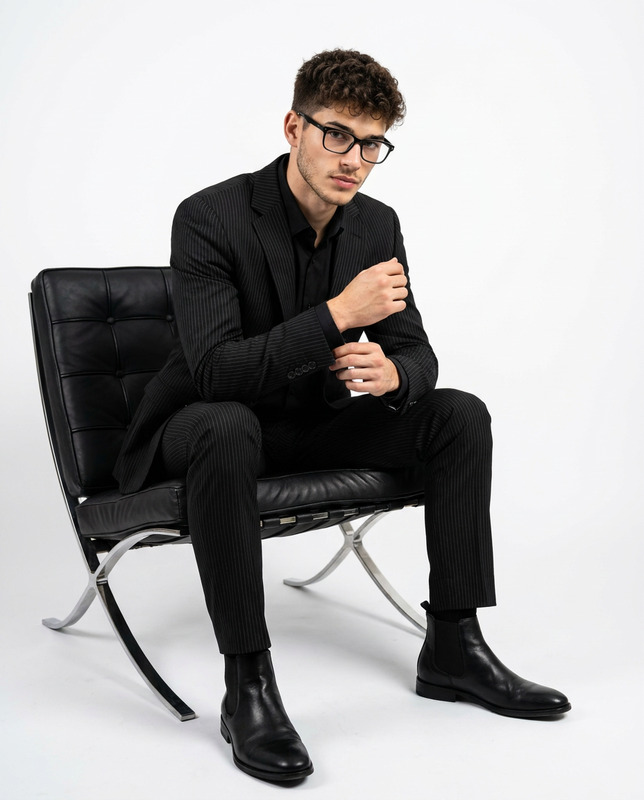
Create an ultra-photorealistic studio portrait using the uploaded image as the ONLY identity reference. The subject must retain exact facial identity — same facial structure, proportions, skin tone, hairstyle, and natural features. Do not alter or beautify the face. The subject is wearing a sharply tailored, rich, deep red suit with a crisp white button-down shirt (top button open, no tie) and clean white sneakers. Styling should feel modern, premium, and effortless. Pose (Natural, Not Over-Directed) The subject is seated on a modern white bar stool with a chrome base. Upright posture, relaxed and confident (no forced stiffness) One hand resting naturally on the thigh The other arm casually supported on the opposite thigh One foot on the ground, the other resting on the stool footrest The pose should feel natural, stylish, and candid, like a real fashion shoot — not robotic or overly posed. Expression Calm, positive expression with quiet confidence. Subtle softness in the face, no exaggerated smile. Camera & Framing Vertical composition (4:5) Medium-full shot (head to below knees) Eye-level perspective Natural lens look (no distortion, realistic proportions) Lighting Soft, high-key studio lighting: Clean, diffused light from the front Very soft shadows Even skin tones, no harsh contrast Background Seamless pure white studio background with a soft grounding shadow under the stool. Typography (Minimal Editorial Style): Add clean, premium typography integrated into the composition. - A large, thin, uppercase title (e.g., "FASHION" or "STYLE") placed subtly in the background or top area - Font style: modern high-fashion serif or minimalist sans-serif (e.g., Vogue-style, Didot, Helvetica Neue feel) - Very light opacity or soft gray tone (not pure black) - Well-spaced letters (wide tracking) Typography must feel naturally part of the design — not stickers or overlays. Maintain strong visual hierarchy and keep the subject as the main focus. Rendering Style Photorealistic, high-end editorial quality Natural skin texture (not plastic, not over-sharpened) Clean color balance (true whites, rich red suit) Real camera look, not CGI
Any aspect ratio
Overview
The Style Statement template leverages advanced AI technology to craft ultra-photorealistic studio portraits. Using the nano-banana-pro model, this template ensures that every detail of the subject's identity is preserved. Ideal for creators focused on realistic depictions, the template offers a modern, high-end look.
What It Does
Designed for the AI Image Editor suite, The Style Statement template creates sophisticated fashion portraits that feel like genuine outputs from a high-fashion studio shoot. The template maintains the individual's unique facial features while presenting them in a sharply tailored outfit, complete with precise lighting and seamless background enhancements to achieve a high-end editorial quality image.
Who It's For
This template is perfect for photographers, fashion agencies, and content creators seeking to produce realistic, editorial-style images. It's particularly useful for those in the fashion industry looking to present their subjects in a high-fashion context without altering the core identity. Additionally, it offers a great tool for product video creators aiming to enhance visual storytelling.
Summary
The Style Statement is a robust tool for producing refined, realistic portraits that are both visually arresting and technically precise. By maintaining the integrity of the subject’s natural features while incorporating premium stylistic elements, this template stands as a must-have for high-end image editing workflows. Discover related tools such as the AI Profile Picture Generator and enhance your creative suite.
How-To
Choose

Customize

Generate

Use Cases
Fashion Portfolio Enhancement
Editorial Features
Social Media Campaigns
E-commerce Product Showcases
Best Practices
Maintain Natural Features
Ensure that the uploaded image retains natural facial features to preserve identity and achieve the best results.Select High-Resolution Inputs
Use high-resolution images to enhance detail and avoid pixelation during processing.Optimize Lighting and Background
Customize lighting and background settings to create a cohesive and polished final image, emphasizing the modern and premium style.